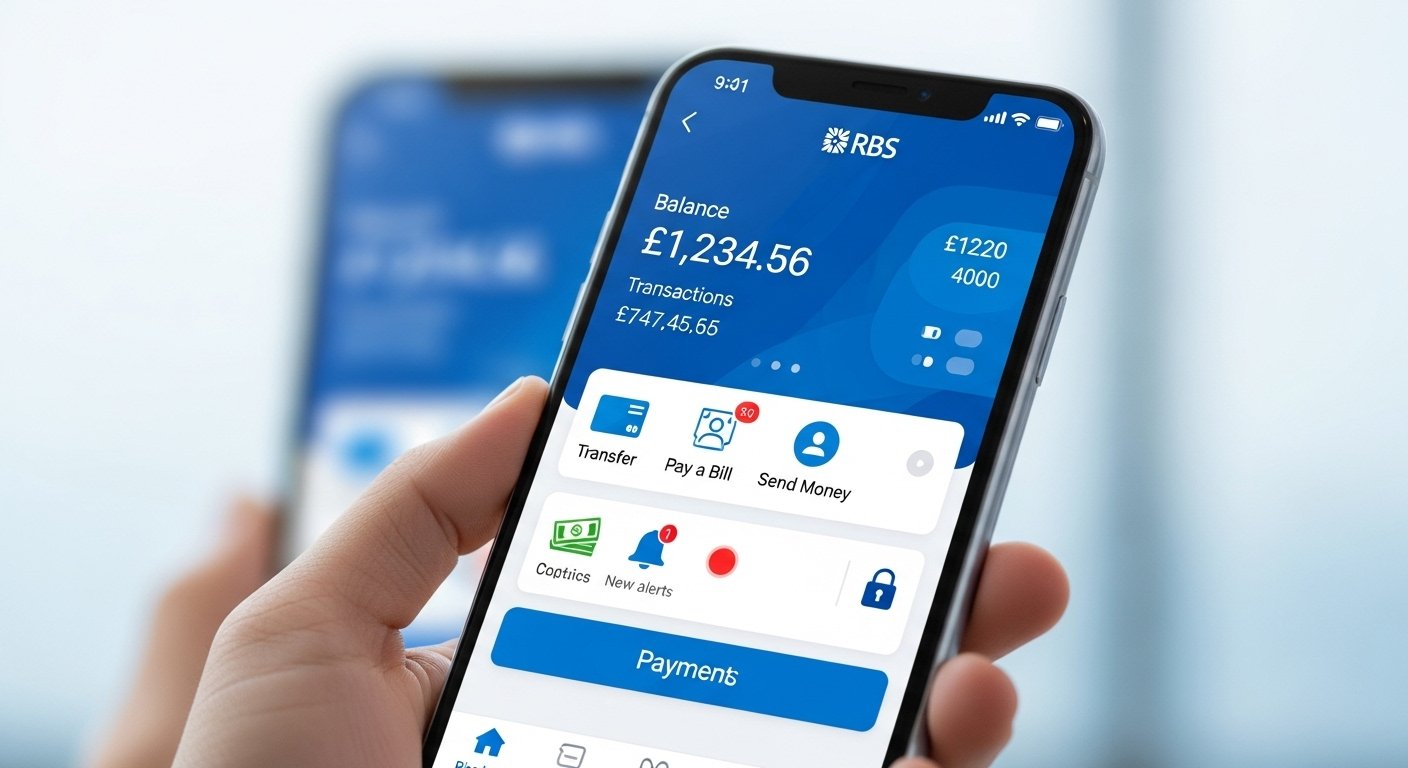
The RBS App: Easy Banking on Your Phone is a simple and helpful way to handle your money using just your smartphone. Royal Bank of Scotland (RBS) made this app so that people in the UK – and especially in Scotland – can do their banking quickly, safely, and without going to a branch. Whether you want to check your balance, send money to a friend, or pay a bill, the RBS app makes it all very easy.
Many people now prefer banking on their phone because life is busy. You can do things at home, on the bus, or even while waiting in line. The app is free to download and use if you have an RBS account. It works on both iPhone (iOS) and Android phones. In this article, we will explain everything about the RBS app in very simple English. We will cover what it is, how to get it, its best features, how safe it is, who can use it, and why so many people love it.
What Is the RBS App?
The RBS app is the official mobile banking application from Royal Bank of Scotland. It lets you do almost everything you can do in a bank branch or on the website, but right from your phone. RBS is part of the NatWest Group, which is one of the biggest and most trusted banks in the UK. Because of this connection, the app shares many good things with NatWest’s app, but it still has the RBS name and design that customers know and like.
The app helps you manage your personal bank accounts, savings, and sometimes business accounts too. It is made for everyday banking – things like seeing your money, paying people, and keeping track of spending. RBS keeps updating the app to add new helpful tools, so it gets better over time.
Why Use the RBS App Instead of Going to the Bank?
Here are some clear reasons why the RBS app is a smart choice:
- It saves time – No need to travel to a branch or wait in line.
- It is open 24/7 – You can bank any time, even late at night or on holidays.
- It is private – Do your banking from your own phone without anyone watching.
- It helps you control your money better – See where your cash goes and set limits if needed.
- It is free – No extra cost to download or use the main features.
Many customers say they feel more in control of their finances since they started using the app. Instead of waiting for a paper statement each month, you see everything right away.
How to Download and Set Up the RBS App
Getting the app is very simple. Follow these easy steps:
- Open the App Store if you have an iPhone, or Google Play Store if you have an Android phone.
- In the search bar, type “Royal Bank of Scotland Mobile Banking” or just “RBS app”.
- Look for the official app from Royal Bank of Scotland. It has the RBS logo and is made by NatWest Group or RBS.
- Tap “Install” or “Get” to download it. It is free.
- Once downloaded, open the app.
To start using it, you need to register:
- If you already use online banking (Digital Banking) with RBS, tap “I already have an account”.
- Enter your customer number (you get this from RBS) and other details.
- Set up a secure passcode or use your phone’s fingerprint/face ID for quick login.
- The app may send a code to your phone or email to check it is really you.
If you are new to RBS online banking, you can register through the app or on the RBS website first. It usually takes just a few minutes. After setup, you can add your accounts and start banking.
RBS says the app works best if you keep your phone’s software up to date. Also, make sure you have a good internet connection (Wi-Fi or mobile data).
Main Features of the RBS App
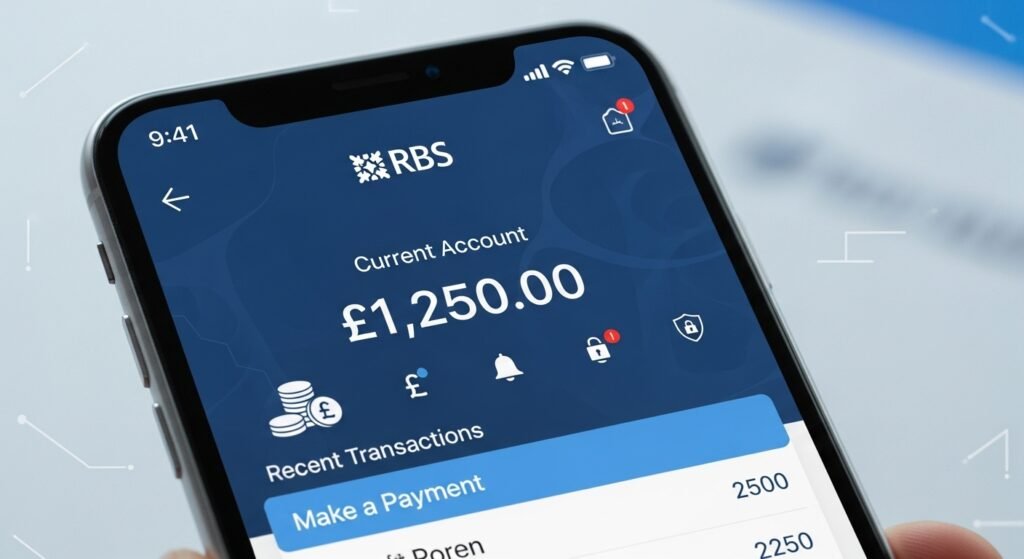
The RBS app has many useful tools. Here are the most popular ones explained in simple words:
Check Your Balance and Transactions Open the app and you see your account balance right away. You can look at recent payments, like money coming in or going out. It shows dates, amounts, and who the payment was to or from. This helps you know exactly what is happening with your money.
Send Money to Others You can pay friends, family, or bills fast. Use Paym or the Faster Payments service to send money using just a phone number. Or pay by account number and sort code. You can even set up regular payments like rent or phone bills so they happen automatically.
Manage Your Cards Freeze your debit card if you lose it – this stops anyone from using it. You can also unfreeze it later. Change your daily spending limit or turn contactless payments on or off. Some people like this feature because it gives extra peace of mind.
View and Track Spending The app shows where your money goes. For example, it groups spending into categories like food, shopping, or travel. You can set a budget for each category and get alerts if you are close to going over. This helps many people save more money.
Apply for New Products You can apply for a savings account, a current account, or even a credit card right in the app. Sometimes you get quick answers. There are also special accounts for teens or children if you need them for your family.
Check Your Credit Score The app lets you see your credit score and get tips on how to improve it. This is helpful if you want a loan or mortgage later.
Set Up Notifications Get messages when money comes in, when a payment goes out, or if your balance is low. You choose what alerts you want. This stops surprises and helps you stay on top of your account.
Business Banking Tools If you have a business account with RBS, the app lets you check balances, make payments, and approve things on the go. It is very useful for owners who are always moving around.
RBS adds new features from time to time. They listen to what customers say and make the app better. For example, they make it quicker to find things and add more security options.
How Safe Is the RBS App?
Safety is very important for any banking app. RBS takes this seriously:
- You log in with a passcode, fingerprint, or face ID – not just a password.
- The app uses strong encryption to protect your data.
- If your phone is lost, you can block access from the website or call RBS.
- You get alerts for unusual activity.
- RBS follows UK banking rules and is protected by the Financial Services Compensation Scheme (up to £85,000 per person if something goes wrong with the bank).
- Never share your login details, and do not click strange links in emails or texts claiming to be from RBS.
RBS always tells customers: If something looks wrong, contact them right away. They have a special team to help with fraud or lost phones.
Who Can Use the RBS App?
The app is for RBS customers aged 11 and older. You need:
- A compatible smartphone (most modern iPhones and Androids work).
- A UK or international mobile number.
- An RBS personal or business account.
Young people aged 11-17 can use it with parent or guardian permission for child or teen accounts. It is a good way for them to learn about money safely.
If you do not have an RBS account yet, you can open one online or in a branch, then download the app.
Tips to Get the Most from the RBS App
- Log in often to see updates and new features.
- Turn on notifications so you never miss important things.
- Use the budget tools to plan your spending.
- Keep your app updated – go to your app store and check for new versions.
- If you have problems, use the help section in the app or call RBS support.
Many users say the app changed how they handle money. They feel more confident and spend less time worrying about bills.
Why the RBS App Stands Out
Compared to other bank apps, the RBS app is known for being simple and clear. The design is clean – big buttons, easy words, and quick loading. It does not confuse you with too many options at once. Because RBS is part of a big trusted group, it gets regular improvements and strong security.
Customers in reviews often say things like “easy to use”, “quick payments”, and “great for everyday banking”. It helps people in Scotland and across the UK feel close to their bank even if there is no branch nearby.
Final Thoughts
The RBS app makes banking simple, fast, and safe on your phone. Whether you are new to banking or have used RBS for years, this app can make your life easier. Download it today from the App Store or Google Play, set it up in minutes, and start enjoying easy banking.
With the RBS app, your money is always in your pocket – ready when you need it. Try it and see how convenient modern banking can be!
Disclaimer:
This article is only for information. It is not an ad or promotion. We do not get money from RBS. Always check the official RBS app or website for correct information. We are not responsible if something goes wrong. Use the app at your own risk.
Explore More
- The Octopus Energy App: Easy Smart Energy Management
- Freely TV App: Watch Free Live TV & Channels Online
- Cash App UK: How to Use It, Is It Available, and Best Alternatives
About the Author








