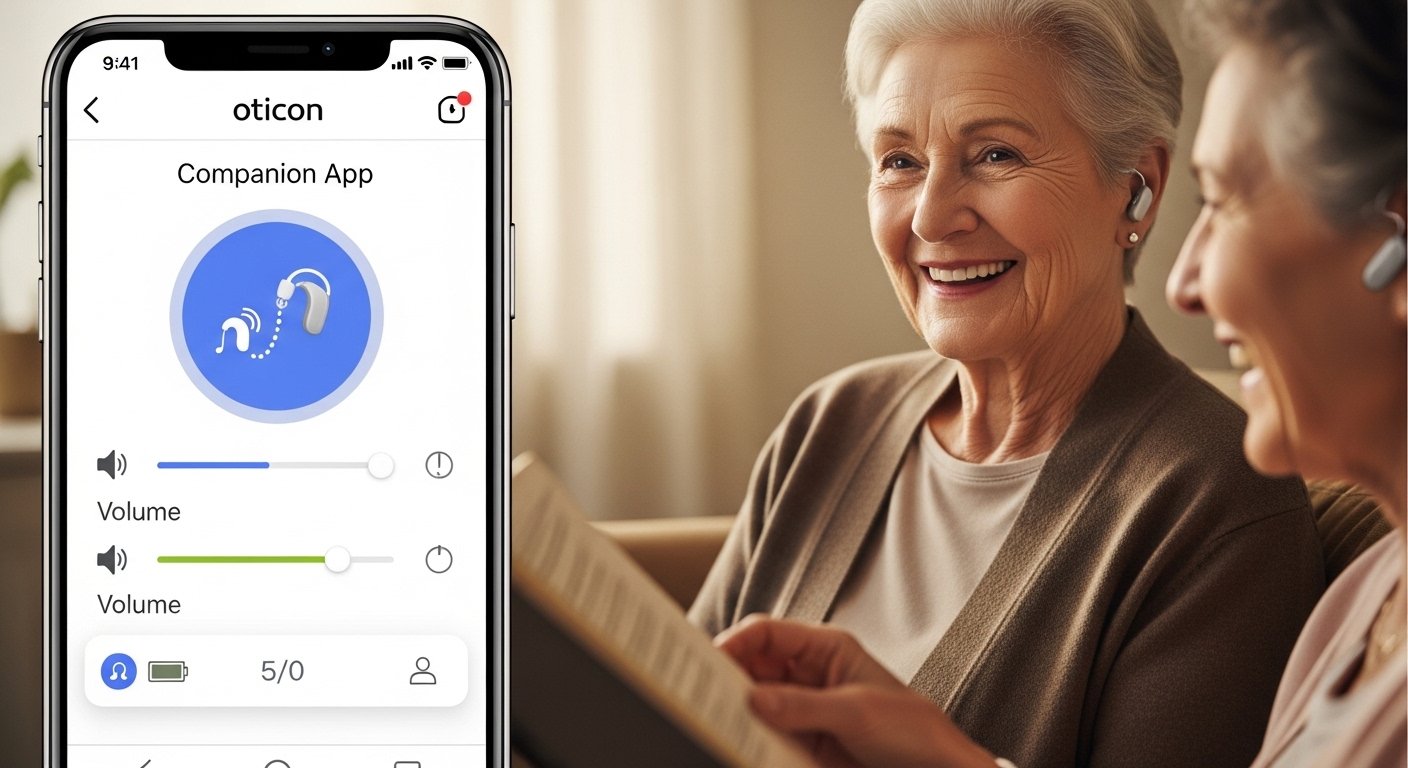
Hearing loss can make everyday life harder. Simple things like talking to friends, watching TV, or enjoying music become difficult. But modern hearing aids help a lot. Oticon makes some of the best hearing aids in the world. They use smart technology called BrainHearing™ to make sounds feel more natural.
One of the best tools from Oticon is the Oticon Companion App. This free app turns your smartphone into a powerful remote control for your hearing aids. It gives you full control right from your pocket. You can change settings quickly and easily, without anyone noticing. The app works on iPhone, iPad, and Apple Watch. It also works on many Android phones.
In this article, we will explain everything about the Oticon Companion App. We will cover what it does, how to use it, its best features, who it helps, and more. If you use Oticon hearing aids or plan to get them, this app can change your daily life for the better.
What Is the Oticon Companion App?
The Oticon Companion App is a mobile application made by Oticon. It connects your Bluetooth hearing aids to your phone. Once connected, you get discreet control over your hearing aids.
The app is very user-friendly. It has a clean design with big buttons and simple menus. You do not need to be good with technology to use it. Many people say it is easy even for older users.
You can download it for free. On iPhone or iPad, go to the Apple App Store and search “Oticon Companion”. On Android, go to Google Play Store. It works with most recent phones that support Bluetooth.
Important: Not all features work on every phone or every Oticon hearing aid model. Check the official Oticon compatibility guide on their website (oticon.com/support/compatibility-guide) to see what works for your setup.
Why Use the Oticon Companion App?
Many people with hearing aids want more control without touching the aids themselves. The app gives you that power. Here are the main reasons people love it:
- You can adjust sound settings quietly in any place.
- It helps you hear better in noisy rooms or when streaming music.
- You get help from your hearing care professional without visiting the clinic every time.
- It tracks your hearing aid use to build better habits.
- You can find lost hearing aids easily.
The app makes hearing aids feel more like a natural part of life. Instead of struggling, you stay in control.
Key Features of the Oticon Companion App
The app has many helpful features. Oticon adds new ones with updates. Here are the most important ones.
1. Volume and Program Control You can change the volume for each hearing aid separately. This is great if one ear needs more sound. You can also switch programs quickly. Programs are like modes for different situations – for example, one for quiet talks, one for noisy restaurants.
The app has a simple slider for volume. Tap or slide to adjust. You can also mute the hearing aids with one button. This is useful for loud sounds like lawn mowers or alarms.
2. Sound Equalizer This is like a music equalizer but for real-life sounds. You can boost or reduce low, mid, or high frequencies. Adjust up to +/- 6 dB. This helps make voices clearer or cut down on sharp noises. Many users say this feature makes a big difference in comfort.
3. Streaming Equalizer When you stream music, calls, or videos from your phone, you can adjust the sound just for streaming. This gives you a personal listening experience. Bass lovers can boost low sounds, or others can make voices stand out more.
4. Remote Microphone (iPhone/iPad Only) This is a very useful tool. You can use your phone as a remote microphone. Place your phone near the person speaking in a noisy place. The sound goes straight to your hearing aids. It is like having a personal assistant for conversations. This feature is called “Live Listen” on Apple devices.
5. SpeechBooster In busy places, turn on SpeechBooster. It reduces background noise and makes speech clearer. This helps when you talk to someone in a crowd or at a party.
6. Find My Hearing Aids If you lose one or both hearing aids, the app can help. It shows the last place where they connected to your phone. This feature has saved many people time and stress.
7. Battery Level Check See how much battery is left in each hearing aid. No more surprises when the battery dies in the middle of the day.
8. Tinnitus SoundSupport If you have ringing in the ears (tinnitus), the app lets you choose and adjust soothing sounds. You can change patterns for comfort. This helps many people relax.
9. HearingFitness Tracker This feature tracks how much you wear your hearing aids each day. It sets goals to help you get used to them. Wearing aids more often helps your brain adjust better. It is like a fitness tracker but for hearing health.
10. RemoteCare Support One of the best parts is talking to your hearing care professional from home. Use video calls in the app for adjustments or advice. No need to travel to the clinic for small changes. This saves time and is great for people who live far away.
11. Apple Watch Support If you have an Apple Watch, you get extra discreet control. Change programs or volume with a quick tap on your wrist. This is perfect when you do not want to take out your phone.
12. Other Helpful Tools The app has troubleshooting help, news updates from Oticon, and profile settings. It also supports Auracast in newer versions – this lets you join public audio streams, like in airports or theaters, by scanning a QR code.
How to Get Started with the App
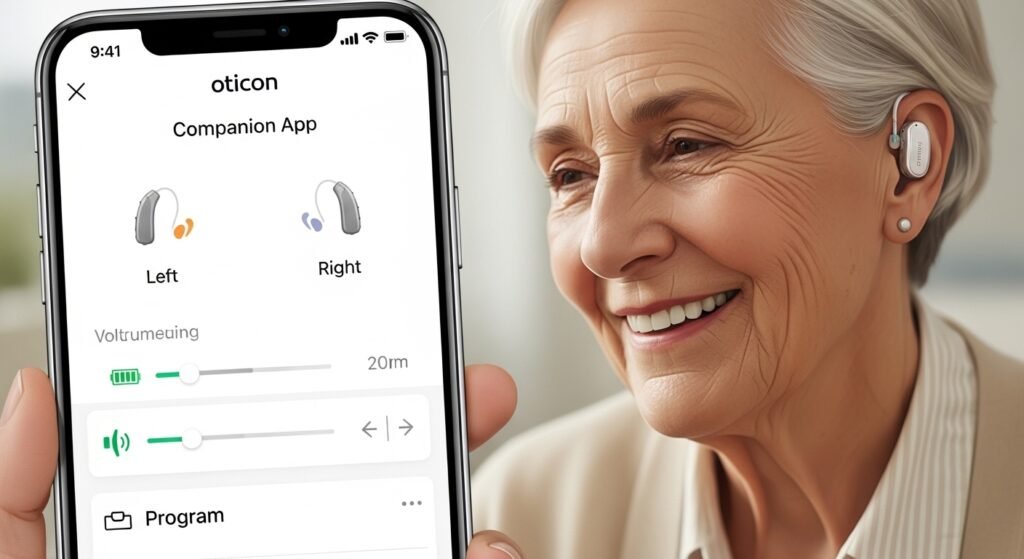
Getting the app ready is easy. Follow these steps:
- Download the Oticon Companion App from the App Store or Google Play.
- Turn on Bluetooth on your phone.
- Put your hearing aids in pairing mode (ask your hearing care professional if needed).
- Open the app and follow the instructions to connect.
- The app will guide you through setup.
After connection, the app remembers your aids. It connects automatically when you open it. Updates come regularly to fix bugs and add features.
Who Benefits Most from This App?
This app is great for:
- People with mild to severe hearing loss using Oticon Bluetooth hearing aids (like Oticon Intent, Real, More, and others).
- Users who want more independence.
- People who stream a lot from their phone (music, calls, videos).
- Those with tinnitus who need extra sound support.
- Active people who go to noisy places often.
- Anyone who travels or lives far from their hearing clinic.
Even new users find it helpful because it makes hearing aids easier to accept.
Real User Experiences
Many users give the app high praise. On the Apple App Store, it has a 4.7 out of 5 rating from thousands of reviews. People say things like:
- “It changed my life. Streaming calls and music is so clear.”
- “The mute button is perfect for loud situations.”
- “RemoteCare saved me from many clinic visits.”
Some users mention early connection issues in older versions, but recent updates (like 1.5.0 and newer) improved reconnection, startup speed, and dark mode. On Android, a few report more connection problems than on iPhone, but Oticon works to fix them.
Overall, most people find the app reliable and helpful after setup.
Tips for Best Results
- Keep your phone and app updated.
- Charge your hearing aids every night.
- Restart the app or phone if connection drops.
- Talk to your hearing care professional for the best setup.
- Use HearingFitness to wear your aids more each day.
Final Thoughts
The Oticon Companion App is more than just a remote control. It is a smart companion that puts hearing support at your fingertips. With easy adjustments, streaming help, remote support, and more, it makes life with hearing aids better and more enjoyable.
If you have Oticon hearing aids, download the app today. You will wonder how you lived without it. For the best results, visit oticon.com or talk to your hearing professional.
Disclaimer:
This article is only for information. It is not an ad or affiliate post. We do not sell or earn from Oticon. Always check with a hearing professional or Oticon’s official website. We are not responsible for any problems using the app.
Explore More
- The Best Corporate Travel App for Companies & Employees
- Blowers App: How It Works and What to Expect
About the Author