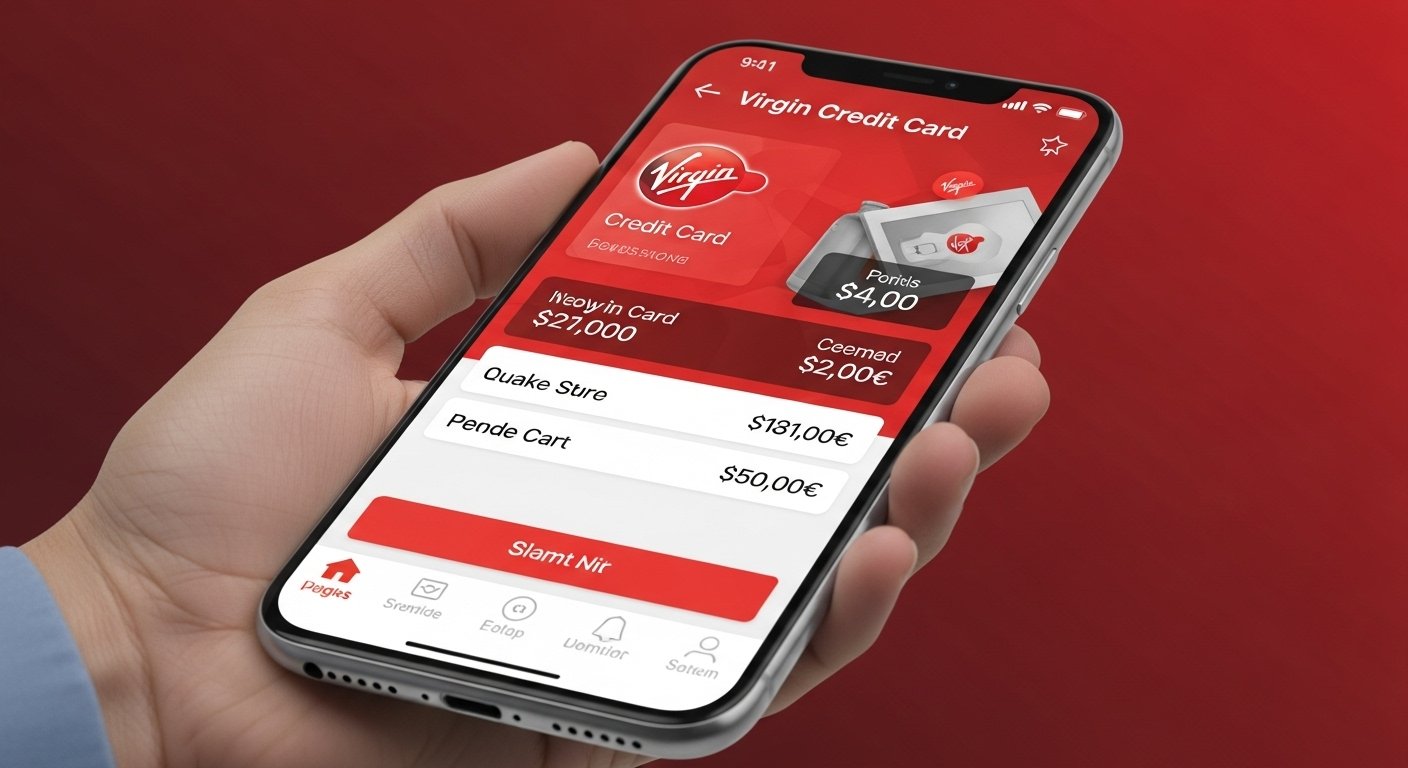
The Virgin Credit Card App makes life simple. It lets you control your Virgin Money or Virgin Atlantic credit card right from your phone. You can check your balance, pay bills, and more – all in one easy place. This app is made for people who want fast and safe ways to handle their credit card. It works on both iPhone and Android phones.
Many people use this app every day. It helps them stay on top of spending and avoid surprises. The app is from Virgin Money, a trusted UK bank. They work hard to keep things secure and simple. In this article, we look at everything about the app. We cover how to get it, its best features, and why it is so good.
What Is the Virgin Credit Card App?
The Virgin Credit Card App is a free mobile app. It helps you manage your Virgin Money credit card or Virgin Atlantic credit card. You can do many things without calling the bank or going online on a computer.
This app is separate from the main Virgin Money banking app. It focuses only on credit cards. This makes it fast and easy to use. You can see your account details in seconds.
The app is safe. It uses strong security like fingerprint or face ID. Virgin Money follows high rules for protecting your data. They use the latest technology to keep hackers away.
You can download it from the App Store for iPhone or Google Play for Android. It works on most modern phones. For iPhone, you need iOS 14.7 or higher. For Android, you need version 8 or higher.
Many users give it high ratings. On the App Store, it has around 4.7 stars. On Google Play, it has about 4.5 stars. People like how easy it is to use.
How to Download and Set Up the App
Getting the app is very simple. Follow these steps.
Step 1: Download the App Go to the App Store or Google Play. Search for “Virgin Money Credit Card app”. Make sure it is the right one from Virgin Money. Tap Install or Get. It is free.
Step 2: Register Your Card Open the app. Tap Get Started. You need your card details. Enter your card number, expiry date, and security code. You also need your surname and date of birth.
The app sends a text message with a code. Enter that code to confirm. This step keeps your account safe.
Step 3: Set Up Security Choose a password. You can add fingerprint or face ID. This makes login quick and secure. You can use the app on one phone only.
Step 4: Add More Cards If you have more than one Virgin credit card, add them easily. Tap the card icon in the top left. Switch between cards.
Once set up, you are ready. The app shows your details right away. It is fast and easy.
Main Features of the App
The app has many helpful tools. Here are the most useful ones.
Check Your Balance and Available Credit See your total credit limit. See how much you owe. See how much you can still spend. This helps you plan your money.
View Transactions in Real Time See every purchase as soon as it happens. You can search for a specific transaction. This is great for checking what you spent.
Download Statements View your monthly statements. Download them as PDF. You can see old statements too. This is good for taxes or records.
Make Payments Easily Set up Direct Debit for automatic payments. Make one-off payments from your bank app. Pay the full amount, minimum amount, or a fixed amount. You can also transfer balance from another card (fees may apply).
Freeze Your Card If you lose your card, freeze it fast. This stops anyone from using it. You can unfreeze it later. Report lost or stolen cards in the app.
Order a New Card If your card is damaged, order a replacement. It comes in a few days. You can also view your PIN instantly if you forget it.
Manage Your Credit Limit Request a higher or lower limit. The app shows you options. This helps you control your spending.
Get Alerts and Reminders Set up notifications. Get alerts if you are close to your limit. Get reminders before payments are due. This stops late fees.
View Card Details See your card number, expiry date, and CVV when needed. This is safe because you need to log in first.
Add Another Card If you have multiple Virgin cards, manage them all in one app.
See Offers Check special deals. Like 0% interest on transfers or cashback. The app shows what is best for you.
Help and Support There is a help section. Find answers fast. You can also contact support if needed.
Security Features in the App
Safety is very important. The app uses strong protection.
- Biometric Login – Use fingerprint or face ID.
- Strong Passwords – You choose a good password.
- Two-Factor Authentication – Extra code sent by text.
- Card Freeze – Stop use if lost.
- Real-Time Alerts – Know if something is wrong.
- Secure Data – Virgin Money encrypts everything. They follow UK rules.
Virgin Money works with experts like Mastercard. They add new safety tools all the time. In 2026, they added open banking. You can see other bank balances in the app. This makes it even better.
Benefits of Using the Virgin Credit Card App
Why use this app? Here are the big reasons.
- Save Time – Do everything from your phone. No need to call or visit a bank.
- Stay in Control – See spending right away. Avoid overspending.
- Easy Payments – Pay bills fast. No late fees.
- Helpful Tools – Freeze card, change limit, see offers.
- Free to Use – No cost for the app.
- High Ratings – Users love how simple it is.
- Works with Virgin Atlantic Cards – Earn points for flights. Manage rewards too.
Many people say the app changed how they handle credit. It makes money management fun and easy.
Who Should Use This App?
This app is great for anyone with a Virgin Money or Virgin Atlantic credit card.
- People who like mobile banking.
- Those who travel and want to earn points.
- Busy people who need quick access.
- Anyone who wants to stay safe from fraud.
If you have a Virgin credit card, download the app today. It is the best way to manage your card.
Tips for Getting the Most from the App
Here are some easy tips.
- Set up alerts right away.
- Check transactions every week.
- Use Direct Debit for payments.
- Freeze your card when not using it.
- Look at offers often.
- Update the app when new versions come.
These tips help you save money and stay safe.
Common Questions About the App
Is the app safe? Yes. It uses top security. Virgin Money protects your data.
Can I use it on tablet? It works best on phones. But some tablets may work.
What if I forget my password? Reset it in the app. Follow the steps.
Does it work for Virgin Atlantic cards? Yes. You can manage both types.
Is there online banking instead? No. The app is the main way for credit cards.
Why This App Stands Out
Many banks have apps. But Virgin’s is special. It is simple. It has all key features. It gets updates often. Users say it is one of the best.
Virgin Money cares about customers. They listen to feedback. They add new things like open banking.
In 2026, the app is better than ever. It helps you manage money with ease.
Final Thoughts
The Virgin Credit Card App is a great tool. It lets you manage your card easily on your phone. From checking balance to making payments, it does it all.
Download it today. Set it up in minutes. Enjoy full control over your credit card.
Disclaimer:
This is just for information. This is not an ad or affiliate post. We do not earn money if you use the app. We are not responsible for any problems. Always check the official app or Virgin Money.
Explore More
- Testi App: Easy Reviews & Feedback in One Place
- Pitchup App: Find & Book the Perfect Campsites Easily
- Whatnot App Download: Live Collectibles & Shopping Guide
About the Author