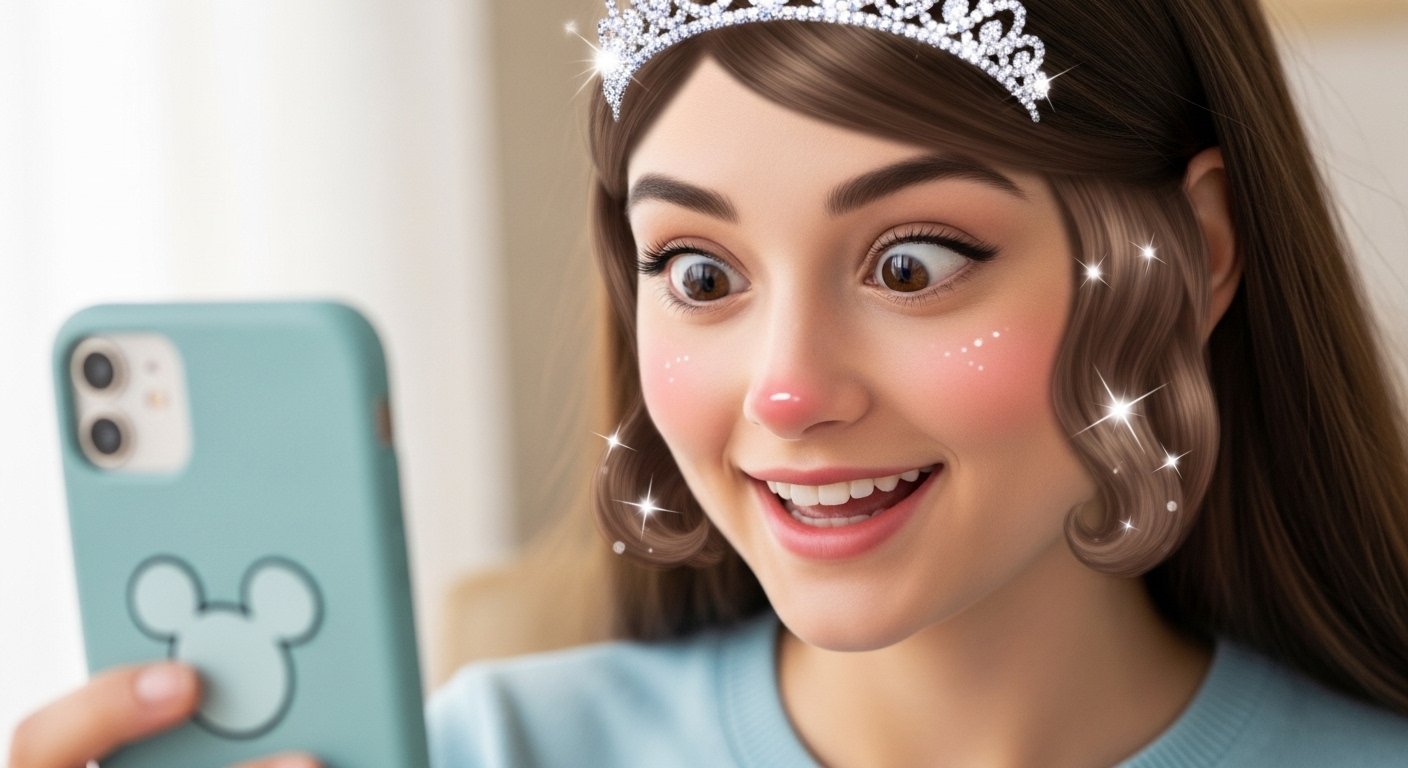
Have you ever wanted to see yourself as a Disney princess or a brave Pixar hero? Or maybe turn your cute dog into a funny cartoon sidekick from a movie? With Disney filter apps, this fun dream comes true in just a few seconds. These tools use smart AI technology to change normal photos into colorful, magical cartoon pictures. They add big shiny eyes, smooth faces, bright colors, and that happy Disney or Pixar style everyone loves. Best of all, many are completely free or have strong free options, so you can play without spending money.
This trend stays popular year after year because it’s easy, joyful, and perfect for social media. In 2026, AI makes these filters even better – faster, more realistic, and fun for people and pets. Whether you want a quick laugh with friends or a special profile picture, Disney filters bring magic to your phone. In this guide, we explain everything in simple words: what they are, the best free choices, how to use them on Instagram, special tips for dogs, and more. Let’s jump into the fun!
What Makes a Disney Filter So Special?
A Disney filter is an AI tool that turns your photo into an animated character. It copies the look from Disney classics like Cinderella or modern Pixar hits like Inside Out and Toy Story. Your eyes get bigger and more expressive, skin looks soft and perfect, hair flows nicely, and colors pop with joy.
These filters do not just add random effects. They use advanced AI to understand faces (or pet faces), keep important details like smiles or expressions, and create a natural cartoon version. No drawing skills needed – just upload a photo and tap once.
People love them for many reasons. They make boring selfies exciting. Families use them for group photos where everyone looks like movie stars. Friends challenge each other to see who gets the best princess or hero look. On social media, these pictures get lots of likes because they are cute, colorful, and shareable. Plus, they work great for birthdays, holidays, or just everyday fun.
Many tools now support pets too. Your dog or cat can become a Disney animal friend with big eyes and a happy expression. This makes the trend even more lovable for pet owners.
The Best Free Disney and Pixar Filter Options in 2026
Lots of great tools exist today, and most let you try them for free. Here are some top picks that give real Disney Pixar cartoon results without much trouble.
Fotor stands out as one of the easiest online tools. You visit their website, upload your photo, and pick the Disney or Pixar filter. It works fast and gives high-quality cartoons. The free version lets you download basic pictures, and it handles selfies, groups, and pets well. Many users say Fotor keeps faces looking natural with no weird changes.
ToonMe is a popular mobile app for both iPhone and Android. It has many cartoon styles, including ones that feel like Disney or Pixar. The app uses smart face detection so your features stay right. Free users get good options with some ads, but the results look fun and shareable. People use it a lot for quick Instagram posts.
Voila AI Artist remains a favorite for 3D Pixar looks. It turns photos into cute 3D cartoons with big eyes and smooth details. The app offers free trials of styles, and you can save pictures easily. It works great for that classic Pixar movie feel, like characters from Moana or Frozen.
Other strong free choices include EaseMate AI Photo to Disney and Pixelbin’s Pixar filter. These online tools need no download – just open in your browser. EaseMate lets you turn pets and people into enchanting Disney characters with one click, often up to a few free tries per day. Pixelbin gives animated portraits that look straight from a Pixar film, and it supports pets too.
LightX offers free Disney effects with special pet options. It adds magical eyes and cartoon charm to dogs or cats. Lift AI and others provide similar no-sign-up magic for quick tries.
These tools stay free for basic use in 2026. Some show ads or limit daily tries, but you get nice cartoon Disney pictures without paying. For extra features like no watermarks or more styles, small paid upgrades exist, but free is enough for most fun.
Easy Steps to Use Disney Filters on Instagram
Instagram does not have one built-in Disney filter, but you can add this magic easily and share stunning posts.
First, make your cartoon photo with any app above, like Fotor or ToonMe. Save the picture to your phone gallery in good quality.
Open Instagram and start a new post, story, or reel. Upload your Disney cartoon photo from the gallery. Add fun text like “Disney me today!” or “Which princess am I?” Put Disney music from their movie soundtracks to make it more special. Tag friends so they try it too.
For live fun, use Instagram’s own effects. Open the camera, tap the effects icon (sparkly face), and search words like “cartoon”, “3D cartoon”, or “Disney style”. Some user-made lenses give big-eye animated looks or Pixar vibes. Take a photo or video right there and post to stories or reels.
Snapchat still helps too. Their cartoon face lens works on people and animals, giving Disney-like big eyes. Save the snap to your camera roll, then share straight to Instagram.
This way, your Disney filter app Instagram posts look magical and get more attention. Friends will ask how you did it!
Special Fun: Disney Filters for Dogs and Pets
One of the sweetest parts is using these filters on dogs. Imagine your fluffy friend as a brave hero from 101 Dalmatians or a cute sidekick in a Pixar adventure.
Many tools support pets now. Fotor has a Disney pet filter that turns dog photos into cartoon characters with big eyes and happy faces. EaseMate works on pets with one click, adding fantasy charm. LightX gives Pixar cartoon eyes to make dogs look extra adorable.
Pixelbin says their filter works great on cats and dogs, creating expressive animated pets.
To get good results, take a clear front-face photo of your dog. Good light helps the AI see eyes and features better. Upload it to the tool, choose cartoon or Pixar style, and download. Share on Instagram with captions like “My dog as a Disney star!” or make funny stories.
Pet owners love this because it includes furry family members in the trend. Posts of cartoon dogs go viral fast – everyone smiles at cute animated pups!
Older tricks like Snapchat’s cartoon lens still work on pets for quick big-eye effects.
Tips for the Best Disney Cartoon Results
For amazing pictures every time, follow these simple tips.
Use clear, well-lit photos with the face (or pet face) looking straight at the camera. Avoid dark shadows or busy backgrounds – they confuse the AI.
Try different tools if one style does not fit. Some give more 2D classic Disney looks, others do 3D Pixar.
For groups or pets, pick tools that handle multiple subjects well, like Fotor or EaseMate.
Save in high resolution for sharp Instagram posts.
Most important – have fun! Mix filters with friends, family, or pets for group magic.
Safety, Privacy, and Real Facts
These tools are safe when you use trusted sites and apps. They process photos with AI but usually do not keep them long. Always check privacy rules on each tool.
Free versions may have ads or daily limits, but no hidden costs for basic cartoons. No misleading promises here – results depend on your photo, but most give great Disney Pixar looks for free.
Enjoy the Magic Today!
Disney filter apps make everyday photos special. With free options like Fotor, ToonMe, Voila, EaseMate, and more, you can become a cartoon hero or give your dog a starring role. Try one now – upload a selfie or pet pic and see the magic happen.
Post your creations on Instagram and spread the joy. What Disney character do you look like? Or what movie star is your dog? Have fun and enjoy the fairy-tale world on your phone!
Disclaimer:
This article is for information and fun only. We are not promoting, advertising, or earning money from any apps mentioned here. We do not have any connection or partnership with Disney, Pixar, Instagram, or any app creators. Results may vary depending on the photo and app used. Use these apps at your own risk.
Explore More
- The Birdfy App Guide: Birdfy App Review, Cost, Free Download, PC & Android Setup, and Settings Tips
- Logistics Mobile App: Features, Development Services, Custom Solutions & Cost Guide
- Relion Premier Blu App: Download for Android & iPhone – Easy Guide
About the Author







