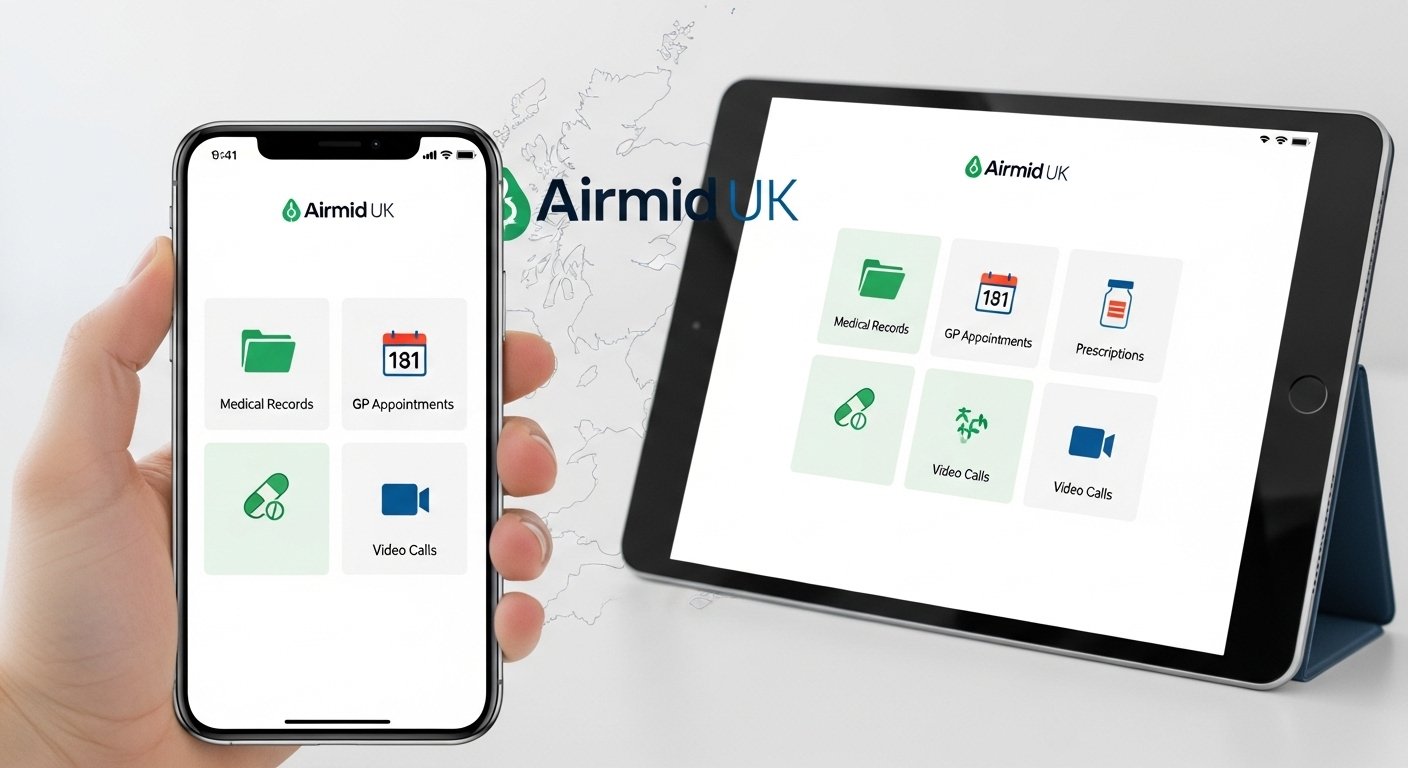
In today’s fast world, managing your health should be simple and quick. The Airmid app makes this possible for people in the UK. It is a free health app from TPP (The Phoenix Partnership), a trusted company that works with the NHS. Airmid helps you take control of your healthcare from your phone. You can view your medical records, book doctor appointments, order repeat medicines, and even do video calls with doctors—all without leaving home.
Many UK patients use the Airmid UK app because it connects directly to NHS services and GP practices that use the SystmOne system. It is safe, secure, and easy to use. Over 1 million people have downloaded it on Android alone. If you live in the UK and your GP or NHS service supports it, Airmid can save you time and make healthcare better.
What Is the Airmid App?
Airmid is a patient app made to bring you closer to your doctors and nurses. It is the mobile version of online services from SystmOne, a popular electronic record system used by many UK GPs and community health services.
With Airmid, you get your own digital health space. You can see important parts of your health information. The app lets your healthcare team send you messages, reminders, or surveys. It also helps you share data like blood pressure readings or steps from your phone’s health apps.
The main goal of Airmid is to give patients more power over their health. Instead of calling the GP surgery many times or waiting in lines, you handle things online. This is very helpful for busy people, older adults, or those with long-term health needs.
Airmid is only for people in the UK. It works with NHS login, which keeps everything private and follows strict UK data rules.
Key Features of the Airmid App
Airmid has many useful tools to make health management simple. Here are some main ones:
- View Your Medical Records — See test results, past visits, allergies, medicines, and vaccinations (if your GP allows full access).
- Book and Manage Appointments — Find open slots, book GP or clinic visits, cancel if needed, and get phone reminders.
- Request Repeat Prescriptions — Ask for your regular medicines without calling the surgery. Send requests directly to your pharmacy.
- Message Your Doctor — Send secure messages or do video consultations when your practice offers this.
- Track Your Health — Add your own notes, like daily blood sugar or weight. Link to Apple Health or Google Fit for auto updates from wearables.
- Get Alerts and Surveys — Receive important messages from your doctor or fill out health forms online.
- Share Access — Let a family member or carer help manage your account if you give permission.
These features make Airmid a complete tool for everyday health needs. Many users say it reduces stress from GP visits.
How to Download Airmid App for Android
The Airmid app Android version is very popular. It works on most Android phones and tablets.
Follow these easy steps:
- Open the Google Play Store on your Android device.
- In the search bar, type “Airmid UK” or “Airmid”.
- Look for the app by TPP (The Phoenix Partnership). It says “Airmid UK” and has over 1 million downloads.
- Tap “Install”. It is free and safe.
- Wait for it to download and open the app.
- Allow notifications if you want reminders.
The app needs Android version that most phones have today. After install, you set it up in minutes.
How to Download Airmid App for iPhone (iOS)
If you have an iPhone or iPad, get it from the Apple App Store.
- Open the App Store.
- Search for “Airmid UK”.
- Find the app by TPP. It is free.
- Tap “Get” and install.
- Open it and follow the setup.
It works on iOS 13 or newer. Many users like the clean look on Apple devices.
How to Use Airmid App on PC (Windows or Mac)
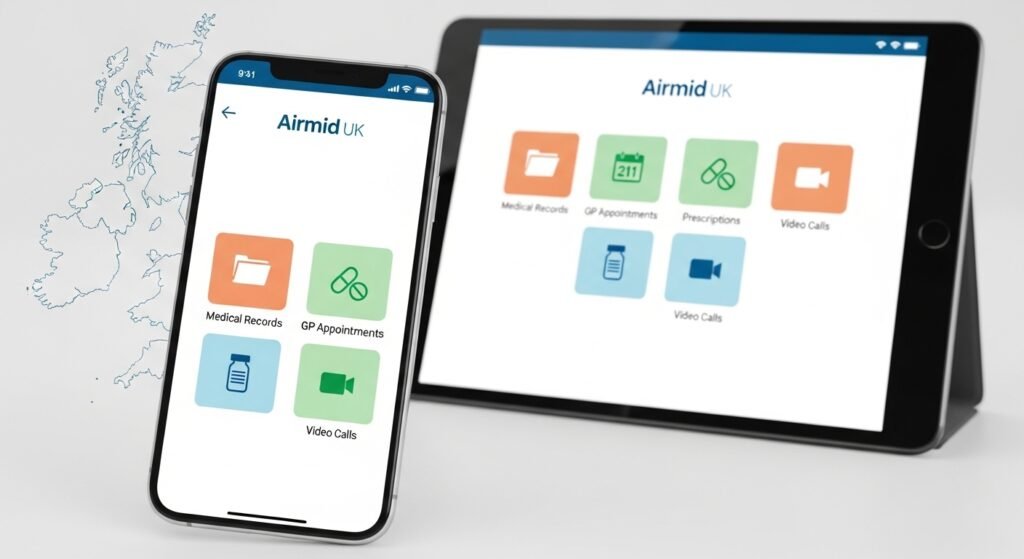
The Airmid app for PC is not a separate download like on phones. There is no official desktop app. But you can use it easily on your computer with these ways:
First way: Use the web version through your browser. Many GP practices let you access similar services via SystmOnline on their website. Go to your GP’s site, log in with NHS login, and do things like book appointments or view records. It feels like the app but on a bigger screen.
Second way: Use an Android emulator. If you really want the full mobile app look on PC:
- Download a free emulator like BlueStacks or LDPlayer (safe ones from official sites).
- Install it on your Windows or Mac PC.
- Open the emulator and go to Google Play Store inside it.
- Search and install Airmid UK just like on a phone.
- Log in and use it on your computer screen.
This works well for people who like bigger screens for reading records. But most users stick to phone or web for simplicity.
Note: Always use trusted emulators to stay safe.
How to Set Up and Log In to Airmid
After download, setup is quick.
- Open the app.
- Choose to continue with NHS login (best way).
- If you have an NHS login, sign in. (If not, create one—it is free and takes a few minutes. Use your email and ID proof.)
- Or use old SystmOnline username/password if you have it.
- Verify your identity if asked (NHS rules for safety).
- Set up Face ID, Touch ID, or PIN for fast login next time.
- The app connects to your GP or NHS service if they use SystmOne.
If your practice does not show up, ask your GP if they support Airmid. Most do in the UK now.
Is Airmid App Available in the UK?
Yes, the Airmid UK app is made only for the United Kingdom. It links to NHS services, so it works best if you are registered with a UK GP or NHS trust.
People in England, Scotland, Wales, and Northern Ireland can use it where their health service supports SystmOne and Airmid. It follows all UK privacy laws (like GDPR) and NHS security standards. Your data stays safe and private.
If you travel outside UK, the app still works for viewing records, but some features like booking may need you to be in UK.
Benefits of Using Airmid App
Why choose Airmid? Here are real advantages:
It saves time—no more long phone waits at the GP. You get quick access to your health info anytime. It helps manage long-term conditions better with tracking tools. Families can help elderly or sick loved ones. It supports digital NHS goals for easier care. Many users feel more in control of their health.
Doctors like it too because it reduces unnecessary visits and lets them focus on patients who need face-to-face help.
Common Questions About Airmid App
Is Airmid free? Yes, 100% free to download and use.
Is it safe? Very safe. It uses NHS login and strong security. TPP is a trusted NHS partner.
What if my GP does not use it? Not all practices offer every feature. Check with your doctor. Many are adding it.
Can I use it for video calls? Yes, if your practice offers video consultations through Airmid.
How do I get help? Visit airmidcares.co.uk for guides. Or ask your GP surgery. There are video tutorials on YouTube too.
Final Thoughts
The Airmid app is a great step forward for UK healthcare. It puts you in charge with easy tools on your phone or computer. Whether you need the Airmid app download for Android, iPhone, or access on PC, it is simple to start.
Download it today from Google Play or App Store. Set up with NHS login and see how it changes your health routine. More and more people in the UK are using it to make doctor visits easier and faster.
Take control of your health—try Airmid now!
Disclaimer:
This article is for information only. It is not a promotion, advertisement, or affiliate post. We do not get paid to recommend the Airmid app. Always follow your doctor’s advice and the official NHS guidance. We are not responsible for any issues you may have using the app. Use it at your own risk.
Explore More
- Thirdfort App – Download & Learn What It Is and What It’s Used For
- The Arenti App – Download for iPhone, PC & Windows Easily
- Koora Live App – Download Football Live App for Android & iPhone, English & 360 Coverage
About the Author