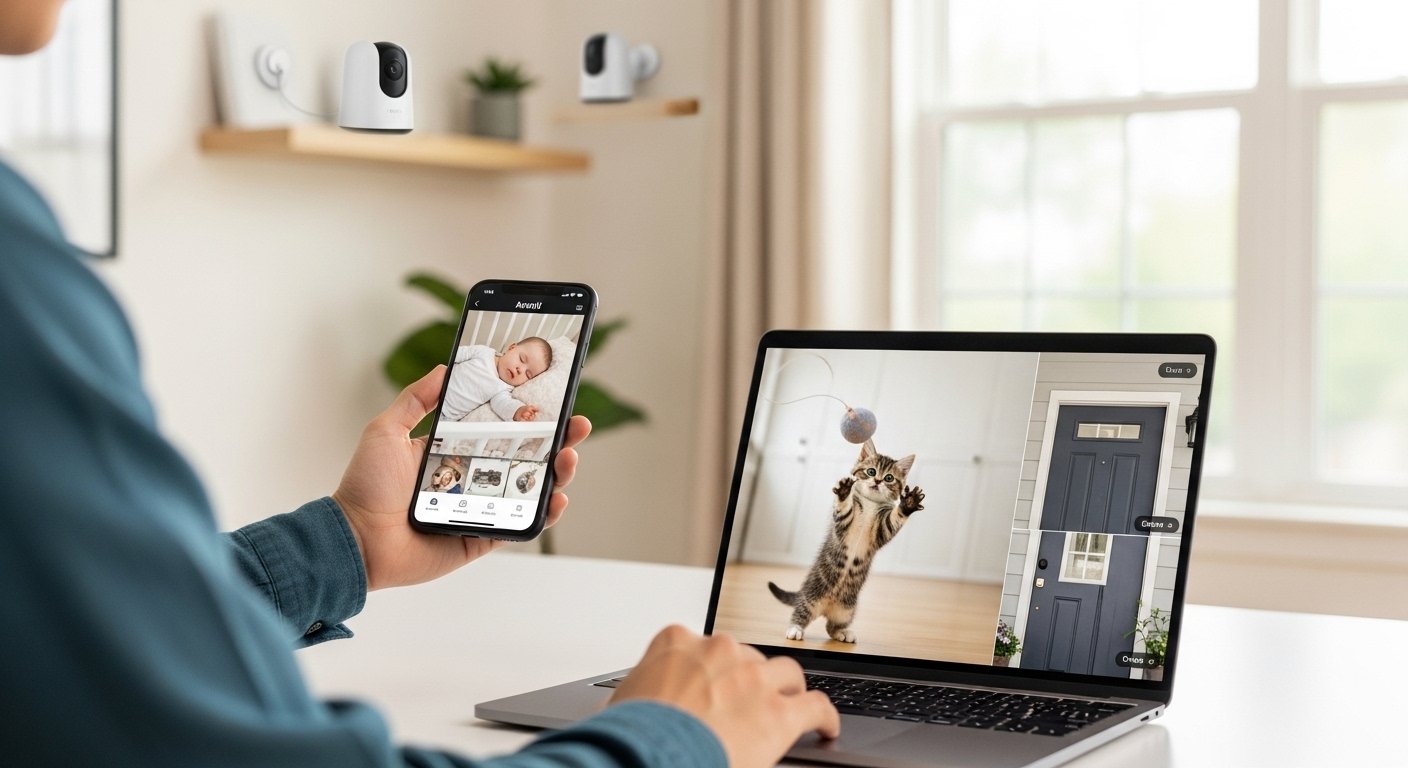
The Arenti app is a simple and helpful tool for home security. It works with Arenti cameras to let you watch your home, baby, pets, or any place from far away. Many people use it because it is easy to set up and gives clear video. In this article, we will explain everything about the Arenti app in very simple words. We will cover what it is, its main features, how to download it for iPhone, how to get it for PC and Windows, and tips to use it well. This guide is based on official information from Arenti’s website and app stores to make sure it is correct and safe.
What Is the Arenti App?
Arenti is an intelligent surveillance app made by Hangzhou Arenti Technology Co., Ltd. It helps you keep an eye on your home or family 24 hours a day. The app connects to Arenti security cameras (indoor, outdoor, baby monitors, pet cameras, etc.). You can see live video, hear sound, talk through the camera, and get alerts when something moves.
The app has a clean and simple design. It does not confuse you with too many buttons. It works on phones and also supports computers. People use it for baby monitoring, watching pets, checking doors, or general home safety. It uses strong network connections for low delay (meaning video comes fast) and keeps your data safe.
Many users like it because it is free to download and use basic features. Some extra things like cloud storage may need a small payment, but most people start with free options.
Key Features of the Arenti App
The Arenti app has many useful things to make your life safer and easier. Here are the main ones explained in simple terms:
- Real-time monitoring — You can watch live video from your camera right on your phone or computer. The video is clear (up to 4MP or 2K on some cameras), and there is low lag thanks to good technology.
- Two-way audio — Speak through the app and hear from the camera. This is great for talking to your baby, telling your pet to stop, or asking someone at the door.
- Motion and abnormality alerts — The app sends push notifications to your phone when it detects movement, people, pets, or packages. Some cameras have AI to tell the difference between a person and an animal so you get fewer wrong alerts.
- Night vision — See clearly even in the dark. Many Arenti cameras have super night vision in color or black and white.
- Cloud and local storage — Save videos in the cloud (online) or on a micro SD card in the camera. This way, you can watch old recordings anytime.
- Multi-camera support — Add many cameras to one app. View up to 4 at the same time on some devices.
- Smart features — Some include auto tracking (camera follows movement), cry detection for babies, or pet detection.
- Works with smart speakers — Connect to Alexa for voice control (like “show living room camera”).
- Secure connection — The app uses safe networks to protect your privacy.
These features make the Arenti app good for families, pet owners, and anyone who wants simple home security.
Why Choose the Arenti App?
Many security apps exist, but Arenti stands out for these reasons:
It is made by a company that focuses on cameras and apps together, so they work well. The app gets updates often (latest version around 4.10 in recent times). Users say the video quality is good, setup is quick, and alerts come fast most of the time.
It is free for basic use, and you can try it without buying anything extra at first. Reviews from app stores and sites show people like the clear picture, easy controls, and help for babies or pets.
How to Download Arenti App for iPhone (iOS)
Downloading the Arenti app on your iPhone is very easy and safe. Follow these steps:
- Open the App Store on your iPhone.
- In the search bar, type “Arenti”.
- Look for the app named “Arenti” by Hangzhou Arenti Technology Co., Ltd. It has a blue icon usually.
- Tap Get or the download button.
- If asked, use your Apple ID password or Face ID/Touch ID.
- Wait for it to install (it needs iOS 12.0 or later).
- Open the app and create a free account with your email or phone number.
The app is free, but some features like extra cloud storage may have in-app purchases. The size is about 297 MB, so make sure you have space.
You can also go to the official Arenti website (arenti.com) and scan the QR code for direct download to iPhone.
Arenti app for iPhone works great on iPhone, iPad, and even some Macs with M1 chips or later.
How to Download Arenti App for PC & Windows
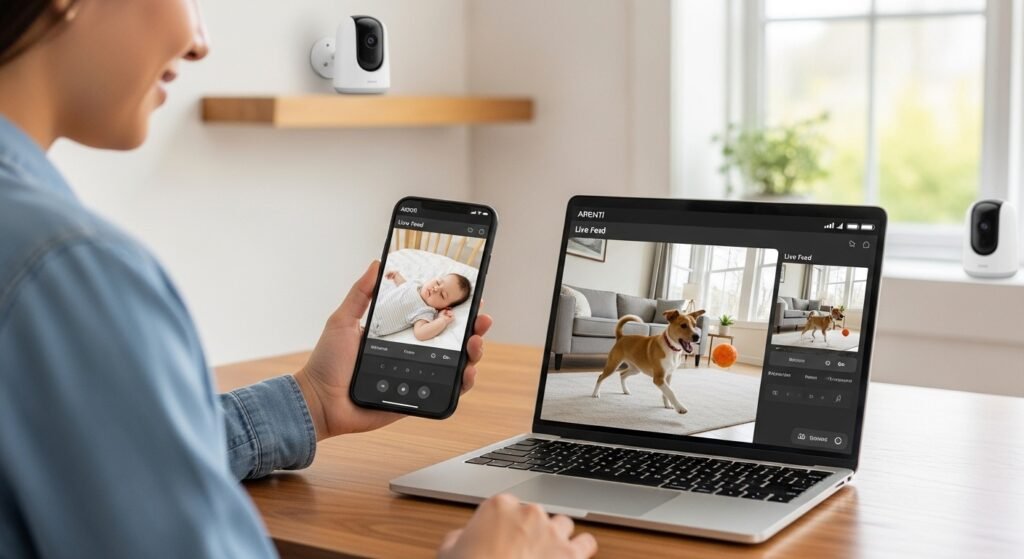
The Arenti app is mainly for mobile, but you can use it on PC and Windows computers easily. There are a few safe ways:
Official Way (Recommended) Arenti provides a PC version for Windows. Go to the official site arenti.com/pages/pc-download. There you will find a download button for Windows. Download the file, run it, install like any program, and log in with your app account. This lets you view live footage, play recordings, and get alerts on a big screen. It works well for people who want to monitor from a desktop.
Using Web Browser Some Arenti services have a web platform at web.arenti.net. Log in with your app account to view cameras without installing anything. This is simple for quick checks.
Android Emulator on PC (If You Want Mobile App on Computer) If you prefer the exact mobile app look on Windows PC:
- Download a free emulator like BlueStacks (from bluestacks.com).
- Install BlueStacks on your Windows PC.
- Open it, go to Google Play Store inside BlueStacks.
- Search for “Arenti” and install it.
- Use it like on a phone, but on your big computer screen.
This is good for larger view and mouse control. Many people use this for better experience.
Arenti app for PC and Arenti app for Windows are the same thing — just use the official download or emulator for best results. Avoid unknown sites to stay safe from fake apps.
How to Set Up the Arenti App After Download
After you download and install:
- Open the app.
- Sign up or log in (use same account on all devices).
- Add your Arenti camera: Press the “+” button, scan the QR code on the camera (or enter ID manually).
- Connect the camera to your Wi-Fi (follow simple steps in app — it supports 2.4GHz and 5GHz on many models).
- Name your camera (like “Baby Room” or “Front Door”).
- Set alerts: Choose motion detection, sound alerts, etc.
- Test live view and two-way talk.
Setup takes only 5-10 minutes for most people. If you have problems, the app has help sections, or email support@arenti.com.
Tips for Best Use of Arenti App
To get the most from your app:
- Keep your app updated for new features and fixes.
- Use strong Wi-Fi for clear video without lag.
- Place cameras at good spots (not too high or low).
- Turn on AI detection to reduce false alerts.
- Use SD card for local storage if you do not want cloud.
- Share access with family safely (app allows multiple users).
- Check privacy settings — Arenti has a clear policy.
Many users say night vision and alerts work well for daily use.
Common Questions About Arenti App Download
People often ask these:
- Is the Arenti app free? Yes, download and basic use are free.
- Does it work on Android too? Yes, search on Google Play Store.
- Can I use it without internet? Live view needs internet, but some recordings save locally.
- Is it safe? Yes, the company uses secure connections and has a privacy policy.
- What if I forget password? Use the reset option in the app.
Final Thoughts
The Arenti app is a great choice if you want an easy way to watch your home or loved ones. With simple download for iPhone, PC, and Windows, anyone can start using it quickly. It gives peace of mind with live video, alerts, and more — all in clear English interface.
Whether you need Arenti app download, Arenti app for iPhone, Arenti app for PC, or Arenti app for Windows, just go to official sources like arenti.com, App Store, or Google Play. Stay safe, download from trusted places, and enjoy better home security.
Disclaimer:
This article is only for information. It is not an ad or promotion. We do not earn money if you download the Arenti app. Always download the app from the official website or app store. We are not responsible for any problems from using the app.
Explore More
- Koora Live App – Download Football Live App for Android & iPhone, English & 360 Coverage
- Nourish Care App – Download Free, Login & iOS Guide 2026
- LemFi App – Download, Login & Reviews Guide 2026
About the Author