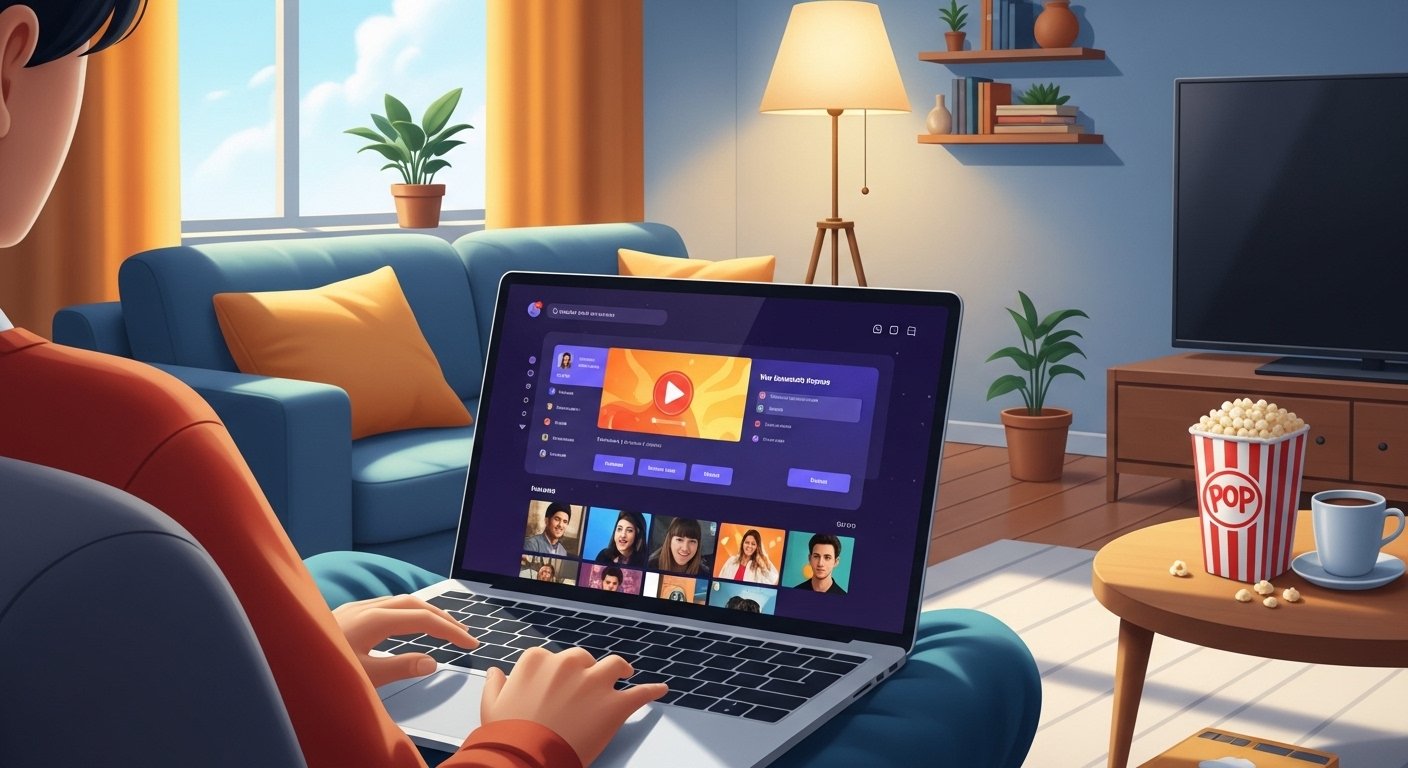
Imagine sitting on your cozy couch after a fun day at school. You want to watch your favorite cartoon, a silly comedy show, or maybe some exciting sports. What if you could find all those wonderful BBC shows right on your computer or laptop? That’s what the BBC iPlayer app is all about! It’s like a magic door that opens to tons of free TV fun from the BBC.
This special service comes from the United Kingdom, and it’s completely free if you live there and have a TV licence. People love it because it has shows for kids, grown-ups, news, and even live TV that happens right now. In this story, we’re going to explore everything about the BBC iPlayer app in a simple and happy way. We’ll talk about how to get it on different computers like Windows, Mac, and MacBook Air. We’ll also see how to watch live TV, what to do if something goes wrong, and even fun facts to make you smile. Ready for an adventure? Let’s start!
What Makes the BBC iPlayer App So Special?
The BBC iPlayer app is like a big treasure chest full of stories and pictures that move. The BBC makes wonderful programs, and this app lets you watch them whenever you want. For example, you can see fun kids’ shows like Bluey or exciting nature adventures with animals from faraway places.
Another thing is that it’s free! You don’t need to pay extra money each month like some other TV services. That’s why so many families in the UK use it every day. Because it’s from the BBC, the shows are often smart, funny, and teach you new things without feeling like school. Over time, more and more people have started using it on their phones, tablets, and computers too. This means you can watch at home or even take your favorite show with you on a trip—if you download it first.
Now let’s talk about how easy it is to start using the BBC iPlayer app on your computer.
How to Get the BBC iPlayer App on Windows Computers
Many kids and families use Windows computers, like those from HP, Dell, or Lenovo. The good news is you can enjoy BBC iPlayer on them without a special app download for programs anymore. A while ago, there was a downloads app for Windows, but the BBC changed things to make it simpler.
Instead of a separate app for downloading, you can go straight to the BBC website. Open your web browser—like Microsoft Edge, Google Chrome, or Firefox—and type in www.bbc.co.uk/iplayer. This is the main door to all the fun! Sign in with your BBC account (it’s free to make one), and you can start watching right away.
For the best experience on Windows, make sure your computer is up to date. This helps everything run smoothly. You can stream shows live or watch ones you missed. In addition, if you want to watch on a bigger screen, you can connect your Windows computer to your TV sometimes. That’s why it’s so handy for family movie nights.
BBC iPlayer App for Mac and MacBook Air – Easy Steps to Enjoy
Mac computers, including the super light and fast MacBook Air, are great for watching shows too. Just like on Windows, there isn’t a dedicated downloads app for Mac anymore because the BBC stopped it a couple of years ago. But don’t worry—this makes things even easier!
Go to your Safari browser (or Chrome if you like) and visit www.bbc.co.uk/iplayer. That’s the official place from the BBC. Create or sign in to your account, and you’ll see all the colorful pictures of shows waiting for you. The MacBook Air’s bright screen makes colors pop, so cartoons look extra bright and fun.
For example, imagine you’re on a MacBook Air at the park with your family. You can connect to Wi-Fi and watch a quick episode while eating snacks. Because the website works so well on Mac, you don’t miss out on anything. Next, let’s see what happens when you want to watch things happening right now.
Can You Watch Live TV on the BBC iPlayer App?
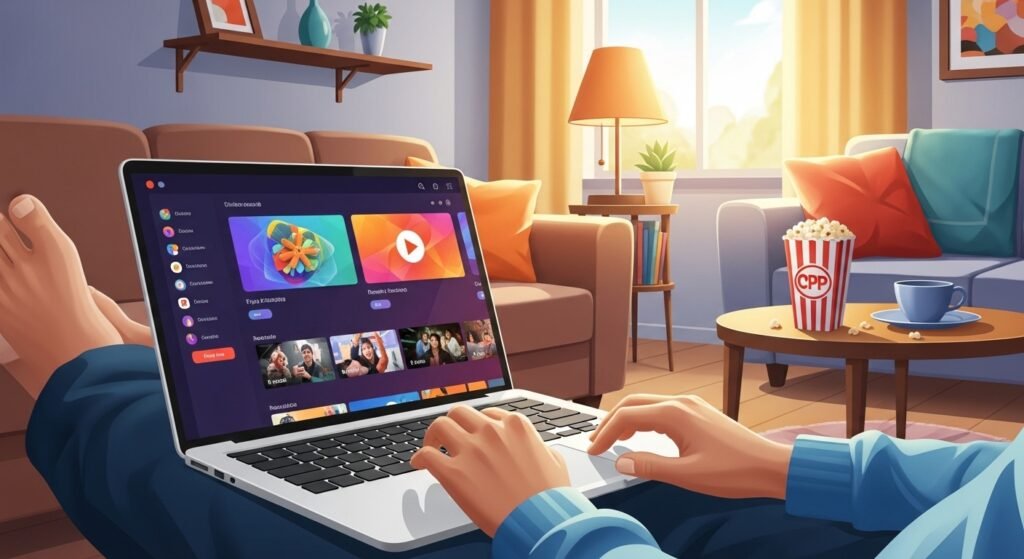
Yes, you can! One of the coolest parts is watching live TV. This means you can see BBC channels like BBC One, BBC Two, CBBC (great for kids), or even news as it happens.
When you go to the iPlayer website on your computer, look for the “Live” section or the channel icons. Click on one, and the show starts playing right away. For instance, if a football match is on, or your favorite cartoon is airing, you won’t miss it. You can even pause, rewind, or restart the live show sometimes—that’s like magic!
This feature is perfect for families who love watching together. That’s why many people say live TV on BBC iPlayer feels exciting and fresh, just like turning on a regular TV but with more choices.
BBC iPlayer App Free – Why It’s Such a Great Deal
The best thing about the BBC iPlayer app is that it’s totally free! As long as you’re in the UK and have a TV licence (which helps pay for all the shows), you can watch everything without spending a penny more.
For kids, this means endless stories, learning shows about dinosaurs or space, and silly comedies that make you laugh out loud. In addition, there are no ads popping up all the time, so the fun doesn’t get interrupted. Over time, the BBC adds new episodes and specials, keeping things fresh and exciting. That’s why families keep coming back—it’s like having a friendly TV friend who’s always ready with something new.
Download BBC iPlayer App Outside UK – What to Know
Sometimes people travel outside the UK or live far away, and they wonder if they can still use BBC iPlayer. Normally, it’s only for the UK because of special rules. If you’re outside, the website might say “not available in your region.”
But here’s a fun tip: some grown-ups use safe tools called VPNs to make their computer think it’s in the UK. A VPN changes your internet address to look like it’s from Britain. This way, you can watch again. Just remember to choose a good, trusted VPN and follow the rules. For example, if your family moves to another country but still loves British shows, this can help keep the fun going.
Always ask a grown-up for help with this, because staying safe online is important.
BBC iPlayer App Not Working – Simple Fixes to Try
Sometimes things don’t go perfectly, and the BBC iPlayer app or website stops working. Don’t worry—most problems are easy to fix!
First, check your internet. Is it connected and fast enough? Slow internet can make shows stop or buffer (that’s when the circle spins forever). Try turning your Wi-Fi off and on again.
Next, refresh the page or restart your computer. This often solves little glitches. Also, make sure your browser is up to date—old browsers can cause trouble.
If it’s still not working on TV or computer, clear cookies (tiny bits of info in your browser) or try a different browser. For live TV or shows, wait a minute and try again—sometimes the BBC fixes things quickly.
One day, a kid named Sam couldn’t watch his show because of buffering. He asked his mom, they restarted the router, and it worked like magic! Simple steps like these help most times. If nothing works, visit the BBC help page at www.bbc.co.uk/iplayer/help for more friendly advice.
Fun Facts About BBC iPlayer That Will Surprise You
Here are some cool things to know! The BBC has been making shows for over 100 years, and iPlayer started in 2007 to let people watch whenever they want. Now, millions use it every week.
Another fun fact: some shows on iPlayer are made just for kids, like “Hey Duggee” which teaches friendship and adventure. Also, you can find nature shows with real animals, like baby elephants playing or birds flying high.
Over time, iPlayer added live sports, music concerts, and even baking competitions that make you hungry! That’s why people say it’s like a library of happy moments.
Why People Love the BBC iPlayer App So Much
Families love it because it’s safe, fun, and full of good stories. Kids learn new words, see different places, and laugh a lot. Grown-ups enjoy mysteries, cooking, and news that helps them understand the world.
In addition, watching together builds happy memories—like cheering for a team or giggling at funny jokes. Because it’s free and easy, more friends share their favorite episodes. That’s why it feels like a warm hug from the TV.
What We Can Learn from Using BBC iPlayer
Using this service teaches us to be patient when waiting for a show to load, kind when sharing the remote, and curious about new stories from far away. It shows how technology brings people together, even if they’re in different rooms.
We also learn that good things like free shows come from people working hard—the BBC team makes everything special.
As we finish our adventure, remember the BBC iPlayer app opens doors to laughter, learning, and live excitement. Whether on Windows, Mac, MacBook Air, or dreaming of live TV, it’s a wonderful world waiting for you. So next time you’re bored, head to www.bbc.co.uk/iplayer and discover something new. Happy watching, and may your days be filled with fun stories!
Disclaimer:
This article is only for simple information. We are not connected to the BBC or the BBC iPlayer app. We do not own the app, and all names and logos belong to their real owners. This article is not a promotion and has no affiliate links, and we do not earn any money from the app or services mentioned here. BBC iPlayer may only work in some countries and may need a UK TV licence, so please follow the official BBC rules and your local laws when using it.
Explore More
- Stefano Catelli: Age, Height, Net Worth, Wedding with Gemma Arterton & More
- Claire Fellows: Age, Partner, Children, Wedding to Ainsley Harriott, and Family Life in Brighton
- Juliette Norton: Age, Illness, Net Worth, Children, and Career Insights
About the Author