The BRS App 2026 Guide: Download, Fix Not Working Issues & Use on Android, Windows 10 & Golf Booking helps many people enjoy their golf games more easily. This helpful tool makes it simple for golf club members to book tee times, check who else is playing, and manage their rounds. Many golfers like it because it saves time and reduces stress when planning a game with friends.
In 2026, the BRS app continues to grow popular with clubs across different places. People use the BRS app for golf to book casual play or join competitions without calling the club office every time. Also, it works well on phones and computers, so you can choose what feels best for you. This guide explains everything in clear steps so you can start using it smoothly, even if you are new to apps.
Why the BRS App Makes Golf Booking Easier
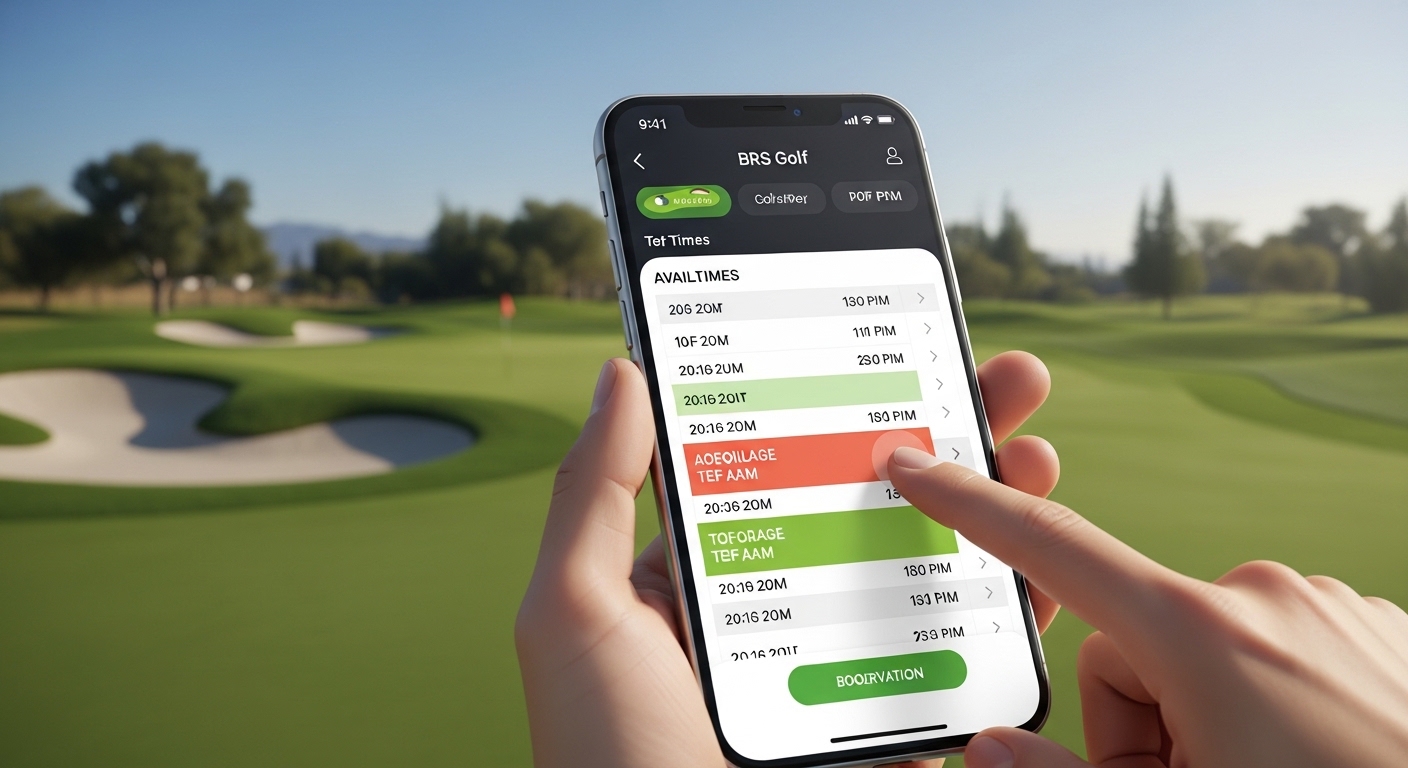
Golf can feel busy when you want to play but need to find the right time. That is why many clubs now offer the BRS app. It shows available tee times right on your screen. You see open slots at a glance, and you can pick one that fits your day. For example, if you like early morning rounds, the app lets you check those slots quickly.
In addition, the app helps you see your golfing buddies. You can add friends to a list so booking together becomes fast and simple. After that, you can view your upcoming games or past bookings without any confusion. This means less waiting and more time actually playing golf. Over time, many users say they play more often because booking feels effortless.
Another helpful part is the connection to scoring. Some golfers use the app along with a live scoring tool to enter scores right after their round. This keeps everything in one place and updates your handicap smoothly. Because of these features, the BRS app for golf has become a favorite for both new and regular players.
How to Download the BRS App Safely
Getting the BRS app download is straightforward when you follow a few easy steps. First, decide if you want it on your phone or another device. Most people start with their mobile because it is handy to carry.
For Android users, open the Google Play Store on your phone. Type “BRS Golf” in the search bar and look for the official app from the trusted developer. Check the name and reviews to make sure it is the right one. Tap the install button, and the app will download quickly on most devices. After that, open it and follow the simple setup screen.
If you have an iPhone, visit the App Store and search the same way. The process feels almost the same, and the app installs in just a minute or two. Always use the official store because it keeps your device safe from extra problems.
For brs app for windows 10, things work a little differently since there is no direct desktop app in the same way. Many people open their web browser on Windows 10 and go to the club’s BRS booking website. It works like the mobile version and lets you book tee times from your computer screen. This is useful if you prefer a bigger keyboard or want to see more details at once. In 2026, the web version has improved speed, so it feels smooth even on older Windows computers.
After you download the app, you will need your club login details. Your golf club usually provides a username and password. If you do not have them yet, contact the club office for help. They can set up your account so you can start booking right away.
Setting Up the BRS App on Android Devices
Using the brs app for android feels natural once you set it up. After installation, open the app and search for your golf club name. Select it from the list that appears. Next, enter your username and password. The app remembers your details for future use, so you do not type them every time.
Now you can explore the main screen. It shows today’s tee sheet and available times. Tap on any open slot to see more information, such as who else can join. For example, if you want to play with three friends, add their names from your buddy list. This makes group booking quick and fun.
Another thing is that the app lets you book both casual rounds and competition play. You can even join a waiting list if your favorite time is already full. Over time, you will notice how the app updates in real time, so you always see the latest open slots. This helps avoid disappointment when plans change suddenly.
Using the BRS App on Windows 10 for Bigger Screens
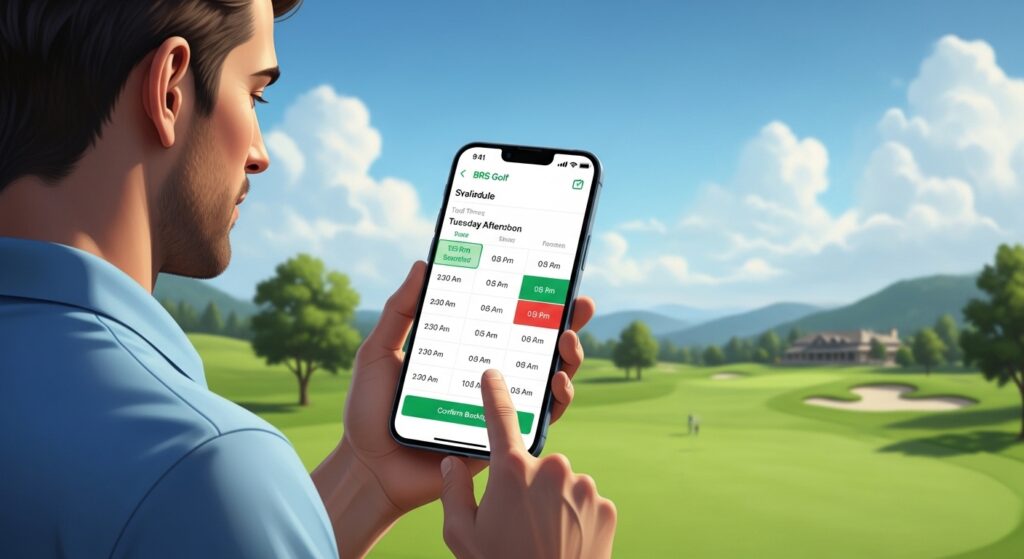
Many golfers enjoy the brs app for windows 10 experience through the web browser. Open Chrome, Edge, or any browser you like on your Windows computer. Visit your golf club’s BRS booking page, which your club can share with you. Log in with the same username and password you use on the phone.
The website version shows a full tee sheet that is easy to read on a large monitor. You can scroll through days and weeks without pinching the screen like on a phone. After that, click to select your time and add players. Because the screen is bigger, it is simpler to check details or print your booking if needed.
In addition, the Windows way works well if you plan several weeks ahead. You can keep the browser tab open and refresh it when new times become available. This is helpful for busy competition days when slots fill fast. Many users switch between their Android phone and Windows computer depending on where they are at the moment.
Common Issues with the BRS App and How to Fix Them
Sometimes the brs app not working happens to anyone. Do not worry because most problems have simple fixes. One frequent issue is when the app keeps crashing or closes suddenly. This can occur if the app needs an update or if your phone has too many temporary files stored.
To fix brs app keeps crashing, first check for updates in your app store. Open the store, find the BRS Golf app, and tap the update button if one appears. New versions in 2026 often include stability improvements that stop crashes. After updating, close the app completely and open it again to test.
Another easy step is to clear the cache. On Android, go to your phone settings, find the apps section, and select BRS Golf. Tap storage and choose clear cache. This removes old data without deleting your login. Many people find that this step makes the app run smoothly again.
If the app still does not open, try uninstalling and reinstalling it. Download it fresh from the store. Your login details stay safe with your club, so you can sign in quickly. Also, make sure your internet connection is strong because the app needs to talk to the club’s system.
Sometimes login errors appear. In that case, double-check your password or ask your club to reset it. Poor signal or server maintenance at the club side can also cause temporary brs app not working moments. Wait a few minutes and try again. In 2026, the system has better uptime, but checking your Wi-Fi or switching to mobile data often helps.
For Windows 10 users, if the website feels slow, clear your browser cache or try a different browser. Update your Windows and browser to the latest version for best results. These small changes usually solve most connection issues.
Step-by-Step Guide to Booking Golf with the BRS App
Booking a tee time with the BRS app for golf is simple when you break it into steps. Open the app or website and log in. Next, look at the calendar and pick the day you want to play. The screen shows green slots for available times and gray ones for booked times.
Tap or click on an open slot. A new screen appears where you can add players from your list or type new names. Choose if it is casual play or a competition round. Some clubs let you add extras like a buggy or trolley at this stage. Review everything and confirm the booking. You will receive a quick message that your time is saved.
After that, you can add the booking to your phone calendar with one swipe. This reminder helps you remember your game. Later, you can check your booking history to see all your past and future rounds. For example, if you book every Saturday morning, the app makes it easy to repeat similar times.
If the time you want is taken, join the waiting list. The app notifies you if a spot opens up. This feature has helped many golfers grab popular slots without constant checking.
Practical Tips to Get the Most from the BRS App in 2026
Here are some fresh ideas to use the app better. Always check the app a day before your round because last-minute changes can happen. Also, add your regular playing partners early so their names appear quickly when you book.
On busy competition days, open the app a few minutes before booking opens. Many clubs release new slots at certain times, so being ready helps. Another thing is to use the search feature to find other clubs if you travel and want to play as a visitor.
For Android users, keep your phone updated and give the app permission for notifications. This way, you receive alerts about your bookings or waiting list moves. Windows 10 users can bookmark the booking page for fast access.
Avoid common mistakes like using very old app versions or logging in from public Wi-Fi without care. Also, do not share your password with others because each account is personal to your club rights.
Over time, you will learn the best times to book at your club. The app shows patterns, such as when morning slots fill first. Use this knowledge to plan ahead and enjoy more relaxed golf days.
FAQ About the BRS App
How do I download the BRS app on my Android phone?
Search for “BRS Golf” in the Google Play Store and install the official version. It is free and quick to set up.
Can I use the BRS app on Windows 10?
Yes, through your web browser by visiting your club’s BRS booking site. It works smoothly for viewing and booking tee times.
What should I do if the BRS app keeps crashing?
Update the app, clear cache, or reinstall it. Check your internet connection too.
Is the BRS app only for booking golf?
It mainly helps with tee time booking, viewing players, and managing rounds, plus some scoring features.
Why does the BRS app not working sometimes?
It can happen due to updates, cache, weak internet, or temporary club system maintenance. Simple fixes usually solve it.
Can visitors use the BRS app for golf?
Some clubs allow visitor bookings through the system, but you need proper access from the club.
How do I add friends for easy group booking?
Look for the buddies or players list inside the app and add their names once.
Final Thoughts on Using the BRS App
The BRS app brings convenience to golf booking in 2026. From easy download on Android to smooth use on Windows 10, it helps members plan their games with less effort. Fixing small issues like crashing or not working becomes simple with basic steps, so you spend more time enjoying the course.
Remember to keep your app updated and stay in touch with your golf club for any account questions. With practice, booking tee times, checking availability, and managing your rounds will feel natural. Many golfers discover they play more regularly and connect better with friends because everything stays organized.
Try the app at your own pace, and you will likely find it makes your golf experience more enjoyable. Happy playing, and may your tee times always be the ones you want.
Disclaimer:
This article provides general information based on publicly available details about the BRS Golf booking system and app as of 2026. It is for educational and guidance purposes only. Steps and features may vary depending on your specific golf club, device, operating system version, and app updates. Always check with your golf club for the latest instructions, login details, and support. The author and publisher are not affiliated with BRS Golf or any golf club and do not guarantee results. Users should follow official app store guidelines and device safety practices when downloading or using any application. If you face persistent technical issues, contact your club’s support or the app developer directly.
Explore More
- Beacon Vanguard App: Complete 2026 Guide to Features, Benefits & Safety
- Chat Board App: Complete 2026 Guide to Features, Benefits & Best Options
- Stay Updated TXEPC: Latest News, Trends & Insights 2026
About the Author