The David Lloyd app in 2026 makes life easier for club members who want to stay active and enjoy their membership. This helpful tool lets you manage many things from your phone. You can book classes, check your schedule, or even watch workout videos at home. Many people love it because it saves time and keeps everything in one place.
If you are new to the app or have used it before, this guide will help you. It explains everything in simple steps. You will learn how to get started, fix common problems, and use special features like booking a creche. The app works well on most phones, and updates in 2026 have made it smoother and more useful than ever.
Why the David Lloyd App Matters for Members
The David Lloyd app helps you enjoy your club membership fully. Instead of calling the club or waiting in line, you can do things quickly on your phone. For example, you might want to book a tennis court after work. With the app, you just open it, pick a time, and confirm in a few taps. This means less stress and more time for exercise or relaxing with family.
Another great part is that the app works whether you are inside the club, at home, or traveling. You can see club opening hours, pool times, and even order food and drinks sometimes. Over time, many members say the app has become their favorite way to plan visits. In 2026, new badges and on-demand videos add extra fun. You earn badges by visiting clubs, which makes staying active feel like a game.
The app also supports your whole family. Parents often use it to book activities for kids. This keeps everyone happy and healthy together. Because the app connects everything in one spot, you do not need to remember different logins or websites anymore.
How to Download David Lloyd App on Android and Other Devices
Getting the David Lloyd app is easy and free. First, open the Google Play Store on your Android phone. Type “David Lloyd Clubs” in the search bar. The official app will appear at the top. Tap on it, then press the Install button. The app needs Android 6 or newer, so most phones from recent years work fine.
After the download finishes, the app icon will show on your home screen. Tap it to open. The first time, it may ask for permission to send notifications. This helps you get reminders about bookings. Allow it if you want updates. The whole process takes just a few minutes.
If you use an iPhone, go to the Apple App Store and search the same way. The app works on iOS 15 or later. Some members like to connect the app to their TV for bigger workouts. While it does not run directly on Firestick, you can sometimes cast videos from your phone to a smart TV. This way, you enjoy on-demand classes on a large screen at home.
Always download from the official store. This keeps your phone safe and gives you the real app with all the latest features.
David Lloyd App Registration and First Steps
After you download the app, the next step is registration. Open the app and look for the sign-up or register option. You will need your membership details, such as your email or member number from David Lloyd. Enter them carefully. The app now has a fresh registration flow in 2026, which makes it simpler for both new and returning users.
Once you register, create a strong password. Some phones let you use face ID or touch ID for quick and safe login later. This means you do not type your password every time. After registration, the app may show a welcome screen with tips. Take a moment to explore the home page. You will see sections for bookings, on-demand workouts, and club information.
If you already have an account, skip registration and go straight to login. The process feels natural, like opening a friendly door to your club. Many people complete registration while sitting on the sofa at home. In addition, the app remembers your details, so future visits are even faster.
David Lloyd App Login Made Simple
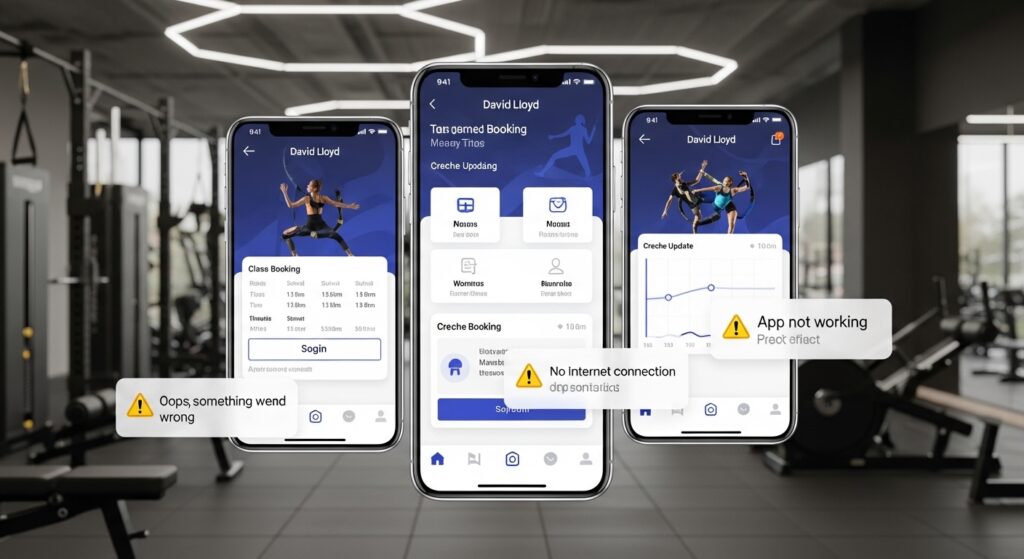
Logging into the David Lloyd app is quick once you set it up. Open the app and tap the login button. Enter your email and password. If you enabled face ID or touch ID, just look at your phone or place your finger on the sensor. This saves time and feels secure.
Sometimes members say “david lloyd app not letting me log in.” If this happens to you, first check your internet connection. A weak signal can stop the login page from loading. Turn your Wi-Fi off and on, or switch to mobile data for a moment. After that, try logging in again.
Another easy fix is to update the app. Go to your app store, search for David Lloyd Clubs, and tap Update if it shows. Updates often fix small login problems. If you still have trouble, restart your phone. This clears temporary glitches. Most of the time, these simple steps solve the issue right away.
Common Issues: David Lloyd App Not Working and Quick Fixes
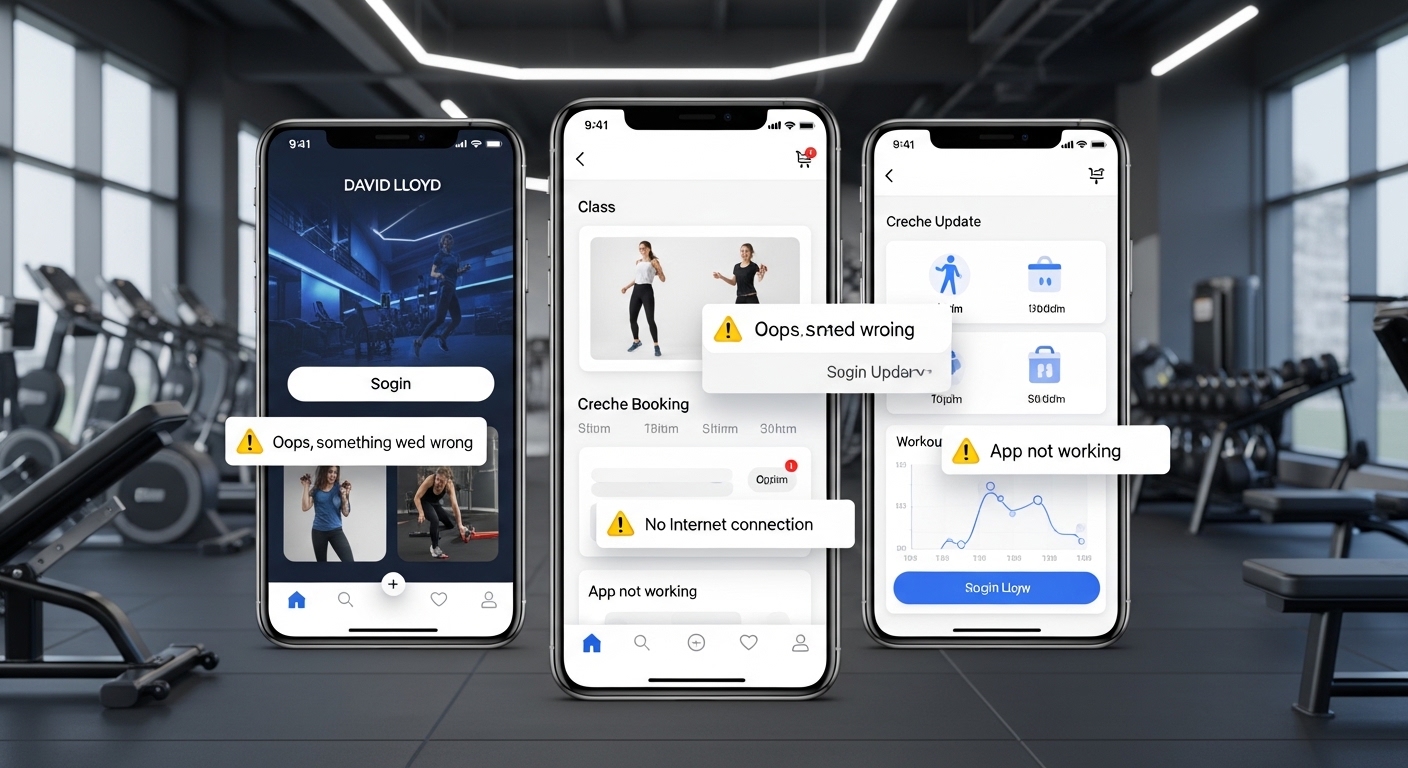
Many people sometimes face problems like “david lloyd app not working” or “why is my david lloyd app not working.” Do not worry. These issues often have easy solutions. For example, the app might freeze or show a blank screen. In that case, force close it. Swipe the app away from your recent apps list, then open it again.
Another common message is “david lloyd app no internet connection.” Even if your phone shows Wi-Fi bars, the connection might be weak. Move closer to your router or restart it. This usually brings the app back online fast.
If the app says “david lloyd app oops something went wrong,” try these steps in order. First, check for updates in the app store. Next, clear the app cache. On Android, go to Settings, find Apps, select David Lloyd Clubs, and tap Clear Cache. This removes old data without deleting your account. Restart your device after that. Many members find that this fixes the error quickly.
“Is the david lloyd app down” is a question people ask when nothing works. Sometimes the club servers have a short break for maintenance. In those cases, wait 30 minutes and try again. You can also check the club’s social pages for any announcements. Over time, you will learn that most problems come from your phone settings rather than the app itself.
For “david lloyd app not letting me log in” again, clear cache and update as before. If nothing helps, uninstall the app and download it fresh. Your bookings and details stay safe on the club system. These fixes work for Android users and others too.
David Lloyd App Update – Why and How to Do It
Keeping the David Lloyd app updated brings new features and fixes bugs. In 2026, updates have added better booking screens, more on-demand videos, and easier navigation. That is why you should check for updates regularly.
To update, open your app store and search for the app. If “Update” appears, tap it. The process happens in the background while you do other things. After it finishes, open the app to see improvements. For example, some updates make the timetable clearer so you find classes faster.
Regular updates also help with performance on newer phones. If you skip them, the app might run slower or show old errors. Another thing is that updates often improve security. This keeps your membership information safe. Set your phone to auto-update apps if you want to stay current without thinking about it.
Booking Tips and How to Book Creche on David Lloyd App
Booking with the David Lloyd app feels simple and fun. Open the app and go to the Bookings section. You will see options for classes, courts, and personal training. Pick your club first if you belong to more than one. Then choose the day and time. The app shows available spots clearly.
For group exercise classes, tap the one you like. Read the short description to know what to expect. If it looks good, press Book. You will get a confirmation right away. You can also view or cancel your bookings later in the My Bookings area. This helps if your plans change suddenly.
Parents often ask “how to book creche on david lloyd app.” It is straightforward. Go to the creche or kids activities section. Select the date and session for your child. The app shows age groups and available spaces. Add any notes if needed, then confirm and pay if there is a fee. Many families book creche while planning their own workout. This way, everyone enjoys time at the club.
Here is a real-life example. Sarah wanted to attend a yoga class but needed care for her little one. She opened the app in the morning, booked the creche for one hour, and reserved her yoga spot. Everything was ready when she arrived. Tips to remember: book early for popular times, check cancellation rules, and set reminders in the app. In addition, look at on-demand videos if you miss a live class.
Extra Features in the 2026 David Lloyd App
The app offers more than just bookings. You can explore hundreds of on-demand workouts for home or travel days. These videos cover strength, yoga, and family fitness. New smart plans in 2026 personalize workouts to match your goals, like building energy or feeling stronger.
You can also manage your membership details, such as updating your contact information or checking benefits. Some clubs let you order food and drinks through the app for pickup after exercise. Club information is always handy too. You can quickly see addresses, hours, and special events.
Progress trackers show how often you visit, which motivates many members. In 2026, monthly badges add a friendly challenge. Earn them by trying different clubs or activities. These small extras make the app feel personal and encouraging.
Troubleshooting More Problems with David Lloyd App
Sometimes the app shows “is there a problem with david lloyd app” type errors. If it crashes often, clear cache and update first. Make sure your phone has enough storage space. Old phones might need a restart more frequently.
For android users, go into phone settings and check battery optimization. Some phones limit background apps, which can stop notifications. Turn off strict battery saving for the David Lloyd app. This keeps it running smoothly.
If you use the app on different devices, log out from old ones to avoid conflicts. Most issues clear up with basic steps like updating, restarting, or reinstalling. Patience helps because the app team works hard on improvements.
FAQ About the David Lloyd App
How do I download the David Lloyd app safely?
Go to the official Google Play Store or Apple App Store and search for David Lloyd Clubs. Install only the verified version from the club.
What should I do if david lloyd app not working after an update?
Restart your phone, clear the cache, and check your internet. If the problem stays, reinstall the app.
Can I book creche and classes together on the same day?
Yes. Many members plan both in one session using the booking tools.
Why does the david lloyd app say no internet connection even when I am online?
Switch between Wi-Fi and mobile data. Also, restart your router or phone to refresh the connection.
Is the app available on Firestick?
The main app runs on phones, but you can cast some workout videos to compatible TVs.
How often should I check for david lloyd app update?
Check every few weeks or turn on automatic updates for the best experience.
What if I forget my login details?
Use the forgot password option in the app. You will get help through your email.
Final Thoughts on Using the David Lloyd App in 2026
The David Lloyd app continues to grow as a useful companion for active lifestyles. From easy downloads and smooth login to helpful booking tools and quick fixes for common troubles, it brings convenience to your fingertips. By following simple steps for updates and troubleshooting, you can avoid most problems and enjoy all the features.
Take time to explore everything the app offers, like on-demand workouts and family activities. Small habits, such as checking bookings ahead of time, make your club visits more relaxing and fun. Whether you are a new member or have been coming for years, the app supports your journey toward better health and balance.
Remember to use the app responsibly and keep your phone secure. With a little practice, it will feel like a natural part of your routine. Stay active, enjoy your time at the clubs, and make the most of every visit.
Disclaimer:
This article provides general information and practical tips based on common user experiences with the David Lloyd Clubs app as of 2026. It is for educational purposes only and does not replace official instructions from David Lloyd. For the latest details, troubleshooting, or account-specific help, please contact David Lloyd customer support or visit their official website and app stores directly. Always download apps from trusted sources and ensure your device meets the required specifications.
Explore More
- CEX App Guide 2026: Download, Scanner, Selling Tips, and Fixes
- Trading 212 App Review 2026: Is the Trading 212 App Safe, Good, and Worth Using?
- Tribupneu: Complete Guide, Uses, Reviews & 2026 Insights
About the Author