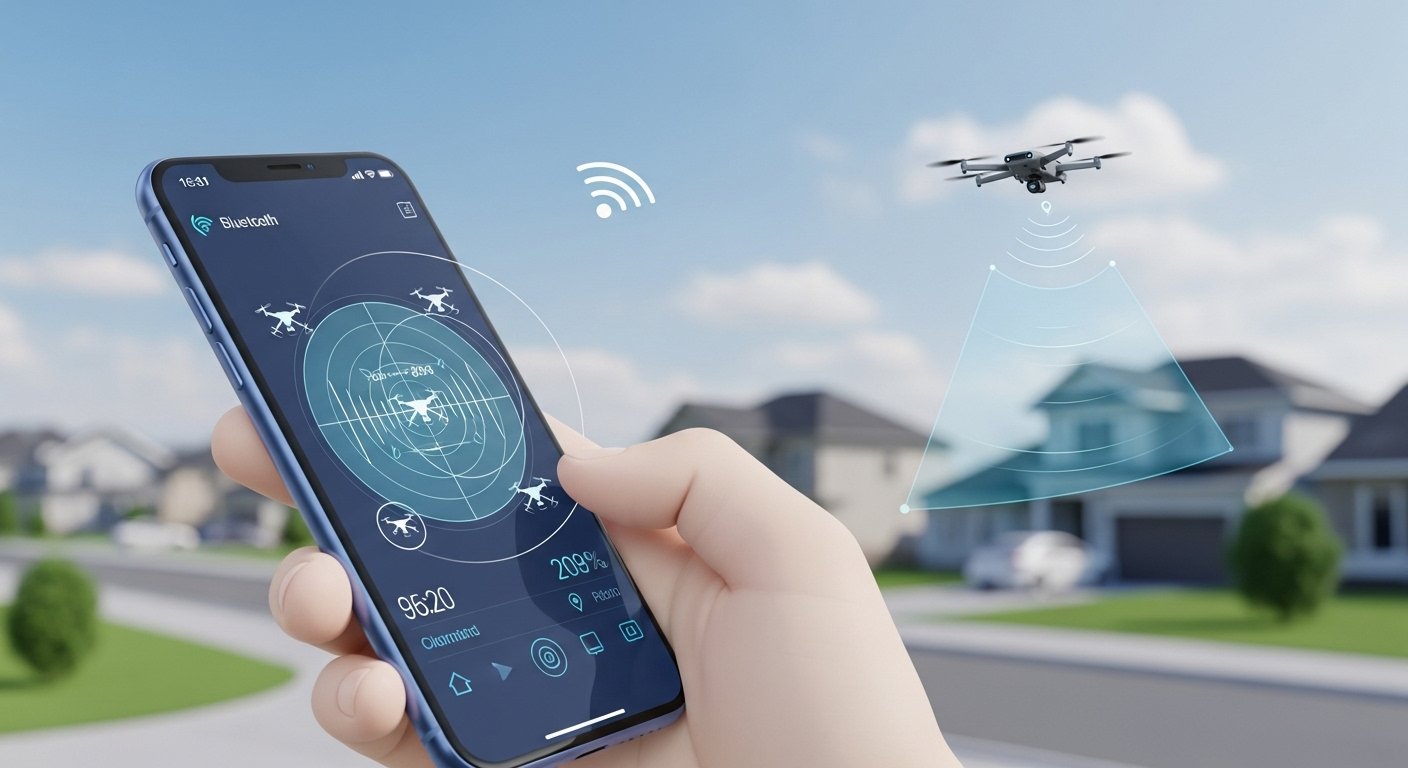
Drones are everywhere in 2026. People use them for fun, photos, delivery, and work. But sometimes, drones fly where they should not. This can worry people about privacy or safety. A drone detector app helps you find drones in the sky near you.
These apps show if a drone is close. They tell you the drone type, height, speed, and sometimes the pilot’s place. This is possible because of Remote ID laws. Almost all drones must send out their info like a signal.
In this guide, we look at the best drone detector apps. We cover apps for Android, iPhone, and even for police use. We explain how they work, their good and bad points, and which one may be the best for you in 2026.
Why Do You Need a Drone Detector App?
Many people ask: Is there a drone detector app? Yes, there are! These apps answer simple questions like:
- Is a drone flying over my house?
- Who is controlling it?
- Is it following rules?
Apps are easy to use on your phone. You open the app, turn on Bluetooth and Wi-Fi, and it starts looking for signals. No extra hardware needed for basic use.
They are useful for:
- Homeowners worried about privacy.
- Drone pilots who want to see other drones and avoid problems.
- Event managers or security teams.
- Police or security who need quick checks.
But remember: These phone apps have limits. They only see drones that send Remote ID signals. Some old drones or illegal ones may not show up. For big areas or strong detection, police use special radar or RF systems.
How Drone Detector Apps Work in 2026
Drone detector apps use your phone to catch Remote ID broadcasts. Remote ID is like a license plate for drones. Drones send data like:
- Drone ID number
- Location (GPS)
- Height and speed
- Pilot location (sometimes)
Apps listen on Bluetooth (4 or 5) or Wi-Fi (Beacon or NaN). They show dots on a map. You see real-time info.
Good points:
- Free or cheap.
- No need for big equipment.
- Works on normal phones.
Bad points:
- Range is short (often under 1-2 km).
- iPhone apps may miss some Wi-Fi signals because of Apple rules.
- Needs drone to send signals (most do in 2026).
Best Drone Detector Apps for Android
Android phones are great for detection. They can use both Bluetooth and Wi-Fi signals. Here are top ones in 2026.
1. AirSentinel Mobile App This is one of the best free apps for Android. It finds drones in real time. Range can be 1000 to 5000 feet. It shows drone location and sometimes pilot spot. No account needed. Very easy to use. Many users like it because it is free and works well.
2. Drone Scanner (by Dronetag) Drone Scanner turns your phone into a detector. It uses Wi-Fi and Bluetooth. It works with DJI, Autel, and other big brands. It shows if the drone is legal. Free basic version. Good for quick checks.
3. DroneScout Pro This app shows drones on a map. It uses Remote ID. Free to start, but premium gives more like saving paths or extra details. Works well on Android. Users say it is accurate.
For Android, AirSentinel or Drone Scanner are top picks for most people.
Best Drone Detector App for iPhone (iOS)
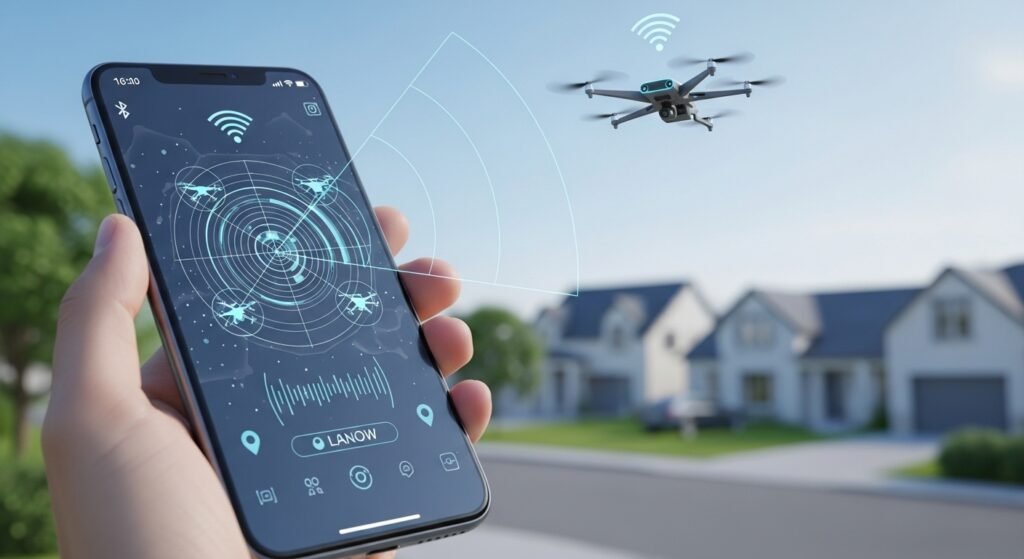
iPhone apps have limits because Apple blocks some Wi-Fi detection. They mostly use Bluetooth. Still, good options exist.
1. Drone Scanner (gen.2 by Dronetag) This is a top iOS app. It detects in real time. It shows drone info and map. Works with standard Remote ID. Free and simple. Many iPhone users choose this.
2. DroneScout Pro Available on iPhone and iPad. It detects nearby drones and shows on map. Premium unlocks more tools like flight paths. Good reviews for ease.
3. Other Options Some apps like OpenDroneID work, but Drone Scanner is often best for iPhone.
For iPhone, Drone Scanner is usually the best drone detector app for iPhone.
Best Drone Detector App Overall
What is the best drone detector app in 2026? It depends on your phone.
- For Android: AirSentinel stands out because it is free, real-time, and has good range.
- For iPhone: Drone Scanner is strong and reliable.
- Overall top pick: Drone Scanner by Dronetag. It works on both Android and iOS. It is from a trusted company. It supports many drone types. It is free for basic use and updates often.
Many experts say Drone Scanner or AirSentinel are leaders because they focus only on detection, not other drone tools.
Police Drone Detector App and Law Enforcement Use
Police need stronger tools than normal apps. They use drones for good things like finding missing people, checking accidents, or watching big events. But they also detect bad drones in secure places.
For police, phone apps help for quick checks. But real police drone detector apps or systems are different.
Top ones for police:
- DedroneTracker.AI — This is a leading software. It uses many sensors (RF, radar, cameras). Police use it to detect, track, and stop bad drones. It is for big areas like airports or events.
- AirWarden by AeroDefense — Gives no-cost access to law enforcement in some cases. Helps share detection with police.
- Dronetag Receivers — Police can use these with apps for better range.
Normal apps like Drone Scanner help police on the go. For example, an officer can check if a drone is legal during a call.
In 2026, many police departments use “Drone as First Responder” programs. They fly drones to scenes fast. Detection apps help keep airspace safe.
But phone apps are not enough for full police work. They use pro systems for jamming or full tracking.
Limits of Drone Detector Apps
No app is perfect. Here are things to know:
- Only sees Remote ID drones (most in 2026).
- Short range.
- Battery use on phone.
- Weather or buildings can block signals.
- Not 100% accurate for pilot location.
Always follow local laws when using these apps.
Final Thoughts: Which One Should You Choose?
If you want a simple, free app to see drones near you, start with Drone Scanner or AirSentinel.
- Android users: Try AirSentinel first.
- iPhone users: Go with Drone Scanner.
- For police or security: Look at Dedrone or Dronetag pro tools.
Drone tech changes fast. In 2026, Remote ID makes detection easier. These apps help keep skies safe and fun.
Download one today and see what flies around you!
Disclaimer
This article is for information and education only. It is not sponsored, promoted, or paid for by any app or company mentioned here. We do not have any affiliate links and we do not earn money if you download or use any app. App features and laws may change over time, so always check the official sources before using any drone detector app. These apps may not detect all drones and should not be used as a guarantee of safety or security. Always follow your local laws and regulations when using drone detection tools.
Explore More
- PeriPage App Download: Android, iOS, PC & Mac Guide | Google Play
- ACMS Crossing Guard App for iPhone – Free Download & Guide 2026
- The StarFit App Review 2026: Free Download, Features, and How the StarFit Scale Works
About the Author