Fire can be very dangerous. It can hurt people, damage buildings, and cost a lot of money. That is why fire risk assessment is so important. A fire risk assessment looks for dangers in a building. It finds things that can start a fire or make a fire worse. Then, it helps make a plan to fix those problems.
Many people do fire risk assessments by hand with paper and pen. This takes a lot of time. It can have mistakes. Papers can get lost. Now, there is a better way. You can use a fire risk assessment app for iPad. These apps make the job faster, safer, and more correct.
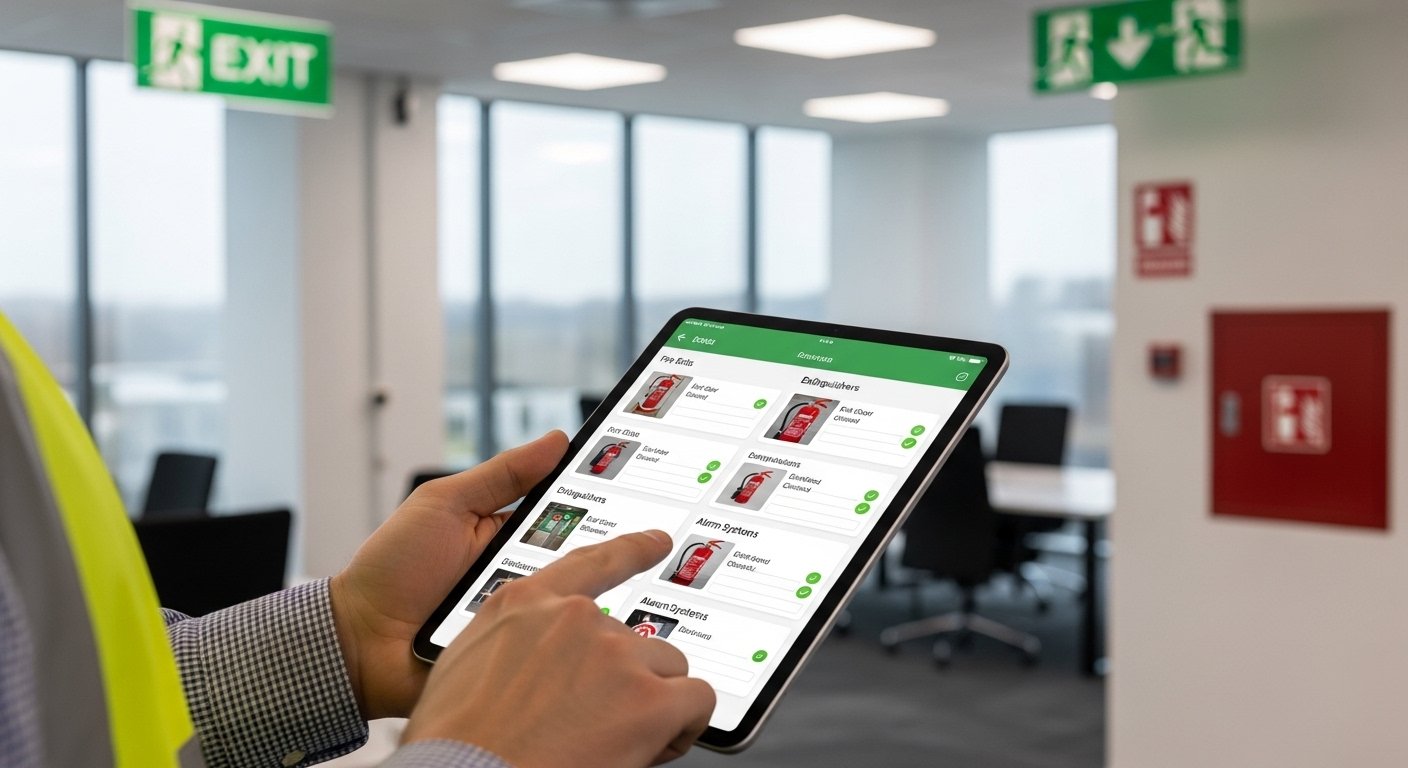
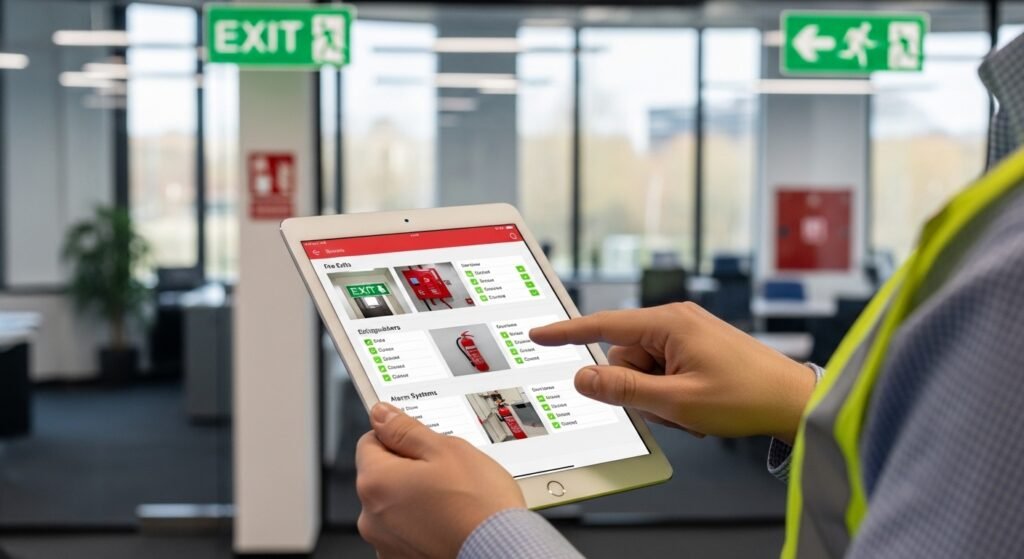
An iPad is great for this work. It has a big screen. It is light to carry. Many apps work well on iPad. They let you take photos, add notes, and make reports right on the spot. Some work even without internet. This is perfect for people who check buildings, like safety officers, fire assessors, building managers, or company owners.
In this article, we will talk about why you need a good app. We will look at the best ones for iPad. We will help you choose the best fire risk assessment app for your needs. All information comes from real app stores, safety experts, and recent reviews from 2025 and 2026.
Why Use a Fire Risk Assessment App on iPad?
Using paper for fire checks is old-fashioned. Here are some big problems with paper:
- It is slow to write everything.
- You forget things sometimes.
- Photos need separate cameras or printing.
- Reports take days to finish.
- Hard to share with team or boss fast.
- Easy to lose papers.
A good app fixes all these. With an iPad app:
- You follow a step-by-step guide.
- Take photos and videos right in the app.
- Add notes and mark dangers quickly.
- Make beautiful reports in minutes.
- Save everything in the cloud (safe online storage).
- Work offline if no Wi-Fi.
- Share reports easily by email or link.
- Follow rules like PAS 79 (UK standard) or NFPA (US standard).
Many apps are made just for fire safety. Others are general inspection apps but very good for fire checks too.
iPad users like these apps because the screen is big for maps and forms. Touch controls are easy. Battery lasts long for full-day work.
Key Things to Look for in the Best Fire Risk Assessment App for iPad
Not all apps are the same. When you choose one, think about these points:
- Easy to use – No hard learning needed.
- Works on iPad – Full iOS support, good for big screen.
- Offline mode – Work without internet.
- Photo and video add – Very important for proof.
- Custom checklists – Change forms for your building type.
- Report generator – Make PDF reports fast.
- Cloud save and team share – Work with others.
- Follows fire safety rules – Like PAS 79 or local laws.
- Good reviews – High stars in App Store.
- Price – Free trial or fair cost.
Now, let’s look at some top apps. These are popular in 2025-2026 lists from safety sites.
Top Fire Risk Assessment Apps for iPad
Many apps help with fire risk checks on iPad. Here are the strongest ones based on features, user feedback, and expert lists.
1. SafetyCulture (formerly iAuditor)
This is one of the most popular choices. Many experts call it one of the best fire risk assessment apps. It is very strong for iPad use.
Why people like it:
- Simple interface.
- Many ready templates for fire risk.
- Take photos, add notes, mark locations on plans.
- Works offline fully.
- Make reports with your company logo.
- Team can see live updates.
- Good for big companies or small ones.
- Follows many safety rules.
It has high ratings. Users say it saves hours every week. It is on iOS, so perfect for iPad. You can start free and see if you like it.
2. PlanRadar
PlanRadar is great for building and safety inspections. It appears in top lists for fire risk apps in 2025.
Good points:
- Add photos, videos, 360 views.
- Draw on floor plans.
- Custom forms for fire checks.
- Real-time team work.
- Offline work and auto sync.
- Good reports.
It works well on iPad. Many professionals use it for fire safety in buildings, offices, and factories.
3. GoAudits
GoAudits is a modern app. It is in top 5 lists for fire risk in 2026.
Features:
- Easy mobile use on iPad.
- Offline mode.
- Add photos, sketches, notes.
- Many languages (good if you work in different places).
- Fire-specific tools like door checks, extinguisher checks.
- Fast reports.
- Helps follow rules and cut errors.
Users say it is user-friendly and good value.
4. PocketSurvey Fire Risk App
This one is made just for fire risk. It follows PAS 79 very well (important in UK).
Why good for iPad:
- Works on iPad, iPhone, Android.
- Quick photo capture.
- Tick actions and make reports on-site.
- Instant professional reports.
- No more paper.
It is good for housing teams and fire assessors. Many say it makes work much faster.
5. Fire Guard (by EHS Global Tech)
This app is made for fire risk on iPad. It is in the App Store for easy download.
Main benefits:
- Removes paperwork.
- Streamlines checks.
- Good for iPad users.
- Simple to use for assessors.
It is focused on fire safety workflow.
Other good mentions:
- Fire-Survey: Made by fire assessors for PAS79 commercial and residential.
- QuidvisRisk: Full fire assessment tool on iOS.
- Mobiess: Good for inspections with photos and offline.
Some apps like FireHub are iPad-only and offline strong, but may need updates sometimes.
How to Choose the Best One for You
Think about your work:
- If you do many assessments and need team share → Try SafetyCulture or PlanRadar.
- If you want PAS 79 focus (UK) → PocketSurvey or Fire-Survey.
- If you need simple and cheap start → GoAudits or Fire Guard.
- Always check the App Store page for latest version and reviews.
- Most give free trials or demos. Try 2-3 before you pay.
- See if it fits your country rules (UK PAS79, US NFPA, etc.).
Benefits of Using the Best Fire Risk Assessment App
When you use a top app on iPad, you get many wins:
- Save time – Finish checks faster.
- Fewer mistakes – Guided steps help.
- Better proof – Photos and dates show real work.
- Stay safe – Find dangers early and fix them.
- Follow laws – Avoid fines.
- Easy reports – Send to boss or client fast.
- Work anywhere – Offline is key in big buildings.
- Team work – Everyone sees updates.
- Save money – Less paper, less lost time.
Many users say they never go back to paper after trying a good app.
Tips to Get Started with Your Fire Risk Assessment App
- Download from App Store on your iPad.
- Make an account (most are free to start).
- Try a sample assessment.
- Add your building plans or photos.
- Do a real check and see how easy it is.
- Make a report and share it.
- Ask for help if stuck – most have support.
Keep your iPad charged. Use a good case for work sites.
Final Thoughts
A fire risk assessment app for iPad is a smart tool in today’s world. It makes fire safety work easier, faster, and more reliable. Among many options, apps like SafetyCulture, PlanRadar, and GoAudits stand out as top choices in recent years. They have strong features, good support, and happy users.
Pick one that fits your job. Try free versions first. Good fire safety saves lives and property. Using the best fire risk assessment app helps you do your part better.
Stay safe and keep checking for dangers. Technology like these iPad apps makes it simple to protect people every day.
Disclaimer:
This article is for general information only. It is not a promotion, advertisement, or affiliate content. The apps mentioned are only examples based on reviews and features. We do not guarantee any results or safety. Always follow local fire safety laws and use your own judgment. We are not responsible for any problems, damages, or losses from using these apps.
Explore More
- Infusion App: Ultimate Guide, Features & How to Use in 2026
- Baseline App Manager: Login Guide & Easy Access Tips
- Vending Machine Locator App: Find Nearby Machines Easily
About the Author