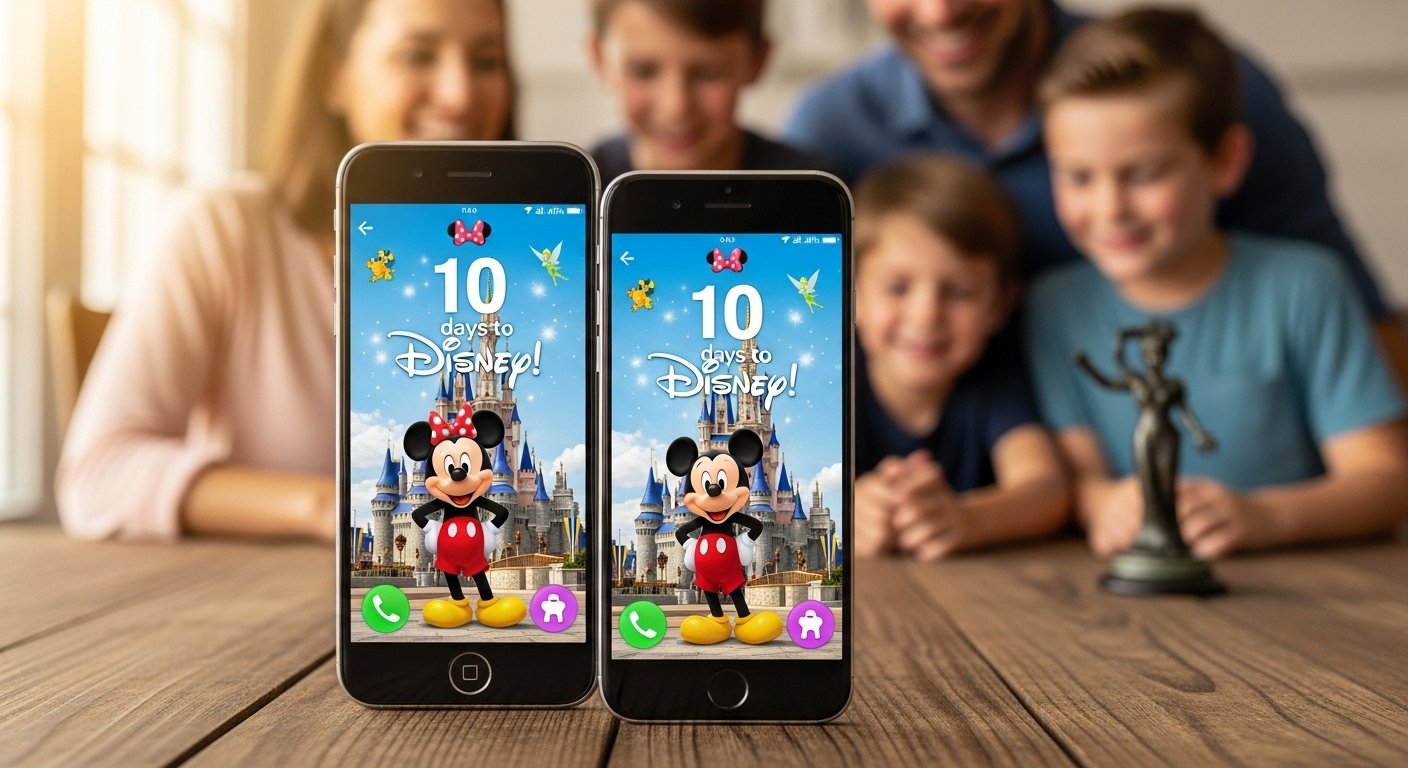
Are you going to Disney World, Disneyland, or a Disney Cruise soon? The wait can feel long, but it is also very exciting! One fun way to make the days go faster is to use a free Disney countdown app on your phone. These apps show how many days, hours, and even minutes are left until your magical trip. They help build excitement every time you look at your phone.
In this article, we talk about the best free Disney countdown app options for both Android and iPhone. We explain what makes them good, how to use them, and why they are perfect for Disney fans. Whether you want something simple or with extra Disney touches, there is an app for you.
Why Use a Disney Countdown App?
Counting down to Disney is more than just watching numbers go down. It makes the trip feel real and fun even before you leave home.
Here are some big reasons people love these apps:
- They keep you excited every day.
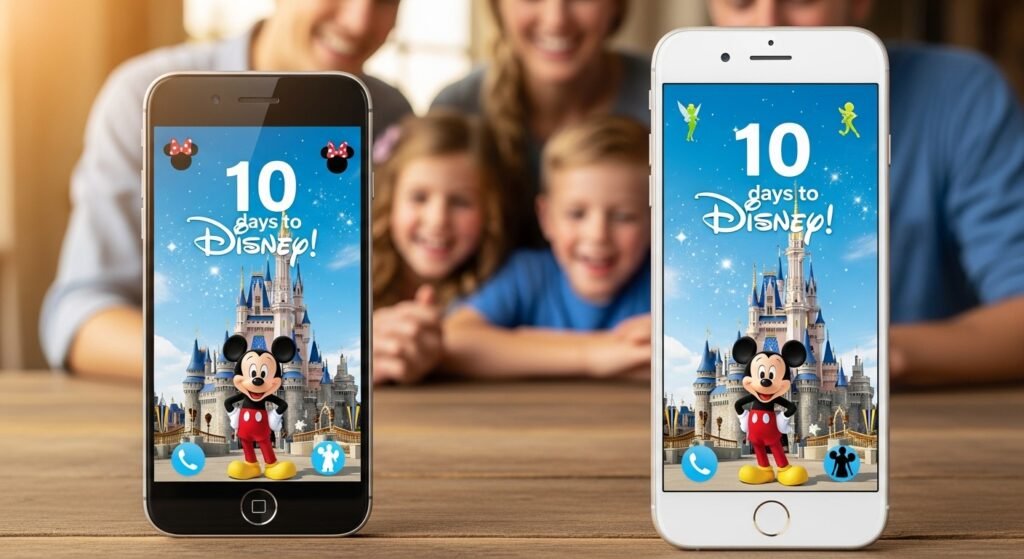
- You can add Disney pictures like Mickey Mouse or Cinderella Castle to make it look magical.
- Many apps have widgets — small boxes on your home screen that show the countdown without opening the app.
- Some send reminders about important things, like booking fast passes or packing tips.
- They are easy for kids and adults to use.
- Most are free to start, so you can try them without spending money.
A good countdown app turns boring waiting into happy Disney dreaming!
Top Free Disney Countdown Apps for iPhone and Android
Many apps work great on both phones. Some are made just for Disney, while others are general countdown tools that you can use for your Disney trip. Here are the most popular and trusted ones in 2026.
1. Countdown for Disney (by Bit3 Computing)
This is one of the most loved Disney countdown apps. It has been around for many years and has thousands of happy users.
What you get for free:
- Set your trip date and start the countdown.
- Choose from 15 fun Disney pictures as background (like classic characters or park scenes).
- Make a slideshow of pictures.
- Share your countdown picture with friends on social media.
- Works on both iPhone and Android.
The free version has ads, but they are small and do not bother too much. For $0.99 (one-time payment), you can remove ads and get more features. Many people say the free part is good enough for basic counting.
Users say: “I use this every trip. It keeps the magic alive!” It is simple and feels very Disney.
2. Countdown to the Mouse (WDW Edition)
This app is made for Walt Disney World fans, but you can use it for any Disney park.
Why people like it:
- It has a home screen widget that shows the days left big and clear.
- You can put the widget anywhere on your phone screen.
- It shows nice Disney images.
- Free to download and use basic features.
- Available on Google Play for Android and App Store for iPhone.
It also has helpful extras like packing lists and reminders for Disney dates (like when to book dining). The main countdown is free, and it is very easy to set up.
If you are going to Disney World, this app feels perfect because it has WDW tips inside.
3. Countdown for Disney World (by Magical Trip Guide or Atlantia Software)
This is another strong choice for people planning Disney vacations.
Key free features:
- Pick your vacation type (Disney parks, Universal, or Disney Cruise).
- Enter your start date, and it counts down days, hours, minutes.
- Works on both Android and iPhone.
- Some versions add park tips and planning help.
It is called the “premiere vacation countdown timer” by some users. The basic countdown is free, and it helps you stay organized.
This app is good if you want more than just numbers — it gives vacation advice too.
4. General Countdown Apps with Disney Magic
Not every app is only for Disney, but you can make them feel Disney by adding your own pictures.
Some popular free ones:
- Big Day – Very simple and free. Add a Disney photo as background.
- Dreamdays Countdown – Free with many themes. You can pick Disney-style pictures.
- Countdown Widget apps on Android – Many free options let you add custom images like Mickey or fireworks.
These are 100% free for basic use. They work great if you do not want ads from Disney-only apps.
For iPhone users, add the widget to your home screen so you see the countdown every time you unlock your phone.
How to Choose the Best Free Disney Countdown App for You
With so many choices, here is how to pick:
- Want Disney pictures built-in? Try Countdown for Disney or Countdown to the Mouse.
- Need a widget on home screen? Countdown to the Mouse or general widget apps are best.
- Planning a full trip with tips? Countdown for Disney World has extra help.
- Hate ads? Look for apps with cheap one-time unlock or use a general free one.
- For kids? Pick one with fun pictures and big numbers.
All these apps are safe, get good reviews, and update often.
Step-by-Step: How to Set Up Your Free Disney Countdown App
Setting up is easy and takes only 2-3 minutes.
- Open your phone’s app store (Google Play for Android or App Store for iPhone).
- Search for the app name, like “Countdown for Disney” or “Countdown to the Mouse”.
- Download and install it (it is free).
- Open the app.
- Enter your Disney trip date (the day you arrive at the park or start your vacation).
- Pick a Disney picture if the app has them, or upload your own photo of Mickey or your family in Disney ears.
- Save it.
- Add the widget to your home screen (most apps tell you how — long press on home screen, choose widgets, find the app).
- Now, every time you look at your phone, you see “X days to Disney Magic!”
Tip: Set your countdown to the day you fly out or enter the park. It makes the number feel more real.
Extra Ways to Make Your Countdown More Fun
The app is great, but you can add more magic:
- Share your countdown picture with family on WhatsApp or Instagram. Say “We are getting closer!”
- Make a family game — guess how many sleeps left each week.
- Watch Disney movies while you wait. Start with classics like The Lion King or Frozen.
- Plan small things — look at park maps or make a list of rides you want first.
- Use the official My Disney Experience app too. If you book a hotel or tickets, it sometimes shows a countdown for your reservation.
These little things make the wait exciting instead of boring.
Things to Know Before Downloading
- Most “free” Disney countdown apps have ads or in-app purchases for premium features. The basic countdown is always free.
- Read reviews in the app store to see if the app works well on your phone model.
- Apps update often, so they stay fast and bug-free.
- These apps do not connect to your Disney account unless you want extra features.
- They are safe — millions of people use them every year.
If an app stops working or you do not like it, just delete it and try another. There are many good ones!
Final Thoughts: Start Your Disney Countdown Today!
Waiting for Disney is part of the fun. A free Disney countdown app for Android or iPhone makes every day feel special. You see the numbers drop and know your magic is coming soon.
Pick one today — Countdown for Disney, Countdown to the Mouse, or a simple widget app. In minutes, your phone becomes a little piece of Disney happiness.
Your family will smile every time they see it. The countdown is on — your Disney adventure is getting closer!
Which app will you try first? Download one now and start counting down to the happiest place on Earth.
Disclaimer:
This article is for information only. We do not promote, sell, or get any money from any of the apps mentioned. We are not affiliated with Disney or the app creators. Always check the app yourself before downloading. Use apps at your own risk.
Explore More
- TakePayments App: Reviews, Features, Login & Free Download Guide 2026
- Coventry Taxi App – Book Local Rides Fast & Easy in Coventry
About the Author