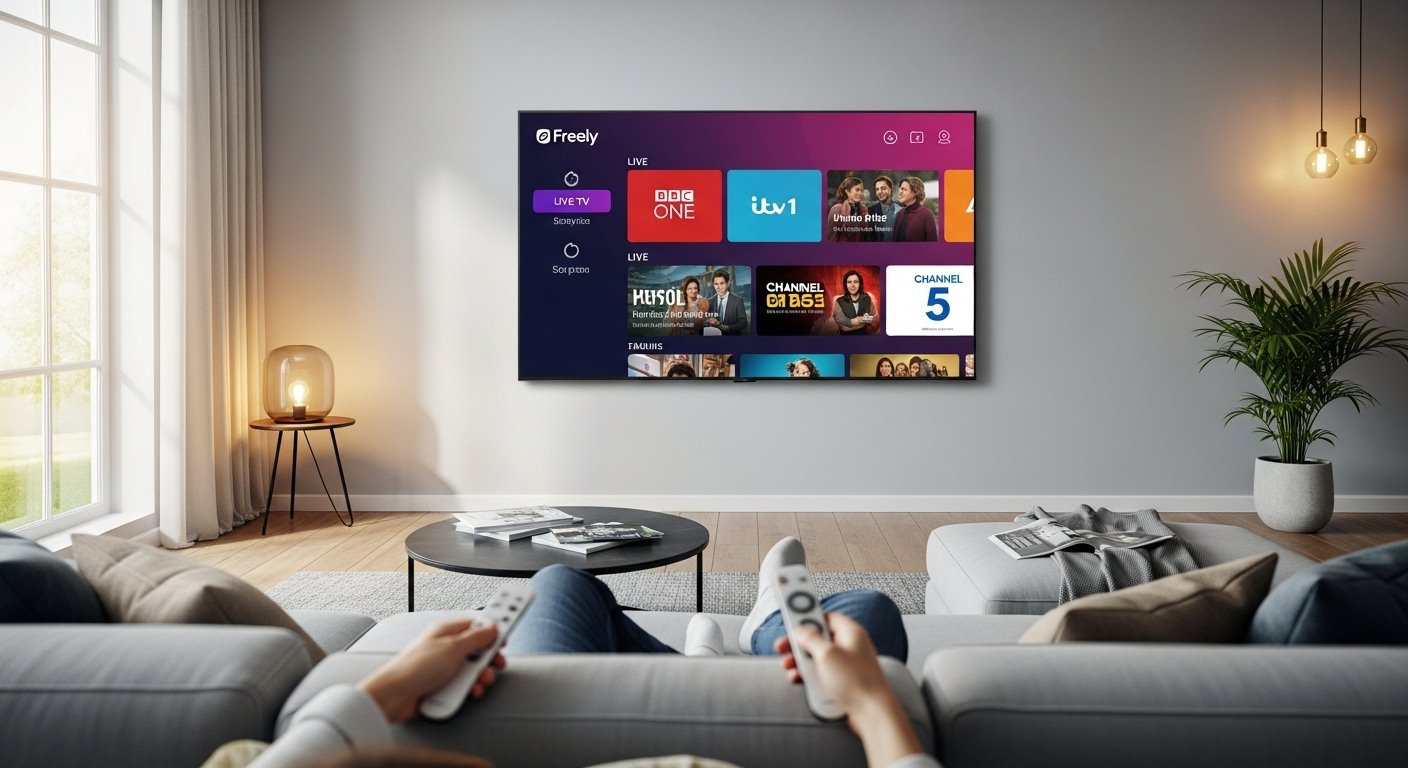
In today’s world, many people want to watch TV without paying big bills every month. They don’t want cables, dishes, or expensive subscriptions. This is where Freely TV comes in. It is a simple and smart way to enjoy live TV and on-demand shows for free. You only need a good internet connection (Wi-Fi). No aerial, no satellite dish, and no monthly fees!
Freely is a new streaming service from the UK. It started in 2024 and is backed by big names like BBC, ITV, Channel 4, and Channel 5. These are the main free TV broadcasters in the UK. Together, they created Freely to make watching TV easy and modern. You can stream everything in one place instead of jumping between different apps like BBC iPlayer or ITVX.
This article will explain everything about the Freely TV app in very simple English. We will cover what it is, how it works, its features, channels, setup steps, pros and cons, and more. By the end, you will know if Freely is right for you.
What Is Freely TV?
Freely is not just an app. It is a full streaming platform for free live TV and on-demand content. Think of it as a modern replacement for old free-to-air TV (like Freeview), but it uses the internet instead of an antenna.
The service launched because people are moving away from traditional TV. Many homes no longer have rooftop aerials. Freely lets you watch the same popular channels over Wi-Fi. It combines live channels with catch-up shows from the main players’ apps.
Freely is run by Everyone TV, a group that includes the UK’s public service broadcasters. This means it is official, safe, and legal. There are no hidden costs or ads that interrupt in a bad way (though some channels may have normal TV ads).
The best part? It is 100% free to use once you have the right device. No sign-up fees, no credit card needed for the basic service.
How Does Freely Work?
Freely works by streaming TV over the internet. It uses your home Wi-Fi to bring live channels and on-demand programs straight to your TV screen.
Here is the simple flow:
- You get a TV or device that supports Freely.
- Connect it to Wi-Fi.
- Open the Freely interface.
- Browse the TV guide for live shows.
- Or go to on-demand sections for catch-up.
Live TV shows come in real time, just like regular TV. You can pause, rewind, or restart a live show (a very useful feature!). On-demand means you watch old episodes or full series when you want.
Freely brings all the main apps together. Instead of opening BBC iPlayer separately, then ITVX, then Channel 4, everything is in one guide. This saves time and makes TV feel simple again.
Key Features of Freely TV
Freely has many helpful features that make watching TV fun and easy.
- One Place for Everything — Live channels and on-demand shows from BBC, ITV, Channel 4, Channel 5, and more are all together. No more switching apps.
- Pause and Restart Live TV — Missed the start of a program? Just restart it from the beginning. You can also pause live shows.
- TV Guide — A clear guide shows what’s on now and later. You can browse by day or search for shows.
- My List / Favorites — Save your favorite shows or channels for quick access.
- Mini Guide — While watching, a small guide pops up to see other channels without leaving the show.
- Search Function — Look for programs by name, actor, or type.
- Software Updates — Freely gets regular updates to add new features or fix issues. Your device updates automatically in most cases.
- No Subscription Needed — Free forever for the core service.
Some newer updates include better support for more devices and extra channels added over time.
What Channels Can You Watch on Freely?
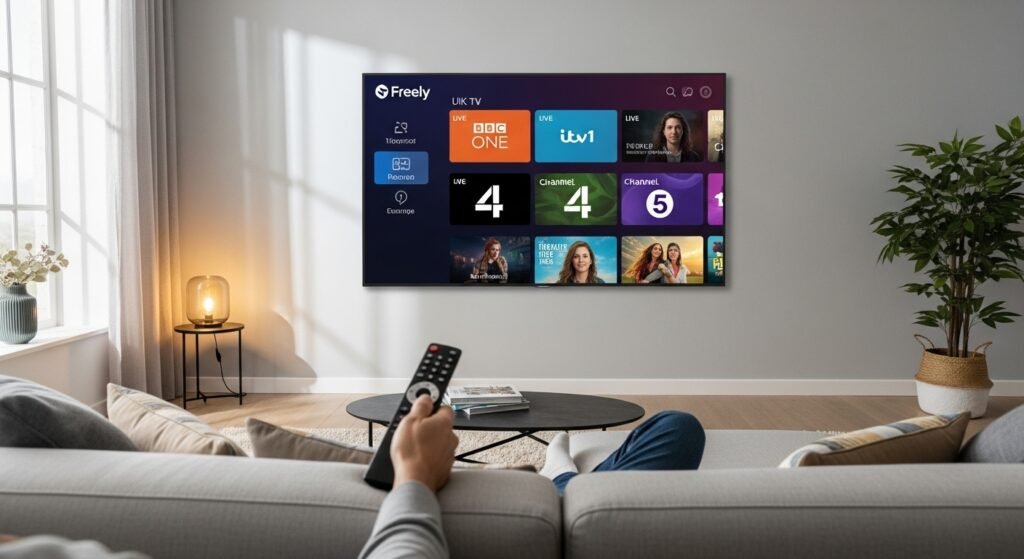
Freely focuses on free UK channels. You get all the main public service ones plus others.
Main channels include:
- BBC One, BBC Two, BBC Three, BBC Four
- ITV1, ITV2, ITV3, ITV4, ITVBe
- Channel 4, E4, More4, Channel 4 +1
- Channel 5, 5USA, 5Action, 5Select
- And many more like BBC News, CBBC, CBeebies, ITV News, etc.
Freely started with around 30-40 channels, but it keeps growing. In late 2025, they announced 10 new channels coming in 2026. These include options like Blaze (for factual shows), Bloomberg News, True Crime UK, AMC Reality, and even a movie channel for film lovers.
You also get access to on-demand libraries from each broadcaster. For example, watch full series on BBC iPlayer or catch up on ITV shows through ITVX — all inside Freely.
Note: Some on-demand content may ask you to sign in with a free account (like for BBC iPlayer). This is quick and still free.
Freely does not include paid services like Netflix or Disney+. It is only for free content.
How to Get and Set Up Freely TV
To use Freely, you need a compatible device. It is built into some smart TVs or available as a separate box.
Here are the main ways:
- Freely Built-in TVs — Many new smart TVs come with Freely ready. Brands like Hisense (at launch), Philips (from 2025 models), JVC, and Panasonic support it. Check your TV settings or remote for a “Freely” button.
- Freely TV Box or Stick — You can buy a dedicated Freely device. Plug it into your TV’s HDMI port, connect to power and Wi-Fi, and start watching.
- Other Streaming Devices — Right now, Freely is mostly on specific TVs. It is not yet widely available as a standalone app on Fire TV Stick, Roku, Android TV, or Apple TV. But updates may bring it to more places in the future.
Setup steps are easy:
- Plug in your TV or device.
- Connect to your Wi-Fi network.
- Follow on-screen instructions (it may download updates).
- For on-demand, sign into player apps if asked (free accounts).
- Start browsing the guide!
It takes just a few minutes. No engineer visit needed.
Pros and Cons of Freely TV
Like any service, Freely has good points and some limits.
Pros:
- Completely free — no monthly cost.
- No need for aerial or dish — great for new homes or apartments.
- Pause/rewind live TV — something old aerial TV can’t do easily.
- All main UK channels in one app.
- Regular new channels added (exciting for 2026).
- Simple interface for everyone, including older users.
- Legal and from trusted broadcasters.
Cons:
- Needs good internet — at least stable broadband (slow Wi-Fi may cause buffering).
- Limited to UK free channels — not global or paid services.
- Not on all devices yet (mostly specific TVs or boxes).
- Some users say the app can be slow to load on certain models.
- On-demand may need separate logins.
- Picture quality depends on your internet (but HD is available on main channels).
Overall, the pros are much stronger for people who want simple, free TV.
Who Should Use Freely TV?
Freely is perfect if you:
- Live in the UK and like BBC, ITV, Channel 4, or Channel 5 shows.
- Want to cut cable or satellite costs.
- Have a modern smart TV or plan to buy one.
- Don’t want complicated setups.
- Enjoy live news, soaps, dramas, sports highlights (on free channels), and catch-up TV.
It is not for people who need international channels, premium movies, or live sports from paid leagues (like Sky Sports). For those, you may still need other services.
Freely Compared to Other Free TV Options
There are other free ways to watch TV online, but Freely stands out for UK users.
- Pluto TV or Tubi: These have many channels, but mostly US-focused or ad-heavy on-demand. Not the same UK live channels.
- Freeview Play: Needs an aerial, unlike Freely.
- YouTube or other apps: Good for some live streams, but not organized like Freely.
Freely wins because it gives official UK public channels in HD, with catch-up, all free and in one place.
Future of Freely TV
Freely is still new and growing fast. In 2025 and 2026, more TVs will support it. More channels are coming, including news, movies, and reality shows.
The team keeps updating the software to make it better. They listen to user feedback for improvements like faster loading or more device support.
As more people drop traditional TV, Freely could become the main way for free viewing in the UK.
Final Thoughts
Freely TV app (or service) is a game-changer for free live TV. It brings your favorite channels online without any cost or complicated setup. With live streaming, pause features, and on-demand access, it makes TV easy and modern.
If you have a compatible TV or are thinking of getting one, try Freely. You will love watching shows without worrying about bills.
Just remember: good Wi-Fi is key, and it focuses on UK free content. For millions of people, that’s exactly what they need.
Disclaimer:
This article is only for information. It is not an ad, not sponsored, and not affiliate content. We are not linked to Freely TV or any company mentioned. Details may change. Use this information at your own choice.
Explore More
- Cash App UK: How to Use It, Is It Available, and Best Alternatives
- Hesgoal App: Live Sports Streaming Made Easy
- LG TV Remote App: Control Your LG Smart TV From Your Phone
About the Author