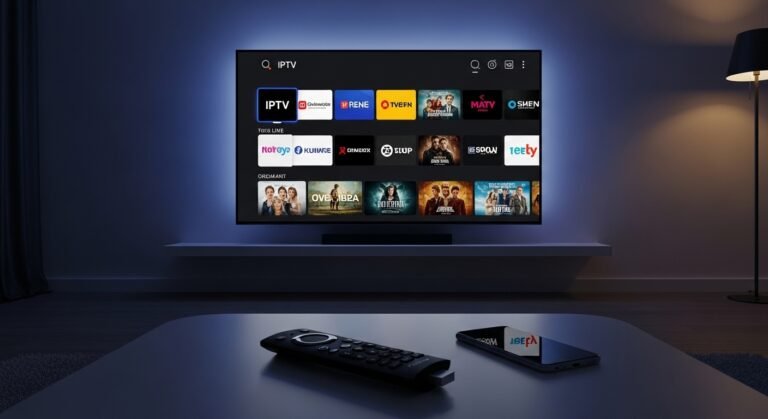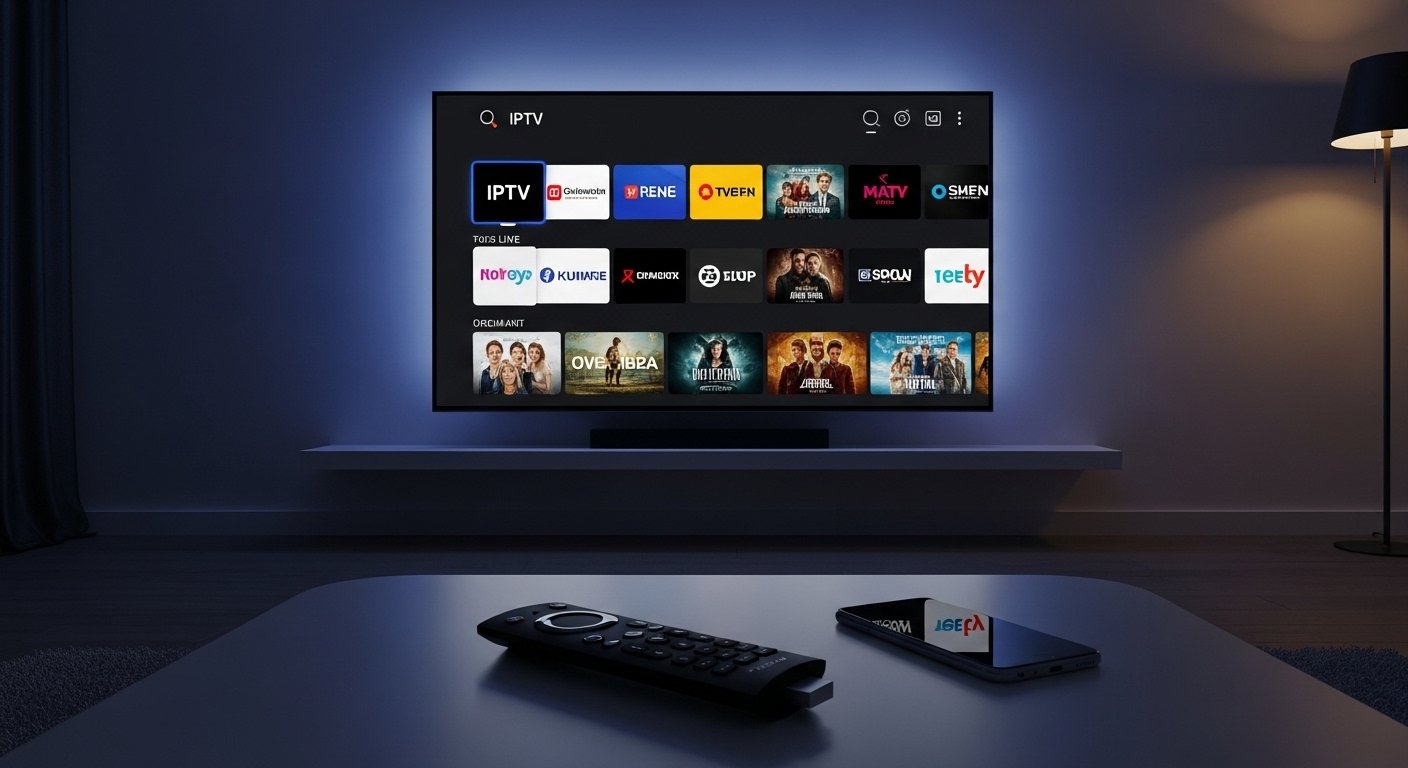
The Gamma TV App is a popular IPTV player app (often called Gamma IPTV Player) that lets people stream live TV channels, movies, and shows over the internet. It works with IPTV playlists (like M3U links or Xtream Codes) from a subscription service. Many users pair it with services like Gamma IPTV for thousands of channels.
This app is free to download and use as a player. It does not come with free channels built-in. You need a valid IPTV subscription (paid or from a provider) to watch content. Always use legal sources for IPTV services to stay safe and follow the law.
This guide explains everything in simple, easy English. It covers what the app is, why people like it on Firestick, how to download and install the latest APK on Firestick, features, and tips. The info is based on real user guides and current methods as of 2026.
What Is Gamma TV App?
Gamma TV App, or Gamma IPTV Player, is a simple tool for Android devices like Firestick. It plays IPTV streams. IPTV means Internet Protocol Television — TV over the web instead of cable or satellite.
The app connects to your IPTV provider’s playlist. Once connected, you see live channels from many countries, plus movies and series on demand (VOD).
Key points:
- It is not a full streaming service like Netflix.
- It is a player — free to get.
- You add your own playlist (from a paid IPTV service).
- Popular on Firestick because Fire TV devices run Android and support sideloading APKs.
Many people search for “Gamma TV app Firestick” or “Gamma TV app download” because it works well on Amazon’s device for cord-cutters who want cheap live TV options.
Why Use Gamma TV App on Firestick?
Firestick is small, cheap, and plugs into your TV. It turns any TV into a smart TV. Gamma TV App fits perfectly because:
- Easy to control with Firestick remote.
- Supports HD and FHD streams (if your internet is good).
- No ads during playback (in most versions).
- Groups channels neatly.
- Works with EPG (TV guide) to see what’s on.
- Compatible with many IPTV providers.
In 2026, people still love it for sports, news, international channels, and movies without high cable bills. But remember: quality depends on your IPTV subscription and internet speed (at least 10-20 Mbps recommended for smooth HD).
Features of Gamma TV App
The app has simple but useful features that make streaming easy:
- Copy and paste playlist easily (M3U URL or Xtream Codes).
- Add playlist as a link — no file upload needed.
- Channels grouped by category (sports, movies, news, kids, etc.).
- No ads while watching videos.
- Custom EPG support — see program schedules.
- Favorite channels list to save your top picks.
- Search function to find channels fast.
- Parental controls in some versions.
- Works on live TV and VOD (movies/series).
- Supports multi-screen if your provider allows.
These features make it user-friendly even for beginners. The interface is clean and loads fast on Firestick.
Is Gamma TV App Free?
Yes, the Gamma TV App APK is free to download. There is no cost for the player itself.
But to watch content:
- You need an IPTV subscription (many cost $5–15 per month for thousands of channels).
- Free playlists exist online, but they are often unstable, low-quality, or illegal. We do not suggest them — use legal paid services only.
The app gets regular updates for better stability.
How to Download Gamma TV App on Firestick (Step-by-Step)
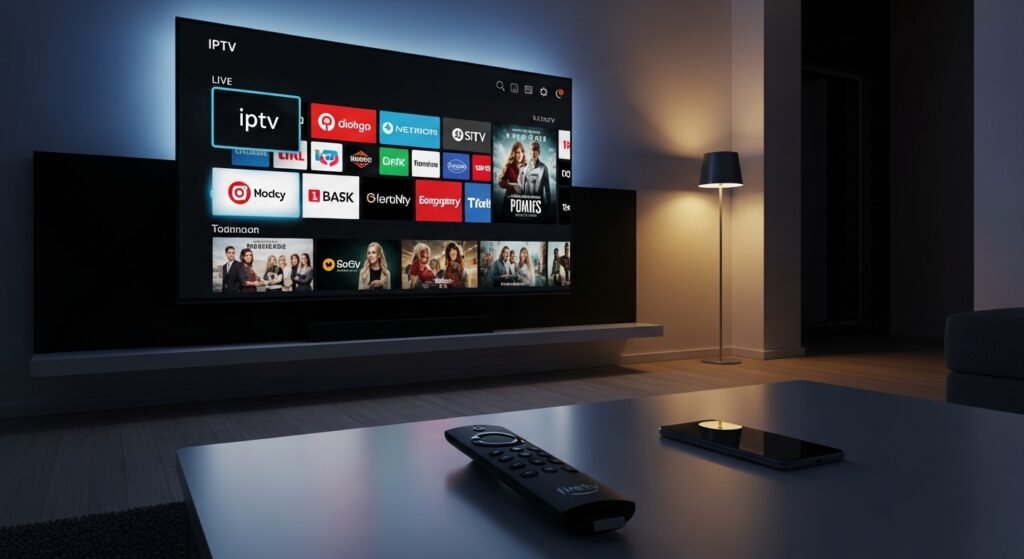
Firestick does not have Gamma TV in the Amazon App Store. You must sideload the APK using the Downloader app. This is safe and common.
Follow these easy steps:
- Turn on Apps from Unknown Sources
- Go to Firestick home screen.
- Click Settings (gear icon).
- Select My Fire TV (or Device).
- Click Developer Options.
- Turn on “Apps from Unknown Sources.”
- If asked, confirm “Turn On.”
- Install Downloader App
- From home screen, go to Find > Search.
- Type “Downloader” and select it.
- Install the app by AFTNews or similar trusted one.
- Open it after install.
- Download the Latest Gamma TV APK
- In Downloader, a home page shows a URL box.
- Type a trusted URL for the APK (common one from guides: https://static.aaab.io/gamma.apk or check official IPTV sites/forums for latest).
- Click Go.
- The APK file downloads.
- When done, click Install.
- Install and Open the App
- After install, click Done (or Open).
- If not open, go to Your Apps & Channels > See All > find Gamma IPTV Player.
- Open it.
- Add Your Playlist
- In the app, find “Add Playlist” or similar.
- Paste your M3U URL or Xtream Codes (username, password, host from your IPTV provider).
- Save and load channels.
Done! You can now browse and watch.
Tip: Update the app sometimes by downloading new APK version the same way. Delete old one first if needed.
How to Use Gamma TV App After Install
- Open app.
- Load your playlist (it may take a minute first time).
- See categories on left or top.
- Click a channel to play.
- Use remote to pause, change channel, or go full screen.
- Add favorites by long-press or heart icon.
- Use search bar for quick find.
If buffering happens:
- Check internet.
- Choose lower quality stream.
- Restart app or Firestick.
Safety and Legal Tips for Gamma TV App
- Download APK only from trusted sources to avoid malware.
- Use a VPN on Firestick for privacy (many good ones work well).
- IPTV with copyrighted channels without license is illegal in many places.
- Stick to legal providers who have rights to channels.
- Gamma TV App itself is legal as a player, like VLC.
- No misleading: This app does not provide free illegal content. It needs a subscription.
Always verify URLs from official provider sites.
Pros and Cons of Gamma TV App on Firestick
Pros:
- Free player.
- Simple interface.
- Good for live TV and VOD.
- Works great on Firestick.
- Ad-free playback.
- Regular updates.
Cons:
- Needs separate IPTV subscription.
- Channel quality depends on provider.
- Sideloading required.
- May have occasional bugs (fixed in updates).
Compared to other players like IPTV Smarters or TiviMate, Gamma is lighter and easier for beginners.
Alternatives If Gamma TV Does Not Work for You
If you face issues:
- Try IPTV Smarters Pro (similar, popular on Firestick).
- GSE Smart IPTV.
- Perfect Player.
- For free legal options: Pluto TV, Tubi, or Amazon Freevee (but no live TV like IPTV).
For best experience in 2026, pair with a reliable paid IPTV service.
Final Thoughts
Gamma TV App is a great choice for Firestick users who want to stream live channels and movies with their own IPTV playlist. It is easy to install with Downloader, free, and full of useful features like grouped channels and EPG.
Follow the steps above for “Gamma TV app download” on Firestick. Enjoy your entertainment!
Disclaimer:
This article is only for information. It is not an ad or promotion, and we are not connected to the Gamma TV App or any IPTV service. The app is just a player — it does not give free TV or movies. You need your own legal IPTV subscription to watch content. We do not share links, passwords, or illegal streams. Always use legal services and follow the law.
Explore More
- Rocco App: Download, Login, Reviews, iPhone Version, Codes & Customer Service Help
- Members Credit Union App: Midwest, Diversified & Premier App Codes Explained
- The Best Private Investigator App: Top Tools for Investigations & Tracking
About the Author