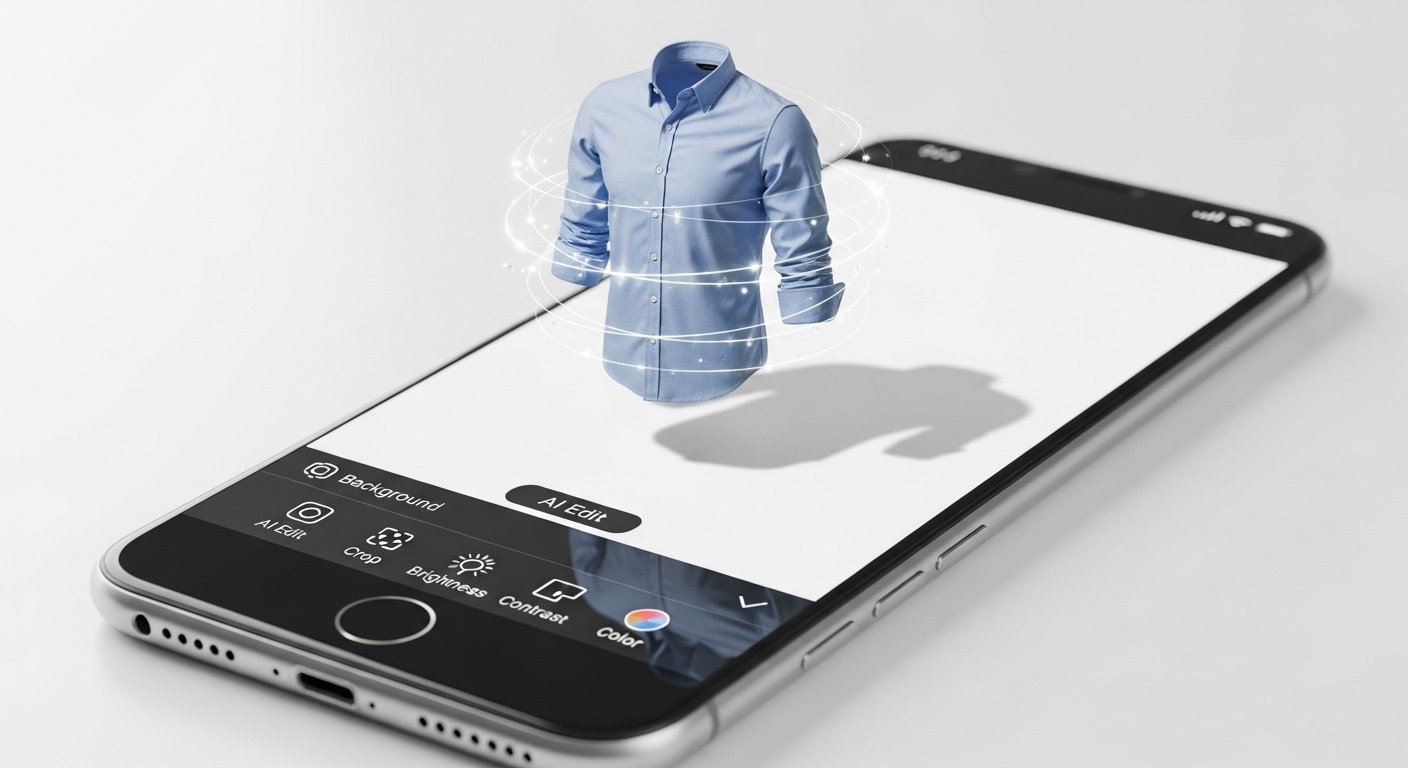
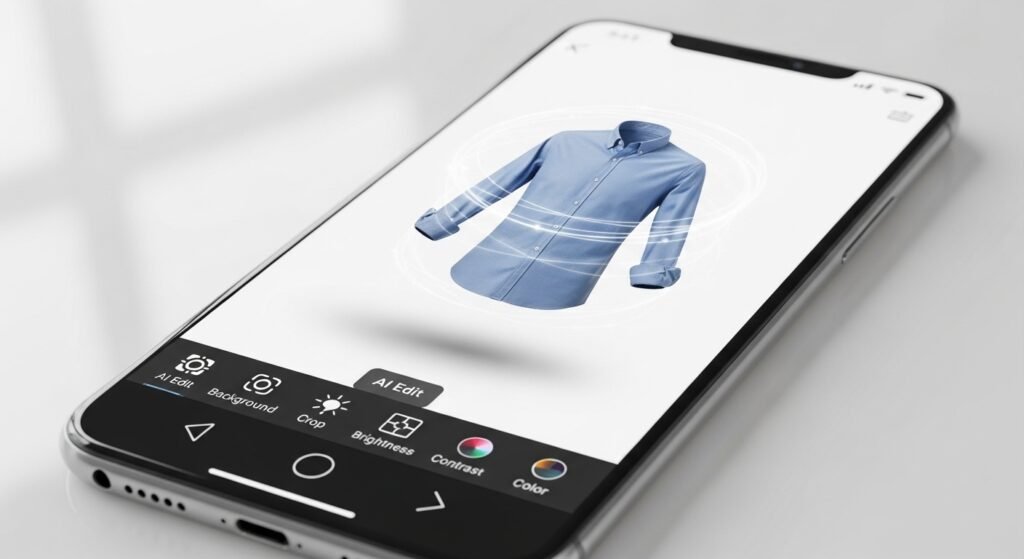
A ghost mannequin app is a tool that helps you edit photos of clothes. It removes the mannequin (or model) from the picture so the clothing looks like it is floating or worn by an invisible person. This is also called the “invisible mannequin” or “ghost mannequin effect.”
This effect is very popular for online shops. It shows the shape, fit, and details of clothes clearly. Customers can see how the shirt, dress, or jacket hangs without a visible dummy or person in the way.
In the past, people needed expensive software like Photoshop and lots of time to do this. Now, with AI (artificial intelligence), free ghost mannequin apps make it simple and fast — even on your phone.
Many small business owners, online sellers, and photographers use these apps on iPhone or Android. You take a photo of clothes on a mannequin, upload it to the app, and the AI removes the mannequin automatically. The result looks professional.
Why Do You Need a Ghost Mannequin App?
Good product photos help sell more clothes online. Here are some key reasons to use a ghost mannequin app:
- It makes clothes look 3D and real, showing sleeves, neckline, and how the fabric falls.
- It removes distractions so buyers focus only on the product.
- It saves money — no need to hire models or buy special invisible mannequins.
- It is fast — you can edit many photos in minutes.
- It works great for e-commerce sites like Amazon, Etsy, Shopify, or Daraz.
Without this effect, photos on hangers or flat lays look boring. Ghost mannequin photos increase trust and sales.
How Does a Ghost Mannequin App Work?
Most modern apps use AI to do the hard work. Here is a simple step-by-step:
- Take photos of the clothing on a mannequin (front, back, sides, and inside if needed).
- Upload the photo to the app on your iPhone or Android.
- The AI detects the mannequin and removes it.
- It keeps the natural shape of the clothes.
- You can clean the background (make it white) or add shadows.
- Download the final photo.
Some apps need two photos (front and back) to make the effect perfect. Others use one photo and AI magic.
Free versions often have limits like watermarks, lower quality, or a few edits per day. But many give enough free uses for beginners or small shops.
Best Free Ghost Mannequin Apps for iPhone and Android
Here are the top free (or mostly free) ghost mannequin apps that work well on mobile in 2026. I picked these based on ease of use, results, and user feedback.
1. Photoroom – One of the Best Free Ghost Mannequin Apps
Photoroom is very popular for mobile users. It has apps for both iPhone and Android.
- It has a special AI Ghost Mannequin tool.
- You upload a photo of clothes on a mannequin or flat lay.
- The AI turns it into a clean ghost mannequin image.
- It shows the fit and drape of the fabric well.
- Easy steps: Upload > Choose Ghost Mannequin > Generate > Download.
- Free version lets you try it with some limits (like number of high-res downloads).
- Pro version is cheap if you need more.
- Great for beginners — no editing skills needed.
Many e-commerce sellers say Photoroom gives fast and clean results. It is one of the best ghost mannequin app iPhone and Android options right now.
2. Pixlr – Free and Simple Mobile Editor
Pixlr has apps for iOS and Android. It is free with ads.
- It is a full photo editor with AI tools.
- Use background remover to cut out the mannequin.
- Then use layers or clone tool to fill in the empty parts.
- It has AI cutout and retouch features.
- Good for manual control if AI does not get it perfect.
- No special ghost mannequin button, but you can create the effect easily.
- Works offline for some tools.
- Free plan is strong for basic use.
Pixlr is great if you want more control. It is a top free ghost mannequin app for people who like to edit step-by-step.
3. Fotor – Easy AI Photo Editor
Fotor has mobile apps for iPhone and Android.
- Free online and app version.
- AI background remover and object removal.
- You can remove mannequin and clean the image.
- It has tools to add shadows or adjust shape.
- Simple interface — good for new users.
- Batch editing in free plan (edit many photos at once).
- Some watermarks on free exports, but easy to remove in basic use.
Fotor is good for quick edits. It is often listed as a best ghost mannequin app because of its AI help.
4. Pixa (Formerly Pixelcut) – Free AI Clothing Ghost Mannequin Generator
Pixa has a mobile-friendly app and web tool.
- Special tool for clothing ghost mannequin.
- Upload garment photo — AI makes invisible mannequin effect.
- Fast results in seconds.
- Works with any clothing style (shirts, pants, dresses).
- Free to use with some limits.
- High-quality output for e-commerce.
- Loved by over 2 million users.
This is a strong choice for Android and iPhone users who want AI speed.
5. Other Helpful Free Options
- Canva (iOS and Android): Free background remover. Combine with layering for ghost effect. Easy for adding text or designs too.
- Snapseed (Google app, free): Powerful free editor for manual removal and retouch. No AI ghost but great for fine details.
- Remove.bg (web + mobile): Removes background fast. Combine with another app for full ghost mannequin.
Note: Pure 100% free unlimited AI ghost mannequin on mobile is rare because AI costs money to run. But the apps above give good free trials or daily credits.
How to Choose the Best Ghost Mannequin App for You
Ask yourself these questions:
- Do you want fully automatic AI? Choose Photoroom or Pixa.
- Do you like to edit manually? Pixlr or Fotor.
- Do you have many photos? Look for batch tools.
- Is your phone old? Choose light apps like Pixlr.
- Need high quality for sales? Test free versions first.
Always check the App Store or Google Play for latest reviews and updates.
Tips for Better Ghost Mannequin Photos on Mobile
To get the best results:
- Use good lighting when shooting — bright and even.
- Photograph on a white or plain background.
- Take front, back, and inside photos if possible.
- Use a real mannequin that can be removed in parts.
- Zoom in to check details after editing.
- Save in high resolution.
- Test different apps — results vary by clothing type.
For tricky clothes (like dresses with folds), AI apps like Photoroom work better.
Common Mistakes to Avoid
- Using dark or bad photos — AI cannot fix everything.
- Expecting perfect results every time — sometimes you need small manual fixes.
- Ignoring shadows — good ghost photos have soft shadows for realism.
- Using too many effects — keep it clean and natural.
Why AI Has Changed Ghost Mannequin Editing
In 2026, AI makes this easy for everyone. No more hours in Photoshop. Apps like Photoroom use smart technology to understand clothes and remove mannequins safely. This helps small sellers compete with big brands.
Free options are getting better every year. You can start today with no cost.
Final Thoughts
If you need a free ghost mannequin app for iPhone or Android, start with Photoroom or Pixa for AI ease. For more control, try Pixlr or Fotor. These are the best ghost mannequin apps right now because they are simple, mobile-friendly, and give professional results.
Download one today and try it on your next clothing photo. You will see how much better your online shop looks. Good luck with your photos and sales!
Disclaimer:
This article is only for information. We are not connected with any app or company mentioned above. This is not a sponsored or affiliate article. We do not get any money or commission from any app or brand. All names and logos belong to their real owners. App features and prices can change at any time. Please check the official app store for the latest details. We are not responsible for any loss or problem if you use these apps.
Explore More
- CB Driver App – Complete Guide for Drivers (Features, Benefits & Download Info)
- ShiftLab App Download for iPhone & iOS – Get ShiftLab App Now
- The Weather Kitty App Review 2026: Is It Safe to Use on iPhone? Featuring Lil Bub
About the Author