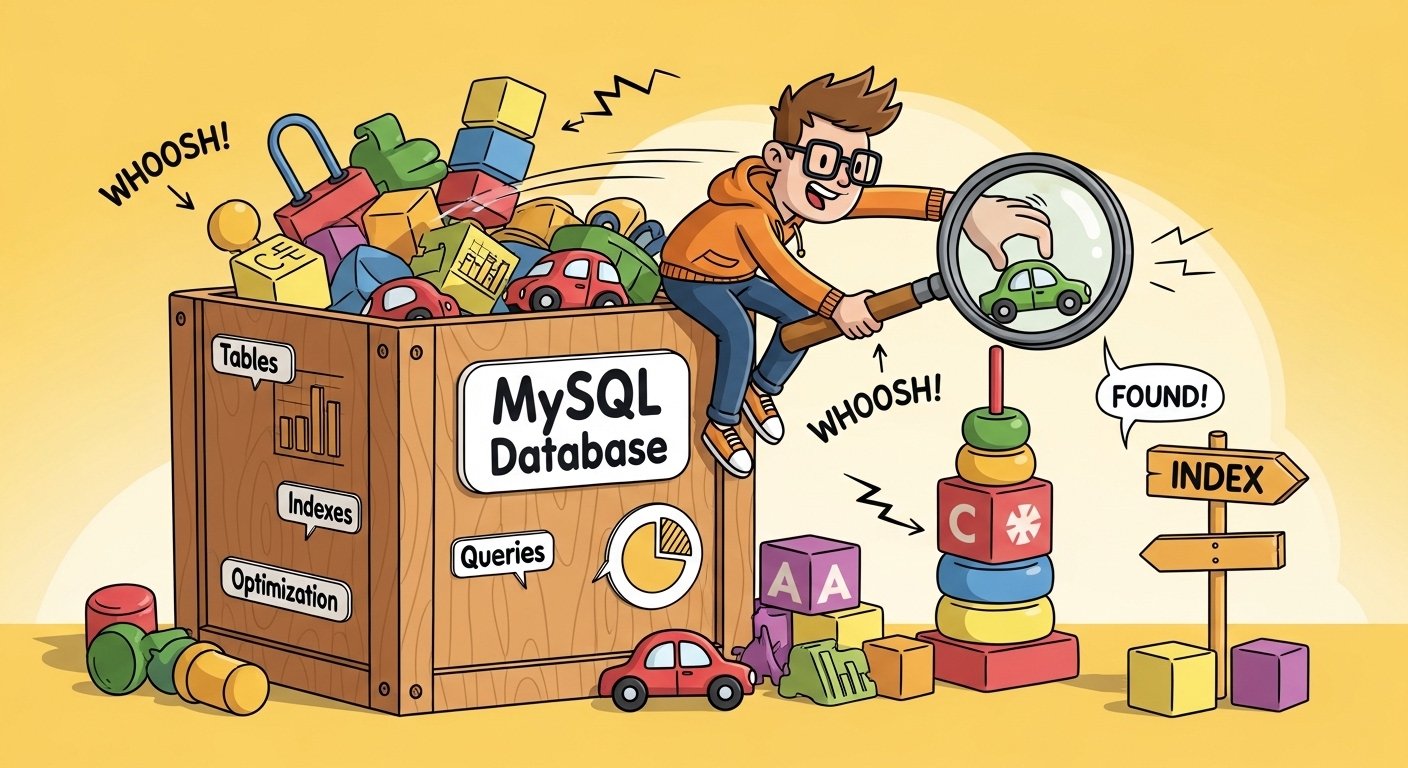
Imagine you have a big toy box full of colorful blocks, cars, and dolls. When you want to find your favorite red car, you don’t dump everything out and look through every single toy one by one. That would take forever! Instead, you quickly grab the box labeled “cars” and find it right away. That’s exactly what happens in a database like MySQL. When your queries run slow, it’s like searching the whole messy toy box every time. But don’t worry! We can clean things up and make everything zoom super fast. This article will show you simple, fun ways to fix slow MySQL queries. You’ll feel like a database superhero by the end, and your computer will thank you with speedy results.
MySQL is like a helpful librarian who keeps all your information safe in books called tables. Queries are the questions you ask the librarian, like “Show me all the kids who like ice cream.” When the librarian takes too long to answer, we call those slow queries. Over time, as more books get added, things can slow down if we don’t help the librarian. That’s why learning these tips is so exciting — because small changes can make huge differences, and your apps or websites will feel much happier and quicker.
Now let’s start our adventure by finding out why queries get slow in the first place. After that, we’ll learn step by step how to make them fast again.
Why Do MySQL Queries Get Slow? Let’s Understand the Problem
First, picture a huge library with thousands of books. If you ask for a book about dinosaurs, but there are no signs or labels on the shelves, the librarian has to check every shelf. That takes a lot of time! In MySQL, this checking every row is called a full table scan, and it’s one of the biggest reasons queries slow down.
Another thing is when your question asks for too much stuff at once. For example, if you say “Give me everything!” instead of “Just show me the names and ages,” the librarian has to carry a giant pile of papers back to you. Also, if many people ask questions at the same time without good order, things get crowded and slow.
Sometimes the problem is like having old maps — the librarian doesn’t know the best path anymore. Or maybe some helpful signs (called indexes) are missing on important shelves. Over time, as you add more toys or books, these little problems grow bigger. That’s why, because we understand the causes, we can fix them one by one and make everything smooth and quick.
Next, let’s talk about the first big step that smart database friends always do: find the slow queries so we know exactly what to fix.
How to Find the Slow Queries — Be a Detective!
Before we fix anything, we need to know which queries are slow. MySQL has a special notebook called the slow query log. You can turn it on like this: tell MySQL “Hey, please write down any query that takes longer than 1 second.” After that, you look in the log and see the naughty slow ones listed there.
For example, you might see something like “This query took 5 seconds to find all users.” Now you know where to start! Another fun tool is called EXPLAIN. It’s like asking MySQL “Tell me your plan before you run this query.” When you add EXPLAIN in front, MySQL shows you a map of what it will do. If it says “ALL” in the type column, that means full table scan — time to add help!
Many grown-up tools help with this too, but even simple ones like EXPLAIN make you feel like a real detective. Once you spot the slow queries, you can fix them and watch the time drop from seconds to milliseconds. That’s why finding them first is so important — it saves you from guessing.
Now that we know the slow ones, let’s jump to the most powerful fix of all.
Add Indexes — Your Super Speed Signs!
Indexes are like magic labels on your database tables. They help MySQL jump straight to the right spot instead of looking everywhere. For example, if you often look for kids by their name, add an index on the name column. Suddenly, instead of checking 10,000 rows, MySQL checks just a few.
Here’s a simple way to do it: CREATE INDEX fast_name ON kids (name); Now queries like SELECT * FROM kids WHERE name = ‘Alex’ become super fast. But be careful — don’t add indexes on every column because too many can slow down adding new stuff, like when you add a new toy to the box.
Another cool thing is composite indexes for when you look at two things together, like name and age. Also, use EXPLAIN after adding an index to see if MySQL uses it — if the key column shows your new index, hooray! Over time, good indexes can make queries 10 or 100 times faster. That’s why so many people say indexes fix most slow query problems.
In addition, let’s see what else we can do to help those indexes work even better.
Write Smarter Queries — Choose Your Words Carefully

Even with good indexes, the way you ask the question matters a lot. For example, instead of saying SELECT * FROM toys, say SELECT id, color FROM toys. This means MySQL doesn’t have to carry extra information it doesn’t need, so things go quicker.
Another tip is to avoid functions on columns in WHERE. Like, don’t do WHERE YEAR(birthday) = 2020 because that stops the index from working. Instead, do WHERE birthday >= ‘2020-01-01’ AND birthday < ‘2021-01-01’. This lets the index help.
Also, use LIMIT when you only need a few rows, like the top 10 newest toys: ORDER BY added_date DESC LIMIT 10. For joins between tables, make sure both sides have indexes on the joining columns. One day, a friend told me their query was slow because they joined two big tables without indexes — after adding them, it became lightning fast!
Next, let’s talk about another common trick that makes everything smoother.
Use LIMIT and Avoid Big Results — Don’t Grab Everything!
Imagine asking the librarian for all books about animals. If there are millions, it will take forever to bring them all. But if you say “Just the first 20,” it’s quick and easy. In MySQL, always add LIMIT when you can, especially for pages in apps.
For example: SELECT name FROM animals ORDER BY cute_level DESC LIMIT 20 OFFSET 0; Then for the next page, OFFSET 20. This way, MySQL stops after finding just what you need. Also, avoid SELECT * because it pulls extra columns that slow things down.
Over time, these small habits make your whole database feel lighter and happier. That’s why experienced friends always use LIMIT and pick only needed columns.
Now let’s look at something fun: caching, which is like keeping your favorite toys right on your desk.
Cache Results — Keep Answers Ready!
Sometimes you ask the same question many times, like “How many kids like pizza?” If the answer doesn’t change often, why ask again and again? Caching saves the answer so next time it’s instant.
You can use MySQL’s query cache (if turned on), or better tools like Redis that store answers outside. For example, save the pizza count for 5 minutes. When someone asks, grab the saved answer super fast. This means your database works less, and everything speeds up.
In addition, for web apps, page caching helps too. But remember to update the cache when data changes, so answers stay true. Fun fact: big websites use caching a lot, and it saves them tons of time!
Another thing is to keep your tables clean and healthy.
Optimize Tables and Server Settings — Give Your Database a Check-Up
Over time, tables can get messy inside, like a toy box with broken pieces. MySQL has OPTIMIZE TABLE command to clean and organize. Run it on tables that have lots of deletes or updates: OPTIMIZE TABLE my_table;
Also, check your server settings. Make sure innodb_buffer_pool_size is big enough to hold important data in memory — like keeping favorite books on a special shelf so the librarian grabs them fast without walking far.
For example, if your data fits in memory, queries zoom! But don’t make it too big or your computer might get tired. Also, tune other settings like sort_buffer_size if you do lots of sorting.
Now, for a little extra fun, here are some cool facts about MySQL speed.
Fun Facts About MySQL and Speed
Did you know MySQL can handle thousands of questions every second on a good computer? That’s faster than blinking! Also, the biggest databases in the world use MySQL, like Facebook and YouTube parts. One fun thing is that adding one good index can cut query time from 10 seconds to 0.01 seconds — that’s like going from walking to flying!
Another fact: MySQL keeps learning new tricks in new versions, like better ways to join tables or use memory. That’s why keeping your MySQL updated helps too.
What can we learn from all this?
What We Can Learn from Fixing Slow Queries
Fixing slow queries teaches us patience and smart thinking. We learn to look carefully (with EXPLAIN), help when needed (with indexes), and not do extra work (like avoiding SELECT *). Also, it shows that small changes make big differences — just like how organizing your toys makes playtime more fun.
Over time, you’ll get better at writing fast queries from the start, so problems don’t grow big. And remember, a fast database means happy users who don’t wait, and that’s the best feeling!
In conclusion, slow MySQL queries are common, but you now know proven ways to fix them. Start by finding slow ones with logs and EXPLAIN. Then add smart indexes, write clean queries, use LIMIT, cache answers, and keep things optimized. Each step connects to the next, making your database faster and more fun to use.
You can do this! Try one tip today, like adding an index or running EXPLAIN on a query. Watch the magic happen, and soon your database will run smooth and quick. Keep learning, stay curious, and enjoy the speedy adventure. Your future self (and your apps) will be so glad you did!
Disclaimer:
This article is only for learning and information. It is not promotional, sponsored, or an affiliate article. The tips here are general advice to help you understand and improve MySQL queries. We do not guarantee any results. Use the advice carefully and at your own risk. We are not responsible for any problems that may happen to your database, website, or computer.
Explore More
- Berrow Motors: Reviews, Used Cars, Ownership & Why It Closed
- Home Savvy App: Download on App Store & Android for Smart Home Management”
- Gamma TV App: Download on Firestick & Latest APK for Free
About the Author