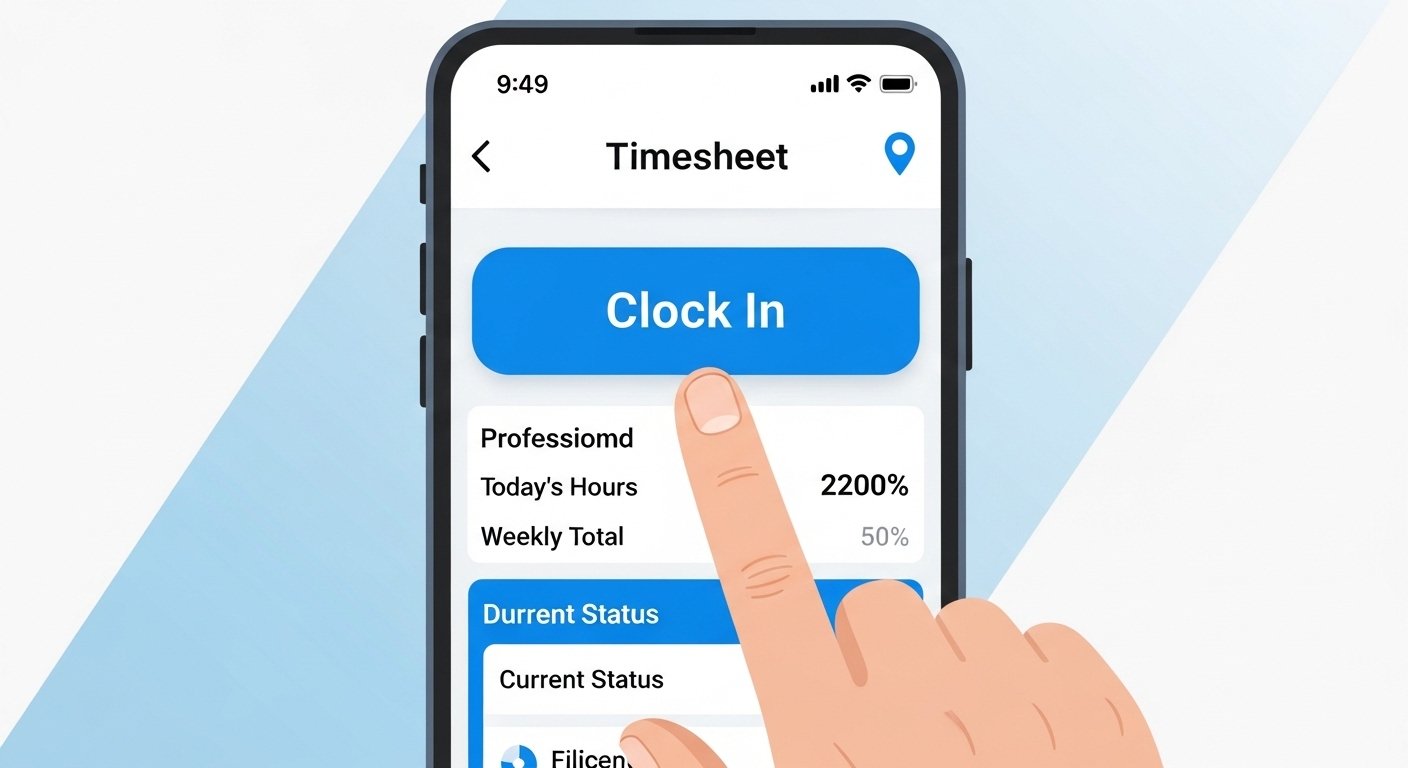
The IQ Timecard App Download – Easy Employee Time Tracking & Mobile Timesheet Guide is a complete, simple guide to help you understand and use the IQ:timecard app (often called IQ Timecard). This tool comes from Unique IQ, a company that makes software for workforce management. It is made for businesses with workers who go to different places, like home care helpers, cleaners, or field teams. The app makes tracking time easy on phones.
Many companies look for good ways to track employee hours in 2026. Tools like this help save time, reduce mistakes, and keep everything fair. This guide uses very easy English so anyone can read it fast. We cover what the app is, why it helps, how to download it, how to use it, its good points, and more. Let’s start!
What Is the IQ Timecard App?
IQ:timecard is a mobile app and online system for tracking time and attendance. It is built for remote or mobile workers. Employees use their phones to clock in and out. Managers see everything in real time on a dashboard.
The app is part of a bigger system called IQ:timecard from Unique IQ (a UK-based company). It started as an electronic call monitoring tool but now works well for time tracking. Workers log their start time, end time, location, and job activities. This is very useful for jobs where people work away from the office.
It is not like general time trackers (such as Toggl or Clockify). IQ:timecard focuses on field service, care workers, and cleaning teams. It shows where workers are and what they do right away. This helps bosses plan better and pay correctly.
Why Use IQ Timecard for Employee Time Tracking?
In today’s world, many jobs happen outside the office. Think of nurses visiting homes, cleaners going to buildings, or repair people fixing things on site. Old ways like paper timesheets cause problems: lost papers, wrong times, or cheating.
IQ Timecard fixes these issues. Here are the main reasons businesses choose it:
- Real-time updates: See when someone starts or ends work instantly.
- Mobile first: Employees use their own phones – no need for special machines.
- Accurate pay: Hours are logged correctly, so payroll is easy and fair.
- Location tracking: Know if the worker is at the right place (important for care or service jobs).
- Less admin work: Managers spend less time checking timesheets.
- Better compliance: Follow rules for working hours and breaks.
Many reviews say it works well for home care and facilities management. Businesses save money and time with better data.
How to Download the IQ Timecard App
Downloading is simple. The app is free for employees (businesses pay for the account).
For Android Phones:
- Open the Google Play Store on your phone.
- Search for “IQTimecard” or “IQ:timecard”.
- Look for the app by Unique IQ or with the description: “Allows Employees to use the IQ:timecard and IQ:careplanner mobile features.”
- Tap “Install”. It is safe and from official sources.
- After install, open the app.
- You need login details from your employer (username and password).
- Some versions are on sites like APKPure or Aptoide if Play Store has issues, but use official Play Store first for safety.
The latest version (around 2.5.70 or newer in 2026) works on most Android devices.
For iPhone (iOS):
- Open the App Store.
- Search “IQTimecard”.
- Find the app with ID like 1039338035.
- Tap “Get” or the cloud icon to download.
- It is free, size about 26-30 MB.
- Open and log in with your company details.
Important Note: You cannot use the app without an account from your employer. They set it up on the IQ:dashboard (app.iqtimecard.com). Ask your manager for login info.
If you are a business owner, visit the Unique IQ website (uniqueiq.co.uk) to learn about plans and sign up.
Step-by-Step Guide: How to Use the IQ Timecard Mobile App
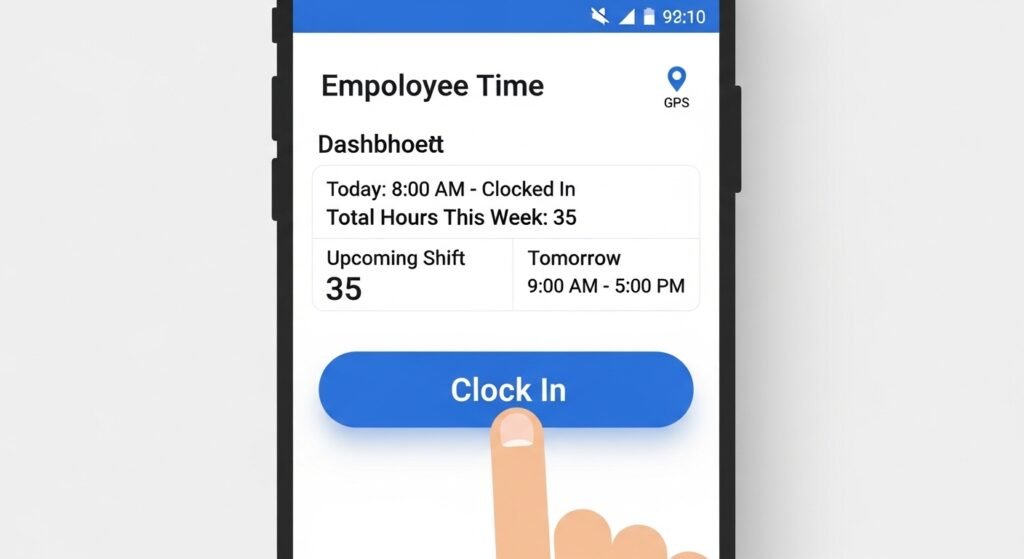
Once downloaded and logged in, the app is easy.
- Open the App and Log In Use the username and password your boss gave. Some setups use PIN or face ID for quick login.
- Clock In (Start Work)
- Tap the big “Clock In” or “Start Shift” button.
- The app may ask to confirm your location (GPS). This proves you are at the job site.
- Add notes if needed, like job type or client name.
- It records the exact time and place.
- During Work
- Some jobs let you log breaks or activities.
- The app may show your schedule or next job.
- Clock Out (End Work)
- Tap “Clock Out” or “End Shift”.
- Add any extra notes (like extra time reason).
- The app saves everything and sends it to the manager’s dashboard.
- View Your Timesheet
- Go to the timesheet section.
- See past days, hours worked, and pay info (if linked).
- Fix small mistakes if your boss allows.
- Other Features
- Some versions link to IQ:careplanner for care workers.
- Get reminders to clock in/out.
- See maps or job details.
The app is made to be simple – big buttons, clear text, works offline sometimes and syncs later.
Key Features of IQ Timecard
IQ:timecard has many helpful tools:
- GPS Location Tracking — Confirms workers are where they should be.
- Real-Time Dashboard — Managers see live updates on who is working.
- Electronic Timesheets — No paper needed; everything digital.
- Scheduling Tools — Plan shifts easily.
- Compliance Reports — Helps with labor laws.
- Integration — Works with payroll or other systems.
- Mobile for Both Android and iOS — Everyone can use it.
- Secure Data — Information is protected.
It is cloud-based, so no install on computers – just use browser for dashboard.
Benefits for Employees and Employers
For Employees:
- Easy to use on phone.
- See your hours anytime.
- Get paid right because times are accurate.
- No more filling paper forms.
For Employers:
- Save time on admin.
- Reduce errors in payroll.
- Know where team is for safety and service.
- Improve planning with real data.
- Better customer service with on-time workers.
Businesses in home care, cleaning, or facilities say it helps a lot.
How IQ Timecard Compares to Other Apps in 2026
Many time tracking apps exist in 2026. Here is a simple look:
- IQ:timecard — Best for field and remote service workers. Strong on location and real-time monitoring.
- General Apps (like Toggl Track, Clockify) — Good for office or freelance, but less GPS focus.
- Others (Hubstaff, Deputy, TimeClock Plus) — Have screenshots or shift scheduling, but IQ:timecard is simple for care/cleaning jobs.
If your team visits clients often, IQ:timecard fits better than basic apps.
Common Questions About IQ Timecard App
Is the app free? Yes for employees. Companies pay a subscription.
Does it track location all day? No, usually only at clock in/out. It respects privacy.
What if no internet? Many actions work offline and sync when back online.
Is it safe? Yes, uses secure login and data protection.
Can I use it on tablet? Yes, on Android/iOS tablets too.
How to get help? Ask your employer or check Unique IQ support.
Final Thoughts
The IQ Timecard app makes employee time tracking simple and mobile. With easy download on Android or iOS, quick clock in/out, and real-time views, it helps businesses run smoothly. For remote teams in care, cleaning, or field work, it is a strong choice in 2026.
If you are an employee, ask your boss to set it up. If you run a business, check the official site to try it. Good time tracking means happy workers and better business.
Disclaimer:
This article is only for information. We do not own the IQ:timecard app. We are not connected with Unique IQ. This is not an ad and we do not use affiliate links. We do not earn money from this article. All names and logos belong to their owners. App details can change anytime, so always check the official app store or the official Unique IQ website. We are not responsible for any problems or losses from using the app or from downloading files from other websites.
Explore More
- Marlboro App – Download for Android | Marlboro App Free Download
- Man and Van App UK – Reviews, Driver App & Contact Number
- Alloy App – Wheel Colour Change, Smartwatch Zinc Alloy & Causeway Alloy Tool
About the Author