Many people search online for “Loop App NHS”. They want to know what it is. Some think it is for patients. Some think it helps with diabetes or health tracking. But that is not correct.
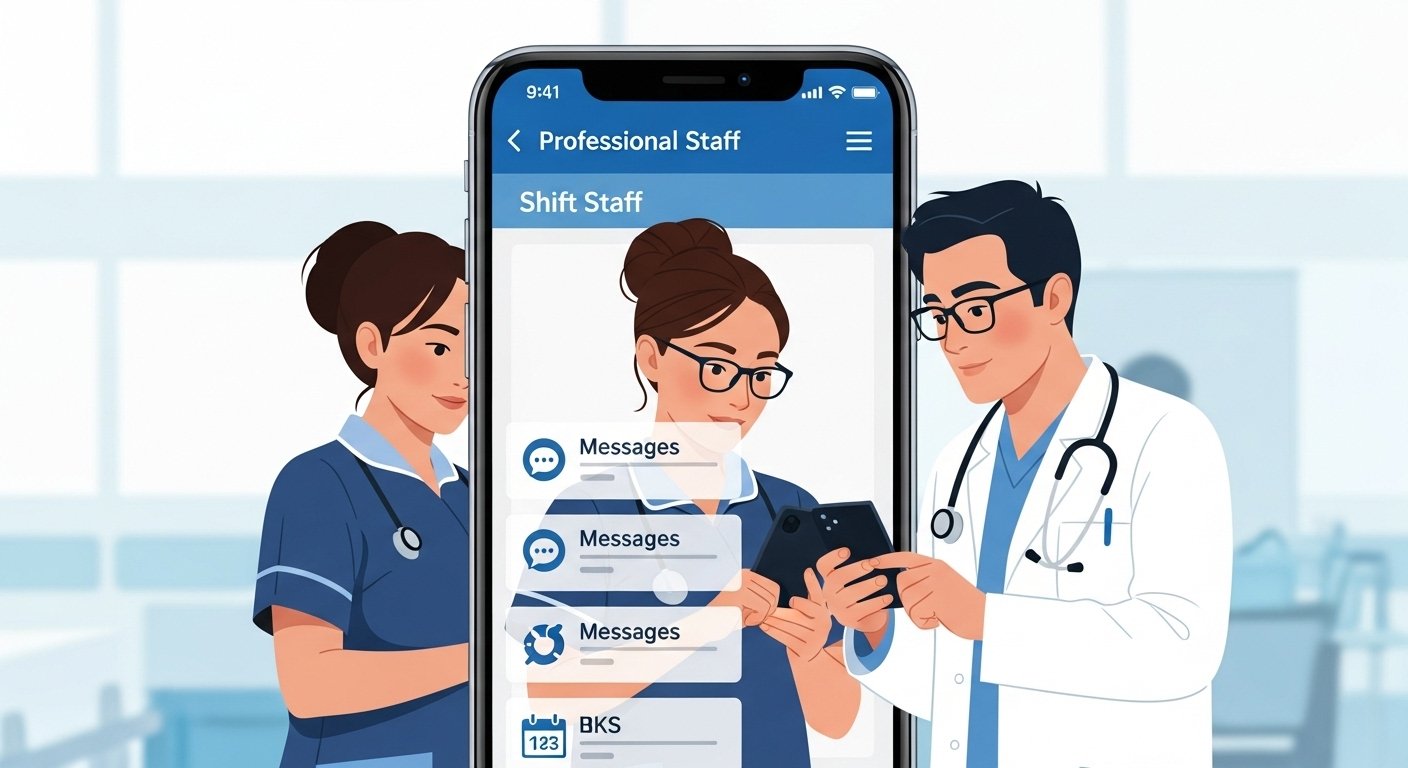
The Loop app (also called Allocate Loop) is not for patients. It is a special app made only for NHS staff — like nurses, doctors, care workers, and other health team members. It helps them with their work life.
This guide explains everything in very simple English. You will learn:
- What the Loop app really is
- Who uses it
- What it does
- How to start using it (if you are staff)
- Why patients search for it
- What patients should use instead
All facts here come from official NHS websites, RLDatix (the company that makes the app), and real user guides from 2025 and 2026.
What Is the Loop App?
The Loop app is a mobile phone app for health and care workers in the UK. The company RLDatix (part of Allocate Software) made it. Many NHS hospitals and care places use it now.
The name “Loop” means “stay in the loop”. It helps workers stay connected to their job, their team, and important news — all from their phone.
It started as a new tool to replace old systems. Old systems were websites like Employee Online (EOL) or the Me App. Those were hard to use on phones. Loop is easy and made for mobile phones.
Many NHS trusts started using Loop between 2021 and 2026. Examples include NHS Lothian, Queen’s Elizabeth Hospital King’s Lynn, Marie Curie, and many more. Over 1.3 million health workers use Loop apps like this across the UK and Ireland.
Important point: This app is only for staff. Patients cannot download or use it. It is not in the NHS App store for public use. It is a work tool.
Who Can Use the Loop App?
Only people who work in the NHS or connected care organisations can use Loop.
You need:
- A job in an NHS trust or care home that uses the app
- Login details from your employer (often your work email or old Employee Online ID and password)
- A smartphone (iPhone or Android)
Patients, family members, or normal people cannot sign up. There is no public version.
The app is safe and private. It follows strict NHS rules for data protection. Messages and information stay inside your workplace only.
What Does the Loop App Do? Main Features Explained
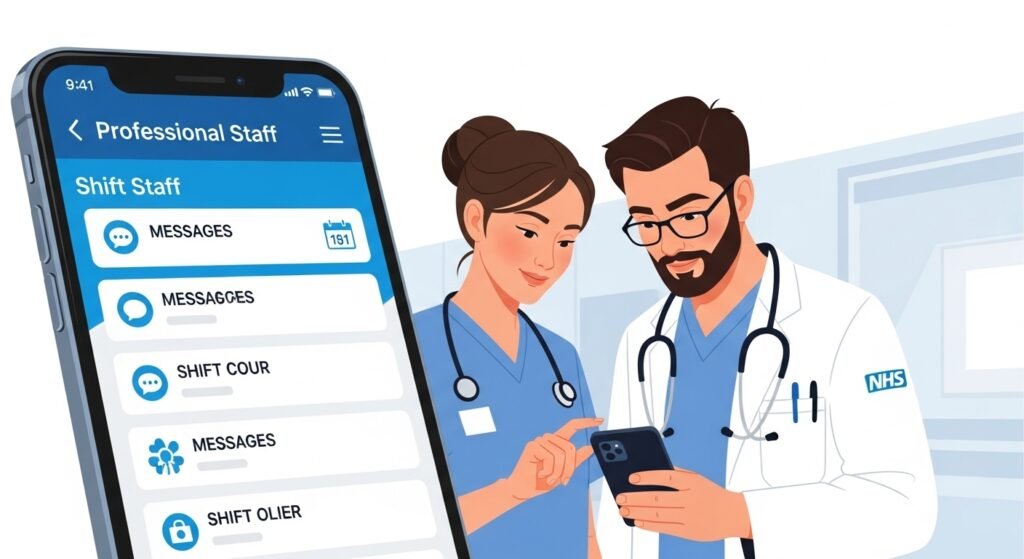
Loop puts many work things in one easy place on your phone. Here are the main things it helps with:
See Your Work Shifts (Roster)
You can look at your work timetable anytime. See:
- Your normal shifts (called substantive shifts)
- Extra bank shifts (if you do extra work)
- Who else is working with you on the same day
- Times and places
This is very helpful for shift workers in hospitals. You see the full team roster across many sites.
Book Extra Shifts or Bank Work
You can see empty shifts and book them fast. This means you can pick extra hours when you want. It helps hospitals fill gaps quickly.
Ask for Time Off (Leave)
You can check how many days off you have left (annual leave or study leave). Then request days off right in the app. You get a message when your boss approves it.
Talk to Your Team
You can send messages to colleagues. No need to share personal phone numbers. You can:
- Send private messages
- Make group chats for your ward or team
- Talk safely and quickly
This is great for fast questions during busy shifts.
Read News and Updates
Your workplace sends news straight to the app. Things like:
- New rules or training
- Important announcements
- Changes in the hospital
- Happy messages or awards
You stay “in the loop” without checking emails all the time.
Other Helpful Things (depends on your trust)
Some places let you:
- Clock in and out when you start and finish work
- Log on-call times
- Send anonymous reports if you see a problem
- See your whole team’s schedule across big hospitals
All this makes work easier. Workers say things like: “I love Loop! It’s quick and easy to see where my team is working.” Or “Very helpful in my job in the NHS.”
How to Get and Start Using the Loop App (For NHS Staff Only)
If your workplace uses Loop, they will tell you. Many trusts give simple guides.
Here are the easy steps:
- Go to your phone’s app store.
- On iPhone: Open App Store and search “Allocate Loop”
- On Android: Open Google Play and search “Allocate Loop”
- Download and install the app. It is free.
- Open the app.
- Sign up or log in.
- First time: Make a personal account.
- Then connect to your workplace.
- Use your work details (like Employee Online ID/password or NHS email).
- Verify your phone number (they send a code by text).
- Choose your organisation (like NHS Lothian or your hospital trust).
- Done! Now you can use all the features.
Some trusts have PDF guides with pictures. For example, Queen’s Elizabeth Hospital has a “Getting Started with Loop Mobile” file. If you have problems, ask your HR team or IT help desk. They know how to fix login issues.
The app gets updates often (latest in 2025-2026 added better team views, leave balance fixes, and bug repairs).
Why Do Patients Search for “Loop App NHS”?
Many patients type “Loop App NHS” because they hear the word “loop” in diabetes care.
In type 1 diabetes, doctors talk about “closed loop” or “hybrid closed loop” systems. These are smart tools that help control blood sugar automatically. People sometimes call them “the loop” or “artificial pancreas”.
But these are not the same as the Loop app.
Here is the difference in simple words:
- Loop app (Allocate Loop) = Work app for NHS staff (rostering, messages, leave).
- Hybrid closed loop systems = Medical tech for diabetes patients (insulin pumps + sensors + smart software).
The NHS gives hybrid closed loop to many type 1 diabetes patients now (after NICE said yes in 2023, rollout in 2024-2028). Examples include CamAPS FX, mylife Loop (from Ypsomed), or systems with Dexcom/FreeStyle Libre + pumps.
These help keep blood sugar steady without so many finger pricks. But they use different apps — not called “Loop App NHS”.
If you are a patient with diabetes, talk to your diabetes nurse or doctor. They explain if you can get this tech on the NHS.
What Should Patients Use? Better Options from the NHS
If you are a patient, do not look for Loop app. Use these instead:
The NHS App
This is the main app for everyone in England (and parts of UK). It is free and safe.
What you can do:
- Book GP appointments
- See your health records
- Order repeat medicines
- Message your GP surgery
- View some hospital letters and test results
- Check your vaccinations
Download it from App Store or Google Play. You need to register with your NHS number.
For Diabetes Patients
- Use apps from your device company (like Dexcom, Abbott FreeStyle Libre, Medtronic, Omnipod).
- Join NHS diabetes education courses (they teach carb counting, insulin use).
- Visit Diabetes UK website (diabetes.org.uk) for free help and forums.
- Talk to your diabetes team about hybrid closed loop if you have type 1 diabetes.
Always go to official sites like nhs.uk for the newest information.
Is the Loop App Safe?
Yes, very safe. It is made for work only. Data stays protected. It follows UK laws and NHS security rules. You cannot use it without work login.
Final Words
The Loop App NHS is a helpful phone app only for NHS staff. It makes shift work, messages, leave requests, and news easy on your phone. Many workers love it because it saves time and keeps everything in one place.
It is not for patients. It does not help with personal health, diabetes, appointments, or prescriptions.
If you are a patient, use the NHS App or talk to your doctor. If you work in the NHS and your trust uses Loop, download it and enjoy the easy features.
This guide is long and detailed so you understand everything clearly. No confusion. All information is true and up-to-date from real sources like RLDatix, NHS Lothian, and official app pages.
Disclaimer:
This article is for information only. It is not from the NHS. It is not an official guide. This is not an advert and there are no affiliate links. We do not work with the NHS or any company. The Loop app is only for NHS staff, not for patients. Things can change, so always check the official NHS website.
Explore More
- Temporary Car Insurance App: Quick, Easy Coverage on the Go
- Sky Glass App: Control & Stream Your TV Easily
- Halfords App: Easy Car, Bike & Tech Shopping on Your Phone
About the Author