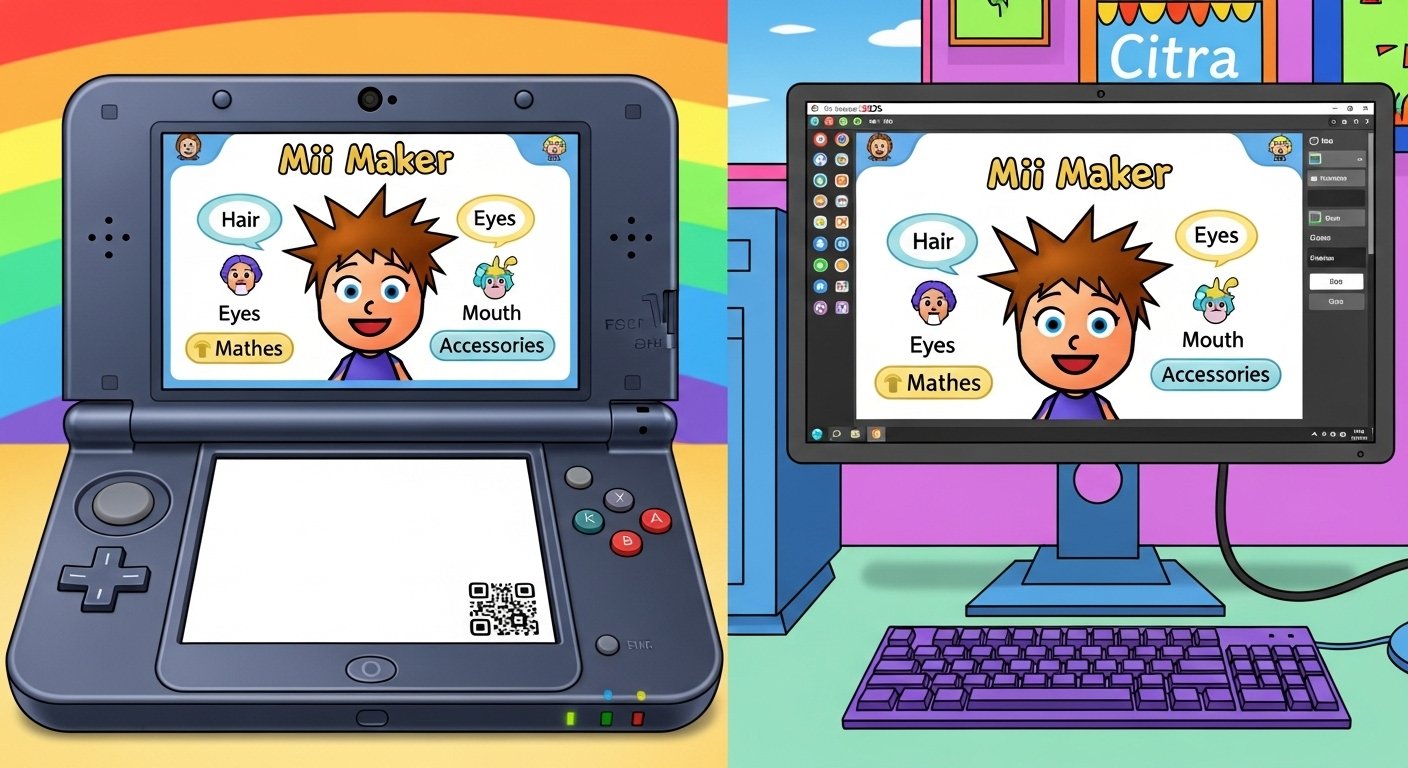
The Mii Maker app is a fun and simple tool from Nintendo. It lets you create your own cartoon characters called Miis. These Miis look like small versions of you, your friends, or even famous people. You can use them in many Nintendo games on the 3DS.
Many people love the Mii Maker app on 3DS because it is easy and creative. On a real Nintendo 3DS, it comes built-in. You do not need to download anything extra. But if you use the Citra emulator on your computer or phone, things are a little different. You may need extra steps to get the Mii Maker app for Citra emulator.
In this guide, we explain everything in easy English. We cover how to use Mii Maker on a real 3DS and how to make it work on Citra. We focus on safe and correct ways. No misleading info here.
What is Mii Maker?
Mii Maker is a built-in app on Nintendo 3DS family systems (like 3DS, 3DS XL, 2DS). It came with the console from the start. Nintendo released the 3DS in 2011, and Mii Maker was part of it.
The app helps you build Miis. A Mii is a simple avatar with big head, small body, and funny face parts. You pick eyes, nose, mouth, hair, and more. You can make it look like anyone.
Miis are not just for fun. Many 3DS games use them. For example:
- In Tomodachi Life, Miis live in a town and talk.
- In StreetPass Mii Plaza, you meet other players’ Miis.
- In Super Smash Bros. for 3DS, you can use custom Miis as fighters.
- In Animal Crossing or other games, Miis appear too.
The Mii Maker app 3DS is free and always there on your console.
Key Features of Mii Maker on Nintendo 3DS
The 3DS version of Mii Maker has cool features. It is better than the old Wii version in some ways.
- Start from Scratch — Build your Mii piece by piece.
- Create from Photo — Take a picture with the 3DS camera. The app tries to make a Mii that looks like the photo.
- Many Parts to Choose — Lots of hair styles, eye shapes, mouths, glasses, hats, and colors.
- Personal Mii — You set one Mii as your main one. It stays and cannot be deleted easily. Games use it first.
- Save as QR Code — Turn your Mii into a QR code. Share it with friends. They scan it with their 3DS to get your Mii.
- Save as Image — Save a picture of your Mii to the camera roll.
- Edit or Delete — Change or remove Miis anytime.
- Rooms for Storage — Miis are kept in rooms. Each room holds 10 Miis. There are many rooms.
These features make the Mii Maker app 3DS very fun. Kids and adults use it for hours.
How to Use Mii Maker on a Real Nintendo 3DS
Using Mii Maker on a real 3DS is very easy. Follow these steps:
- Turn on your Nintendo 3DS.
- On the HOME Menu (the main screen), find the Mii Maker icon. It looks like a smiling face.
- Tap the icon and select Open.
- If it is your first time, the app asks you to make a personal Mii. Tap Continue.
- Choose Start from Scratch or Create from Photo.
- For Start from Scratch:
- Pick gender (boy or girl).
- Choose skin color.
- Select face shape.
- Pick hair style and color.
- Choose eyes, eyebrows, nose, mouth.
- Add glasses, facial hair, or hats.
- Set favorite color and nickname.
- For Create from Photo:
- Take a photo of a face.
- The app makes a basic Mii.
- Then edit it to make it better.
- For Start from Scratch:
- When done, save the Mii.
- It appears in your list.
You can make many Miis. Use the stylus on the touch screen. It feels natural.
To share:
- Go to QR Code/Image Options.
- Choose Save Mii as QR Code.
- Show the QR code to another 3DS. They scan it in their Mii Maker.
This is why people search for Mii Maker app download — but remember, on real 3DS, no download is needed.
What is Citra Emulator?
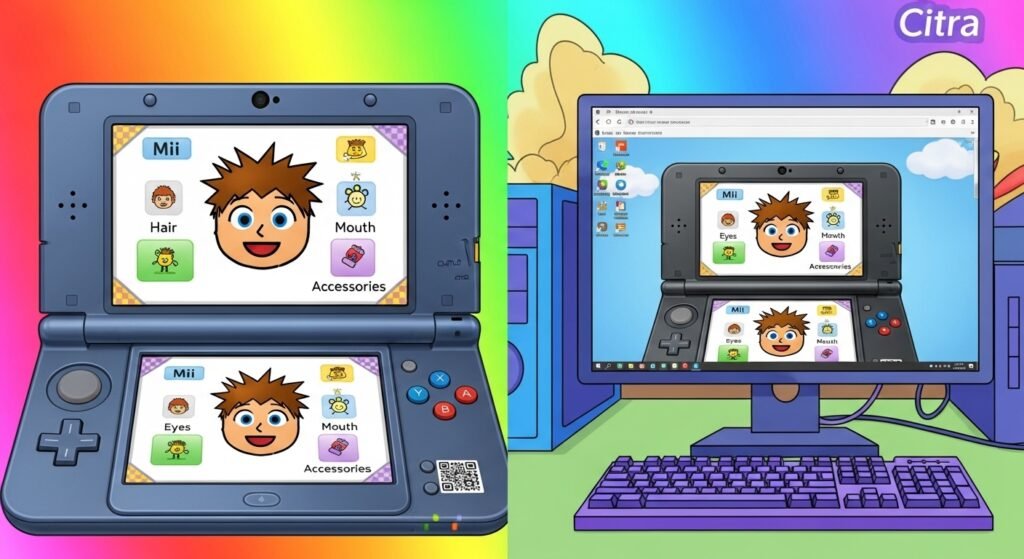
Citra is a program that plays Nintendo 3DS games on your computer, Android phone, or other devices. It is called an emulator. Citra copies how the 3DS works.
Many people use Citra because:
- They do not have a real 3DS.
- They want bigger screen.
- They want better graphics or controls.
Citra is open-source. But official Citra stopped in 2024 because of legal issues with Nintendo. Now, people use forks (updated versions) like PabloMK7’s Citra.
You can download Citra forks from safe sites like GitHub or trusted archives. Always use legal ROMs from your own games.
Mii Maker App Citra – How to Get It Working
On Citra, Mii Maker is not always there by default. Citra needs the 3DS system files (like Home Menu) to run built-in apps like Mii Maker.
Here is how to use Mii Maker app Citra:
- Download a Citra fork (like PabloMK7 Citra). Get it from trusted sources.
- Install and open Citra.
- You need to dump or get system files from a real 3DS. This includes Home Menu CIAs (install files).
- Many guides explain how to dump from your own 3DS using custom firmware.
- Do not use illegal files.
- In Citra, go to File > Install CIA. Install Home Menu CIAs.
- Run Mii Maker once. This helps Citra see the app.
- Now, from Citra’s menu or emulated Home Menu, open Mii Maker.
- Use it like on real 3DS.
Some people have issues like blank faces or crashes. Fixes include:
- Use a pre-made user folder with fixed Mii data.
- Update Citra to latest version.
- Run Mii Maker first after installing Home Menu.
For Mii Maker app Citra download, some old videos show direct .app or folder downloads. But be careful. These may not be safe. Best way is to set up Citra properly with system files.
Miis from Citra can work in emulated games like Super Smash Bros. or Tomodachi Life. You can import/export Miis too.
Why People Search for Mii Maker App Download
Many search for Mii Maker app download, Mii Maker app Citra download, or Mii Maker app 3DS download because:
- They want to use it on PC or phone.
- Their 3DS is old or broken.
- They play 3DS games on emulator.
But on real 3DS, it is already there. No need to download.
For Citra, setup takes time but it works well once done.
Tips for Making Great Miis
Here are easy tips to make cool Miis:
- Use the photo option for quick start.
- Mix funny parts — big eyes, small nose for cute look.
- Add glasses or hats for style.
- Make family Miis for games like Tomodachi Life.
- Save QR codes to share online or with friends.
- Use bright colors for fun.
People make Miis of celebrities, animals, or superheroes.
Is Mii Maker Still Fun in 2026?
Yes! Even now, Mii Maker is popular. People use it on real 3DS or Citra. Games like Miitopia or Smash Bros. still need Miis.
With Citra, you can play old 3DS favorites with custom Miis on big screen.
Final Thoughts
The Mii Maker app is a simple but powerful tool. On 3DS, it is built-in and free. On Citra emulator, you can get Mii Maker app for Citra with proper setup.
Always use legal ways. Dump your own games and system files. This keeps everything safe and correct.
If you love creating avatars and playing with them in games, try Mii Maker today. It is easy, fun, and brings smiles.
Disclaimer:
This article is only for information. We do not sell or promote Mii Maker, 3DS, or Citra. This is not an ad or affiliate post. Always use legal files and apps. We are not responsible if something goes wrong.
Explore More
- Qlink Login App: Download for Android & iPhone, Fix Issues, and Access Easily
- Class Catalyst App – Features, Benefits & How to Use It
- Ghost Mannequin App – Best Free Ghost Mannequin App for iPhone & Android
About the Author