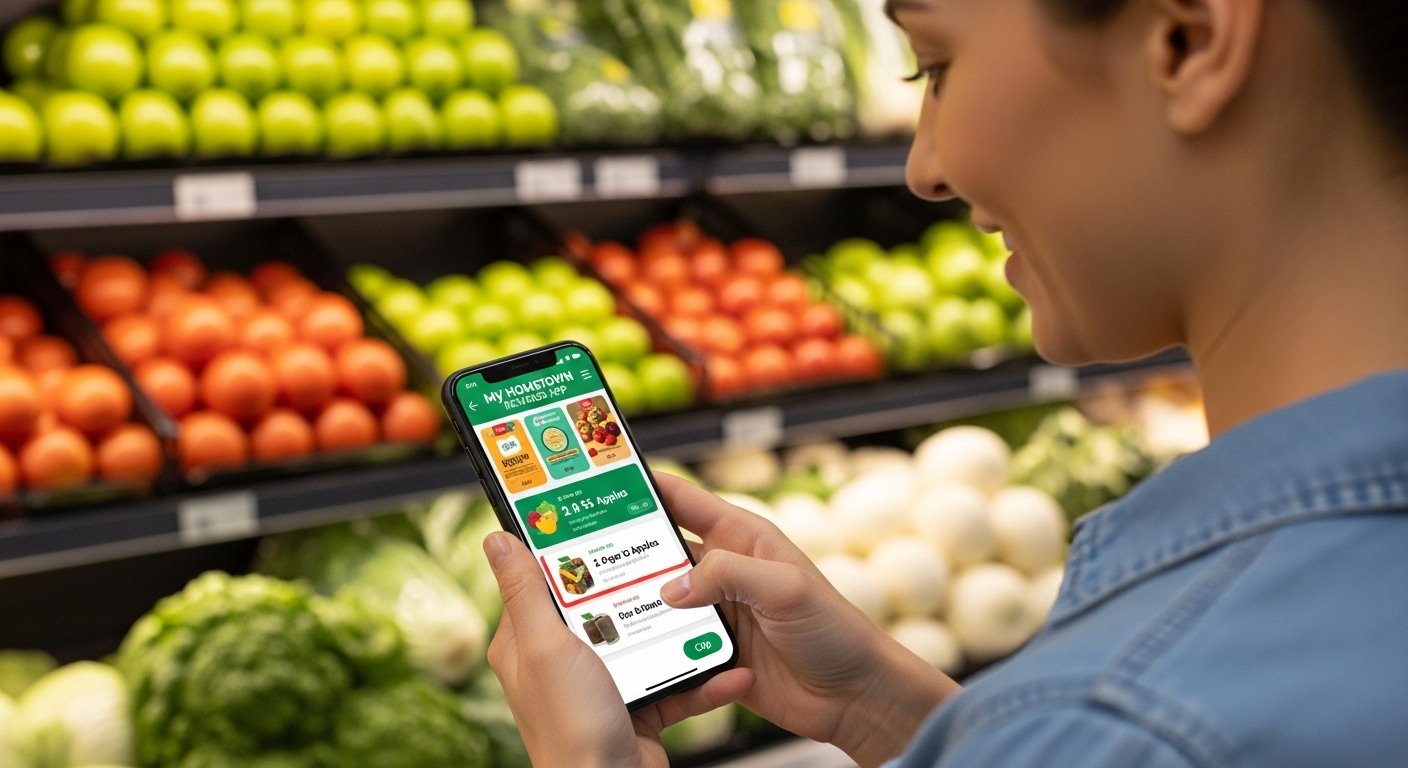
The My Hometown Rewards App is a free mobile application designed to help shoppers save money on groceries at select stores, mainly in states like Arkansas, Kansas, Louisiana, Mississippi, Missouri, and Oklahoma. It is linked to grocery chains such as Harps Food Stores and other local retailers. The app lets users clip digital coupons, view weekly ads, build shopping lists, find special deals, and earn rewards that reduce costs at checkout.
This app makes everyday shopping easier and cheaper. It is simple to use, even for people who are not very good with phones. Many users love it because it helps them pay less for the same items they buy every week.
What Is the My Hometown Rewards App?
The My Hometown Rewards app is a rewards program in your pocket. It is made for people who shop at participating hometown grocery stores. Instead of paper coupons or cards, everything happens on your phone.
Key things the app does:
- Clip digital coupons before you go to the store.
- Scan a barcode at checkout to get savings.
- See weekly ads and current specials.
- Make a shopping list right in the app.
- Track your rewards and savings over time.
- Find store locations near you.
The best part? Joining and using the app is completely free. There are no fees to sign up or stay a member.
This app is built by companies like Birdzi, and it works with local stores to give better deals to loyal customers. It focuses on community stores, so it feels personal—like rewards from your own hometown.
Why Use My Hometown Rewards App for Android?
If you have an Android phone, this app is a great tool for saving money. Grocery prices can be high, but with smart tools like this, you can cut your bill each time you shop.
Here are some reasons people choose the my hometown rewards app for android:
- Easy savings: Clip coupons in seconds and watch the discounts add up.
- No more forgetting coupons: Everything is digital and stored in the app.
- Personalized deals: The app shows offers that match what you like to buy.
- Time-saving: Check ads and make lists at home instead of in the store.
- Free rewards: Earn points or cash-back style savings just by shopping as usual.
- Works offline for some features: After loading, you can view lists or clipped coupons without internet.
Users say they save $10–$50 or more per month, depending on how often they shop and clip offers. For families or people on a budget, this adds up fast.
The app is safe, official, and updated often to fix bugs and add new features.
How to Download My Hometown Rewards App for Android
Downloading the app is very simple. Follow these steps carefully:
- Open the Google Play Store on your Android phone. This is the official app store for Android devices.
- In the search bar at the top, type “My Hometown Rewards”.
- Look for the app named my Hometown Rewards (it may show the developer as Birdzi or related to Harps Food).
- Tap on the app icon. Make sure it has good reviews and is the right one (check the description mentions grocery rewards, digital coupons, and stores in AR, KS, LA, MS, MO, OK).
- Tap the Install button. The app is free, and the file size is around 30–40 MB, so it downloads quickly on most connections.
- Wait for it to finish. Once done, tap Open or find the app icon on your home screen or app drawer.
Important tips:
- Make sure your phone has Android version 5.0 or higher for the best experience.
- Allow permissions when asked (like camera for scanning, location for finding stores—these help the app work better but are optional for basic use).
- Download only from Google Play Store to avoid fake apps. Never use third-party APK sites, as they can have viruses or old versions.
After download, the app is ready for you to set up.
How to Login and Register in My Hometown Rewards App
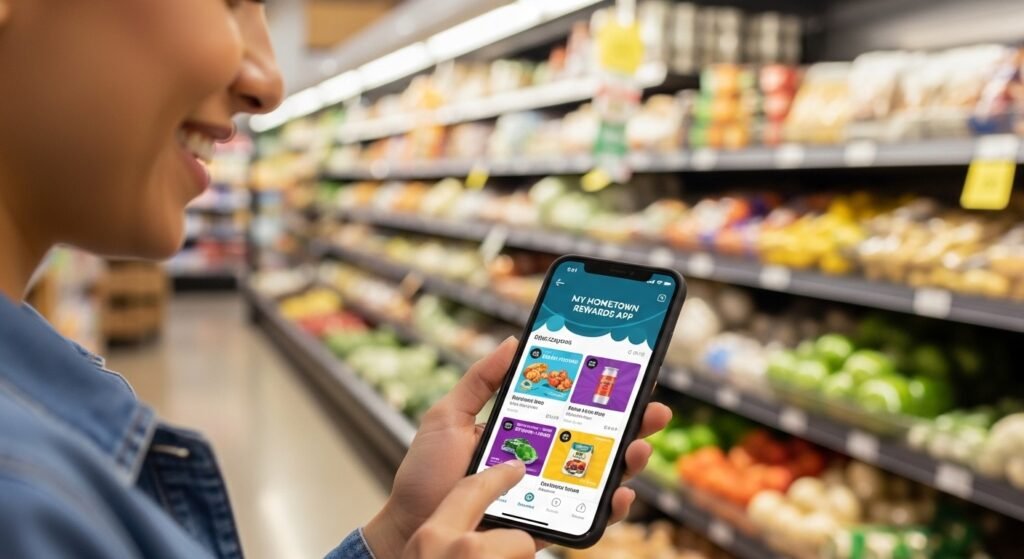
The first time you open the app, you need to register (sign up). This creates your account so you can save your coupons and rewards.
Step-by-step guide for my hometown rewards app login and signup:
- Open the My Hometown Rewards app on your Android phone.
- You will see a welcome screen. Tap Register or Sign Up (it may say “Join for Free”).
- Fill in your details:
- First name and last name.
- Email address (use one you check often).
- Create a password (make it strong—mix letters, numbers, symbols).
- Phone number (optional but helpful for recovery).
- Zip code or city to find nearby stores.
- Agree to the terms and privacy policy.
- Tap Submit or Create Account.
- Check your email for a verification link (sometimes the app sends one). Click it to confirm.
- Go back to the app and log in with your email and password.
Now you are logged in! Next times, just enter your email and password on the login screen.
Forgot password? Tap Forgot Password? on the login page. Follow the steps to reset it via email.
If you already have an account (maybe from a store card), use the same details to log in.
What Features Make the App Special?
Once logged in, explore these helpful features:
- Digital Coupon Wallet: Browse coupons, tap to clip them. They load to your account.
- Weekly Ads and Specials: See what’s on sale this week at your store.
- Shopping List: Add items, mark them off as you shop.
- Store Locator: Find the closest participating store.
- Rewards Tracking: See how much you saved and any bonus rewards.
- Profile Settings: Update your info, change password, or log out.
At checkout, open the app, go to your barcode or digital card, and let the cashier scan it. Your clipped coupons apply automatically.
Tips to Get the Most Savings from My Hometown Rewards App
To save even more:
- Check the app every week for new coupons and ads.
- Clip coupons before you make your shopping list.
- Shop at participating stores only to use the rewards.
- Combine app deals with in-store sales for double savings.
- Tell family or friends about it—they can join too.
- Update the app regularly from Play Store for new features and better speed.
Many users say the app pays for itself quickly with the money saved.
Common Questions About My Hometown Rewards App
Is the app really free? Yes, 100% free to download, join, and use.
Which stores accept it? Mainly select grocery retailers in Arkansas, Kansas, Louisiana, Mississippi, Missouri, Oklahoma. Check the app’s store locator for exact places (often Harps Foods and similar chains).
What if I have login problems? Make sure your internet is on. Try resetting password. If still stuck, contact support through the app or visit the official site myhometownrewards.com.
Can I use it on iPhone too? Yes, it’s on Apple App Store as well.
Is my data safe? The app follows standard privacy rules. It uses your info only for rewards and store matching.
Final Thoughts on My Hometown Rewards App
The My Hometown Rewards app is a smart, easy way to save on groceries without extra work. Whether you are new to apps or use them every day, this one is simple and helpful.
Download it today from Google Play Store, sign up in minutes, and start clipping coupons. Your next shopping trip could cost less!
If you live in the supported areas and shop at local groceries, give it a try. Thousands of people already use it to keep more money in their pockets.
Disclaimer:
This article is only for information. It is not an ad or affiliate post. We do not earn money if you download or use the app. Always check the official app for correct details. Use the app at your own risk.
Explore More
- Purposeful App Review, Cost & Features – Victor Strecher Purposeful App Guide
- Fineday Funds Login App – Download Free for Android & iPhone | Review & Fix Issues
- Free Chrono Crystals App for Android – Best Free App (No Verification)
About the Author