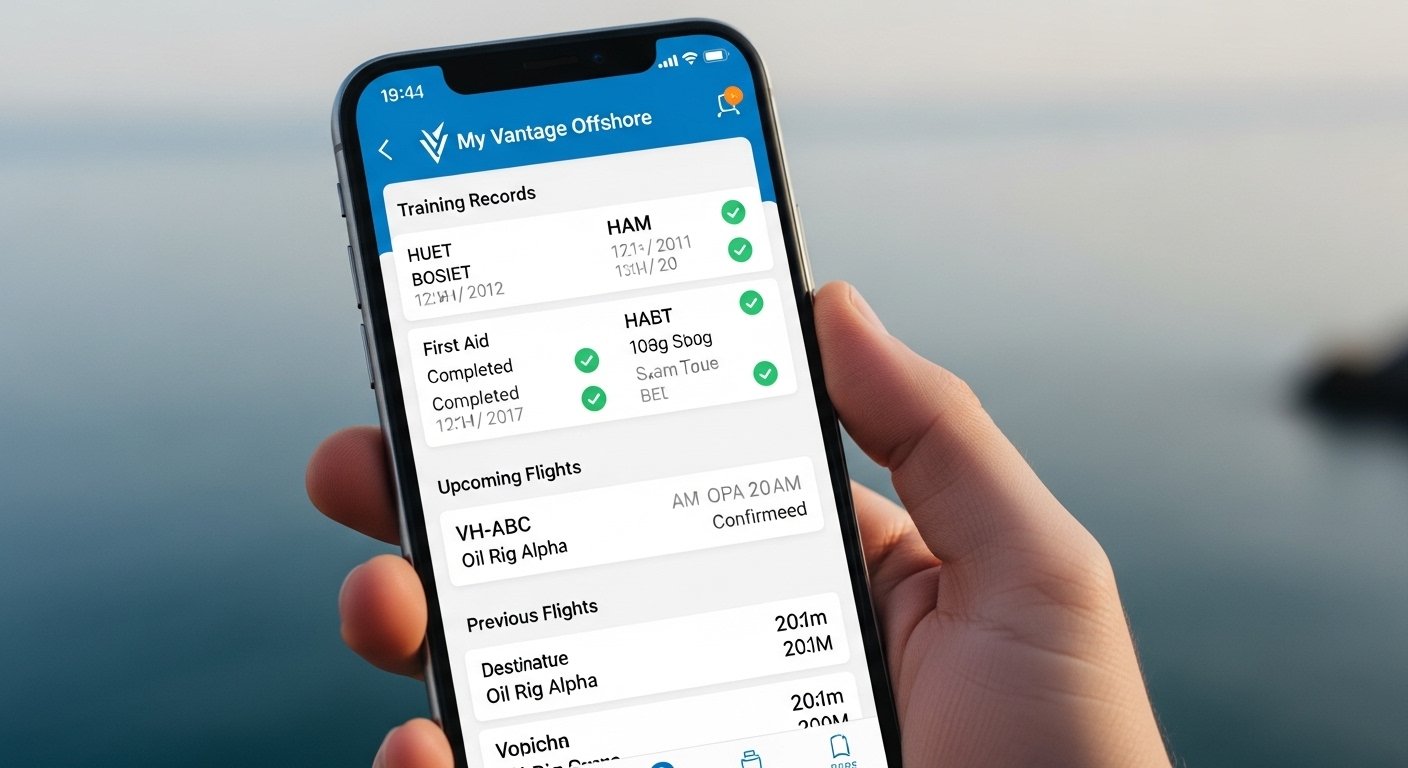
The My Vantage Offshore App is a helpful mobile tool for people who work in offshore jobs, like in oil, gas, or energy fields. It connects to the Vantage POB (Personnel On Board) system. This system helps track workers safely when they go to offshore platforms. The app lets users check their training records, flight details, emergency contacts, and more from their phone.
Many workers use My Vantage Offshore app to stay ready for trips offshore. It makes life easier by giving quick access to important info. In this guide, we cover everything in simple steps: what the app is, how to download it (especially for Android), how to log in, and fixes if the app is not working. This article uses easy English so anyone can follow.
What Is the My Vantage Offshore App?
The My Vantage Offshore app links to the official MyVantage portal from LOGIC Energy and CGI. It is part of the Vantage POB system. This system is very common in the UK offshore energy sector and other places.
Workers use it to:
- See past and current offshore training (like BOSIET or HUET courses).
- Check flight bookings to and from offshore sites.
- View future trips and any changes or delays.
- Keep emergency contact details safe.
- Sometimes check in for flights or get alerts.
The app is for people who travel offshore a lot. It helps make sure everyone has the right certificates and is safe. The main website is myvantage.co.uk, and the app gives mobile access to the same info.
Note: This is different from the Vantage trading app (for forex and CFDs). Those are for financial trading, not offshore work.
Why Use the My Vantage Offshore App?
Using the app has many good points:
- Easy access anytime on your phone.
- No need to use a computer every time.
- Get updates on flights or training fast.
- Help stay compliant with safety rules for offshore work.
- Request data deletion if you stop offshore travel.
It saves time and reduces stress before trips.
How to Download My Vantage Offshore App
The app is not always in the main Google Play Store or Apple App Store like normal apps. It often works through the web portal as a mobile-friendly site or a special link. Some users get it as a progressive web app (PWA) or direct from company instructions.
Steps for Android (My Vantage Offshore App Download Android)
- Open your phone’s web browser (like Chrome).
- Go to the official site: https://www.myvantage.co.uk/
- Look for the login or register page.
- If there is a mobile version or “Add to Home Screen” option, tap the menu (three dots) in Chrome.
- Choose “Add to Home screen” or “Install app”. This makes it work like a real app.
- Name it “My Vantage Offshore” and add it.
- Now you can open it from your home screen like any app.
If your company gives a special download link (APK or direct), follow their email or safety instructions. Do not download from unknown sites to stay safe.
For iOS users, do the same: visit the site in Safari and add to home screen.
Always use the official link to avoid fake apps.
How to Register for the First Time
You need a Vantage ID number to start. Your employer or offshore operator gives this number.
- Go to https://www.myvantage.co.uk/
- Click “Register”.
- Enter your Vantage ID, email, and other details.
- Create a password.
- Verify your email if asked.
- Log in after registration.
Once done, use the same steps on the app or mobile site.
My Vantage Offshore App Login – Step by Step
Logging in is simple.
- Open the app (or mobile site from home screen).
- Enter your username (often your email or Vantage ID).
- Type your password.
- Tap “Log In” or “Sign In”.
- If you see “Remember Me”, tick it for faster login next time (but only on your own phone).
If you forget your password:
- Click “Forgotten Password?”.
- Enter your email or Vantage ID.
- Follow the reset link sent to your email.
- Make a new strong password.
Always keep your login details safe. Do not share them.
Features Inside the App After Login
After you log in, you see useful sections:
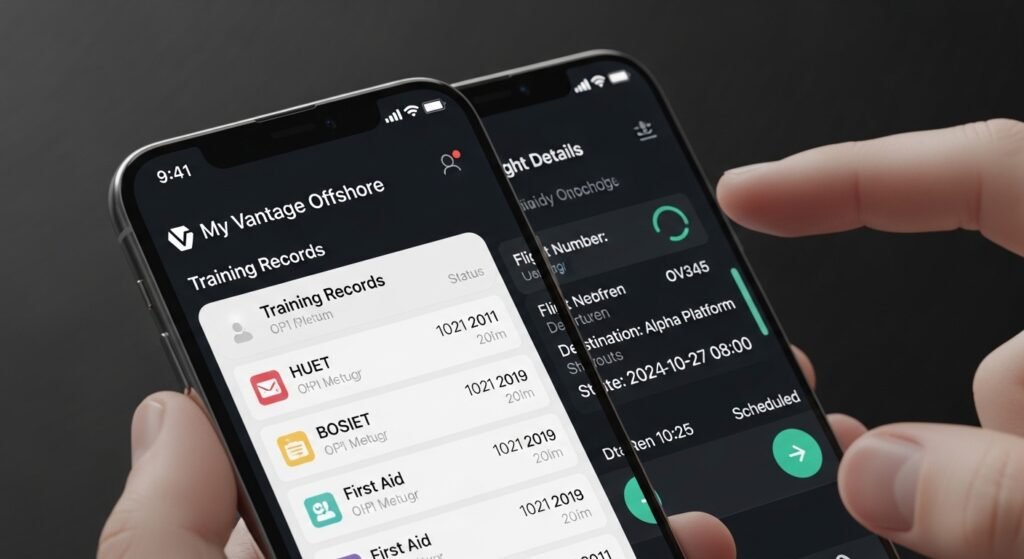
- Training history: Check all your offshore courses and expiry dates.
- Flight information: See past, current, and upcoming flights.
- Emergency contacts: Update or view who to call in need.
- Notifications: Get alerts for changes in plans.
- Data request: Ask to delete your info if you no longer go offshore.
The app is clean and easy. It loads fast on good internet.
My Vantage Offshore App Not Working – Common Fixes
Sometimes the app or site has problems. Here are easy fixes for My Vantage Offshore app not working issues.
- Check Internet Connection Make sure you have strong Wi-Fi or mobile data. Offshore apps need good connection.
- Update Your Browser or App If using Chrome/Safari, update it from Play Store or App Store. Clear cache: Go to settings > Apps > Chrome > Storage > Clear cache.
- Restart Your Phone Turn off your phone for 30 seconds, then turn on. Try login again.
- Check if Site is Down Visit myvantage.co.uk from another device. If it does not load, wait a few hours. It may be maintenance.
- Wrong Login Details Double-check username and password. Use forgot password if needed.
- App Not Added Correctly Remove from home screen and add again from the official site.
- Phone Compatibility The app works best on Android 7+ or recent iOS. Update your phone software.
- Clear Data or Re-register As last step, clear browser data or re-register (but you keep your Vantage ID).
If nothing works, contact your employer or offshore company. They have support for Vantage POB issues. You can also check the FAQ on logic-energy.org/vantagepob.
Do not use third-party sites or downloads for fixes. Stick to official sources.
Tips to Get the Best Experience
- Use strong password and change it sometimes.
- Turn on notifications for flight changes.
- Check training expiry dates often to avoid problems.
- Keep your Vantage ID safe – you need it always.
- If you travel a lot, bookmark the site or keep the app icon easy to find.
Many workers say this app makes offshore travel smoother. It helps with safety and planning.
Final Words
The My Vantage Offshore app is a must-have tool for offshore workers. With easy download on Android (or iOS via browser), simple login, and quick fixes for not working issues, it keeps you informed and safe. Always use official links like myvantage.co.uk to stay secure.
If you follow these steps, you can download, log in, and use the app without trouble. Stay safe offshore!
Disclaimer:
This article is only for information. We are not promoting, selling, or earning money from the My Vantage Offshore app. This is not an affiliate or sponsored content. We do not guarantee that the app will always work, or that the steps here will solve all problems. Always follow your company’s official instructions and use only official websites. We are not responsible for any issues, mistakes, or losses that happen when using the app.
Explore More
- Room Measuring App – Free, Best Room Measuring App for Android
- OHS App – Free Download for Android & Easy OHS Supervision
- LED Light App – Universal LED Light Remote & Control App
About the Author