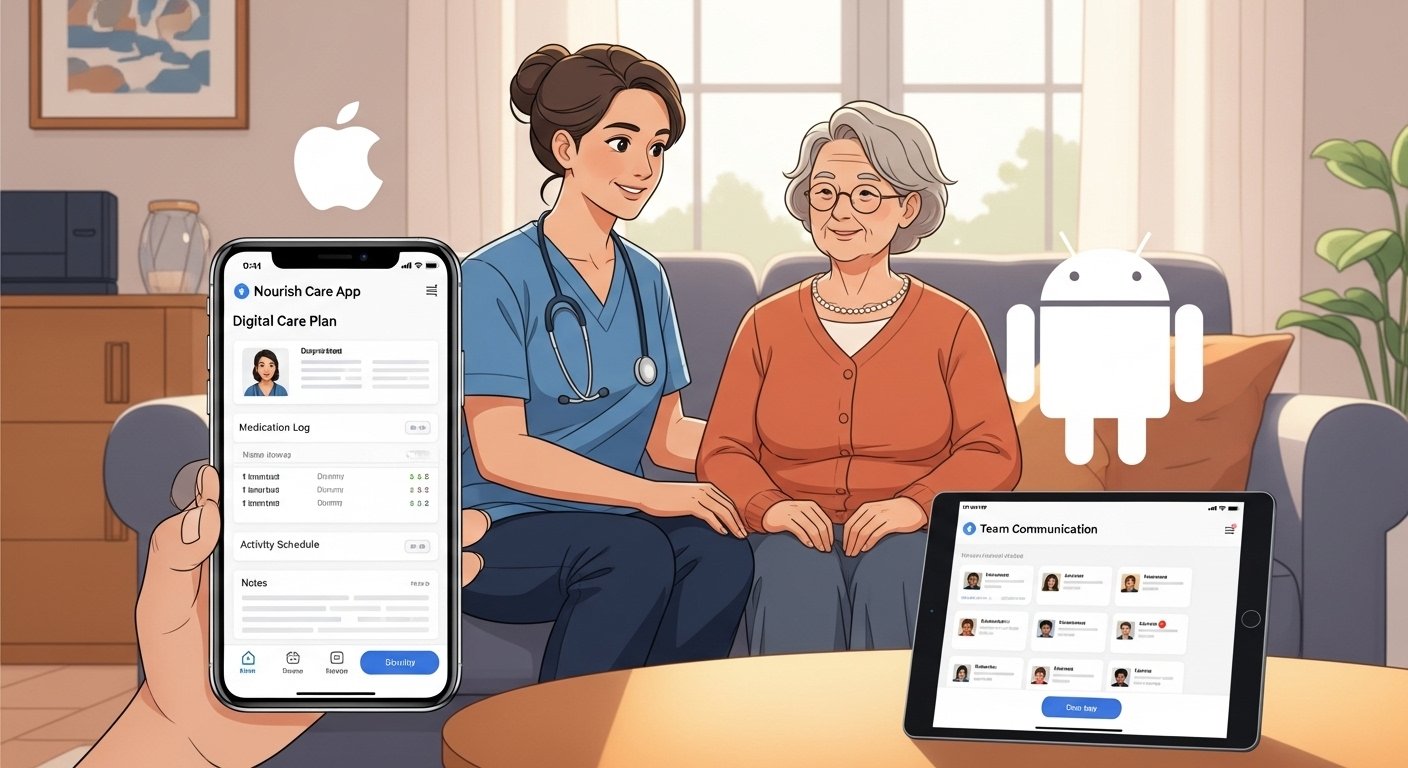
The Nourish Care App is a helpful mobile tool made for care workers, carers, and teams in home care or community care services. It comes from Nourish Care, a trusted UK company that makes digital software for social care. This app helps carers give better, person-centered care every day. It is not for personal nutrition or diet (there is another app called Nourish for that). This guide is all about the Nourish Care app for professional care work.
In 2026, the app has new updates like the Better Care at Home version. It makes work easier for carers who visit people at home. The app is safe, easy to use, and helps teams follow best practices in care. Many care services in the UK use it because it is approved by groups like NHSX for digital records.
What Is the Nourish Care App?
The Nourish Care App is a mobile application for care professionals. It lets carers access important information right on their phone or tablet. Carers can see care plans, record what they do during visits, check medications, and share updates with the team quickly.
The main goal is to put the person who needs care at the center. Instead of lots of paper notes, everything is digital. This saves time, reduces mistakes, and helps everyone stay informed. For example, a carer can see a person’s likes, allergies, or daily routine before they arrive.
There are a few related apps from Nourish Care:
- Nourish Empower — This is for care professionals to get secure access to care info.
- Nourish Better Care — This is the main app for recording care at the point of care.
- Nourish Better Care at Home — The newest one in 2026, made just for home care teams. It combines rostering (schedules), care records, and more in one place.
All these apps need an active account from a care service that uses Nourish Care software. It is not a public app anyone can use without a login from their employer.
Why Use the Nourish Care App in 2026?
Care work is hard. Carers move from home to home, deal with different needs, and must keep good records. The app helps in many ways:
It gives real-time information so carers know exactly what to do. It works even with low internet — important for rural areas or bad signal places. It saves battery and data on your phone. It links tasks to care plans so carers understand why they do something. It has features like in-app messaging for team chats. It helps with handovers between shifts. It supports medication checks, assessments, and visit records.
Care services that use it say it improves outcomes for people they support. It also helps managers see reports and make better decisions. In 2026, with more focus on digital care, this app is a top choice for home care agencies.
How to Download the Nourish Care App – Free Guide
The Nourish Care App is free to download for users who have an account. There is no cost for the app itself on app stores. Your care service pays for the platform.
For Android users (nourish care app download or nourish care app download free):
- Open the Google Play Store on your Android phone or tablet.
- Search for “Nourish Better Care” or “Nourish Empower” (depending on your service version).
- The developer is Nourish Care Systems Ltd or similar.
- Click on the app from the official developer.
- Tap “Install”. It is free.
- Wait for it to download and install.
For iOS users (nourish care app download ios or nourish care app download free):
- Open the App Store on your iPhone or iPad.
- Search for “Nourish Empower” or “Nourish Better Care at Home”.
- Look for apps by Nourish Care Systems Limited.
- Example: Nourish Empower requires iOS 15.1 or later.
- Nourish Better Care at Home is also available and needs similar iOS version.
- Tap “Get” (it is free). You may need your Apple ID password or Face ID.
- Let it download and install.
Important notes on download:
- Always download from official stores (Google Play or App Store) to stay safe.
- The app size is around 70 MB for some versions, so use Wi-Fi if possible.
- After install, you need login details from your care manager or service.
- If your service uses the latest 2026 version, search for “Nourish Better Care at Home” for the newest features.
How to Login to the Nourish Care App (nourish care app login)
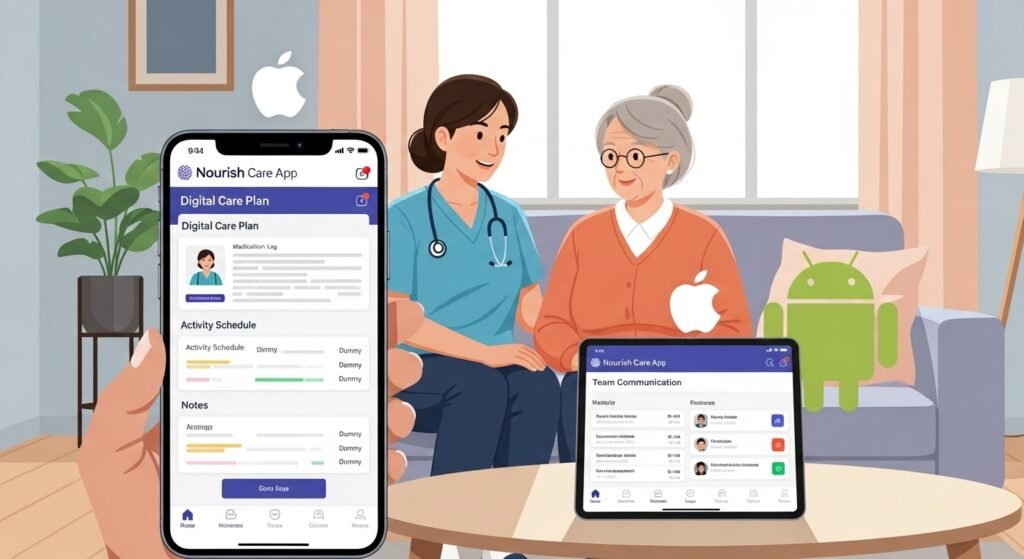
Logging in is simple but needs your account details from your employer.
- Open the app after download.
- You will see a login screen.
- Enter your username or email and password. These come from your care service.
- If you forget, contact your manager or the service support (often hello@nourishcare.com or tech support).
- Some versions may ask for extra security like a code sent to your phone.
- Once logged in, you can see your rota (schedule), clients, and care tasks.
Tips for safe login:
- Use a strong password.
- Do not share your login with others.
- If you use a shared device, log out after use.
- The app is secure and protects sensitive care data.
If you have problems, the app suggests using Chrome for web login if needed, but mobile is best for carers.
Step-by-Step Guide for iOS Users in 2026 (nourish care app download ios)
Many carers use iPhones. Here is a full easy guide for iOS:
- Make sure your iPhone or iPad runs iOS 15.1 or newer. Go to Settings > General > Software Update to check.
- Open App Store.
- Tap the search icon at the bottom.
- Type “Nourish Better Care at Home” or “Nourish Empower”.
- Find the app with the Nourish Care logo and developer name.
- Read the description to confirm it matches your service.
- Tap “Get” and install.
- After install, open the app.
- Login with your details.
- Allow permissions for notifications if asked — this helps with shift reminders.
- Explore the home screen: see your daily tasks, client list, and quick access to care plans.
The 2026 updates make the app faster and easier on iOS, with better offline mode.
Key Features of the Nourish Care App in 2026
The app has many useful tools:
- View your work schedule and travel details.
- See client care plans, allergies, and emergency info.
- Record care notes right after a visit.
- Manage medications and reminders.
- Do assessments and updates on the go.
- Chat with team members in the app.
- Work offline and sync when online.
- Get handover notes from previous carers.
These features help carers spend more time caring and less time on paperwork.
Benefits for Carers and Care Services
For carers: Feel more confident with all info in one place. Less stress from missing details. Better work-life balance with clear rotas.
For services: Easier to show good care records. Helps with inspections and reports. Improves team communication. Saves money on paper and time.
Many users say the app is “very easy to use” and “laid out nicely”.
Common Questions About the Nourish Care App
Is the app really free? Yes, download and use is free for approved users. Your employer handles the subscription.
Can I use it without my care service? No, it needs an active account from a Nourish Care customer.
What if I have login issues? Contact your manager first. Or email support at Nourish Care.
Is it safe for personal data? Yes, it follows strict rules for care data security.
Does it work on tablets? Yes, on both Android and iOS tablets.
Final Thoughts
The Nourish Care App is a great tool for modern care work in 2026. With easy download on Android and iOS, simple login, and powerful features, it helps carers deliver kind, safe, and personal care. If you work in home care, ask your manager about getting access. It can make your day better and help the people you support live happier lives.
Disclaimer:
This guide about the Nourish Care App is for information only. It is not a promotion, advertisement, or affiliate post. We do not sell, earn money from, or officially represent the app or Nourish Care. The app should be used only by people with an active account from their care service. We are not responsible for any issues, errors, or problems that happen when using the app. Always follow your care service’s instructions and official guidance.
Explore More
- LemFi App – Download, Login & Reviews Guide 2026
- Anglian Water App – Download & Login to My Anglian Water Easily
- Vevox App – Login, Download, App Store & Android Guide (PC Included)
About the Author