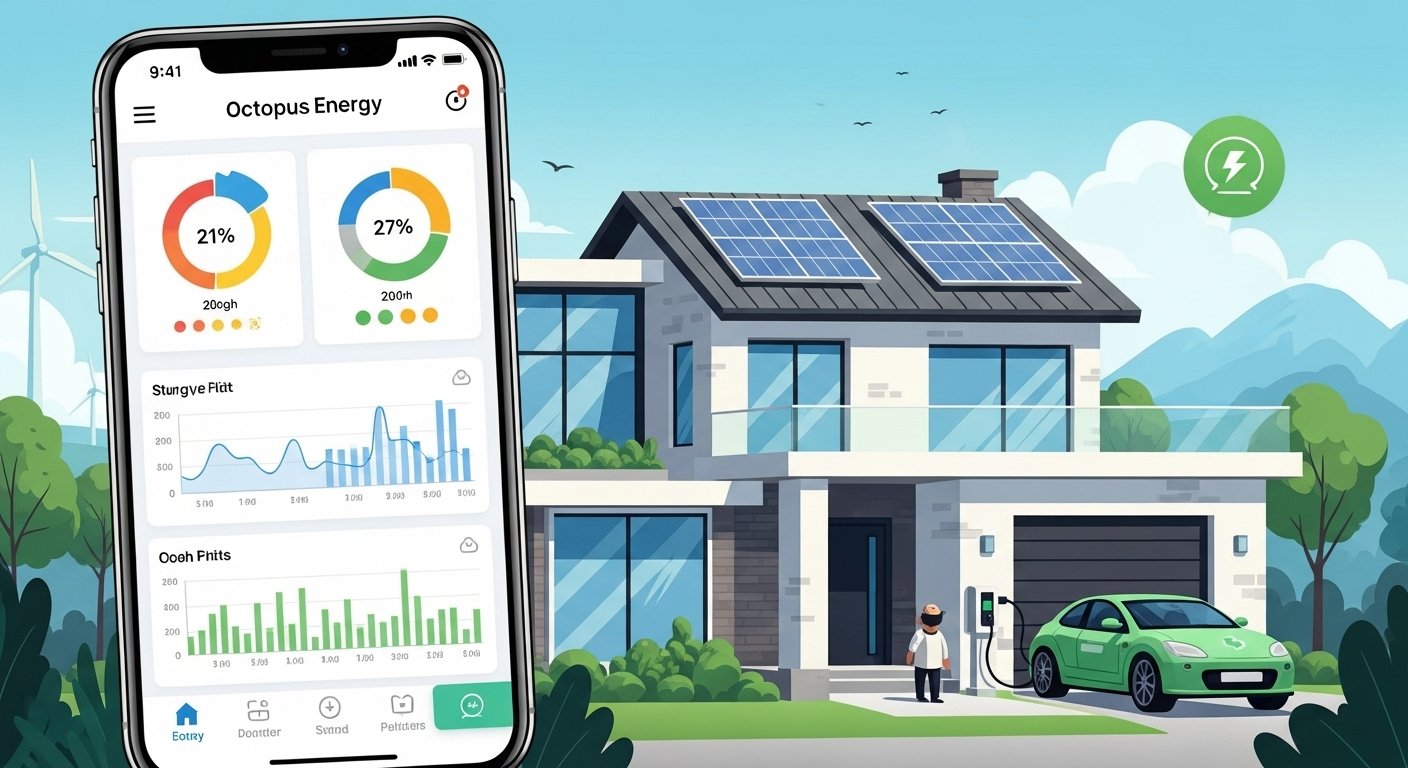
In today’s world, managing energy at home should be simple, clear, and helpful for saving money. Many people want to use less energy, pay fair prices, and help the planet without much effort. The Octopus Energy app makes all of this easy. It is a free mobile app for iPhone and Android users. With this app, you can control your energy account, see your usage, join smart tariffs, and get rewards – all from your phone.
Octopus Energy is a well-known energy company from the UK. It started with a focus on green energy and smart technology. Today, it serves millions of customers. The company has high trust ratings, often 5 stars from hundreds of thousands of reviews on sites like Trustpilot. People like Octopus because it is honest, customer-focused, and uses modern tools to help users save. The app is a big part of this success. It gives real power to everyday people to manage energy in a smart way.
This article explains everything about the Octopus Energy app in very simple English. You will learn what the app does, how to use it, its best features, and why it stands out for smart energy management. By the end, you will see why so many choose this app to make their home energy life easier.
What Is the Octopus Energy App?
The Octopus Energy app is your personal energy control center on your phone. Once you sign up as an Octopus customer, you download the app and log in. It connects directly to your account. No more waiting for paper bills or calling customer service for simple questions.
The app shows your energy use in real time (especially if you have a smart meter). It helps you track spending, understand bills, and switch to better plans. It also links with smart home devices like EV chargers, heat pumps, solar panels, and batteries.
Key point: The app is free to download and use. It works on both iOS (Apple) and Android phones. You can find it by searching “Octopus Energy” in the App Store or Google Play.
Why Use the Octopus Energy App for Smart Energy Management?
Smart energy management means using energy wisely – when it is cheap and green, and avoiding waste when prices are high. The app makes this simple for everyone, even if you are not tech-savvy.
Here are the main reasons people love it:
- It gives clear views of your energy use so you know exactly where your money goes.
- It offers special tariffs that change prices by time of day or grid needs.
- It rewards you for using less energy at busy times.
- It connects your smart devices to save automatically.
- Customer support is built in – chat or call from the app.
Many reviews say the app is “user-friendly” and “easy to understand.” Unlike some other energy apps that feel confusing, Octopus keeps things simple with big buttons, clear charts, and plain language.
Main Features of the Octopus Energy App
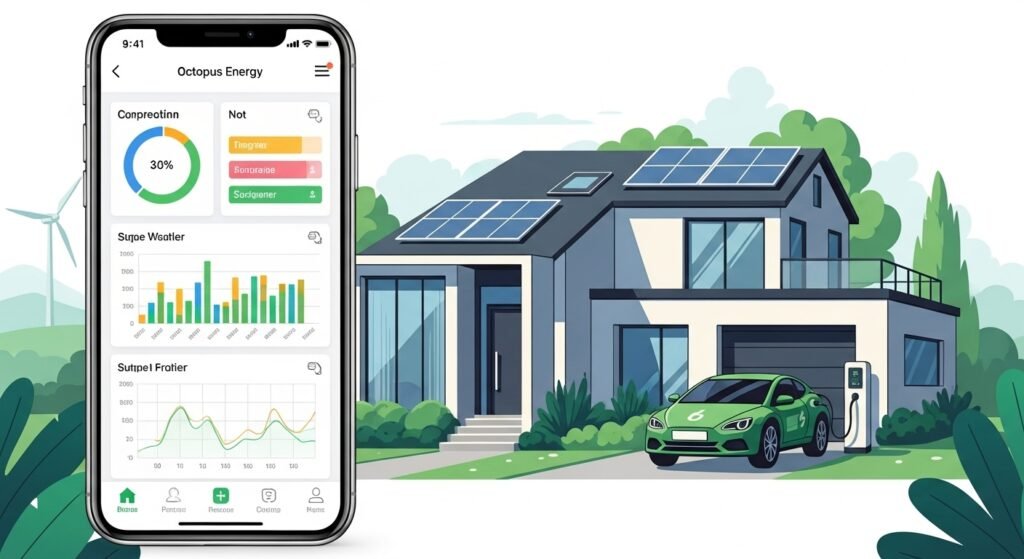
The app has many helpful tools. Let’s look at the most important ones step by step.
1. Easy Account Overview and Balance Check
When you open the app, you see your account at a glance. It shows:
- Your current balance (how much credit or debt you have).
- Recent payments and bills.
- Estimated next bill.
You can pay bills directly in the app with card or bank transfer. No need to go to a website or remember login details every time.
2. Smart Meter Data and Real-Time Usage
If you have a smart meter (many Octopus customers do), the app shows live energy use. You see how much electricity or gas you use each hour, day, or month.
This helps you spot patterns. For example:
- Do you use more energy in the evening?
- Is your heating on too high?
- Are old appliances wasting power?
Charts and graphs make it visual and easy. Some users say this feature alone helped them cut bills by 10-20% just by changing habits.
3. Smart Tariffs for Saving Money
Octopus is famous for innovative tariffs. The app lets you join and manage them easily.
Popular ones include:
- Octopus Tracker or Tracker tariffs – Prices change every day or half-hour based on wholesale costs. Often cheaper than standard rates.
- Intelligent Octopus (for EV owners) – Cheap overnight charging for electric cars. The app controls when your car charges to get the lowest price.
- Intelligent Octopus Flux – Great for homes with solar panels and batteries. It matches import and export prices.
- Octopus Go – Off-peak cheap electricity at night.
In the app, you can switch tariffs, see predictions, and get alerts about cheap times.
4. Octoplus Rewards Program
Octopus gives rewards to smart meter customers through Octoplus. The app shows your points and perks.
You earn rewards by:
- Using less energy when the grid is busy (called “Saving Sessions”).
- Joining green challenges.
- Having a smart meter.
Rewards can be bill credits, free electricity days, or charity donations. Many users get £50-£200 extra savings per year this way.
5. Integration with Smart Devices
The app works with many smart home items through “Works with Octopus” or Octopus Labs.
Examples:
- Electric vehicle (EV) charging – Schedule cheap charging.
- Smart thermostats – Intelligent Octopus adjusts heating to save money.
- Home batteries and solar – Store cheap energy and use it later.
- Heat pumps – Optimize running times.
In the app, you add devices and set preferences. The system then runs automatically for best savings.
6. Billing and Usage History
See all past bills, payments, and meter readings. Submit readings if needed (though smart meters do this auto). Export data if you want to check details.
7. Customer Support and Help
The app has a help section with FAQs. You can start a chat or book a call. Many say support is fast and friendly.
8. Green Energy Focus
Octopus uses 100% renewable energy for electricity. The app shows your carbon savings and how your choices help the environment.
How to Get Started with the Octopus Energy App
Starting is very easy. Follow these steps:
- Download the app from App Store or Google Play.
- Sign up for an Octopus account if you are new (or log in if you already have one).
- Enter your details – address, meter info.
- Link your bank for direct debit (common for best rates).
- If you have a smart meter, it connects automatically.
- Explore the dashboard and set notifications for cheap energy times.
Most people finish setup in under 10 minutes.
Tips to Get the Most from the App
To save more and manage better, try these simple tips:
- Turn on notifications for Saving Sessions or cheap price alerts.
- Check your usage weekly to spot waste.
- If you have an EV, use Intelligent Octopus Go for cheapest charging.
- Join Octoplus right away for free rewards.
- Use the app’s charts to set personal energy goals.
- Combine with solar or battery if possible – the app shows big savings.
Users who follow these often report lower bills and less stress about energy costs.
What Customers Say About the App
Real people love the app. On Trustpilot, Octopus has thousands of 5-star reviews. Common comments:
- “The app is brilliant – so easy to see usage and pay.”
- “Saved hundreds with smart tariffs and rewards.”
- “Best energy app I have used – clear and helpful.”
- “Great for EV owners – charging is super cheap.”
Of course, no app is perfect. Some mention occasional bugs or wish for more features. But overall, ratings stay very high.
Why the Octopus Energy App Stands Out
Many energy companies have apps, but Octopus does it better in these ways:
- Focus on smart, time-based saving instead of just fixed prices.
- Real rewards for green behavior.
- Strong integration with future tech like EVs and home batteries.
- Transparent and fair – no hidden fees.
- Constant updates to add new tools.
In a time of rising energy costs, tools like this app help families take control.
Final Thoughts
The Octopus Energy app turns complex energy management into something simple and rewarding. From checking your balance to charging your car cheaply or earning bill credits, it puts you in charge.
If you want easy smart energy management, this app is a top choice. It is free, safe, and backed by a trusted company. Download it today, sign up, and start seeing the benefits.
Disclaimer:
This article is only for information. It is not an ad and we do not earn money from Octopus Energy. We try to give correct information, but we cannot promise it is always right. Use it at your own risk.
Explore More
- Freely TV App: Watch Free Live TV & Channels Online
- Cash App UK: How to Use It, Is It Available, and Best Alternatives
- Hesgoal App: Live Sports Streaming Made Easy
- Why Is instapv not working? Troubleshooting Tips
About the Author