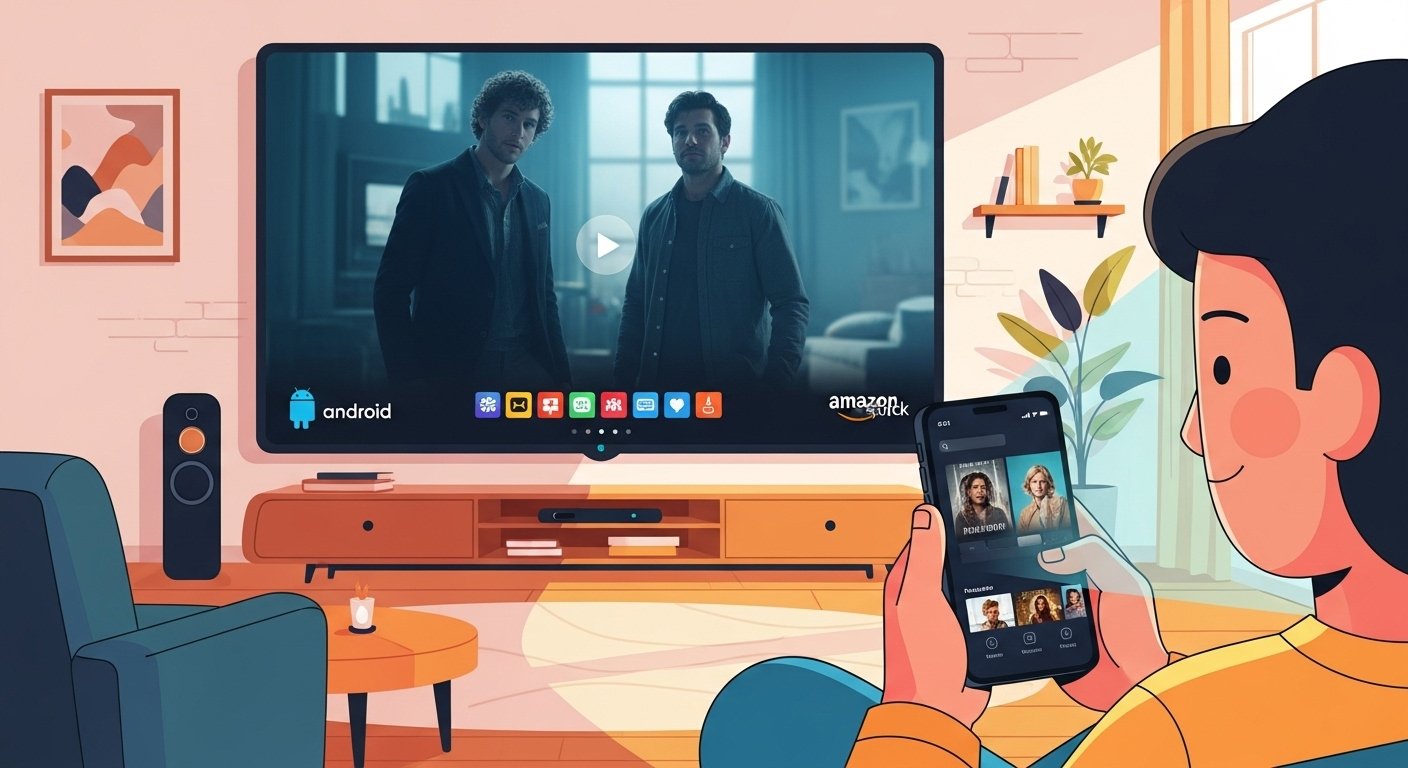
Lots of people want to watch movies and TV shows for free. Apps like Netflix cost money every month. OnStream is a popular free app that lets you watch many movies, TV series, and more in good quality like HD or 4K. No need to pay!
This guide uses very simple English. We explain what OnStream is, how to download it, if it is safe, how to use it on Android phones and Firestick, and how to fix problems when OnStream app not working. Info is based on real user reports and trusted guides from February 2026 (like troypoint.com and others).
What Is OnStream App?
OnStream is a free streaming app. It shows movies, new TV shows, old series, and sometimes other content. You do not need to sign up or give money. Just open the app and watch.
It finds video links from online places and plays them fast. You get few ads, quick loading, and options for subtitles in different languages. It works well on good internet.
Important: You cannot find OnStream in the Google Play Store or Amazon store. You download it as an APK file from websites. This is common for free streaming apps.
What people like most:
- Free forever — no payments
- Lots of movies and shows
- Good video quality (HD and 4K when possible)
- Easy to use with simple menus
- Works on phones, tablets, Fire TV Stick, and Android TV
But these free apps use links that are not always from official companies. This can mean some risks.
Is OnStream App Safe?
Many ask: is OnStream app safe?
From 2026 reports (like troypoint.com tests and VirusTotal scans), the real app from good sources is usually clean. No viruses show up in safe versions (like v1.1.4 checked safe with 0/65 detections).
Still, there are risks:
- Some websites give fake APKs with bad software (malware) that can hurt your phone or steal info.
- The app plays movies from unofficial links. In places like Pakistan, watching paid content for free without permission is not fully legal. Your internet provider might notice.
- No big company runs it, so less help if something goes wrong.
How to stay safer:
- Download only from trusted places (check sites like troypoint.com or onstreamhq.com for latest safe links).
- Scan the APK file with antivirus before you install.
- Always use a good VPN to hide your location and keep things private.
- Do not click strange ads or links in the app.
- Do not give personal info.
Many people use it for months with no issues. But experts say: third-party apps always have some risk. For no worry, use paid legal apps.
OnStream App Download Guide
OnStream app download is easy if you follow steps carefully.
For Android phone or tablet:
- Open Settings.
- Go to Security (or Privacy / Apps).
- Find “Install unknown apps” or “Unknown sources”.
- Allow your browser (Chrome or others) to install files.
- Open browser and search “OnStream APK latest February 2026” or go to safe sites like troypoint.com/onstream-apk or onstreamhq.com.
- Find latest version (like v1.1.4 or newer in 2026).
- Click download (file size about 25-30 MB).
- Open the downloaded file.
- Tap Install.
- Wait, then open the app!
Use good Wi-Fi. If download is slow, restart phone or clear browser data.
OnStream App for Android
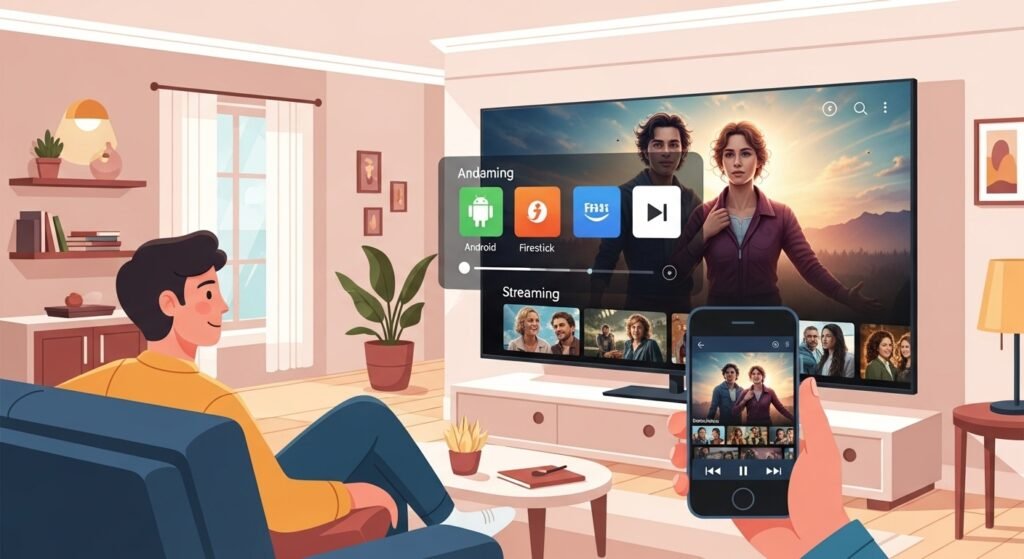
OnStream app for Android works great on phones and tablets with Android 5.0 or higher.
After install:
- Open app — see simple home screen with Movies, TV Shows, Search, and Favorites.
- Type name of movie or show in search.
- Click it.
- App picks good link or you choose one.
- Play in full screen.
You can change quality (low for slow internet, high for clear picture). Subtitles work easy. Some versions allow download for later watching without internet.
It is light and fast — no hard menus.
OnStream App Firestick Guide
OnStream app Firestick is loved because Fire TV Stick is cheap and great for big TV.
How to install OnStream on Firestick (works on Fire TV Stick 4K, Lite, and Android TV too):
- On Firestick home, go to Search icon.
- Type “Downloader” and install it (free from Amazon).
- Open Downloader.
- Type a code like 28934 (common in 2026) or visit safe URL from troypoint.com/onstream-apk.
- Click Go to download APK.
- When ready, click Install.
- After install, go to Firestick home > Your Apps > See All.
- Find OnStream and open.
Before install:
- Go to Settings > My Fire TV > Developer Options.
- Turn ON “Apps from Unknown Sources”.
Takes 5-10 minutes. Many 2026 YouTube videos show exact steps.
OnStream App Not Working? Easy Fixes
OnStream app not working is common. You may see “Couldn’t Load”, app crashes, no video, or stuck loading.
Try these simple fixes (from 2026 user reports and videos):
- Check internet — Restart Wi-Fi. Test speed. Slow or no connection causes most problems.
- Restart device — Turn off Firestick/phone for 1-2 minutes, turn back on.
- Clear cache — Settings > Apps > OnStream > Storage > Clear Cache (keep data so favorites stay).
- Update app — Delete old version. Download latest APK from safe site (new versions fix bugs).
- Turn on VPN — Use VPN and choose US/UK server. Some links block by country.
- Pick different link — In app, if one server fails, try another.
- Reinstall — Uninstall app, restart device, install fresh.
- Free space — Delete extra files/apps if storage is full.
- Wait a bit — Servers sometimes go down. Try after few hours.
- Try older version — Some users download v1.1.5 or similar if new one breaks (check safe sites).
If still stuck, search YouTube “OnStream fix February 2026” for video help. Many show step-by-step.
Final Thoughts
OnStream is a nice free way to enjoy movies and shows on Android phones, tablets, and Firestick. It is simple, fast, and has good quality most times.
But be smart: download from safe trusted sites only, use VPN every time, and remember legal rules in your area (like in Karachi, Pakistan). Paid apps give full safety and support.
Follow this guide and you can use OnStream with less worry. Happy watching!
Disclaimer:
This guide is for information only. We do not sell, promote, or get money from OnStream. We are not responsible if the app causes any problems. Download and use apps at your own risk. Follow local laws and stay safe online.
Explore More
- MovieBox Pro App: Download APK & iPhone/Android Features + Latest Download Link
- RollerCoin App Download Guide: Get RollerCoin App for Android & iOS (2026)
- Bflix App: Download for Android, iPhone, PC, Firestick | Safe, Latest Version & Reviews
About the Author