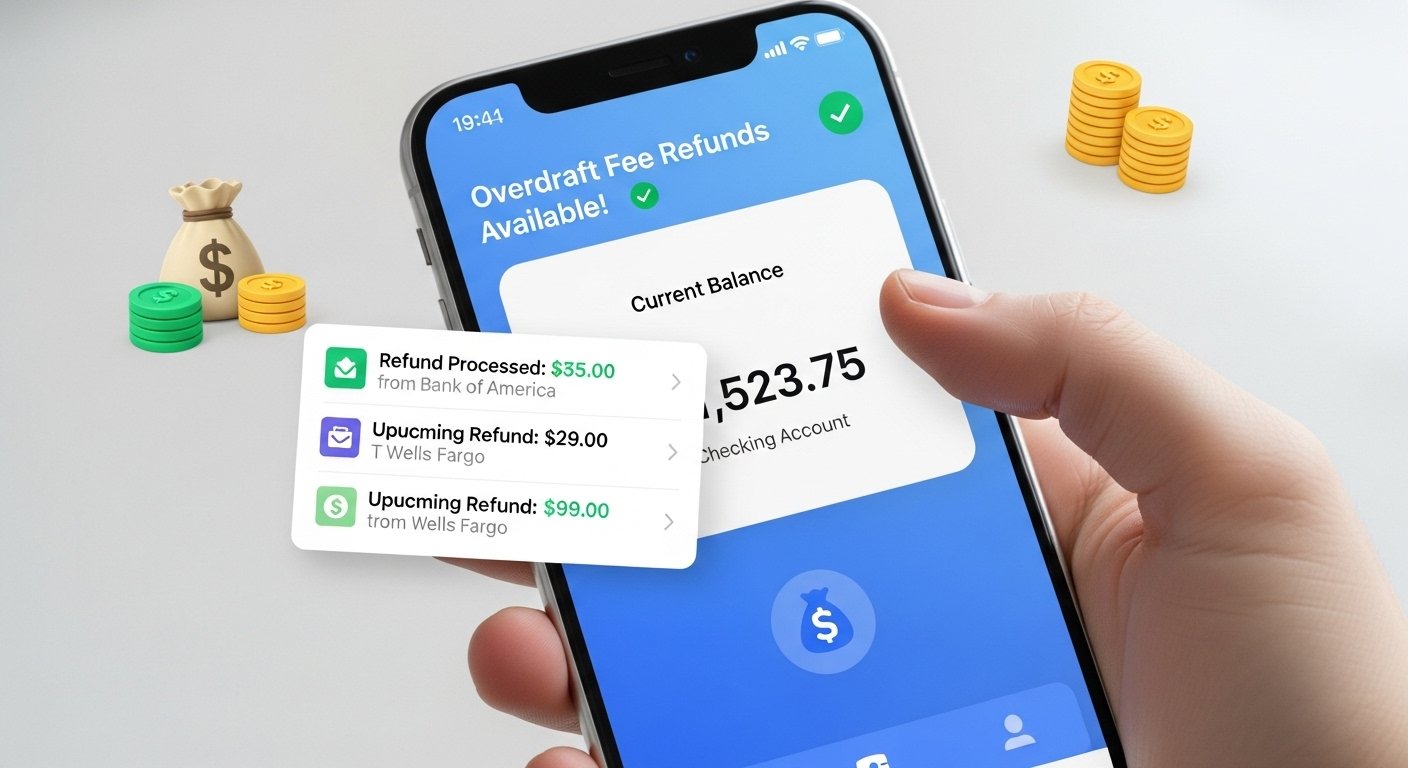
Many people face overdraft fees every year. These fees happen when your bank account has less money than a payment needs, and the bank covers it but charges you a big fee. In 2026, these fees can still be high, often $30 or more per time. But good news! There are now apps and services that help you get your money back. These overdraft fee refund apps make it simple to spot unfair fees and ask for refunds. Some even do it automatically.
This article explains everything in easy words. You will learn what overdraft fees are, why they hurt, how refund apps work, the best options in 2026, steps to use them, and tips to avoid fees forever. By the end, you will know how to take control of your money.
What Are Overdraft Fees and Why Do They Matter in 2026?
An overdraft fee is extra money your bank takes when you spend more than what is in your account. For example, if you have $10 left and pay $15 for something, the bank may pay it but charge you $35 as a fee.
In 2026, rules are changing to help people. Some places like California cap fees at credit unions to $14 from October 2026. Big banks face new rules from groups like the CFPB to make overdraft fairer. Many banks now cut or remove these fees to keep customers happy.
Still, millions pay these fees each year. They add up fast and make it hard to save money. That is why refund apps are popular. They help you fight back and get money returned to your account.
How Do Overdraft Fee Refund Apps Work?
These apps connect safely to your bank account (with your permission). They look at your transactions to find overdraft fees. Then, they help you in different ways:
- Some apps scan for fees that seem unfair, like from errors or bank mistakes.
- They give you scripts or guides to call your bank and ask for a refund.
- A few apps fight for you automatically. They send requests or talk to the bank.
- Many also warn you before an overdraft happens, so you avoid fees next time.
Most use secure links like Plaid to see your account without seeing your login details. This keeps your information safe.
One example is apps that monitor fees like ATM charges or overdrafts. If they find one, they help get it back. Others give cash advances to stop overdrafts before they happen.
Best Overdraft Fee Refund and Protection Apps in 2026
Here are some top choices in 2026. These apps help with refunds or stop fees from happening.
Recoup This app is made for bank fees. It connects to your account and finds overdraft fees, ATM fees, or other charges. It fights to get them refunded automatically. Many users like it because it works in the background. It may have a monthly fee, but it can save more money.
Rocket Money Rocket Money (old name Truebill) has a free tool to help ask for refunds. It gives a script to talk to your bank. You open the app, go to “Request a refund,” and follow steps. It is good for overdraft fees. The app also tracks spending and cancels unwanted bills.
Brigit Brigit watches your balance. If you are close to overdraft, it alerts you. You can get a cash advance up to $250 to cover needs. This stops fees. It has an overdraft protection tool. Many use it to stay safe.
Dave Dave is very popular. It alerts you about possible overdrafts. You can get ExtraCash up to $500 (based on your history) with no interest. There is a small monthly membership (around $1). It helps avoid fees and gives advances when needed.
Chime Chime has SpotMe. It lets you overdraw up to $200 (or more over time) with no fee. If you qualify, no overdraft fees at all. Many switch to Chime to stop paying fees forever. It also has early paycheck access.
Current Current offers free overdraft coverage for qualifying users. It has advances and other tools. Good for people who want no-fee overdrafts.
Other Good Options
- Earnin: Get advances from your pay with no fees (optional tip).
- MoneyLion: Advances and tools to manage money.
- Apps like Pine AI or others use AI to handle refunds in many areas, including bank fees.
Always check the latest app details because features change.
Step-by-Step: How to Get Your Overdraft Fee Refunded in 2026
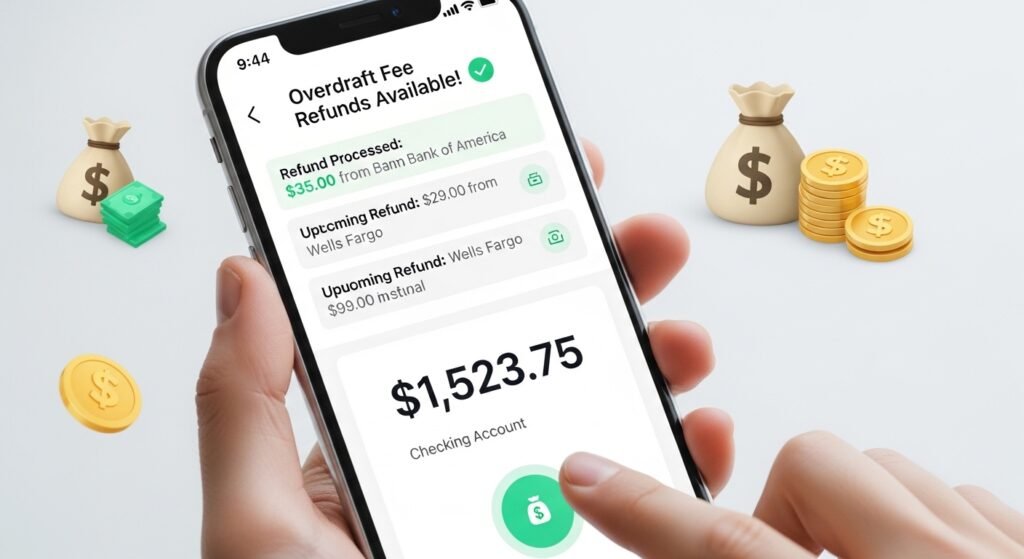
You do not always need an app. Many get refunds directly. Follow these easy steps:
- Check Your Account Look at your bank statement. Find the overdraft fee. Note the date, amount, and reason.
- See If It Qualifies Fees from bank errors, delayed deposits, or first-time overdrafts often get refunded. If you have a good history (no many overdrafts), banks are more helpful.
- Contact Your Bank Call customer service or chat in the app. Be polite. Say: “I was charged an overdraft fee on [date]. It was because [reason, like delayed pay]. I have been a good customer. Can you please refund it as a one-time courtesy?” Many banks refund once or twice to keep you happy.
- Use an App for Help If you feel stuck, use Rocket Money’s script or Recoup to automate. Follow their guide.
- Be Patient and Follow Up If no yes at first, ask to speak to a manager. Try again in a few days. Keep records.
- Switch If Needed If your bank says no often, move to a no-fee bank like Chime, Ally, or SoFi. They have no overdraft fees or free protection.
Many people get at least one fee back this way. It is worth trying!
Tips to Avoid Overdraft Fees Forever
The best way is to stop fees before they start. Here are simple tips:
- Set up low-balance alerts in your bank app. Get a text or push notice when money is low.
- Link a savings account for automatic transfers to cover short amounts (many banks do this free).
- Use apps like Dave or Brigit for advance warnings and small loans.
- Track spending daily with budgeting tools in apps.
- Choose banks with no overdraft fees. In 2026, more do this.
- Get pay early if your job allows (Chime or others give it two days sooner).
- Build an emergency fund, even small amounts help.
Following these can save you hundreds each year.
Why 2026 Is a Great Time to Act
Rules are getting better. Caps on fees, more no-fee options, and strong apps make it easier. Many banks cut fees to follow new laws and keep customers.
If you paid overdraft fees recently, check now. Use an app or call your bank. You may get money back fast.
Final Thoughts
Overdraft fees hurt, but you can fight them. With refund apps like Recoup, Rocket Money, or protection from Dave and Chime, getting money back is easy in 2026. Start by checking your account, trying a refund request, and using tools to stay safe.
Take action today. Your wallet will thank you. Small steps lead to big savings. Stay smart with your money!
Disclaimer:
This article is for information only. It is not a promotion or affiliate post. We do not get paid by any apps or banks mentioned. The apps and banks described may change their rules, fees, or services anytime. Always check with your bank or the app directly before taking action. We are not responsible for any loss, mistakes, or problems you may have from using these apps or following this advice.
Explore More
- Evvie App: Login, Download, Android Guide & Fixes When Not Working
- Bingo Bling App: Free Download, Android Version, Legit Review & How to Play
- Moves App Review 2026: Madeline, Mom, Pregnancy Insights & Reddit Opinions
About the Author