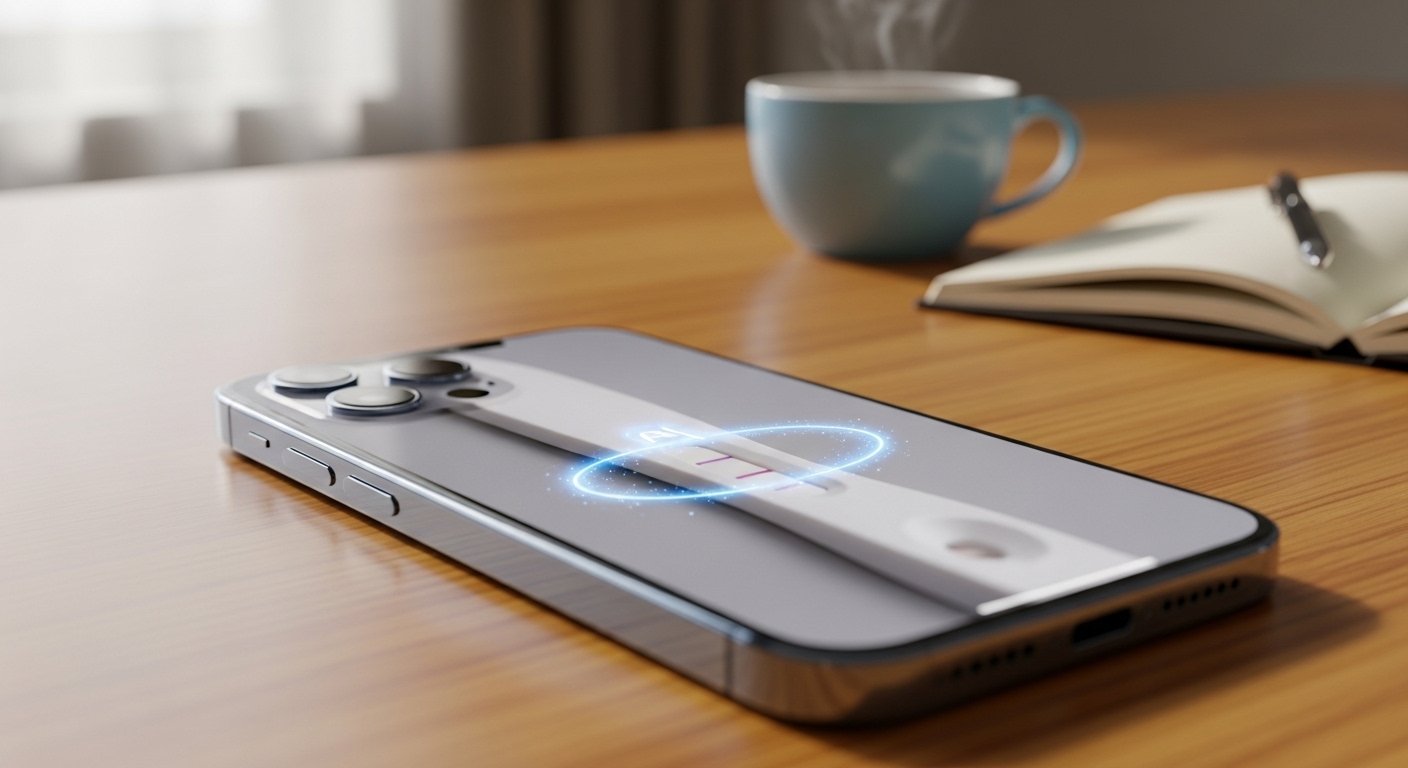
Waiting for a pregnancy test result can feel like forever. Sometimes the lines are so faint that you stare at the stick and wonder: is that really a line or just my eyes playing tricks? That’s where a pregnancy test checker app comes in. These apps help you scan or check your home pregnancy test photo to give extra help in reading the result.
In 2026, many people search for a pregnancy test checker app free on iOS because it’s easy, quick, and costs nothing to start. This article explains everything in simple words. We talk about what these apps do, how to use them, how accurate they are, and a full review. We base this on real user experiences, expert views, and facts from trusted sources. Always remember: these apps are just helpers. They do not replace a doctor’s test or blood work.
What Is a Pregnancy Test Checker App?
A pregnancy test checker app is a mobile tool for your iPhone. You take a photo of your used pregnancy test stick (like strip, midstream, or line tests) and the app looks at it. Most use AI (smart computer tech) to spot if there is a test line next to the control line.
- Control line: This always shows up to say the test worked.
- Test line: If this shows (even faint), it means positive (pregnant).
The app tries to see faint lines better than your eyes in bad light. Some apps also let you adjust brightness, add filters, or join communities to ask others.
Popular ones include “Pregnancy Test Checker” by Inventive Mobile. It is free to download with some in-app buys for extra features. It works on iOS (iPhone) and needs iOS 18.0 or later in 2026. Other similar apps are Pregnancy Test CheckerScanner or Linify, but many users like the main one for its AI power.
These apps are not the same as official brand apps. For example, First Response has its own app for their digital Bluetooth tests, but that’s different – it connects directly to a special test stick.
Pregnancy Test Checker App Free Download for iOS
Getting the app is very simple and free to start.
- Open the App Store on your iPhone.
- Search for “Pregnancy Test Checker” (the one by Inventive Mobile is popular, with high ratings like 4.6 out of 5 from thousands of users).
- Tap Get or the cloud icon to download. It is free, but watch for in-app purchases if you want premium tools.
- The app size is around 100-110 MB, so make sure you have space.
- It asks for camera access to take photos.
pregnancy test checker app download is easy and safe from the official App Store. Avoid third-party sites to stay away from fake or unsafe versions.
Other options: Search for “pregnancy test checker app iOS” in the App Store. Many are free with ads or optional buys.
How to Use Pregnancy Test Checker App Step by Step
Using the app is easy even if you are nervous or new to apps. Here is a simple guide:
- Take the pregnancy test first: Follow the instructions on your test box. Wait the right time (usually 3-10 minutes). Do not read after the time limit because lines can change (evaporation lines).
- Open the app: Launch Pregnancy Test Checker on your iPhone.
- Take or choose a photo:
- Use the camera in the app to snap a clear picture of the test.
- Or import a photo from your phone gallery.
- Tips for best photo: Good light (natural daylight is best), hold steady, focus on the result window, no shadows.
- Check the result: Tap the “Check” or “Scan” button. The AI looks for lines.
- It says something like “Positive – test line visible” or “Negative – no test line”.
- Some apps show confidence level or highlight the line.
- Extra help: Adjust contrast, zoom in, or apply filters to make faint lines clearer. Some apps have community where you can post your photo (without face) for others to vote.
- Save or share: Keep the result in the app for tracking.
The whole process takes less than 2 minutes. Many say it helps with first response pregnancy test checker app style worries, where lines are hard to see.
How Accurate Is the Pregnancy Test Checker App?
This is the big question: how accurate is the pregnancy test checker app?
Short answer: It can help a lot, but it is not 100% perfect. The real accuracy comes from the pregnancy test itself, not the app.
Home pregnancy tests are over 99% accurate when used right (on or after missed period, first morning urine). But faint lines, bad light, or user error make reading hard.
The app uses AI to detect lines better sometimes. User reviews say it spots faint positives that eyes miss. But there are problems:
- False positives: Some apps see shadows, indents, or evaporation lines as real. Users report apps saying positive, but period comes later.
- False negatives: If the line is very faint or photo is bad, app might miss it.
- Experts say: No big studies prove AI apps are better than your own eyes or a digital test. Doctors warn not to trust apps fully. AI is good for extra view, but repeat the test or see a doctor for blood test (most accurate).
In 2026, apps like Pregnancy Test Checker have improved AI, but reviews show mixed results. Some users love it for peace of mind. Others say it gave wrong hope or fear.
Best rule: If app says positive, do another test in 2-3 days or see doctor. If negative but you have symptoms, test again.
The app does not change the test’s accuracy – it just helps read it. For best results, use good brands like First Response Early Result (very sensitive) or Clearblue.
Pregnancy Test Checker App Review 2026
Here is an honest review of the popular Pregnancy Test Checker app iOS (mainly the one by Inventive Mobile, updated in 2026).
Pros:
- Free to download and use basic checker.
- AI helps see faint lines better.
- Easy interface, quick scan.
- Community feature for support (TTC – trying to conceive – groups).
- High ratings (4.6/5 from many users).
- Works offline after download.
- Updates often for better AI.
Cons:
- In-app purchases for no ads or extra tools.
- Can give false results (like many users say false positives from indents).
- Not medical device – app says it’s just a helper.
- Needs good photo; bad light = bad result.
- Some ads in free version.
Overall: 4 out of 5 stars. Great for extra help when squinting at lines. Best as a second opinion, not the only one. Many women in TTC communities use it and share tips.
Compared to others: It stands out for AI and community. Some newer apps like Pregnancy Test CheckerScanner focus on effects/filters.
Best pregnancy test checker app in 2026? This one is top for free iOS users because of updates and ratings.
Tips for Best Results with Pregnancy Test Apps
- Test on first morning urine for strongest hormone (hCG).
- Wait full time on test instructions.
- Take photo in bright, even light.
- Use multiple tests if unsure.
- If positive, see doctor soon for confirmation and care.
- Track cycles with apps like Flo or Clue for better timing.
Why People Love These Apps in 2026
In 2026, more women use phones for health. These apps give fast comfort when waiting. They are free, private, and help reduce stress. But health experts always say: Home tests and apps are first steps. Doctor visits give sure answers.
If you are trying to get pregnant or worried about a missed period, these tools can support you. Just use them wisely.
Disclaimer
This article is only for information. We are not doctors. Always check with a real doctor to be sure about pregnancy. This is not an ad or affiliate post. We do not earn money if you use any app mentioned. Pregnancy test checker apps are just helpers. They can be wrong. Always do a real test or see a doctor to be sure.
Explore More
- OpsAnalitica App Download for Android – Latest OpsAnalitica App APK
- What Is the Best Drone Detector App? Top Apps for Android, iPhone & Police Use (2026 Guide)
- PeriPage App Download: Android, iOS, PC & Mac Guide | Google Play
About the Author