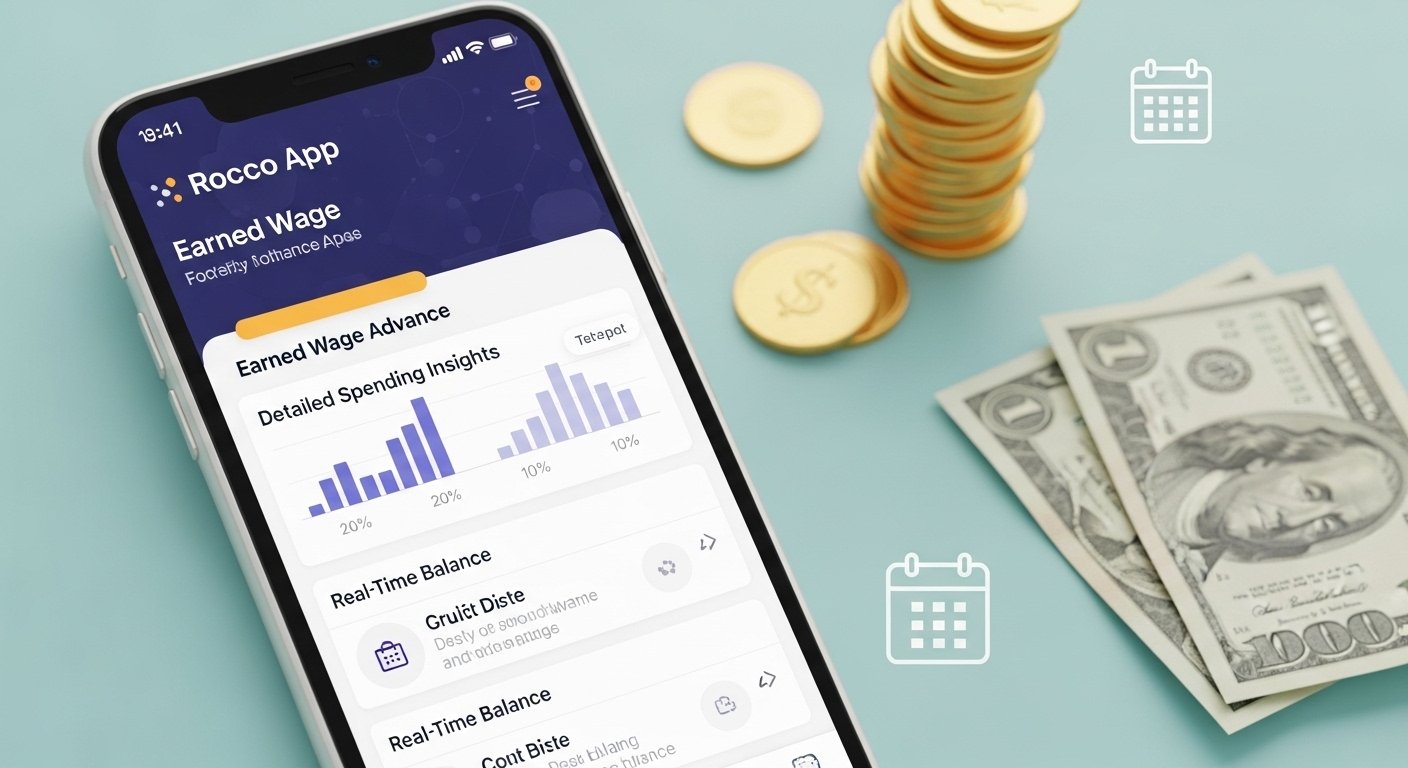
The Rocco App is a helpful personal finance tool made by Rocco Finance, Inc. It lets people get quick access to money they have already earned from their job, before their next payday. This is called an earned wage advance. Many people in the US use apps like this to pay for daily needs like food, gas, or bills when cash is low between paychecks. Rocco wants to help avoid expensive bank overdraft fees or high-interest loans.
The app is simple to use. It gives you up to $10–$100 in advances (depending on what you qualify for). There is no credit check, no interest, and no late fees on the advance itself. But there is a monthly subscription fee to use the full service.
What Does the Rocco App Do?
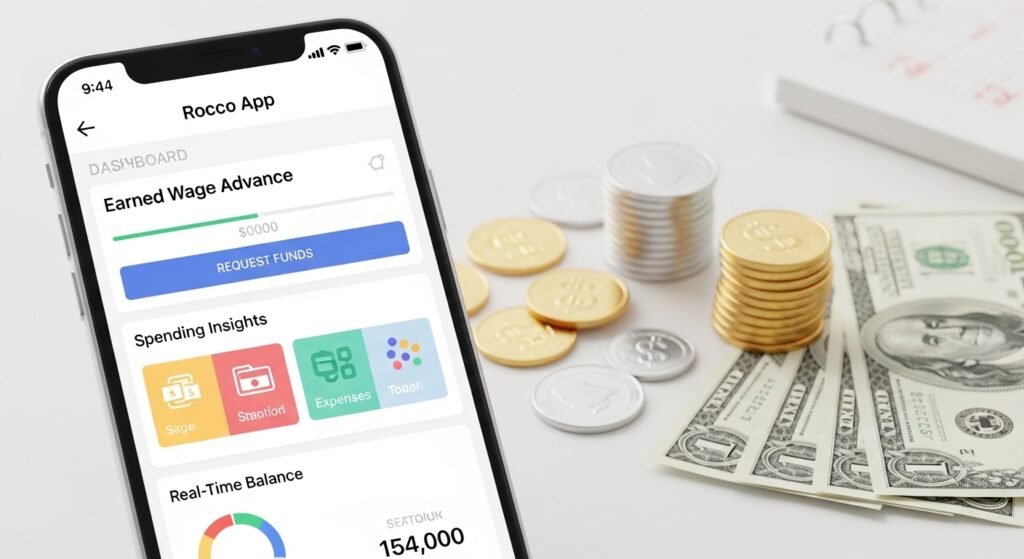
Rocco is more than just cash advances. It has these main features:
- Earned Wage Advances — Get small amounts of your pay early.
- Spending Insights — See where your money goes each month to help you budget better.
- Overdraft Alerts — Get warnings when your bank balance is low so you can avoid extra bank charges.
- Real-Time Balance Updates — Know your bank account money right away.
The company says it helps people manage cash flow and stay out of debt. It is built for workers who get paid regularly and link their bank account.
How to Download the Rocco App
Downloading Rocco is easy and free to start.
For Android users:
- Go to the Google Play Store.
- Search for “Rocco – Fast Cash Advance” by Rocco Finance, Inc.
- Click “Install.”
- The app is made for Android phones and tablets.
For Rocco app for iPhone (iOS):
- At this time, the main Rocco cash advance app is only on Android (Google Play).
- There is no official iPhone version for the wage advance service from Rocco Finance, Inc. Some other apps have “Rocco” in the name (like reward or other tools), but they are not the same.
- If you have an iPhone, you may need to use a different earned wage app or check the official site roccoapp.com for any updates.
Always download from official stores to stay safe. Avoid third-party sites that may have fake or unsafe versions.
Rocco app download is quick — it takes just a minute or two.
Rocco App Login and Sign-Up Steps
After you download, setting up is simple.
- Open the app.
- Sign up with your email or phone number.
- Create a password.
- Link your bank account — this is needed to check your earnings and deposits.
- Verify your details (like job info or pay schedule if asked).
- Once approved, you can see if you qualify for advances.
Rocco app login is fast after the first time — just use your email/phone and password. If you forget your password, use the “Forgot Password” option to reset it.
Some users say linking the bank takes a few minutes. Make sure your bank app allows connections (many big banks like Chase, Bank of America work well).
How to Get a Rocco App Code or Promo
Right now, Rocco does not have public promo codes or referral codes listed on their site. Some cash advance apps give extra money or free trials with codes, but Rocco focuses on the subscription model.
- Check the app after sign-up for any welcome offers.
- Visit roccoapp.com for news on deals.
- The advance is often free for qualifying users (no extra tip needed, but optional tips help the company).
If you see “Rocco app code” searches, it may be people looking for discounts on the subscription. The standard fee is around $8.99 per month (check current terms as it can change).
Rocco App Reviews: What Users Say
People have mixed thoughts about Rocco. Here is a balanced view based on real feedback:
Positive points:
- Fast cash when needed.
- No credit check is great for people with low credit.
- Helps stop overdraft fees with alerts.
- Easy app to use for basic needs.
From Google Play (around 3.6 stars from hundreds of reviews):
- Many like the quick setup.
- Good for small advances ($20–$100).
- Some say it saved them from big bank charges.
Negative points:
- Monthly subscription fee (even if you don’t use advance every time).
- Some users report issues with repayments showing as “ongoing” for too long.
- Customer support can be slow or automated.
- Not available in all states (eligibility rules apply).
- A few say hidden fees or limits surprise them.
Videos and Reddit posts mention red flags like possible glitches or costs. One review called it “glitchy” but useful for some. Always read full terms before subscribing.
Overall, Rocco can help if you need small, short-term cash and have steady pay deposits. But it’s not perfect for everyone.
Common Problems: Rocco App Not Working
Sometimes the Rocco app not working happens. Here are common issues and fixes:
- App crashes or won’t open — Update the app or restart your phone.
- Can’t link bank — Check bank login details or try another bank.
- Advance not approved — You need regular deposits and meet eligibility (not all users qualify).
- Login fails — Clear cache, update app, or reset password.
- Repayment stuck — Contact support if it shows “ongoing” too long.
If nothing works, go to the Help Center in the app or email support.
Rocco App Customer Service Help
Rocco has ways to get help:
- In-app chat — Sign in and use the chatbot for quick answers.
- Email — Send to hello@roccoapp.com or support@roccoapp.com for agent help.
- Help Center — Visit roccofinanceinc.zendesk.com for FAQs on advances, payments, fees, and more.
- Phone — Some terms list 1-917-602-0837 for errors (but email/chat is main).
Users say support is mostly automated, and responses can take time. Be clear in your message with your account details.
For subscription cancel, do it in the app or email them.
Is Rocco App Safe and Legit?
Rocco Finance, Inc. is a real company based in New York. Their site is roccoapp.com, and they have a Zendesk help page.
- They use bank connections safely (like Plaid for linking).
- No hard credit pull.
- But read terms: Subscription auto-renews, and advances repay from your next deposit.
It is not a scam, but like all finance apps, use care. Only link real accounts, and borrow only what you can repay.
Final Thoughts on Rocco App
If you often run short before payday, Rocco can be a good option for small advances without high costs like payday loans. The alerts and insights add value.
But think about the monthly fee and if you qualify. Compare with other apps if needed.
For Android users in allowed states, try it — download is free to see.
For iPhone users, look for updates or other apps.
Always check the official site for latest info, as features and fees can change.
This guide covers Rocco app download, Rocco app login, Rocco app reviews, Rocco app for iPhone, Rocco app code, Rocco app customer service, and Rocco app not working. Hope it helps you decide!
Disclaimer:
This article is for information only. We are not promoting or selling the Rocco App, and this is not an affiliate post. We do our best to share accurate details, but things can change. Always check the official app, website, or customer service for the latest info. Use the app at your own risk. We are not responsible for any problems, losses, or issues you may face while using the Rocco App.
Explore More
- Members Credit Union App: Midwest, Diversified & Premier App Codes Explained
- The Best Private Investigator App: Top Tools for Investigations & Tracking
- Me+ App Reviews: What Is Me+ App, Features, Pricing, Is It Free & How to Use
About the Author