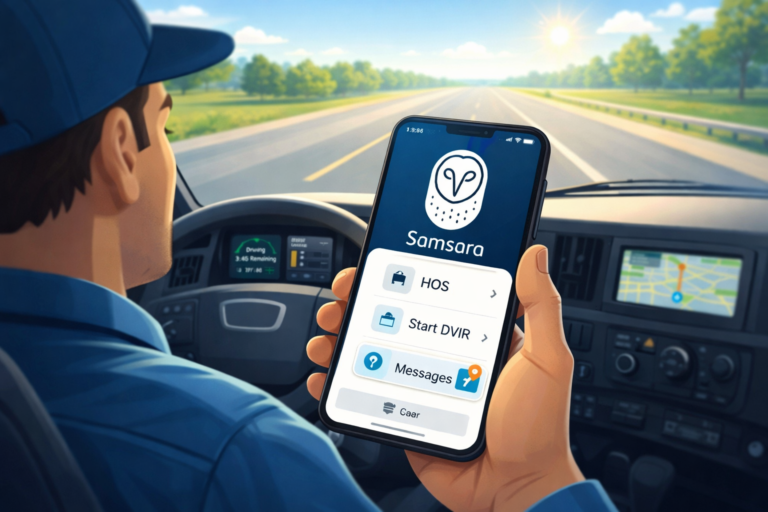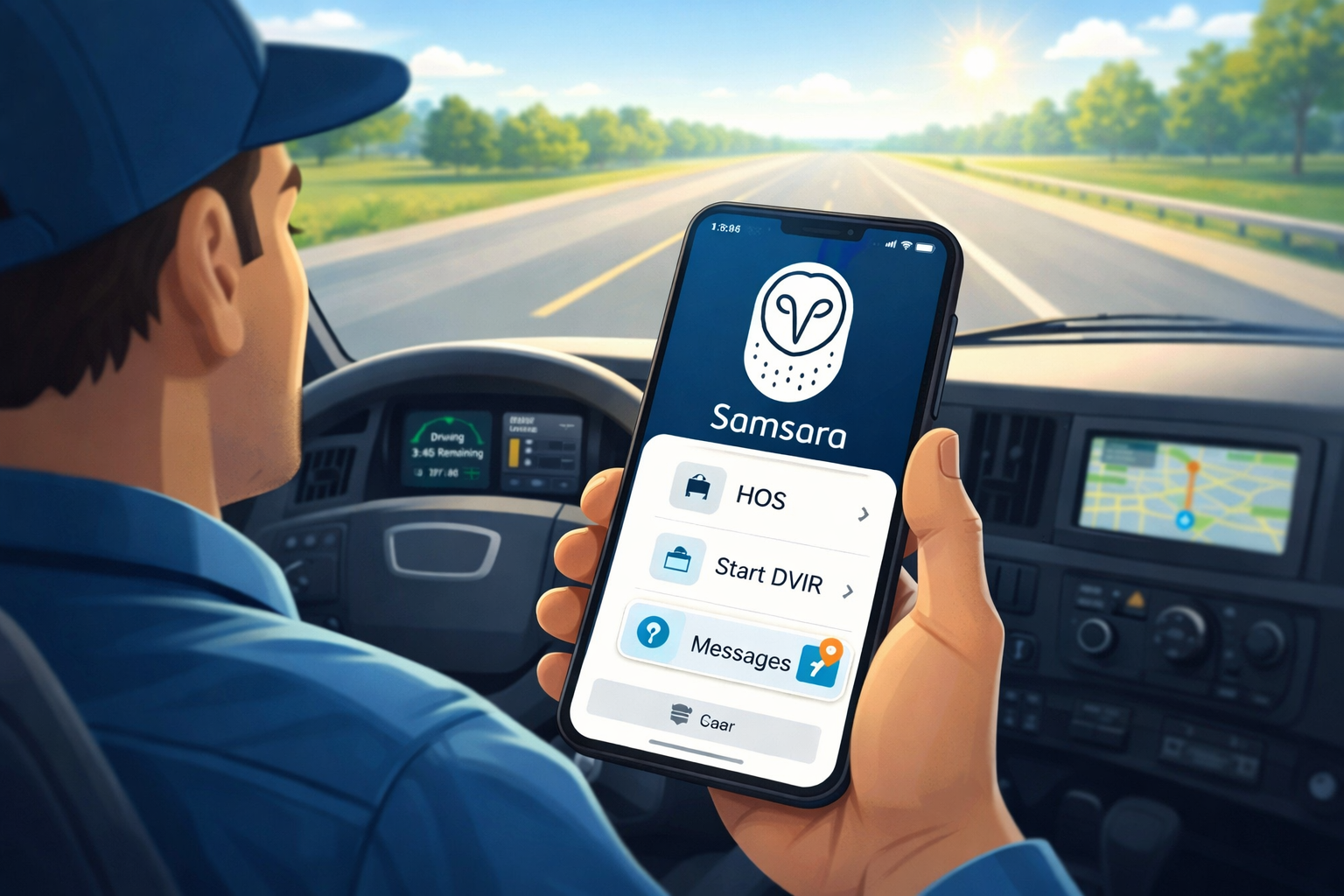
Imagine you’re a big truck driver out on the open road. The sun is shining, the engine hums happily, and you feel like a real explorer on a big adventure. But driving a truck isn’t just fun — it comes with important jobs like staying safe, following rules about how long you can drive, and checking your truck every day. That’s why many drivers love a special tool called the Samsara Driver App. This app is like a friendly helper right in your phone or tablet. It makes hard jobs easier and helps you feel proud of your work. In this guide, we’ll explore everything about it in a simple, happy way, just like sharing a story with a good friend. By the end, you’ll understand why so many drivers say, “This app makes my day better!”
What Does the Samsara Driver App Do?
The Samsara Driver App is a smart phone app made just for drivers like truck drivers or delivery people. It helps them do their daily work in a safe and easy way. For example, it keeps track of how many hours you’ve driven so you don’t get too tired — that’s called Hours of Service, or HoS for short. It also lets you check your truck before and after trips without using paper, and you can talk to your boss or team right from the app.
Because safety is so important on the road, the app watches for things that might make driving risky, like if you drive too fast or get distracted. It gives you gentle reminders to help you improve. Over time, this means fewer accidents and happier drivers. Another cool thing is that it connects to special devices in the truck, so everything works smoothly even when you’re far from home. That’s why drivers feel more confident and organized every day.
Samsara Driver App Features That Make Driving Fun and Safe
Now let’s talk about the best parts — the Samsara Driver App features! This app is full of helpful tools that fit right into your busy day.
First, there’s the Hours of Service tracker. It automatically notes when you start driving, take a break, or stop for the day. This means you don’t have to write everything down by hand. The app even sends friendly alerts if you’re close to needing a rest, so you stay safe and follow the rules.
Next comes the Driver Vehicle Inspection Report, or DVIR. Before you drive, you can check lights, tires, brakes, and more. You just tap on your screen to say if everything looks good or if something needs fixing. After your trip, you do another quick check. Because it’s all digital, your boss sees it right away, and there’s no lost paper!
The app also has two-way messaging. You can send messages to your dispatch team, and they can reply fast. For example, if you need directions or have a question about a load, help is just a tap away. In addition, some versions let the app read messages out loud so you can listen safely while driving.
Another fun feature is safety coaching. The app notices good things you do, like smooth braking or staying in your lane. It gives you points, badges, or kind words to celebrate! This makes drivers feel happy and motivated to keep getting better.
The app shows maps and routes too, so you know the best way to go. Plus, it helps with things like uploading documents or managing your driver’s license info. All these Samsara Driver App features work together like a team of friends helping you through the day.
How to Do a Samsara Driver App Download
Getting the app is super easy and exciting, like opening a present! The Samsara Driver App download is free, and it works on most phones and tablets.
If you have an Android phone (like many Samsung or Google phones), open the Google Play Store. That’s the colorful triangle icon on your screen. Type “Samsara Driver” in the search bar and look for the one made by Samsara. Tap Install, and wait a little bit while it downloads. After that, the app icon will appear — it’s ready for you!
For iPhone or iPad users, open the App Store with the blue “A” icon. Search for “Samsara Driver,” find the right one, and tap Get or the cloud icon to download. It works on Samsara Driver App for Android and Apple devices too, so everyone can use it.
Once it’s on your device, open it up. Your company will give you special login info, like a Fleet ID, username, and password. Keep those safe! This means the app knows it’s really you using it for work.
Samsara Driver App Login: Simple Steps to Get Started
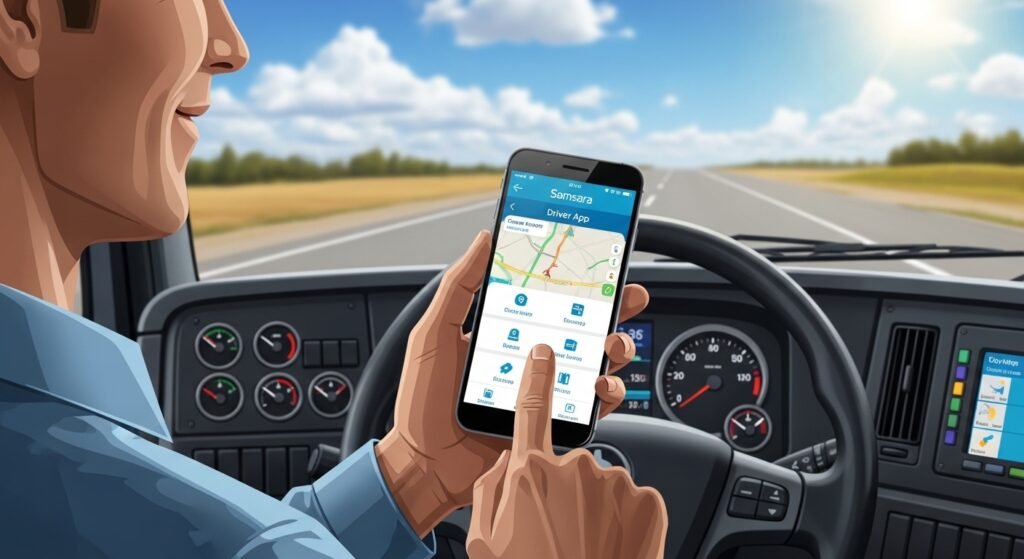
Logging in is like saying hello to your app friend every morning. For the Samsara Driver App login, follow these easy steps.
Open the app on your phone. You’ll see places to type your Fleet ID (that’s like your company’s special number), your username, and your password. Type them carefully, just like your company told you. Then tap Sign In or Log In.
If it’s your first time, the app might ask you to pick your truck or connect to the truck’s Wi-Fi hotspot. That’s a special connection from a device in the truck that gives the app internet. Because of this, the app works great even in places with weak phone signal.
Sometimes people forget their password. No worries! There’s a “Need help” or “Reset Password” button. Tap it, enter your Fleet ID and username, and your company can help you make a new one. After you log in, the app feels like home — everything is ready for your day.
One day, a driver named Mike forgot his password right before a long trip. He tapped the reset button, got help fast, and was back on the road in minutes. Stories like that show how friendly the app is!
Samsara Driver App Training: Learning Made Fun
Learning new things can feel like an adventure, and Samsara Driver App training makes it simple and enjoyable.
Your company might show you videos or guides inside the app or on their website. There are short tutorials that walk you through each part, like how to log your hours or do a truck check. For example, one video explains logging in step by step, and another shows how to send messages safely.
Many drivers watch these during a quiet break or at home. Over time, they get really good at using the app without thinking too hard. The app also has built-in tips that pop up to help you learn as you go.
In addition, some companies add training courses right in the app for safety topics, like how to drive in bad weather. Completing them feels good because you earn badges or points. That’s why drivers say the training helps them feel smarter and safer every day.
A Day in the Life with the Samsara Driver App
Let’s pretend you’re a driver named Sarah. One morning, she wakes up excited for her route. She opens her phone, does the Samsara Driver App login, and picks her truck. First, she does a pre-trip DVIR — tapping yes for good tires and lights. Everything is ready!
As she drives, the app tracks her hours quietly in the background. It reminds her when it’s time for a break, so she stops at a nice spot for coffee. During the stop, she gets a message from dispatch about a small change in plans. She replies quickly and keeps going.
Later, if something exciting happens like a smooth drive with no hard stops, the app gives her a safety point. Sarah smiles because she knows her good habits are noticed. At the end of the day, she does a post-trip check, certifies her logs, and logs out. How to log out of Samsara Driver App is easy — just go to settings, tap sign out, and confirm. Simple!
Because of the app, Sarah’s day feels organized and less stressful. She has more time to enjoy the views and think happy thoughts.
Fun Facts About the Samsara Driver App
Here are some fun facts to make you smile! The app is used by thousands of drivers all over the place, helping big fleets stay safe. It can connect to cameras in the truck to show what happens around you, like a watchful eye. Also, it saves trees because no more paper reports! Over time, drivers who use it a lot say they feel prouder of their job.
Another fun thing: the app gets updates often to add new helpful tools, like better maps or easier ways to share documents. It’s always growing, just like you when you learn something new!
Why People Love the Samsara Driver App
So many drivers love this app because it makes work feel easier and more fun. For one thing, it saves time — no more hunting for papers or guessing hours. Also, the safety tips help them drive better, which means fewer worries for their families.
Drivers get recognized for good work with badges and messages, so they feel like part of a team. That’s why people say, “This app cares about me!” In addition, it helps everyone stay safe on busy roads, which is the most important thing.
What We Can Learn from the Samsara Driver App
From this app, we learn that tools can be kind and helpful. It shows us how technology can make jobs safer and happier. We also see that checking things carefully, resting when needed, and talking nicely are big parts of being a good driver — or a good person!
It teaches us to celebrate small wins, like a safe day or a quick message reply. Over time, these little things add up to big happiness.
In the end, the Samsara Driver App is more than just an app — it’s a friendly companion for drivers on their adventures. Whether you’re thinking about driving trucks one day or just curious about cool tools, remember: good helpers like this make the world safer and more fun. Stay curious, stay safe, and maybe one day you’ll use it on your own big journey. Happy driving, friends!
Disclaimer:
This article is for informational purposes only. We are not promoting or endorsing the Samsara Driver App in any way, and this is not an affiliate article. We do not receive any compensation for mentioning or discussing the app. The information shared here is based on research and general knowledge. Please make sure to verify all details with the official sources or the Samsara website. Use the app and services at your own discretion.
Explore More
- Proveo Mobile App: Download, Login, and Get Started on Android & iPhone
- The Farmers Signal App Review: Complaints, Consumer Reports, and Contact Information
- Chillio App Review: Is Chillio App Free, Legit, and How to Download, Subscribe, or Cancel?
About the Author