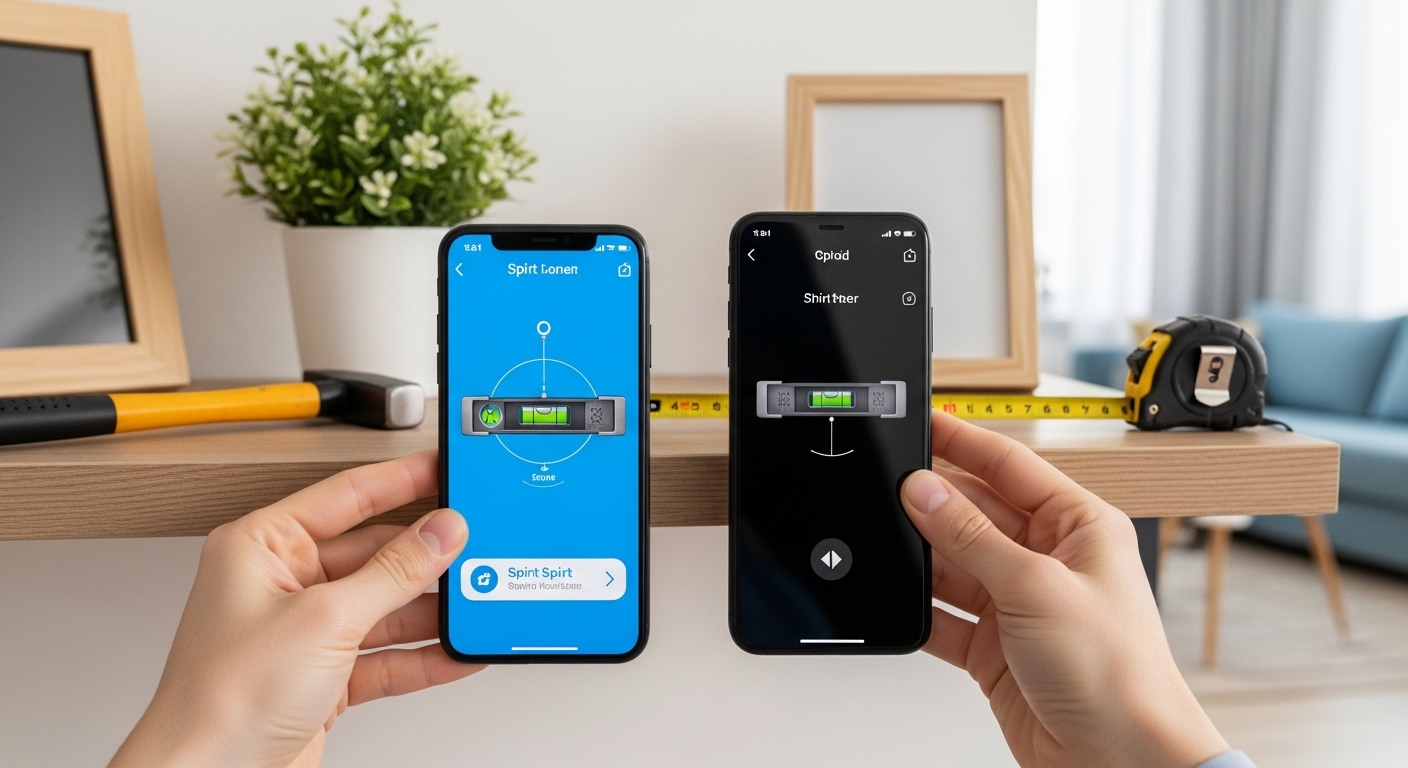
A spirit level app turns your phone into a handy tool for checking if something is straight and even. Many people need a level tool at home or during small jobs, but they do not always have a physical bubble level nearby. That is why a digital spirit level app feels so useful. It uses the sensors inside your phone to show angles and help you make surfaces flat or straight.
In 2026, these apps work better than before because phones have improved sensors. You can find a spirit level app free on both iPhone and Android devices, including Samsung phones. This article explains everything in simple steps so you can understand how it works, why it helps, and how to use it safely and well.
What Is a Spirit Level App and Why Do People Use It?
A spirit level app is a simple program that acts like the old bubble level tool carpenters and builders have used for many years. In the past, people placed a long tool with a glass tube and a bubble inside on a surface. When the bubble stayed in the middle, the surface was level.
Today, a digital spirit level app does the same job using your phone. It shows a picture of a bubble or lines on the screen. When the bubble sits in the center, you know the surface is even. This means you can hang a picture straight, set up a shelf without it tilting, or check if a table stands flat.
People like these apps because they are always in their pocket. You do not need to buy or carry an extra tool. After that, the app helps in many quick jobs around the house. For example, if you move furniture and want to make sure it does not rock, you can place your phone on it and check right away. Over time, this saves you from small problems like crooked frames or wobbly shelves that annoy you every day.
Another thing is that beginners feel more confident with a spirit level app. They see clear numbers or colors on the screen that tell them exactly how much something tilts. This makes learning easy and fun.
How Does a Digital Spirit Level App Work?
Phones have small sensors called accelerometers and gyroscopes. These sensors feel gravity and movement. When you place your phone on a surface, the sensors measure the angle of tilt. The spirit level app then turns this information into a simple picture you can see.
Most apps show a bubble that moves like in a real tool. Some also show degrees, like 0.0 for perfectly level or 1.5 for a small tilt. In addition, many apps let you switch between horizontal and vertical checks. Horizontal means side to side, like a table top. Vertical means up and down, like a door frame.
The process is straightforward. First, open the app. Next, place the edge of your phone flat against the surface you want to check. After that, watch the screen. If the bubble moves to one side, gently adjust the object until the bubble returns to the middle. That’s why it feels natural once you try it a few times.
Some laser spirit level app versions go further. They use your phone’s camera to show a laser-like line on the wall through the screen. This helps when you need to mark long straight lines without a real laser tool. Because phones keep getting better cameras and processing power, these features work smoother in 2026.
Best Features to Look for in a Spirit Level App
Good spirit level apps share several helpful features. Many show both a straight bubble view and a round bull’s-eye view for checking flat surfaces in all directions. You can also lock the reading so it stays on screen while you work.
Another useful part is calibration. Phones can have small errors from their cases or position. Calibration lets you set a known flat surface as zero. This means your readings become more reliable. In addition, some apps show the angle in degrees and also as a percentage, which helps when you need exact slopes, like for a small ramp.
Many free versions include a ruler too. This lets you measure short distances along with checking level. For photography lovers, some apps help make sure the camera sits straight on a tripod. Over time, these extra tools make one app enough for many small tasks.
For Samsung spirit level app users or any Android phone, the apps usually work the same way across brands because they use the same phone sensors. On iPhone, the spirit level app iPhone options feel smooth and often use the built-in Measure app features too.
How to Use a Spirit Level App Step by Step
Using a spirit level app is easy when you follow simple steps. Start by downloading a free version from your phone’s store. Open it and give it permission to use the sensors if asked. This usually happens only once.
Next, find a surface you know is flat, like a hard floor or a known level table. Place your phone on it and press the calibrate button if the app has one. This helps remove any small errors from your phone case. After that, you are ready to check real objects.
For hanging a picture, hold your phone against the wall where the top of the frame will sit. Watch the bubble. Move the frame slowly until the bubble sits in the center. Then mark the spot. This means your picture will look straight every time you walk past it.
For checking a shelf, place the phone on top. If it tilts, add a small piece of cardboard under one side and check again. Repeat until it reads level. In addition, you can check vertical sides too by holding the phone upright against the shelf edge.
When using a laser spirit level app, point the camera at the wall and follow the on-screen line. It helps you draw or place things in a straight row across a bigger space. Because the app shows everything clearly, even kids can help with simple tasks under adult watch.
Spirit Level App for iPhone and Android Users
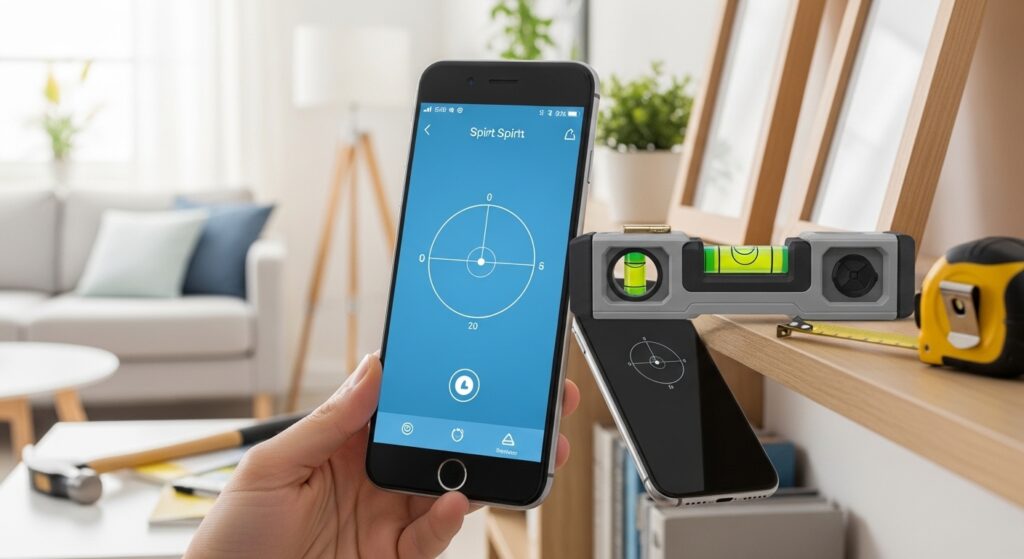
Both iPhone and Android users can enjoy these tools. A spirit level app iPhone often feels clean and fast because Apple phones have very good sensors. Many people open the built-in Measure app and find the level tool right there for quick checks.
On Android, including Samsung phones, you have many choices for a samsung spirit level app or general spirit level app android. Free options work well for daily use. You can search in the Play Store for a spirit level app android free download and pick one with good user feedback.
The good news is that the basic way of using them stays the same across phones. This means once you learn on one device, you can help friends on another. In 2026, updates make the apps more accurate because phone makers improve the hardware every year.
Practical Everyday Uses for Your Spirit Level App
Think about all the small jobs where a level matters. When you put up new curtains, you want the rod straight so the fabric hangs nicely. A digital spirit level app helps you check the brackets before you drill.
In the kitchen, check if your counter or table is level. A tilted surface can make cups slide or food spill. For example, after moving a fridge, place your phone on top to make sure it stands even. This prevents extra noise or wear on the motor.
Outdoors, use it for setting up a picnic table or checking garden shelves. Campers like it for making sure their tent floor feels flat. Photographers use it to keep tripods steady so pictures come out sharp.
Another real-life example is fixing a wobbly chair. Place the phone on the seat and see which leg needs a small adjustment. Over time, these quick checks save you from bigger repairs later.
Tips for Getting Better Results and Avoiding Mistakes
To get good results, hold your phone steady against the surface. A shaky hand can make the reading jump. Place the phone flat and wait a second for the numbers to settle. Also, remove thick phone cases during important checks because they can add a small tilt.
Calibration is important. Do it often if you drop your phone or change cases. Many apps save the calibration, so you do not need to do it every time.
One common mistake is trusting the app for very precise work like building a house frame. For those jobs, a real long level tool is still better. The app works great for home use but has limits from phone sensors. Another mistake is using it on soft surfaces like a bed or carpet because they bend and give wrong readings.
In addition, keep your phone screen clean so you can see the bubble clearly. Update the app when new versions come out because developers fix small bugs and improve accuracy.
For laser spirit level app users, make sure you have good light so the camera line shows up well. Practice on a known straight wall first to learn how it feels.
Comparing Digital Apps with Traditional and Laser Tools
Traditional bubble levels are simple and do not need batteries. They work well for short distances. A digital spirit level app adds convenience because it is always with you and often shows exact numbers.
Laser tools shine when you need a straight line across a whole room or outside. Some laser spirit level app options try to copy this by showing lines through the camera, but they depend on your phone’s camera quality.
Each tool has its place. Use the app for quick daily checks. Reach for a real level when you need to draw long straight marks. This way, you get the best from all of them.
Common Questions About Spirit Level Apps
Here are answers to questions many people ask.
Is a spirit level app free?
Many good versions are free to download and use for basic leveling. Some show ads or offer extra features for a small payment, but the main bubble and angle tools usually work without cost.
How accurate is a digital spirit level app?
It gives good results for home jobs, often within a fraction of a degree after calibration. For everyday tasks like pictures or shelves, it is accurate enough. Professional builders may still prefer traditional tools for very fine work.
Does it work on every phone?
Most modern iPhone and Android phones, including Samsung, have the needed sensors. Older or very cheap phones might show less smooth results.
Can kids use a spirit level app safely?
Yes, with adult supervision. It is a fun way to teach them about straight lines and balance during simple projects.
Do I need internet to use the app?
No. Once downloaded, the app uses your phone’s own sensors and works offline.
What if the reading looks wrong?
Recalibrate on a known flat surface. Also check if your phone case is thick or if the surface is soft.
Is there a difference between iPhone and Android versions?
The basic function is the same, but the screen design and extra tools may look slightly different.
Final Thoughts on Using a Spirit Level App
A spirit level app makes many small jobs easier and more fun. It helps you keep things straight without extra tools in your bag. From hanging art to setting up furniture, the app brings simple clarity to your day.
Remember to calibrate when needed, use it on firm surfaces, and enjoy the confidence it gives. In 2026, these apps continue to improve as phones get smarter. They remind us how technology can turn everyday objects into helpful helpers.
Try one today on a simple task like checking your desk or a picture frame. You might be surprised how often you reach for it after that. Keeping surfaces level brings peace to your home and makes daily life feel just a little bit better.
Disclaimer:
This article provides general information about spirit level apps for educational purposes only. Accuracy can vary based on device sensors, calibration, and usage conditions. For professional construction or precision work, always consult qualified tools and experts. The content is neutral and does not endorse or promote any specific app, brand, or service.
Explore More
- NatWest App Guide 2026: QR Code Payments, Transfers, IBAN, Statements, Face ID & Fix Not Working Issues
- Cricfy App Download Guide 2026: Firestick, iOS, Windows, Laptop, Live Cricket Streaming & Fix Not Working Issues
- Mini Block LatestHealthTricks Meet: Complete Guide, Features, Benefits & Updates 2026
About the Author