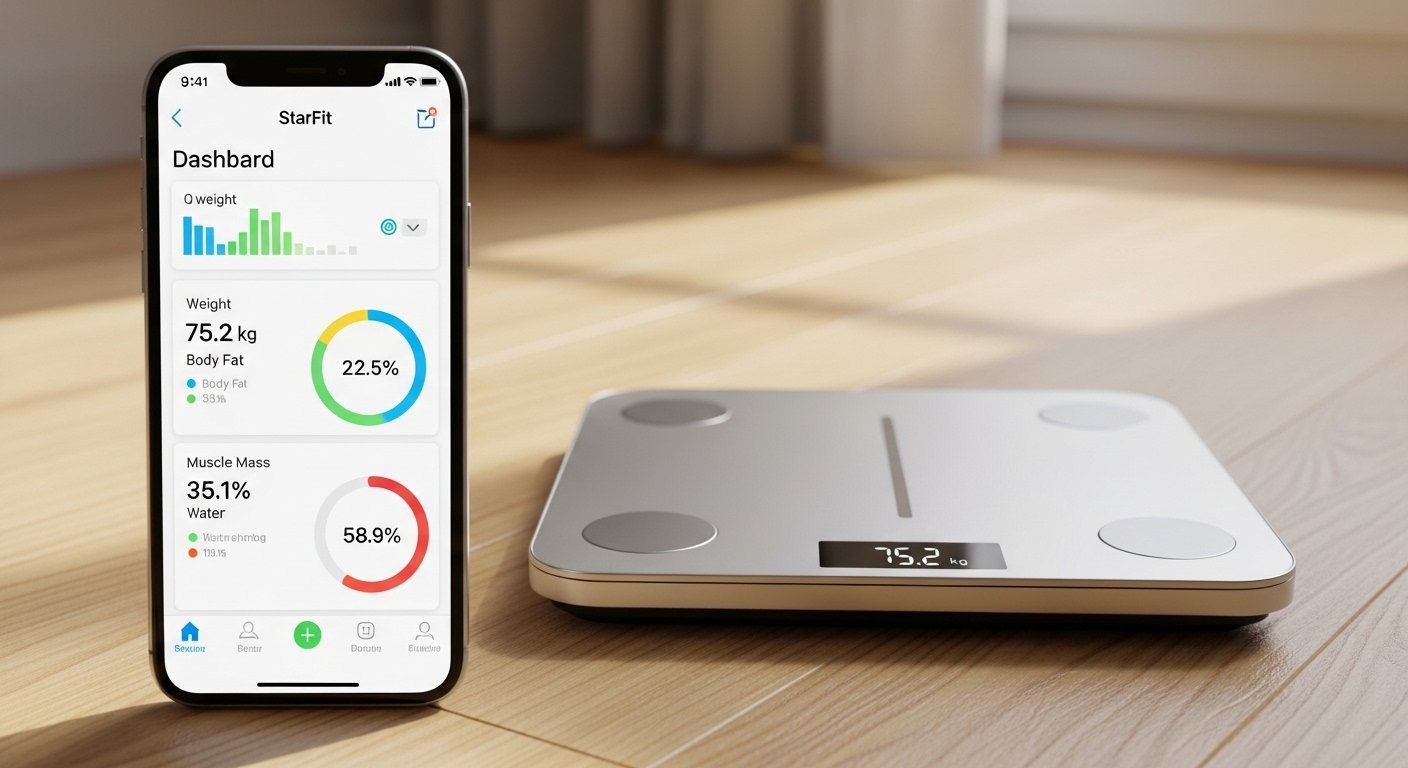
In 2026, many people want simple ways to track their health at home. The StarFit app is a popular free tool that works with smart scales to give detailed body information. It helps you see more than just your weight. You get data on body fat, muscle, water levels, and more.
This review looks at the StarFit app in an honest way. We cover what it is, its main features, how to get it for free, and how it pairs with scales like those from RunStar. The goal is to help you decide if it fits your fitness needs. All facts come from real user experiences, app details, and expert tests in recent years.
What Is the StarFit App?
The StarFit app (also called Starfit in searches) is a free health and fitness app for your phone. It connects to Bluetooth smart scales to measure and track your body composition.
Body composition means the makeup of your body — like how much is fat, muscle, water, and bone. Many basic scales only show weight. But StarFit gives a full picture to help you understand your health better.
The app is made by companies like RunStar for their smart scales. It works best with scales that use bioelectrical impedance analysis (BIA). This is a safe method that sends a tiny electric signal through your body to measure things.
StarFit is available on both iPhone (iOS) and Android. It has high ratings, often around 4.6 out of 5 from thousands of users. People like it because it is easy to use and gives a lot of data without extra cost.
Is the StarFit App Free?
Yes, the StarFit app is completely free to download and use. There are no hidden fees for basic features.
You can get it from:
- Apple App Store (for iPhone)
- Google Play Store (for Android)
Just search for “Starfit” or “StarFit”. The developer is often listed as RUNSTAR FL INC or similar. It does not need a subscription for core tracking. Some advanced scales pair with it, but the app itself stays free.
This makes it a great choice compared to paid fitness apps. You get detailed tracking without paying monthly.
Key Features of the StarFit App
The app stands out because it shows a lot of body metrics. Here are the main ones users talk about:
- Weight and BMI (Body Mass Index)
- Body fat percentage (total and types like subcutaneous and visceral fat)
- Muscle mass (including skeletal muscle)
- Body water percentage
- Bone mass
- Basal metabolic rate (BMR — how many calories your body burns at rest)
- Body age (an estimate based on your data)
- Protein percentage
- Segmental analysis (breaks down fat and muscle in arms, legs, and core — very detailed on advanced scales)
The app saves all your measurements. You can see trends over days, weeks, months, or years with easy charts. This helps you spot progress, like losing fat or gaining muscle.
Other helpful features:
- Unlimited user profiles (great for families — up to 24 or more on some scales)
- Baby/pet weighing mode
- Goal setting to track targets
- Sync with other apps like Apple Health, Google Fit, Fitbit, Samsung Health, and Health Connect
- Cloud storage so your data is safe and works on multiple devices
- Simple reports you can view or share
The app interface is clean. It shows key numbers right away. You can dig deeper into details with explanations for each metric.
Many users say the charts motivate them. Seeing small changes keeps you going.
How the StarFit Scale Works
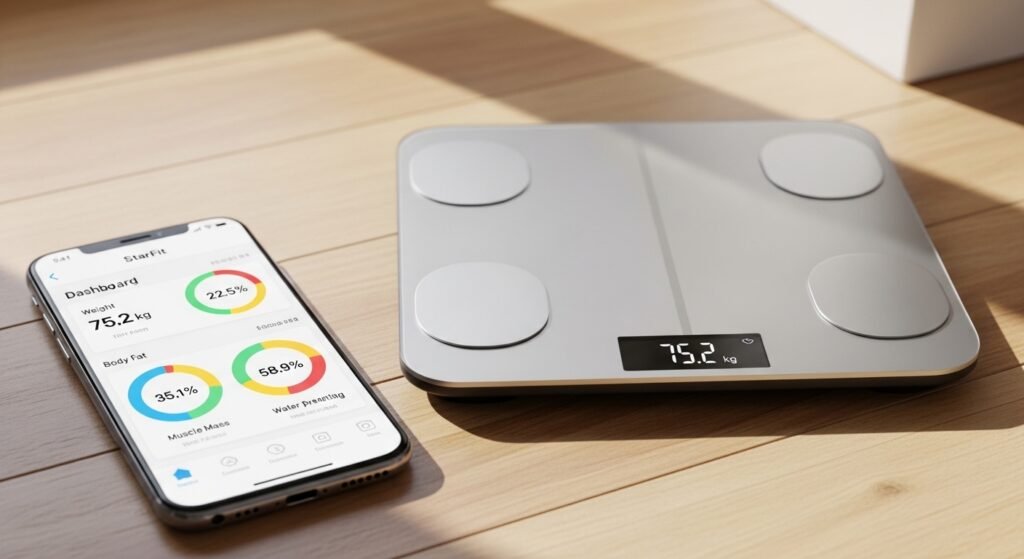
The “StarFit scale” usually means smart scales that use the StarFit app, like RunStar models (often called RunStar Smart Body Fat Scale or similar). These are not just regular scales — they are advanced body composition analyzers.
Most work with BIA technology. Here’s how it happens step by step:
- You step on the scale barefoot. Electrodes on the platform touch your feet.
- On advanced models (like those with a handle), you hold handles too. This sends signals through your whole body (called 8-electrode or full-body scan).
- The scale sends a weak, safe electric current. It measures how fast the current travels (fat slows it, muscle and water speed it up).
- The scale calculates your metrics using your age, height, gender (entered in the app).
- Data goes to your phone via Bluetooth. The StarFit app shows everything in seconds.
Some scales have a color screen on a handle. It shows 7 key readings right away (like weight, body fat, muscle) without your phone.
Accuracy note: These scales are good for trends. They may not be as exact as a doctor’s DEXA scan. But users find them helpful for daily tracking. If fat percentage goes down over time, that’s real progress.
Setup is easy:
- Download the app.
- Make an account (use email, Apple, or Google).
- Turn on Bluetooth.
- Pair the scale in the app (it finds it fast).
- Step on when the app says “Measure”.
Tips for best results:
- Weigh at the same time each day (like morning, after bathroom, before eating).
- Bare feet, dry skin.
- Stand still.
- Avoid right after exercise or big meals.
Pros and Cons of the StarFit App and Scale Combo
Pros:
- Very detailed data (up to 28 metrics on good scales)
- Free app with no ads in core use
- Great for families or shared use
- Syncs with popular health apps
- Motivates with charts and history
- Easy for beginners
Cons:
- Some users want better historical views for segmental data
- App support can be slow for questions
- Not 100% lab-accurate (but good for home use)
- Best with compatible scales (like RunStar) — basic scales may show less
In 2026 reviews from sites like WIRED and Live Science, these setups rank high for value. They give pro-level insights at home prices.
Who Should Use the StarFit App?
This app and scale pair is great if you:
- Want more than weight (like athletes tracking muscle)
- Are on a weight loss or fitness journey
- Need family profiles
- Like free tools that sync with Fitbit or Apple Health
- Enjoy seeing detailed progress charts
It may be too much if you just want simple weight tracking.
Final Thoughts
The StarFit app in 2026 is a strong, free option for anyone serious about health tracking. Paired with a good smart scale, it turns basic weighing into full body insights. The easy download, clear features, and trend tracking make it stand out.
If you are ready to see real changes in your body — not just the number on the scale — try the StarFit app today. Download it free, pair a compatible scale, and start your journey.
Disclaimer:
This article is only for information. It is not a promotion or an advertisement, and we do not earn any money if you download or use the StarFit app or scale. We are not responsible for any problems, injuries, or mistakes that may happen from using the app or scale. Always read instructions carefully and check with a doctor if needed.
Explore More
- Ling App Review 2026: Master Ling App, Reddit Opinions & Language Learning Insights
- MyUHealthChart App: Download, Login & Complete Guide 2026
- Videolink App: Features, Video Link Sharing Platform, Download for PC & Mobile
About the Author