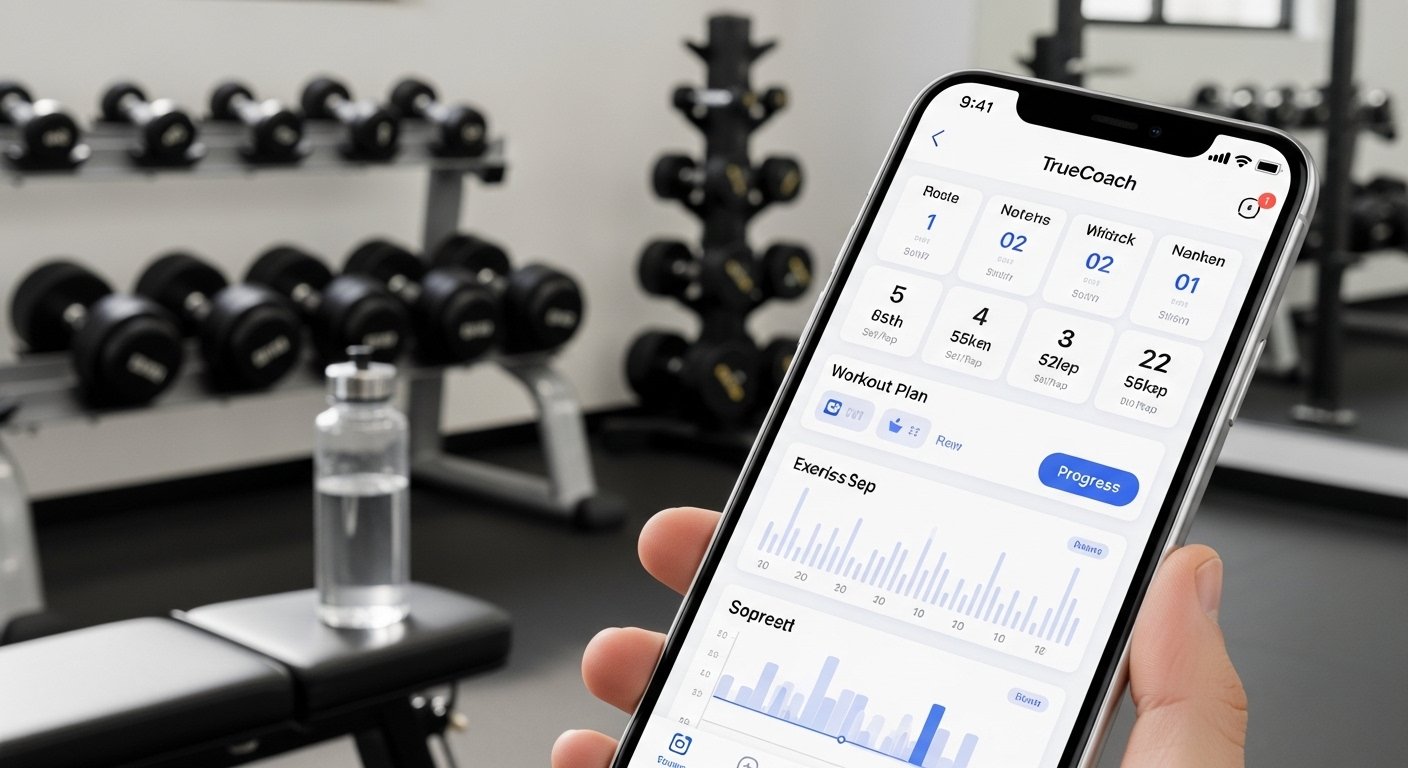
TrueCoach is a popular app that helps people stay fit with guidance from their personal trainer or coach. It is made for clients who work with trainers using the TrueCoach platform. The app makes it easy to get your workouts, track progress, talk to your coach, and more—all in one place. Many clients love it because it keeps everything simple and organized.
This guide is for clients only. It explains what TrueCoach is, how to download it, its main features, honest review, cost details, and step-by-step tips to use it well. Everything here is based on real user experiences and official information to help you decide if it fits your fitness journey.
What Is TrueCoach App for Clients?
TrueCoach is not just for trainers. There is a free side for clients. Your trainer uses TrueCoach to create custom workout plans, nutrition tips, and progress checks. You get access through the app or web to follow those plans.
The client app lets you:
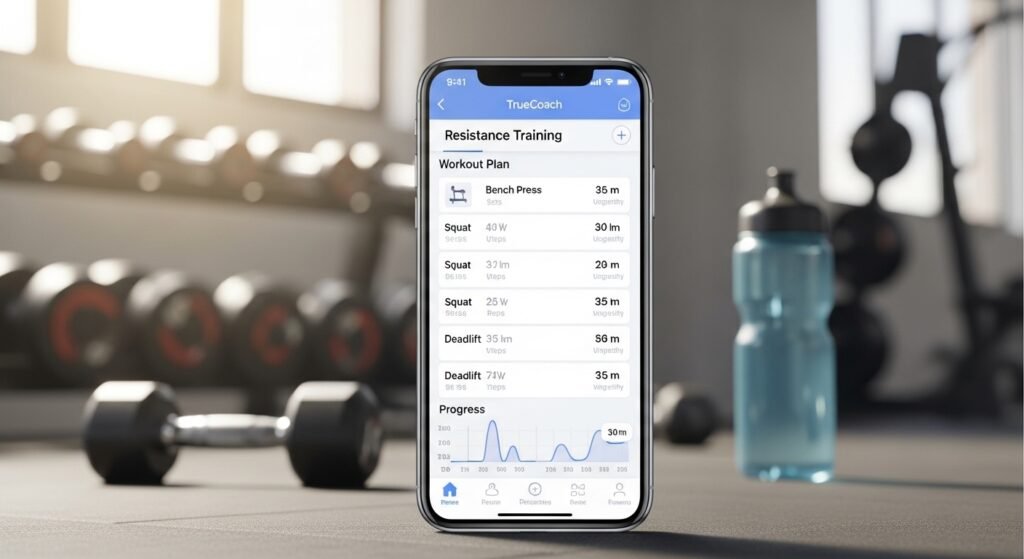
- See your daily or weekly workouts.
- Log what you did (like sets, reps, weights).
- Watch exercise videos for correct form.
- Send messages to your coach.
- Track body measurements, photos, and habits.
- See your progress over time.
It works great for online coaching, gym training, or hybrid (mix of both). Over 20,000 trainers use TrueCoach, so many clients around the world use the app too.
How to Download TrueCoach App
Downloading is easy and free for clients. Your trainer will send you an invite email first. That email has a link to set up your account.
For iPhone or iPad users:
- Go to the Apple App Store.
- Search for “TrueCoach”.
- Download the app (it is free).
- Open it and log in with the details from your trainer’s invite.
For Android users:
- Go to the Google Play Store.
- Search for “TrueCoach”.
- Download the app (free for clients).
- Log in with your account info.
Note: The app works on both iOS and Android now. It used to be limited, but updates made it available for everyone. If you have trouble, check your email for the invite or ask your coach.
You can also use TrueCoach on a web browser at app.truecoach.co without downloading. But the mobile app is better for quick logs during workouts.
TrueCoach App Review – Pros and Cons
Many clients say TrueCoach is simple and helpful. Here is an honest review based on what real users share.
Good Things (Pros):
- Very easy to use. The screen is clean, so you find your workout fast.
- Workout logging is quick. Tap to enter reps, weights, or notes.
- Video library helps a lot. See how to do each exercise right.
- Direct chat with your coach. Ask questions anytime without switching apps.
- Progress tracking motivates you. See photos, measurements, and improvements over weeks.
- Works offline sometimes for logging, then syncs when online.
- Free for you as a client—no hidden fees.
Not-So-Good Things (Cons):
- Some features depend on your trainer. If they do not use all tools, you miss out.
- Nutrition tracking is basic unless your coach sets it up well.
- A few users say the app could load faster on older phones.
- No standalone version—you need a coach with TrueCoach.
Overall rating from clients and reviews: Around 4.7 out of 5. People like it because it feels personal and keeps them accountable. It is not the fanciest app, but it does the job well for fitness coaching.
TrueCoach App Cost for Clients
Good news: TrueCoach app is 100% free for clients.
Your trainer pays for their plan (like Starter, Standard, or Pro). Prices start low, around $26 per month for small plans, and go up based on how many clients they have. But none of that cost comes to you.
You pay nothing to download, use the app, log workouts, message, or track progress. This makes it fair and easy for everyone.
If your trainer uses TrueCoach Payments, you might pay them through the app for sessions. But that is separate—TrueCoach itself charges you zero.
Complete Guide: How to Use TrueCoach as a Client
Here is a simple step-by-step guide to get the most from the app.
Step 1: Set Up Your Account
- Open the invite email from your trainer.
- Click the link.
- Create a password and add basic info (name, photo if you want).
- Log in to the app.
Step 2: Understand the Main Screen
- Home shows upcoming workouts and rest days.
- Calendar view lets you see the full week or month.
- Profile has your stats, messages, and settings.
Step 3: Do Your Workouts
- Tap on today’s workout.
- See exercises with descriptions and videos.
- Start the session.
- Log each set: Enter reps, weight, how it felt (easy, hard).
- Add notes or photos if needed.
- Mark complete when done.
Step 4: Track Progress
- Go to progress section.
- Add body measurements (weight, waist, etc.).
- Upload progress photos.
- See charts of how you improve.
Step 5: Use Nutrition and Habits (If Your Coach Sets It)
- Log meals or macros.
- Track habits like water intake or sleep.
- Your coach sees this to adjust plans.
Step 6: Talk to Your Coach
- Go to messages.
- Send text, photos, or questions.
- Get quick replies to stay on track.
Step 7: Stay Motivated
- Check past workouts to see gains.
- Celebrate small wins with your coach.
- Use reminders if your trainer sets them.
Tips for Best Experience:
- Log workouts right after to remember details.
- Watch videos before trying new exercises.
- Update your profile with goals so your coach knows.
- Keep the app updated for new features.
Why Choose TrueCoach as a Client?
If your trainer uses TrueCoach, you get a clean, focused tool. It helps you stay consistent without confusion. Many clients stick longer because they see clear progress and feel supported.
Compared to other apps, TrueCoach keeps things simple—no extra ads or complicated menus. It focuses on real coaching results.
Final Thoughts
TrueCoach app for clients is a strong choice for anyone in online or personal training. Download is free and easy, cost to you is zero, and features help you train better every day. The app gets high marks for ease and real results.
Talk to your coach if you have questions—they can show you more. If you are new to fitness apps, TrueCoach is one of the friendliest ones out there.
Ready to start? Ask your trainer for the invite today and begin your journey!
Disclaimer:
This article is only to share information. It is not an ad. We are not connected to TrueCoach. We do not get paid to write this. The information may change at any time. We do not own the TrueCoach name or logo. This is not medical or fitness advice. Please check the official TrueCoach website or talk to your trainer for correct information.
Explore More
- Buzz App – Connect, Chat & Stay Updated Easily
- Kure App – Track, Manage & Improve Your Health Easily
- Fire Door Inspection App – Easy Safety Checks & Reports
About the Author