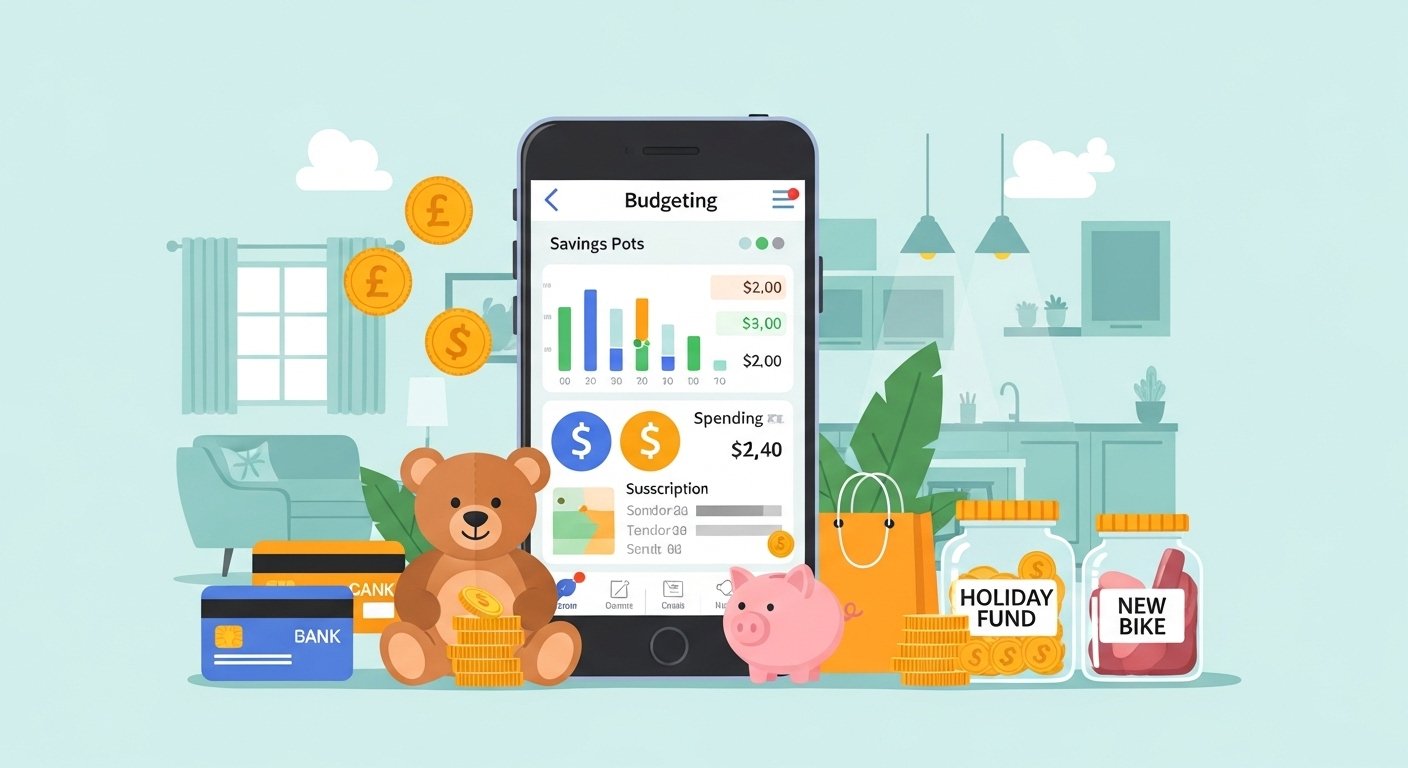
Imagine you have a friendly teddy bear that sits on your phone and helps you watch your pocket money. That is a bit like what many people say about the Emma app in the UK. Lots of kids and grown-ups want to learn how to save better and spend smarter. This Emma app review 2026 will tell you the story in a gentle way, step by step, so you can understand everything clearly. You will discover what the app does, how it works, and whether it feels right for someone living in the UK.
We will walk together like friends on an adventure. First we will meet the app, then peek inside its features, and later chat about safety and costs. By the end you will know more about managing money in a fun way. Ready? Let’s begin our journey.
What Is the Emma App?
Picture opening one magic door that shows all your different money places at once. The Emma app is a helpful phone tool made for people in the UK who want to see their bank accounts, savings, and spending in the same spot. It started in London some years ago with two friends who thought money should feel less confusing and more like having a kind buddy.
You download it from the app store on your phone. After that, it asks if you would like to connect your banks safely. This means the app can show you pictures of your money coming in and going out. Many people like it because it feels like having one big notebook for all your coins and notes instead of checking lots of separate places.
Over time, the app grew bigger. Now it also watches your monthly bills and little automatic payments that sneak away without you noticing. That’s why some call it a financial super app. It tries to make everyday money choices easier for families, students, and anyone who lives in the UK and wants clearer days ahead.
How Does the Emma App Work in Simple Steps?
Let’s pretend you have money in three different jars at home. One jar is for your bank, another for savings, and one for special treats. The Emma app connects these jars so you can see them all together on your screen. It uses something called open banking, which is like a safe key given only to look and never to take anything away.
Next, the app sorts your spending into colorful groups. For example, it might show how much went to snacks, bus rides, or games. After that, you can set gentle rules, like “I want to save a little every week for a new book.” The app then draws pretty charts that change as your week goes on.
Another thing is the weekly reports. Every Sunday it might send a friendly note that says “You did well on food this week!” or “Maybe try spending a bit less on toys next time.” This helps you learn slowly without feeling scared. Many users in the UK enjoy these little stories about their own money because they feel like a helpful teacher whispering good ideas.
In addition, the app finds subscriptions, which are those payments that happen every month for things like music or videos. It shows them clearly so you can decide if they still make you happy.
Emma App Features That Help Everyday Life
One lovely part is the savings pots. You can name them things like “Holiday Fun” or “New Bike Dream.” The app lets you move a few pounds into these pots automatically when you round up your shopping. For instance, if you buy something for £2.30, it might add 70p to your dream pot. Over time those small drops can grow into a nice puddle of savings.
You can also track bills that come every month. The app reminds you before they arrive so you never feel surprised. This means you can plan your pocket money better and still have enough for ice cream with friends.
Another fresh idea is the budgeting helpers. You pick a color for food or travel, and the app gently shows when you are getting close to your limit. It feels like a game where you try to stay inside the green zone. Some people say this turns boring money watching into something almost fun, like collecting stars.
For people in the UK, the app works with most big banks and even some smaller ones. That’s why it feels useful for many families who have accounts in different places.
Is the Emma App Safe to Use?

Safety is the most important thing when we talk about money. The Emma app uses special locks called encryption that are the same strength banks use. This means your information travels in a very protected way, like a secret message only you and the app can read.
It only looks at your information and never moves your money. You give permission for it to read, but it cannot take or send anything by itself. That’s why many parents feel calmer when their older children start learning about money with tools like this.
The company behind the app follows strict rules from the UK government. It is registered properly and must keep data private. No one from the app can share your story with strangers. Over the years, people have asked “is the emma app safe” many times, and the answers usually point to these strong protections.
In addition, you control everything. You can stop the connection anytime, and the app will no longer see your details. This gives a peaceful feeling because you stay the boss of your own money.
Is Emma App Free or Do You Need to Pay?
Now let’s talk about money in a gentle way. The Emma app has a free version that lets you connect a couple of accounts and see basic pictures of your spending. You can try the main ideas without paying anything at first.
After that, there are paid choices called subscriptions if you want more colors, more reminders, and extra tools. These plans unlock things like custom names for your spending groups or faster updates from your banks.
Many people start with the free part to see if they like the friendly style. Then they decide if the extra helpers are worth a small monthly amount. That’s why the question “is emma app free” has a simple answer: yes for basic use, but more features ask for a subscription.
Emma App Pricing and Subscription Choices
The pricing changes a little each year, but usually there are a few levels. The lowest paid plan might cost just a few pounds each month after a short try period. Higher plans give even more, such as special savings rates or ways to export your stories to paper.
You can choose to pay every month or once for the whole year, which sometimes saves a bit. Some users look for an emma app discount code or emma app voucher code around special times to make the first months lighter. These codes appear on helpful websites, but always check carefully before using them.
Remember, after the free trial ends, the app may start charging if you do not cancel. That’s why it is wise to set a note on your calendar. The emma app subscription is meant to help serious savers who use the tools every week.
What Do Real People Say on Emma App Trustpilot?
When you want to know if something feels good, it helps to listen to other voices. On Trustpilot, the emma app trustpilot page shows a mix of happy and thoughtful stories. Many people write that the app helped them understand their spending for the first time and feel more in control.
For example, one person said it made budgeting feel easy and the pictures were pretty. Another shared that customer helpers answered questions nicely when needed. These good words make some users smile and try the app.
At the same time, a few people mention surprises with payments or wish for even simpler rules. Some feel the paid plans grow quickly and want clearer messages before charges happen. Reading both happy and careful reviews gives a balanced picture, like hearing two friends talk about the same game.
This means the app works wonderfully for some and needs careful watching for others. Everyone’s money story is different.
Is the Emma App Legit for People in the UK?
The question “is the emma app legit” comes up often because we all want honest tools. The company is based in London and follows UK money rules. It has proper papers from the important offices that watch over banks and apps.
Hundreds of thousands of people in the UK have tried it over the years. It appears in big stores like Apple and Google with real download numbers. No big secret tricks have been reported that would make it feel pretend.
Because it stays inside the UK rules and uses safe connections, most experts say it is a real tool made to help. Still, like any new friend, it is good to start slowly and watch how it feels for you.
How to Start with Emma App Login
Beginning is simple. You search for “Emma” in your phone’s app store and press download. After that comes the emma app login part. You make a short account with your email and a safe password you can remember.
Next the app asks which banks you want to connect. It shows clear buttons and explains each step. Many people finish the first setup in just a few minutes. Then the colorful home screen appears with your first spending story.
If you ever forget your way in, there is a gentle “forgot password” button that helps you back inside safely.
Emma App UK – Special Things for British Users
Living in the UK means you have pounds, different banks, and rules that fit this country. The emma app uk version understands this. It works with British banks and shows amounts in pounds with the right dates and taxes.
It also knows about popular UK bills like council tax or energy payments. Some features even help with credit scores in ways that match UK ways of counting. That’s why many families here feel it belongs in their phones more than apps from far away.
Over time, the app adds small UK touches, like better ways to handle direct debits that are common in Britain.
Pros and Fresh Ideas That Make It Different
One big helpful idea is seeing your “true balance.” This shows not just how much money sits in the bank, but how much will really be left after all the coming bills. It feels like peeking into next week so you can plan better.
Another fresh view is the round-up saving game. Every coffee or bus ticket can quietly help your future fun. Small actions add up, and the app celebrates with you when pots grow.
Some users like the investment hints or cashback offers that appear inside paid plans. These give extra ways to grow money without feeling like hard work.
Each part adds a new color to your money picture that basic bank apps might miss.
Cons and Things to Watch Carefully
No tool is perfect for every single person. Some users say the free version now shows less than before, so you might need to pay sooner to keep all colors and reminders. Others mention that connecting every bank sometimes needs a quick refresh.
A few people feel the subscription price can add up if you forget to check it each month. That’s why setting reminders helps. Also, customer help can take time on busy days according to some stories.
These points are important so you can decide with open eyes. Every money tool has small clouds along with the sunshine.
Who Might Like the Emma App Most?
The app shines for people who have money in more than one place and want one clear window. Busy families, students learning to budget, or anyone tired of guessing where their pounds went often enjoy the friendly pictures.
If you like gentle reminders and pretty charts more than plain numbers, this style might feel nice. But if you already have a bank app that does enough, you might not need extra helpers right now.
Think about your own days. Do you want weekly stories about your choices? Then exploring the app could teach something new.
Final Thoughts on the Emma App in 2026
Our journey together has shown many sides of the Emma app. It started as a simple idea to gather all your money stories in one warm place. Over the years it added savings pots, bill watchers, and friendly reports that help people in the UK feel more confident with their pounds.
We learned about its safe locks, the free starting point, and the paid steps that unlock more colors. Real voices on review sites give both cheers and careful notes, which helps us stay wise. The login is quick, the UK fit feels natural, and the small daily helps can grow into bigger calm over time.
In the end, whether it is worth the emma app subscription depends on your own money adventure. Some people find it changes how they think about spending in a happy way. Others decide the basic free tools are plenty for now.
The most important thing is learning step by step and choosing tools that make you feel safe and smart.
Disclaimer:
This article is for informational and educational purposes only. It does not promote, advertise, or recommend the Emma app or any specific service or website. The information is based on publicly available details as of 2026 and may change over time. Readers should do their own careful research, read the latest terms, and make decisions that fit their personal situation before using any online tools or financial services. Always check official sources and speak with a trusted adult or advisor if needed.
Explore More
- Companion App: Complete Guide to Features, Benefits, and Best Uses
- Fivebpeol: Everything You Need to Know About This Trending Platform
- Puzutask com: Reviews, Login Guide & Everything You Need to Know
About the Author








