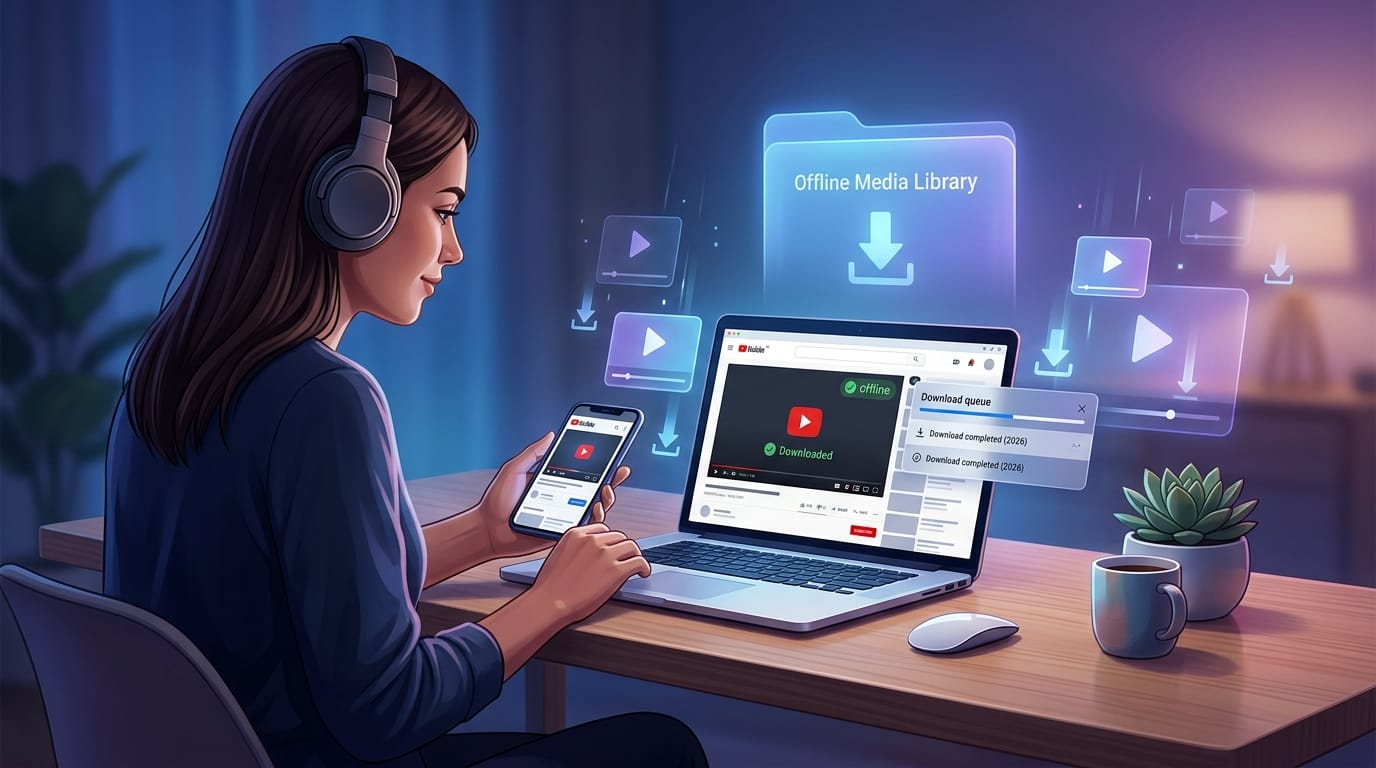
Have you ever wanted to watch your favorite YouTube videos when you have no internet? In 2026, many people still look for easy ways to save videos for later. That is why the best YouTube video downloaders matter so much right now. These helpful tools let you keep videos on your phone or computer so you can enjoy them anytime. In this friendly guide, we will talk about the main tools, new trends, and honest comparisons. You will learn what works well without any pushy sales talk. Let us explore together like good friends chatting over a cup of tea.
Understanding YouTube Video Downloaders in 2026
YouTube video downloaders are simple programs or websites that copy videos from YouTube to your own device. They work by talking nicely to YouTube’s system and pulling the video files in a safe way. In 2026, these tools have grown smarter to match YouTube’s changes.
There are four main kinds. Desktop software runs on your computer and feels solid for big jobs. Online web services need no install and work right in your browser for quick saves. Open-source command-line tools give full control to people who like to type commands. Mobile applications fit perfectly on phones and tablets for on-the-go use. Each type connects to YouTube but must follow the site’s rules that keep changing over time. This means good downloaders update often to stay useful.
Why People Still Download YouTube Videos in 2026
Life moves fast, and not everyone has strong internet all the time. Many folks live in places with slow or spotty connections, so saving videos helps them watch without waiting. Teachers and students often save lessons for study time later. Families build home libraries of fun kids’ shows or cooking videos.
Another big reason is choice in video size and sound. You might want a small file for your phone or a big clear one for your TV. YouTube Premium lets you save some videos inside its app, but it stops working if you cancel the paid plan. Downloaders give more freedom and work with many devices. This freedom feels like having your own little video treasure box.
Key Trends Shaping the Best YouTube Video Downloaders in 2026
The world of video downloaders keeps getting better every year. Now, most top tools handle 4K and even 8K videos with new smooth codes called AV1 that make files smaller but still look sharp. Speeds have jumped thanks to clever ways of grabbing data faster.
People love tools that save whole playlists or entire channels in one go, which saves hours of clicking. Privacy matters more than ever, so new downloaders hide your activity and avoid extra tracking. YouTube keeps adding blocks, but the best tools fight back with quick fixes and updates. This back-and-forth keeps things exciting and pushes makers to create even smarter helpers.
Top Desktop Applications Among the Best YouTube Video Downloaders
Desktop programs shine when you need power and speed on your main computer. They work great on Windows, Mac, and Linux machines. You can grab many videos at once and pick exact sizes and types. Their clean screens make choosing options feel easy, even for new users. These apps stay reliable because they update quickly when YouTube changes rules.
4K Video Downloader Plus as a Leading Choice
4K Video Downloader Plus stands out for clear high-quality saves. It pulls videos in sharp 4K or 8K and grabs subtitles in many languages so you never miss words. Playlists download smoothly, and it runs on different computers without trouble.
The free part covers everyday needs, while paid options unlock faster speeds and no limits. Many people enjoy its simple setup that feels like opening a friendly book. It balances power and ease, making it nice for families and students alike.
SnapDownloader for Professional and Bulk Needs
SnapDownloader helps people who save lots of videos from many sites, not just YouTube. It supports over a thousand different places and lets you plan downloads for later, like setting an alarm. Batch saving means you can load up a big list and walk away while it works.
Power users who build huge collections find it helpful because it organizes files neatly. Its speed and extra tools make it feel like a helpful assistant for serious video fans.
Open-Source Powerhouses in the Best YouTube Video Downloaders Landscape
Some of the strongest tools come from kind people who share their work for free. These open tools let you see inside the code and change it if you want. They adapt fast when YouTube updates because the community jumps in to help. Tech-loving friends enjoy them because they last long and cost nothing. The trade-off is a plainer look, but the power inside makes up for it.
yt-dlp as the Command-Line Benchmark
yt-dlp is like a super smart robot for video fans who like typing short commands. It offers tons of choices, such as picking exact formats or writing little scripts to do special jobs. Updates come often, sometimes every week, so it stays ahead of YouTube’s blocks.
Advanced users trust it for tough tasks like saving private lists or mixing video and sound perfectly. While it needs a bit of learning at first, many say it feels freeing once you get the hang of it.
Best Online and Web-Based YouTube Video Downloaders
Online tools bring joy because you just open a page and paste a link—no extra programs needed. They work fast for one or two videos and suit people who travel light. You visit the site, drop in the address, pick your format, and save. The downside can be extra ads or services that change suddenly, but many still deliver quick results when you need them most.
VidsSave for Simple and Versatile Online Downloads
VidsSave makes the whole process feel like a quick chat with a helpful friend. Paste your link, choose MP4 or MP3, and get your file right away. It works with many formats and sites, which gives good flexibility for free. Casual users who want instant saves without fuss often turn to it first. Its clean steps suit beginners perfectly.
Y2Mate and Similar Web Services
Y2Mate has been around for years and still helps many people grab quick MP4 videos or MP3 songs. You type the link and pick what you need in seconds. Similar sites offer the same easy path for people in a hurry. In 2026, they handle basic needs well, though high resolutions may need extra tries. They shine for quick jobs but remind us to stay safe online.
Mobile-First Options for the Best YouTube Video Downloaders
Phones travel with us everywhere, so mobile downloaders fit right into busy days. They save videos straight to your device storage and often keep working in the background while you do other things. These apps feel natural on small screens and help people who watch mostly on the go.
VidMate for Android Users
VidMate brings video and music saving together in one friendly package for Android phones. It pulls from many sites and lets you manage your saved files easily inside the app. Background downloads mean you can keep using your phone normally. Many Android friends enjoy its all-in-one feel for daily offline fun.
Head-to-Head Comparison of the Best YouTube Video Downloaders
Let us look side by side to see clear differences. Desktop tools like 4K Video Downloader Plus and SnapDownloader win for speed and high quality on big screens. yt-dlp leads in free power and updates. Online choices such as VidsSave and Y2Mate give fastest starts with no install. Mobile apps like VidMate feel best for phones.
Pricing ranges from completely free to one-time buys or monthly fees. Privacy stays highest in open tools. Each has special strengths, so matching your daily habits helps most.
How to Choose the Right YouTube Video Downloader for Your Needs
Think first about your main device. Phone users may like mobile apps, while computer fans pick desktop programs. Next, decide what quality you need—big clear files or small quick ones. Budget plays a role too, since free options exist alongside paid ones.
Your comfort with tech matters; some tools need learning while others feel instant. If you save big playlists often, look for batch helpers. Privacy seekers choose open or trusted names. Try a couple and see what feels right for your life.
Safety, Privacy, and Legal Considerations for Using Downloaders
Stay safe by downloading only from official places to avoid bad software. Good tools protect your information and do not spy. Remember, YouTube’s rules say not to download without permission, but fair use for personal learning or backup often feels okay in many places.
Laws change by country, so check your local rules gently. Use tools wisely, respect creators, and enjoy responsibly. This careful approach keeps everything fun and trouble-free.
Practical Tips and Troubleshooting for Optimal Downloads
Keep your downloader updated so it works with new YouTube changes. Use strong internet when possible for faster saves. If a video fails, try again later or pick a lower quality. Clear your browser cookies sometimes to help online tools.
Organize saved files into folders right away so you find them easily later. Pair them with good media players for smooth watching. Small habits like these make your experience much happier over time.
Future Outlook for YouTube Video Downloading Tools
Looking ahead, smart helpers may add AI to suggest best settings or clean up files automatically. Cross-device saving could become smoother so your phone and computer stay in sync. Tools will keep dancing with YouTube’s updates, bringing new clever fixes.
Exciting times lie ahead as makers listen to user needs and create even friendlier options. The journey of saving videos stays alive and helpful for years to come.
Frequently Asked Questions
What makes a good YouTube video downloader in 2026?
A good one offers high quality, fast speed, regular updates, and easy use while protecting your privacy. It should match your device and needs without extra trouble.
Are free downloaders safe to use?
Many free ones work well if you get them from trusted spots. Always read reviews and avoid strange pop-ups that ask for extra clicks.
Can I download playlists easily?
Yes, many top tools let you save whole lists at once. This saves time when you love a series or channel.
Do mobile downloaders use much phone data?
They use data only while saving. After that, you watch offline with no extra cost.
How do I fix download errors?
Update your tool first. Try a different quality or wait a short time if YouTube is busy. Restarting your device often helps too.
Is it okay to download for school work?
Personal learning use usually fits fair rules, but always give credit to creators when you share.
Which tool works best for 8K videos?
Desktop programs with strong support handle 8K nicely when the video is available.
What if a tool stops working suddenly?
Check for updates or try another option from our list. The community often shares quick fixes fast.
Conclusion and Final Recommendations
We have walked through the best YouTube video downloaders of 2026 together, from handy desktop friends to quick online helpers and powerful open tools. Trends show clearer videos, faster saves, and stronger privacy. Comparisons help you see what fits your life best. Pick one that matches your device, needs, and comfort level. Start small, try it out, and build your own offline collection. You will feel glad every time you watch without waiting for internet. Have fun exploring and creating your perfect video library!
Disclaimer:
This article shares general information for educational purposes only. Downloading videos should follow YouTube’s terms, fair use laws, and copyright rules in your area. We do not promote breaking any rules or using tools for illegal reasons. Always respect content creators and stay safe online.
Explore More
- HiAnime App – Watch Anime Online Free in HD
- Food City App – Order Food Online | Fast Delivery
- How to Hire A Virtual Assistant in 2026
About the Author








