Have you ever picked up your phone only to see that dreaded “Storage Almost Full” message? It pops up right when you want to snap a quick photo or download a fun video for your kids. In 2026, phones hold more apps and files than ever, but app storing still eats up space fast. The good news? There is a simple secret app storing hack that can free up 10GB or more instantly without losing your important stuff.
This trick works on both Android and iPhone. It helps students, busy parents, teachers, and small business owners reclaim space quickly. You will feel relieved once your phone runs smoother again. Let’s walk through it together, step by step, like a friend showing you an easy shortcut.
Why App Storing Takes So Much Space in 2026
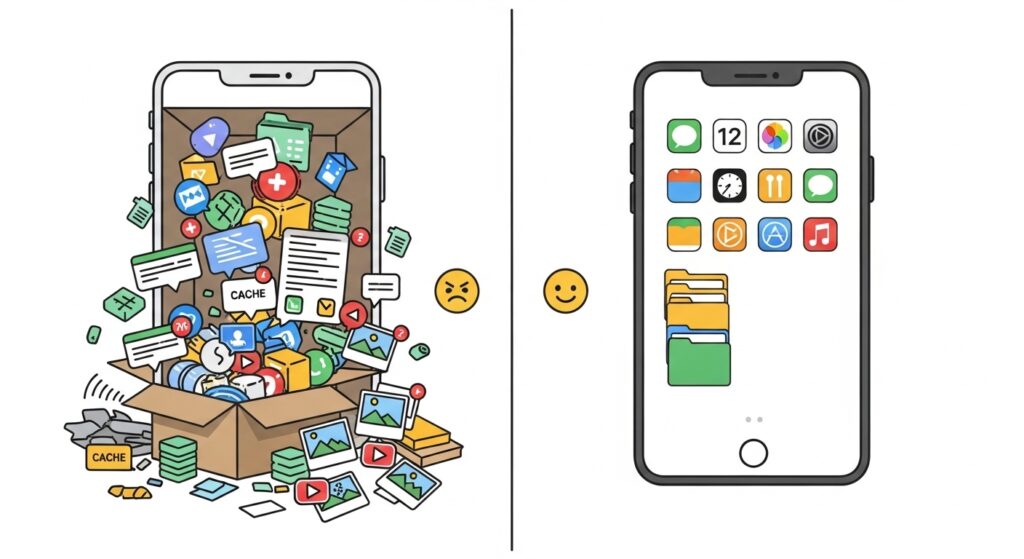
Apps do not just sit quietly on your phone. Over time, they collect cache files, temporary data, downloaded pictures, and saved videos. Think of it like a closet that keeps filling with old boxes you never open. One social media app might hold 2GB of chat photos. A game could hide 3GB of levels and updates.
In 2026, phones come with better cameras and faster apps, so these hidden files grow even bigger. Many people notice their storage fills up after just a few months. That is why learning smart app storing habits matters now more than ever. Also, newer phone updates make cleaning easier and safer than before.
The Secret App Storing Hack: Offload or Archive Without Losing Data
Here is the main hack that surprises most beginners. Instead of deleting an app completely, you offload or archive it. This removes the heavy app files but keeps your login, settings, and saved information safe. When you need the app again, you tap once and everything comes back just like before.
On iPhone, this feature is called Offload Unused Apps. On many Android phones in 2026, you will find an improved Archive option. Both can save 50% to 70% of an app’s space right away. For example, one person cleared 14GB by offloading a few big games and video apps. That feels like magic when your phone was almost full.
This hack shines because it is gentle. You do not lose progress in games or important documents. That is perfect for students who use learning apps only during exam time or teachers who keep reference apps handy but not daily.
How to Use the Offload Hack on iPhone – Simple Steps
Let’s start with iPhone because many people find it super easy. First, open your Settings app. Scroll down and tap General. Next, choose iPhone Storage. You will see a list of apps sorted by size, with the biggest ones at the top.
Look for apps you have not used in weeks. Tap one, like an old travel app or a game you finished. You will see two options: Delete App or Offload App. Choose Offload App. The phone will remove the main app files but keep your data. After that, check your storage again. You often see several hundred MB or even GB freed up instantly.
Another great thing is the automatic setting. Go back to Settings, scroll to App Store, and turn on Offload Unused Apps at the bottom. Now your phone handles it for you when space gets low. This means you never have to worry as much.
For example, imagine you downloaded a photo editing app for one school project. It took 1.5GB with all its tools and samples. Offload it after the project, and later reinstall with one tap. Your edits stay safe in the cloud or on your phone if you saved them.
Android Users: Try the Archive Feature and Clear Cache
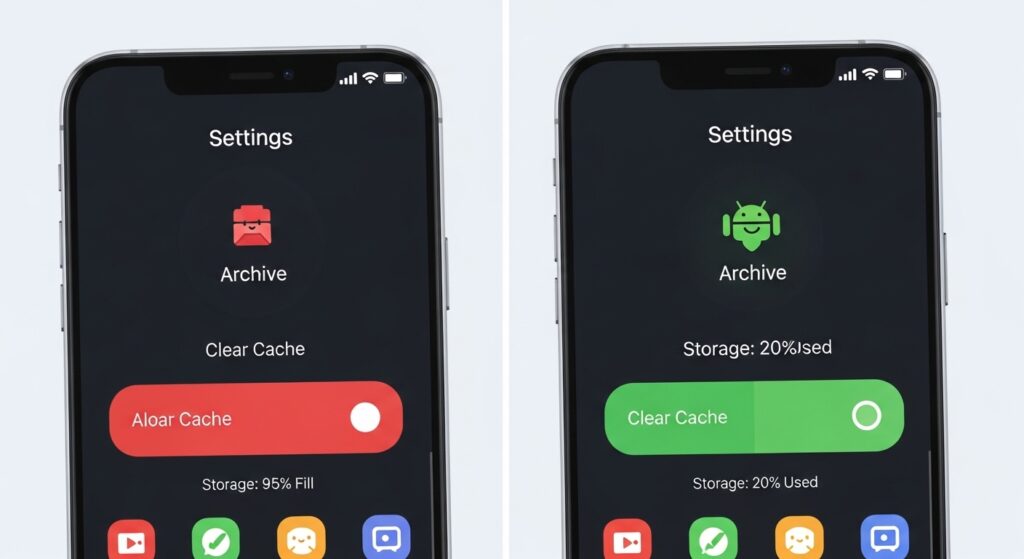
Android phones in 2026 offer a similar smart option. Open Settings and go to Storage or Apps. Many devices now show an Archive button for unused apps. Tap it on a big app, and the system removes the bulky parts while protecting your login and saved files.
If your phone does not have Archive yet, do this instead. Go to Settings > Apps. Sort by size. Pick a large app, tap Storage, then Clear Cache. This wipes temporary junk without touching your main data. Over time, clearing cache regularly can free up several GB.
One student in 2026 shared how she archived her music streaming app and saved 4GB. She still listens online, but the offline downloads no longer sit there taking space. That is a common win for people who stream more than they download now.
Also, use the built-in Files app on Android. Open it, go to the Clean tab, and let it find junk files, old screenshots, and duplicate items. Tap Clean, and watch the numbers drop. It feels satisfying, like tidying a messy drawer.
Common Beginner Mistakes to Avoid with App Storing
Many people make small mistakes that waste time or cause worry. First, they delete apps completely instead of offloading. Then they lose saved game levels or login details and have to start over. Always check for the offload or archive choice first.
Another mistake is ignoring “Documents & Data” on iPhone. This section often hides the real space hogs, like chat media in messaging apps. Offloading clears much of that extra weight safely.
Beginners also forget to check downloads and offline files. For instance, you might have saved a whole season of a show for a trip but never deleted it later. That one folder can eat 5GB easily. Review your Downloads folder every month.
In addition, some people clear everything at once and feel overwhelmed. Start with just three big apps. You will see quick results and build confidence. That small win keeps you going.
Real-Life Examples That Make the Hack Click
Picture this. Sarah is a teacher who uses several education apps for lesson plans. She only opens them during school terms. By offloading the unused ones, she freed 8GB instantly. Now her phone has room for new student photos and videos without slowing down.
Or think about Alex, a small business owner who edits marketing videos on his phone. His video app grew to 3GB with cached projects. He offloaded it after each job. When a new client called, he reinstalled in seconds, and all his settings were ready. No lost work, plenty of free space.
Students love this hack for exam season too. They keep study apps light during breaks and bring them back when needed. It is like packing light for a trip but having everything ready when you arrive.
Extra Smart Tips to Keep Storage Free Longer in 2026
Once you try the main hack, add these habits for lasting results. First, review your photos and videos weekly. Delete blurry shots or duplicates. Many phones now have a built-in tool that finds them automatically.
Next, limit offline downloads in streaming apps. Choose “Download on Wi-Fi only” and delete them after watching. This stops gigabytes from piling up quietly.
Another helpful step is to move important files to free cloud storage when possible. That way, your phone stays light, but you can access everything from anywhere.
For small businesses, keep only active marketing apps installed. Archive the rest. Your phone will feel faster, and you can focus on growing your work instead of fighting storage warnings.
Over time, these small changes add up. Your battery might last longer too because the phone works less hard searching through junk files.
How 2026 Phone Updates Make App Storing Even Better
Newer updates brought smarter storage tools. Phones now suggest exactly which apps to offload. They also show clearer breakdowns of what takes space. This helps beginners make good choices without guessing.
Improved archive features protect your data more reliably now. You can trust that your logins and progress stay safe. That peace of mind is huge when you are busy with school, family, or work.
In addition, many apps themselves got lighter in 2026. Developers focused on better compression, so fresh installs take less room from the start. Still, the offload hack remains the fastest way to gain space right now.
FAQ About the Secret App Storing Hack
Will offloading delete my important files or photos?
No. Offloading removes only the app itself. Your documents, logins, and saved data stay on the phone. You get everything back when you reinstall.
How much space can I really free up?
Many people see 5GB to 15GB freed, depending on their apps. One big game or social app alone can give you several GB back.
Is this hack safe for beginners?
Yes, it is built into your phone and designed to be safe. Just follow the steps carefully, and you will not lose anything important.
What if I need the app again right away?
Simply tap the app icon. It downloads again quickly, usually in under a minute on good Wi-Fi, and your data returns.
Does this work on older phones too?
It works on most phones running recent software. Check your settings for Offload or Archive. If not, clearing cache still helps a lot.
Can I do this for system apps?
Some pre-installed apps let you disable them, which frees space. For others, stick to clearing cache or offloading where available.
How often should I check my storage?
Once a month is good. Or do a quick review when you see the full storage warning. It only takes a few minutes.
Wrapping It All Up
You now know the secret app storing hack that frees up 10GB instantly. It is simple, safe, and works whether you have an iPhone or Android. By offloading or archiving unused apps, clearing cache, and building better habits, you keep your phone feeling fresh and fast.
Remember, the key is to be kind to yourself. Start small, celebrate the extra space, and enjoy having room for the things that matter most—like family photos, school notes, or creative ideas for your business.
Give it a try today. You will wonder why you waited so long. Your phone will thank you, and so will you every time you open it without that annoying warning.
Disclaimer: This article is for informational and educational purposes only. The information is based on 2026 trends and common phone features at that time. Technology changes quickly, so always verify the latest details directly from your device’s official settings or manufacturer support. This article does not endorse or promote any specific tool, service, app, or website. Readers should respect all copyright laws and the terms of service for their devices and apps.
Explore More
About the Author