Instagram Stories are great for sharing quick updates, behind-the-scenes moments, product launches, announcements, and everyday content. The problem is that a standard Story is temporary. After 24 hours, it normally disappears from public view.
That is where Instagram Story Highlights become useful.
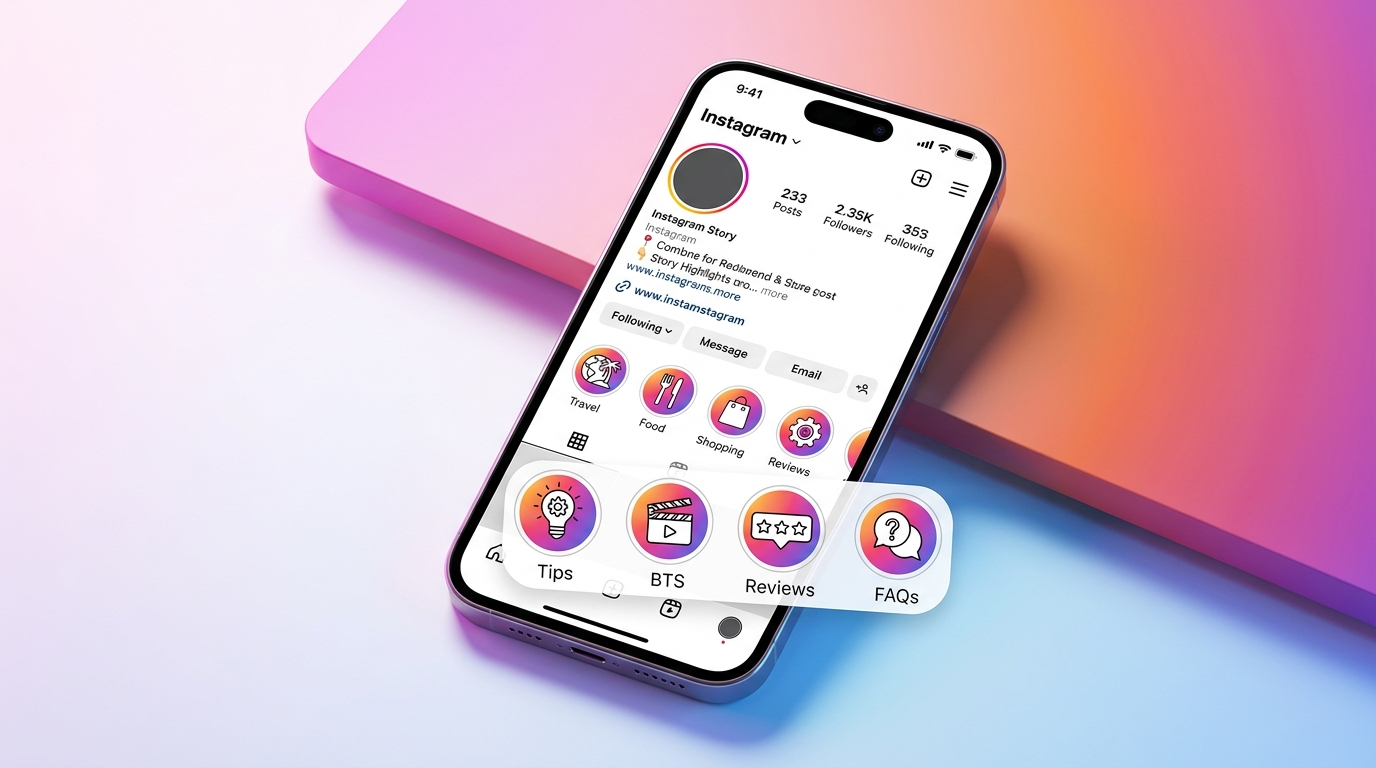
Instagram Story Highlights allow you to save selected Stories and display them on your Instagram profile for longer. Instead of letting useful content disappear after a day, you can organize it into categories that visitors can explore whenever they visit your profile.
Whether you are a creator, small business owner, personal brand, or casual Instagram user, Highlights can help make your profile easier to understand and more useful to visitors.
This guide explains what Instagram Story Highlights are, how to create and edit them, how to choose effective categories and covers, and how businesses can use them strategically.
What Are Instagram Story Highlights?
Instagram Story Highlights are collections of Instagram Stories that you choose to keep visible on your profile after the original Stories expire.
A normal Instagram Story is available for approximately 24 hours. When you add that Story to a Highlight, however, it can remain accessible from your profile until you decide to remove it.
Highlights are displayed on your Instagram profile and act as organized collections of previously shared Story content.
For example, a local bakery might create Highlights called:
- Menu
- Reviews
- Custom Cakes
- Locations
- FAQs
A fitness coach might instead use:
- Workouts
- Results
- Programs
- Nutrition
- About Me
The goal is not simply to save every Story you publish. A useful Instagram highlight should help visitors quickly find information they are likely to care about.
Why Are Instagram Story Highlights Important?
When someone discovers your account through a Reel, post, recommendation, or Instagram search, they may visit your profile before deciding whether to follow you or learn more about your business.
Your bio gives them a short introduction, but your Highlights can provide additional context.
Well-organized insta highlights can show visitors what you offer, answer frequently asked questions, introduce your brand, display customer experiences, and direct people toward important information.
For businesses, this makes Highlights especially useful because they can function almost like a simple navigation menu.
Instead of forcing visitors to scroll through dozens of posts to understand your business, you can organize essential information into clear Highlight categories.
Read more instapv
How to Create Instagram Story Highlights
Instagram may occasionally change the exact position or wording of buttons in its mobile app, but the basic process remains straightforward.
Go to your Instagram profile and find the Story Highlights area. Choose the option to create a new Highlight, then select Stories that are available in your Story Archive. After selecting your Stories, you can give the Highlight a name and choose a cover image. Once saved, the new Highlight becomes available from your profile. You can also add an active Story directly to an existing Highlight while that Story is still live.
This means you do not have to rebuild a Highlight every time you publish something new. Instead, you can continue adding relevant Stories to an existing category.
What Is the Instagram Stories Archive?
The Stories Archive is different from Story Highlights. Your archive is essentially a private collection of eligible Stories you previously posted. Archived Stories are generally visible only to you. Highlights, on the other hand, are selected Stories you intentionally display on your profile for other users who are allowed to view them.
The archive is useful because it allows you to reuse older Story content when creating or updating Highlights.
If you want to create Highlights from previously published Stories, make sure Story archiving is enabled in your Instagram settings.
How to Add a Story to an Existing Highlight
You do not need to create a separate Highlight every time you want to save a Story. If you already have an appropriate category, open the Story and use the Highlight option to add it to that collection.
You can also edit an existing Highlight from your profile and select additional archived Stories.
For example, if your business already has a Highlight called “Reviews,” you can continue adding new customer testimonials to the same Highlight instead of creating several separate review collections. This keeps the profile cleaner and makes information easier to browse.
How to Edit or Remove Instagram Highlights
Highlights are not permanent in the sense that they cannot be changed.
You can update them whenever necessary. Depending on the Instagram app version you are using, you can normally open or press and hold a Highlight to access editing options.
From there, you can typically change the Highlight name, update its cover, add Stories, or remove Stories that are no longer relevant. You can also delete an entire Highlight if you no longer need it.
Regular maintenance is important, particularly for business accounts. Outdated prices, expired promotions, discontinued services, or old contact information can create confusion.
How to Choose Instagram Highlight Covers
A Highlight cover is the visual image associated with a Highlight on your profile. Good covers make different Highlight categories easier to recognize while creating a more consistent profile appearance.
You can use photographs, simple graphics, brand colors, icons, or another visual style that matches your account.
The most important factor is clarity. Avoid putting too many small details into a cover because Instagram displays the cover in a relatively small space. A simple symbol or clean visual is often easier to recognize than a complicated design.
Businesses should also maintain reasonable visual consistency between covers so the Highlight section feels connected to the rest of the brand.
Best Instagram Story Highlight Ideas for Businesses
The best categories depend on what visitors need to know about your company.
- A service business could use categories such as Services, Results, Reviews, FAQs, About, and Contact.
- An online store could feature Products, New Arrivals, Reviews, Shipping, FAQs, and How to Order.
- Restaurants may benefit from Menu, Specials, Location, Reviews, Events, and Behind the Scenes.
- Creators can organize Highlights around Tutorials, Collaborations, Travel, Recommendations, Q&A sessions, or different content topics.
Think of each highlight Instagram category as an answer to a visitor’s question. If customers repeatedly ask the same question through messages, that information may deserve its own Highlight.
How to Organize Insta Highlights Effectively
Avoid creating Highlights simply because you have content available. Start by identifying the information most valuable to someone visiting your profile for the first time.
Important categories should be easy to understand from their names. Short, descriptive names such as “Services,” “Reviews,” or “FAQ” are usually clearer than vague or overly creative titles.
The Stories inside each Highlight should also stay relevant to its category.
For instance, a “Testimonials” Highlight should primarily contain customer feedback rather than unrelated promotional content.
Periodically review your Highlights and remove outdated or repetitive material. A smaller collection of useful information can provide a better experience than numerous poorly organized Highlights.
Instagram Story Highlights for Personal Accounts
Highlights are not only for businesses. Personal accounts can use them to preserve favorite moments and organize content around interests, events, or experiences.
You could create Highlights for vacations, family events, hobbies, food, photography, pets, concerts, or major milestones.
Because you control what gets added, Highlights give you more control over which past Stories remain easily accessible from your profile.
Common Instagram Highlight Mistakes to Avoid
One common mistake is saving almost every Story without considering whether visitors will find it useful.
Another is using unclear Highlight names that do not tell people what they will see after tapping. Businesses should also avoid leaving expired promotions, outdated information, broken links, or old offers inside Highlights.
Inconsistent covers are not necessarily harmful, but a completely disorganized Highlight section can make a professional account appear less polished.
Finally, do not expect Story Highlights alone to increase followers, engagement, or sales automatically. Their value comes from organizing useful content and helping profile visitors understand your account more quickly.
Frequently Asked Questions About Instagram Story Highlights
Do Instagram Story Highlights disappear after 24 hours?
No. The original Instagram Story normally expires after 24 hours, but a Story added to a Highlight can remain on your profile until you remove it.
Can I add an old Story to Instagram Highlights?
Yes. If the Story is available in your Stories Archive, you can select it when creating or editing a Highlight.
Can I edit an Instagram Highlight after creating it?
Yes. You can update a Highlight by adding or removing Stories, changing its name, or updating its cover.
Can I delete a Story Highlight?
Yes. You can remove individual Stories from a Highlight or delete the entire Highlight when you no longer need it.
What should I put in my Instagram Highlights?
Choose content that helps visitors understand you or your business. Popular choices include FAQs, products, services, reviews, tutorials, company information, events, and behind-the-scenes content.
Are Instagram Highlights useful for businesses?
Yes. They can organize frequently requested information, showcase products or services, display social proof, and make important content easier for profile visitors to find.
Are Instagram Story Highlights good for SEO?
Instagram Story Highlights are primarily an Instagram profile and content-organization feature. They should not be treated as a direct replacement for traditional website SEO. However, descriptive content and a well-organized profile can make your brand easier for Instagram users to understand and navigate.
Conclusion
Instagram Story Highlights turn temporary Story content into organized collections that can continue providing value from your profile.
Instead of treating Highlights as storage for random old Stories, use them strategically. Choose clear categories, keep information current, create recognizable covers, and prioritize content that answers real visitor questions.
For businesses and creators, a strong Instagram Highlight structure can help new visitors quickly understand who you are, what you offer, and where to find important information.
Review your insta highlights regularly, remove outdated material, and continue adding useful Stories as your account grows. A well-organized Highlight section may be a small part of your Instagram profile, but it can make the overall experience clearer and more professional.
You may also like
About the Author