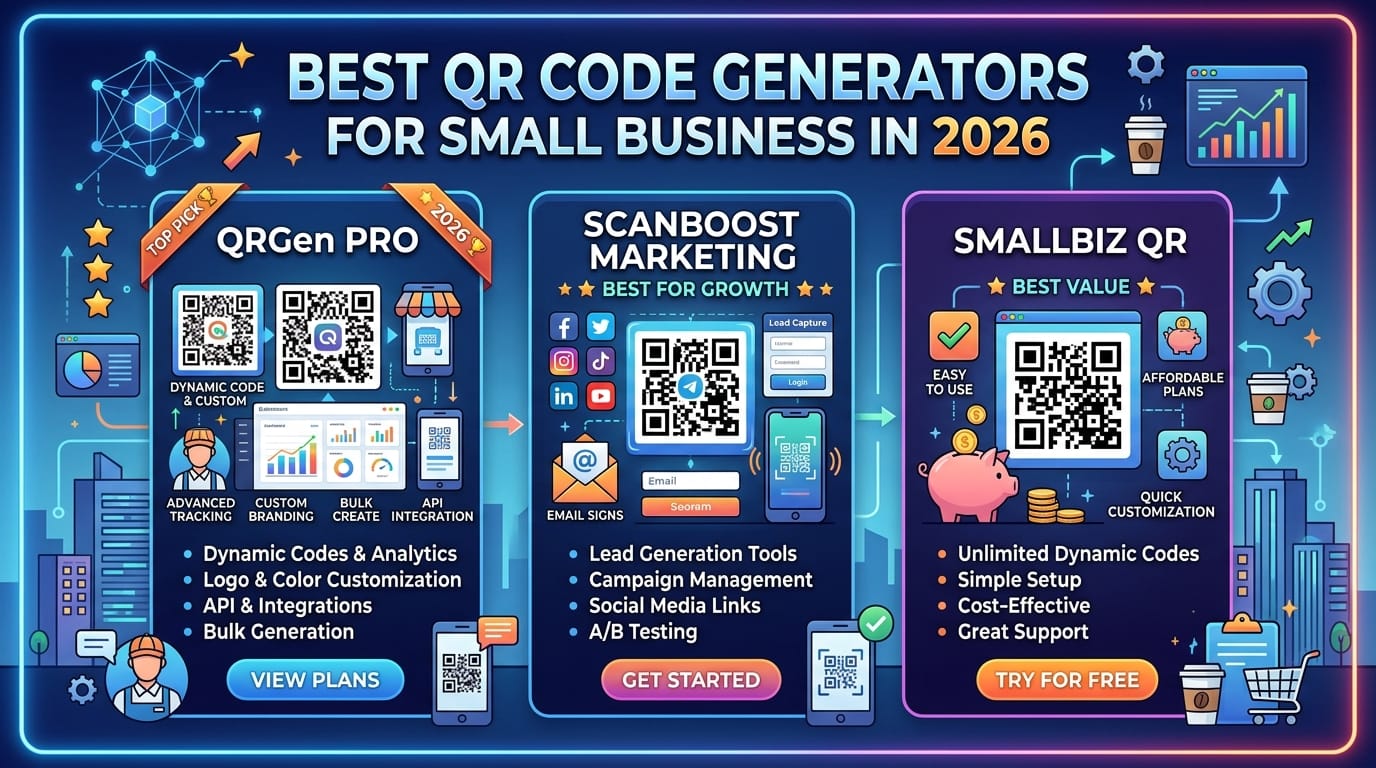
Small businesses today work hard to connect with customers in new ways. In 2026, QR codes have become a simple and powerful tool that helps these businesses grow. A good QR code generator makes it easy to link your real-world shop or product to online information that customers want. This tool bridges the gap between offline and online worlds. It drives more customer interest, lets you see what works, and helps you market without spending a lot of money. Choosing the right one matters a lot for small businesses because it saves time and makes daily tasks smoother. Key things like easy use on a smartphone, fun custom looks, codes you can change later, and fair prices make a big difference in how well it helps your business.
What Is a QR Code Generator and Why Small Businesses Need One in 2026
A QR code generator is an online tool that quickly makes special square codes you can scan with a smartphone. These codes can link to a website address, a food menu, a payment page, contact details, or almost anything else you want to share. When a customer points their phone camera at the code, it opens the right information right away.
Small businesses love these tools because they create contactless ways for people to get information fast. Customers no longer need to type long web addresses or ask for paper lists. They just scan and go. This feels modern and friendly. Plus, you save money on printing new signs or menus every time something changes. One code can update without new prints. Many generators now give useful data about how many people scan and when, which helps you learn what customers like. New improvements in 2026 make the codes more reliable and easier to connect with other business apps, so they feel like a must-have helper for any small shop, cafe, or service team.
Key Features to Look for in a QR Code Generator for Small Business
When you pick a QR code generator, think about features that fit your daily needs. Static codes stay the same forever, while dynamic ones let you change the link even after you print them. This editability saves headaches when your website address updates. Good tools also let you add your own colors, logos, and fun shapes so the code matches your brand look.
You should get clear tracking numbers that show scan counts, places, and times. High-quality picture files like PNG or SVG work great for printing or digital use. The best ones work smoothly on smartphones for both making and scanning codes. They support many kinds, such as links to business cards, Wi-Fi passwords, or event pages. Easy connection to other tools you already use makes everything flow better. Always check that it feels quick and simple on a phone because most customers will scan that way.
Top QR Code Generators Compared for Small Businesses in 2026
Many options exist, so it helps to see them side by side. Here are some popular choices that small businesses use often.
QRCode Monkey stands out for free custom designs with logos and colors. It works well for basic needs and gives high-quality files without cost for many users.
QR TIGER offers both free and paid plans with strong custom options and tracking. People like its easy interface for quick changes.
The QR Code Generator, also called TQRCG, gives some free dynamic codes that never expire, which feels like a kind gift for growing businesses. It includes basic tracking too.
Canva brings beautiful design templates if you already enjoy making pictures there. It suits creative owners who want codes that look pretty.
Uniqode focuses on team use and deeper tracking for businesses ready to grow bigger. It has good safety features.
Other names like QR.io or similar tools also appear in many lists for simple starts.
| Tool | Free Tier Strength | Customization | Analytics | Best For Small Business | Starting Paid Price |
|---|---|---|---|---|---|
| QRCode Monkey | Strong for design | High | Basic | Branding on a budget | Low or free |
| QR TIGER | Good | Very high | Good | Flexible campaigns | Around $7/month |
| TQRCG | Forever free dynamic | Solid | Yes | Easy tracking without cost | Low |
| Canva | Design focused | High | Limited | Creative menus and signs | Varies |
| Uniqode | Some free | Good | Advanced | Teams and growth | Around $5-9/month |
This table gives a quick view so you can match your needs.
Our Top Recommendation: The Best QR Code Generator for Small Business
Many small business owners find the best balance in tools like The QR Code Generator (TQRCG) for everyday use in 2026. It feels friendly from the first click and offers dynamic codes that you can edit later without reprinting. This saves real money and worry. The smartphone experience stays smooth for creating codes on the go and for customers to scan fast.
It gives good value because free options last longer than short trials on other sites. Tracking helps you see what brings people in, so you can make smarter choices. Customization looks clean without being hard. For most small shops, cafes, or service providers, this kind of tool fits well because it grows with you. Pros include no credit card for basic dynamic use, reliable scans, and simple steps. Some limits on very advanced team features exist in lower plans, but paid upgrades stay affordable. Overall, it feels like a helpful friend for busy owners.
Alternative Options for Specific Needs
Different businesses need different things. If you love pretty designs, Canva or QRCode Monkey might feel just right for retail shops that want eye-catching signs. For deeper number tracking, Uniqode or QR TIGER help restaurants or event planners see patterns clearly.
Completely free static codes work great for one-time needs like service business cards. Teams that work together might pick options with sharing controls. Retail stores often use menu or product info codes. Restaurants link to online orders. Service businesses share contact details. Events use check-in codes. Pick the one that matches your main daily task so it feels natural to use.
How to Create Your First QR Code Step by Step
Making your first code feels exciting and simple. First, open your chosen generator on a computer or smartphone. Pick the type of content, like a website link or menu. Type or paste the address you want.
Next, add custom touches such as your logo, favorite colors, and shape changes that still let it scan well. Test the code right away by scanning it with your own phone to make sure it opens correctly.
After that, download the file in a high-quality format ready for print or screens. Place it where customers will see it easily, like on tables, signs, or packages. Start small and watch how people respond. Over time, you can change the code if needed and keep learning.
Creative Ways Small Businesses Can Use QR Codes
Small businesses find fun and useful ways to bring customers closer. Restaurants link codes on tables straight to digital menus so people order without waiting. Retail shops add codes to products that show extra details or happy customer reviews.
Digital business cards let you share contact info with one quick scan instead of handing out paper. Events use codes for fast check-ins that save time at the door. Payment links make buying smooth and contactless. Feedback forms help you hear what customers think right after a visit.
Wi-Fi codes welcome guests to connect easily in your space. Loyalty programs give special offers when scanned. Social media prompts encourage follows so you stay in touch. Each idea uses the smartphone scan to create instant happy moments between you and your customers.
Best Practices for Designing and Placing QR Codes
Good design makes codes work every time. Keep them big enough so phones can read them from a normal distance. Use strong contrast between the code and background so it stands out. Add a small logo in the center but leave enough clear space around the edges.
Test on many different phones in real light conditions before you print a lot. Put codes at eye level or natural hand height. Avoid shiny or curved surfaces that might cause glare. Simple and clear always wins over fancy looks that confuse scanners. When you follow these ideas, more people will scan happily and connect with your business.
Tracking and Measuring QR Code Performance
Dynamic codes open a window into what customers do. You can see total scan numbers, which cities or areas they come from, what times of day work best, and even phone types people use. This information feels like friendly clues that guide your next steps.
Set up tracking in your generator by turning on the simple options when you make the code. Check the reports every week or month. Notice patterns, like more scans after a new sign goes up. Use those insights to try fresh ideas, move codes to better spots, or update links to things people like more. Over time, this turns your QR codes into a smart helper that improves your business decisions.
Common Mistakes to Avoid with QR Codes
Some easy slips can slow you down. Using static codes that cannot change means reprinting everything later, which wastes money. Fancy designs that look cool but scan poorly frustrate customers and lose chances.
Forgetting to test on real phones before printing leads to sad surprises. Ignoring how the code feels on a small screen makes the experience less smooth. Security matters too, so only link to safe pages you trust. Keeping codes too complicated or hidden in bad places means fewer scans. Fix these by starting simple, testing often, and placing codes where people naturally look. Small careful choices bring bigger success.
Pricing Guide: Free vs Paid QR Code Generators
Free plans let you try things without worry. They often give unlimited static codes and basic custom looks. Limits usually show up when you want many dynamic changes or full tracking reports.
Paid plans start around five to nine dollars each month and unlock edit-anytime codes, deeper numbers, and team sharing. They feel worth it when your business grows and needs more control. Think about return on investment by how much time and print money you save plus extra customers you gain. Many owners begin free and upgrade happily when they see real benefits. Compare your expected use to pick the sweet spot that fits your budget today and next year.
Future Trends in QR Code Technology for 2026 and Beyond
Exciting changes are coming that small businesses can enjoy. Better personalization makes each scan feel special for the person holding the phone. Links to simple augmented reality experiences let customers see products in their own space before buying.
Smarter analytics predict what might work next. AI tools help suggest designs that scan perfectly while looking nice. Tighter connections with phone systems make scans even faster and smoother. Watch these trends because they open new friendly ways to connect with customers without big spending. Staying curious keeps your business feeling fresh and caring.
FAQ
How long do QR codes last?
Most codes work forever if you create them well. Dynamic ones let you update the content anytime without making new prints.
Can I make a QR code without paying anything?
Yes, many tools give strong free options for basic and even some dynamic needs. Start there and see what fits before you spend.
Do QR codes work on every smartphone?
Modern phones scan them easily with the built-in camera. No extra app needed in most cases, which makes them very convenient.
How do I keep my QR code safe?
Only link to websites you know and trust. Check tracking reports for anything unusual and update passwords often on connected pages.
What size should my printed QR code be?
At least one inch square works for close scans. Bigger sizes help when people stand farther away, like on signs or posters.
Can I add my business logo inside the code?
Yes, most good generators let you place a small logo in the center. Just leave enough clear space so scans stay quick and reliable.
How many times can people scan one code?
There is no limit. The code keeps working as long as the link stays active.
What if my code stops working after printing?
This usually happens with static codes when links change. Switch to dynamic next time so you can fix it online in seconds.
Conclusion and Next Steps
QR codes have grown into a kind and powerful friend for small businesses in 2026. They connect your daily world to online help in ways that feel natural and exciting. The right generator gives you easy smartphone use, beautiful custom touches, changeable codes, and useful tracking that guides your growth. Start with features that match your needs today, test a few ideas, and watch how happy customers respond.
Try making your first code this week with a tool that feels simple and helpful. You will quickly see new ways to share menus, collect feedback, or welcome guests. Small steps like this build bigger success over time. Your business deserves tools that make life easier and connections warmer. Go ahead and create something fun today. You have got this!
Disclaimer:
This article shares general information based on common tools and practices available in 2026. Always check the latest details on each website before you choose or use any service. Results can vary by your specific business needs and location. We do not endorse or partner with any mentioned tools.
Explore More
- Best QR Code Menu Ordering System for Restaurants in 2026
- Shapewear That Doesn’t Feel Like You’re Wearing Anything At All
- Peak District SEO: A UK SEO Company Helping Businesses Grow Through SEO and Google Ads
About the Author







