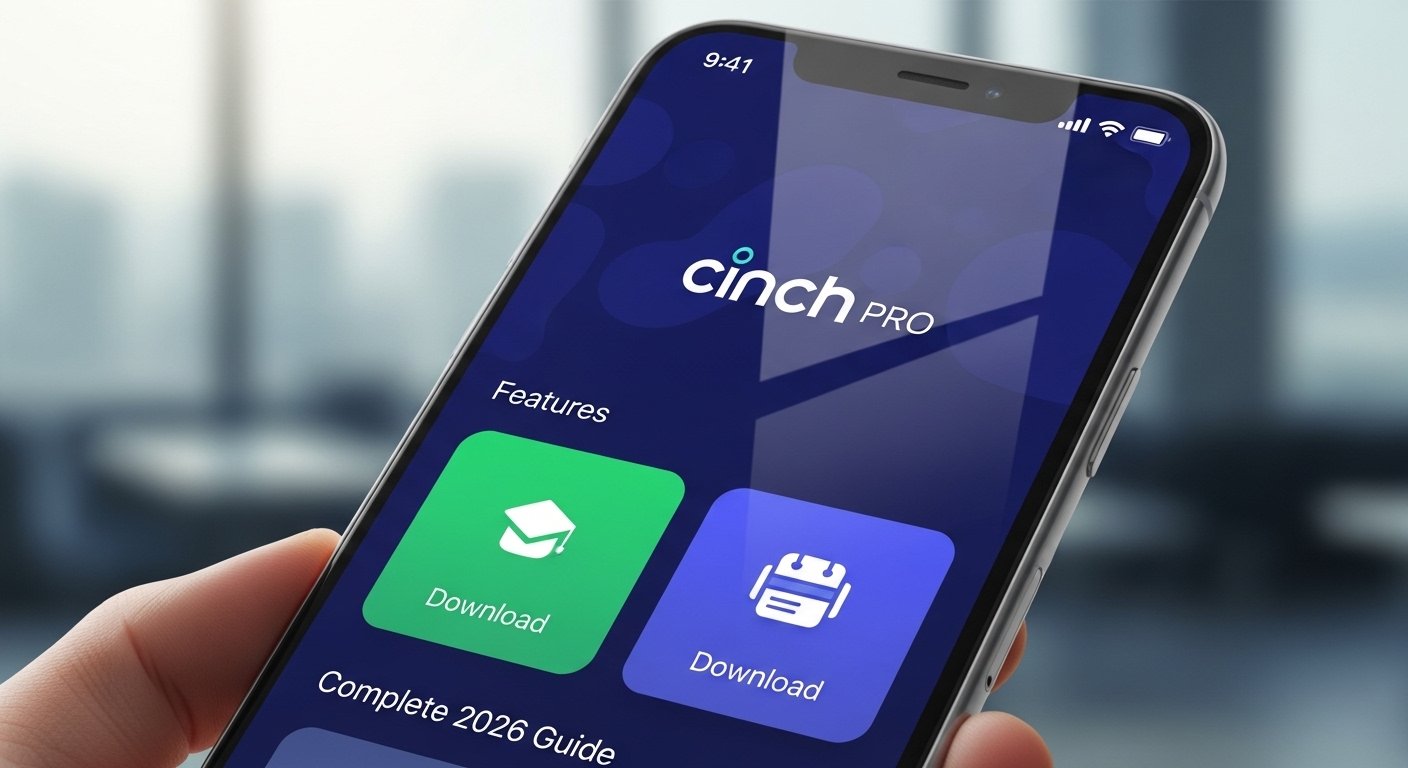
The Cinch Pro App is a helpful mobile tool made by Cinch Home Services. This company has more than 45 years of experience in home warranties. They help homeowners fix broken appliances and home systems without paying full repair costs.
The Cinch Pro App is not for regular homeowners. It is built for service professionals and technicians (like plumbers, electricians, or appliance repair experts). These people work with Cinch Home Services to fix problems for customers who have a home warranty plan.
If you are a technician who wants to take jobs from Cinch, or if your company partners with them, this app makes your work much easier. It helps you see jobs, update status, talk to customers, and finish tasks faster—all from your phone.
In this complete 2026 guide, we explain everything about the Cinch Pro App in simple words. We cover what it does, its best features, how to download it, how to use it, and why it is good for service pros. This guide is based on real information from the official app pages and Cinch Home Services details.
What Is Cinch Home Services?
Before we talk about the app, let’s understand the company behind it.
Cinch Home Services is a big name in home warranties. A home warranty is like a plan that pays for repairs when your fridge, AC, washer, or other home items break from normal use. It is not insurance—it is a service contract.
Cinch started in 1978 (over 45 years ago). They are based in Florida, USA. They work in the 48 connected states. They pay for more than one million service requests every year. They have a large network of over 18,000 licensed contractors and technicians.
For customers, Cinch promises fast help. They often respond to claims in two hours during business hours. Repairs come with a 180-day workmanship guarantee (much longer than many others). They cover unknown pre-existing issues, rust, and corrosion in many cases.
For technicians, Cinch gives jobs through their system. This is where the Cinch Pro App comes in—it connects the company to the people who do the real work.
Why Do Technicians Need the Cinch Pro App?
Being a technician can be hard. You drive around, talk to customers, check parts, update notes, and send reports. Many companies use paper or old systems. This wastes time.
The Cinch Pro App changes that. It is a modern mobile app for iPhone and Android. It lets you handle everything on your phone. No need for laptop or office visits all the time.
Key benefits:
- See new jobs right away.
- Plan your day better.
- Update job status live.
- Talk to customers easily.
- Send photos and notes.
- Get paid faster with clear records.
Many technicians say apps like this save hours every day. In 2026, with more people using phones for work, this app fits perfectly.
Main Features of the Cinch Pro App
The app is simple and easy to use. It focuses on what technicians need most. Here are the top features:
1. Job Dashboard You get a clear screen that shows all jobs assigned to you or your company. You see new requests, ongoing work, and completed jobs. Everything is in one place. No more checking emails or calling the office.
2. Daily Schedule View The app shows your day with times for each job. It organizes jobs by time and location. This helps you plan routes and avoid being late. You can see how many jobs you have and where to go next.
3. Easy Job Updates When you start a job, you can mark it “in progress.” After fixing, you update the status to “completed.” You can add notes, say what was wrong, what parts you used, and if more work is needed. This keeps Cinch and the customer informed.
4. Customer Communication You can message or call the homeowner right from the app. Share updates like “I’m on my way” or “I finished the repair.” Some versions let you send photos of the fixed item. This builds trust and makes customers happy.
5. Nearby Job Access The app shows jobs close to you. If you are free, you can accept available work in your area. This helps technicians earn more by taking extra jobs.
6. Photo and Document Upload Take pictures of the broken part, the repair, or before/after. Upload them directly. This proves the work was done right. It is useful for warranty records.
7. Estimates and Invoicing Support You can create or view estimates for extra work. Some jobs need approval for more costs. The app helps send this info quickly.
8. Secure Login and Safety You sign in with username and password. It is safe because it protects customer data. The app is made for professionals, so only approved technicians can use it.
The app gets updates often. In 2026, it works smoothly on new phones. It uses little battery and data.
How to Download the Cinch Pro App

Downloading is free and simple. It is available on both major app stores.
For iPhone (iOS):
- Open the App Store on your iPhone.
- Search for “CinchPro” (one word).
- Look for the app by Cinch Home Services.
- Tap Get or the cloud icon to download.
- It is free. App ID is 6639617070 if you want to check.
- After download, open it and sign in with your Cinch account.
For Android:
- Open the Google Play Store.
- Search for “CinchPro” or “Cinch Pro”.
- Find the app by Cinch Home Services.
- Tap Install.
- It is free with thousands of downloads.
- Open and log in.
Important Note: You need an account from Cinch Home Services to use the app. If you are not a partner technician yet, visit the Cinch website (cinchhomeservices.com) and look for “Join our service network” or “Service Provider App” section. They have requirements like licenses, insurance, and background checks. After approval, you get login details.
Do not download from unknown sites. Use only official App Store or Google Play to stay safe.
How to Get Started and Use the App (Step-by-Step Guide)
After download:
- Sign Up or Log In
- If new, register on the app or website (app.cinchpro.com may help).
- Use your username and password from Cinch.
- Set Up Your Profile
- Add your name, photo, service areas, and skills (like HVAC, plumbing).
- This helps Cinch send right jobs to you.
- Check Notifications
- Turn on push notifications. You get alerts for new jobs.
- Accept a Job
- Open dashboard.
- See new request.
- Tap to accept if it fits your schedule.
- Go to the Job
- Use the schedule to see address and time.
- Many phones link to maps.
- Update During Job
- Mark arrival.
- Take photos.
- Note diagnosis and fix.
- Finish and Submit
- Mark complete.
- Add final notes and photos.
- Submit for review.
- Get Feedback
- Customers may rate you. Good ratings mean more jobs.
Tips for best use:
- Keep app updated.
- Use good internet or Wi-Fi when possible.
- Charge your phone before long days.
- Read any in-app help or tutorials.
Benefits for Technicians in 2026
Why use Cinch Pro App now?
- Fast Work Flow: Digital updates mean less paperwork.
- More Jobs: Accept nearby work easily.
- Better Pay: Clear records help avoid disputes.
- Happy Customers: Quick updates make people trust you.
- Part of Big Network: Cinch has many customers, so steady work.
- Mobile Freedom: Work from phone—no office needed.
In 2026, home services are growing. More people buy warranties because repairs are expensive. Apps like this help technicians stay busy and organized.
Is the Cinch Pro App Right for You?
If you are:
- A licensed technician (plumber, electrician, appliance repair).
- Want to work with a trusted company like Cinch.
- Like using phone for work.
Then yes—this app is great.
If you are a homeowner looking for warranty help, use the Cinch customer app or website instead. The Pro app is only for service pros.
Final Thoughts
The Cinch Pro App is a powerful, easy tool for technicians who partner with Cinch Home Services. It makes seeing jobs, updating work, and talking to customers simple and fast. With features like dashboards, schedules, photos, and live updates, it saves time and helps you do better work.
In 2026, tools like this are changing how home repairs happen. If you fix home appliances or systems, download the Cinch Pro App today from the App Store or Google Play. Join the Cinch network if you are not already in. It can help grow your business and make your days easier.
For more details, visit cinchhomeservices.com or check the app page. Stay safe, work smart, and keep homes running!
Disclaimer:
This article is for information only. It is not a promotion, advertisement, or affiliate post. We do not get paid if you download or use the Cinch Pro App. We are not responsible for any problems, errors, or issues you may face with the app, its services, or your account. Always use the official app from the App Store or Google Play. Follow all rules, safety instructions, and requirements from Cinch Home Services.
Explore More
- Cheez App: Online Access, Safe Download, Reviews & Full Guide 2026
- Kettlebell Workout App: Best Free Daily App for Android & iOS + Reviews 2026
- The Lincoln Way App: Features, Vehicle Location, Login, Download, Remote Start & Troubleshooting Guide
About the Author







