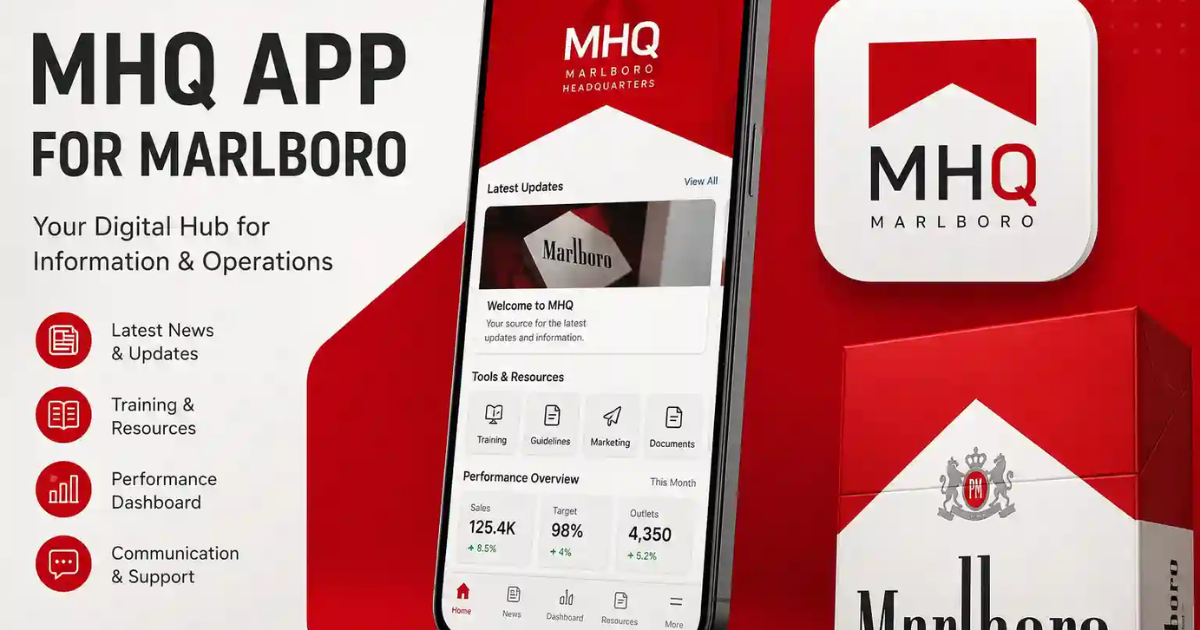
Users who look up the MHQ app for Marlboro are typically interested in a convenient login process, accessing promotions, managing their accounts, or discovering rewards associated with Marlboro. But the official support information that Marlboro provides currently tells eligible U.S. adult tobacco consumers to go to Marlboro.com to get offers, coupons, update their profile, change their password, and get customer support. Does not specify an exact name for a public standalone application “MHQ” in its help documentation.
Therefore, the user should be cautious about any site that features an “MHQ APK,” modified application or an unofficial download. This guide details what this search term could be referring to, how to access official services safely, and solving common account issues.
> Note: This article provides only information. Marlboro services are for tobacco consumers who are eligible for services. In the United States, the minimum age for tobacco sales is 21 years.
What Is the MHQ App for Marlboro?

MHQ app for Marlboro is often referred to online as the mobile app to access account features, promotions, coupons, and communications with Marlboro. The user should check access point on the official Marlboro website, and not because they are using an app or APK with that name does that imply permission for access. Official Marlboro pages about its website-based account and promotion tools for eligible adults.
Is There an Official MHQ Mobile App?
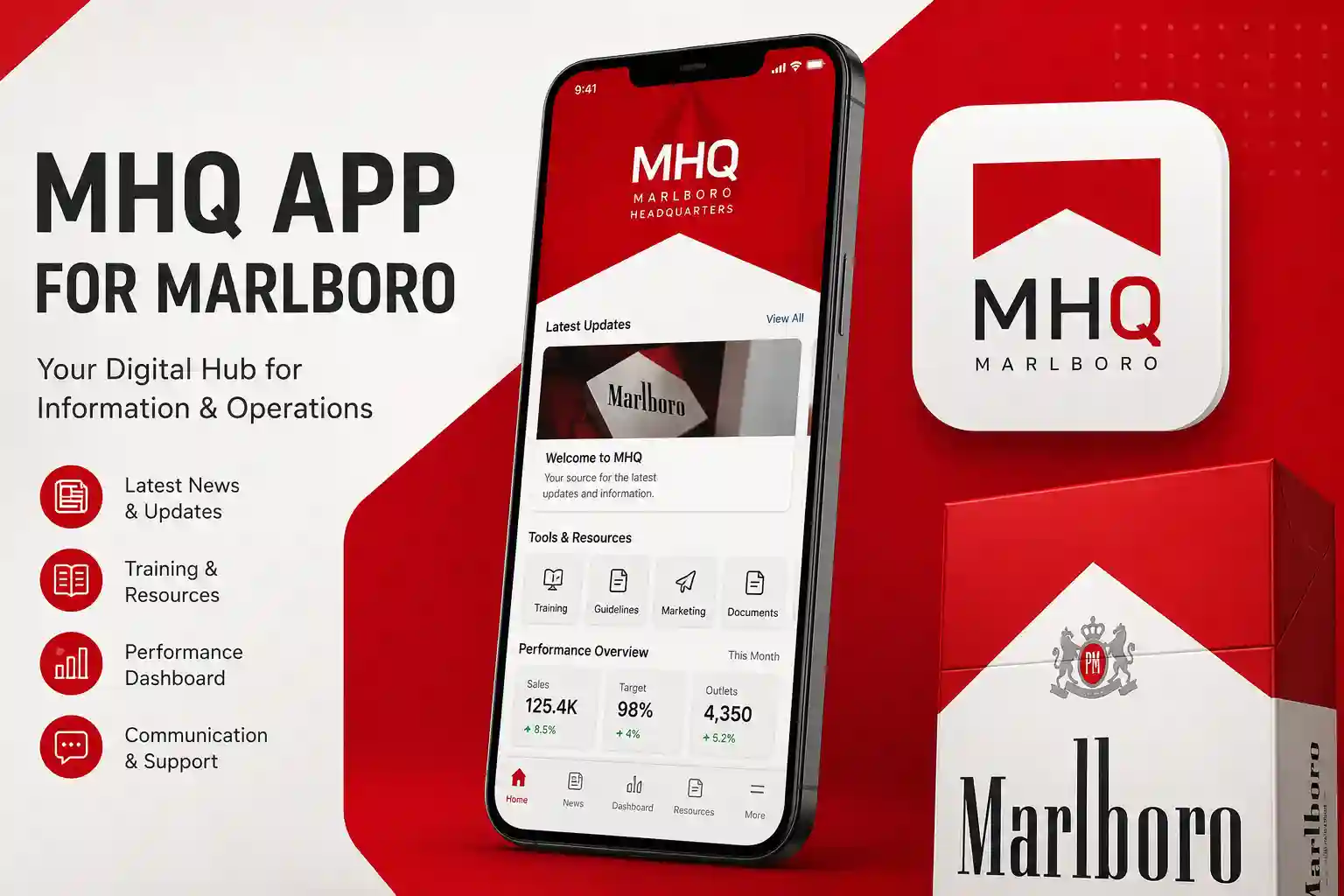
As of this writing, no standalone application is confirmed with Marlboro’s official help information, built using this exact name. The support page is for those who have registered to Marlboro.com, allowing them to log in, check out the current promotions, look at the coupons, edit their profile, change their passwords, verify their email addresses, and contact the customer service.
There is still mobile access, via a phone browser. The official site can also be added to the home screen for quick and easy reference. Don’t assume that a download is safe just because it is labeled Marlboro.
What Can Eligible Users Access?
The features may be different per location, account status and active campaigns. According to Marlboro’s official support information, functions include:
- Viewing promotions and available offers
- Checking the coupons section
- Updating email, phone, address, or password
- Managing communication preferences
- Confirming an email subscription
- Contacting customer support
The U.S. website and mailings are limited to tobacco consumers aged 21 or older who live in the 50 states or Washington, D.C.
How to Access Marlboro Services Safely
1. Start From the Official Website
Enter Marlboro’s official domain name into your browser. Make sure to spell an email address, password, date of birth or other personal information correctly before entering it in a form.
2. Complete Eligibility Verification
Access is for eligible adults only. You might be requested to provide precise age, identity, dwelling, or account data. Minority children are not allowed to purchase tobacco in the United States, and the minimum age for tobacco sales is set at 21.
3. Sign In Securely
Use registered account and a different password. Avoid using the same password for any email, banking or social media accounts.
4. Review Offers and Coupons
Once signed up, go to the homepage, menu, account area or coupons section. If you’re seeing current promotions and offers after login, they should stay that way, according to official support guidelines.
5. Add a Home-Screen Shortcut
Typically, both Android and iPhone browsers give users an “Add to Home Screen” button. This provides quicker access without installing an unknown APK.
Read more: Droven.io USA Tech Market Updates
Why Unofficial APK Files Can Be Risky

Third party websites can advertise download of an “Marlboro app” or “MHQ rewards APK,” but it is not related to Marlboro. Third-party applications can be altered, include unwanted ads or include malicious software.
Watch for these warning signs:
- No verified developer or privacy policy
- No official Marlboro link
- Requests to disable phone security
- Promises of unlimited points or guaranteed rewards
- Misspelled login domains
- “Mod,” “unlocked,” or “hacked” versions
- Requests for payment before access
Never enter personal information into software that cannot be verified through an official source.
Common Login and Offer Problems
Forgotten Password
Employ the legitimate password-recovery feature. Marlboro also claims that users can alter passwords, from the Profile section upon signing in.
Confirmation Email Is Missing
Review the spelling and spam folder in email. According to the official help page, email confirmation could be mandatory for users to receive communications.
Offers Are Not Showing
Promotions are subject to eligibility, location, time, account verification and campaign rules. Selected communications and offers may be sent from time to time, says Marlboro.
Account Details Are Incorrect
Click on the Profile section to edit information that is allowed. When a field can’t be edited online, use the contact information provided on the official website.
Privacy and Account Security
Set a strong password, set an on-screen lock, update your device and never log in when using public Wi-Fi. Do not provide passwords or PINs.
Official support should not ask you to install remote-access software or pay through gift cards or cryptocurrency.
MHQ Download vs. Official Mobile Website

| Area | Unverified MHQ Download | Official Marlboro Website |
|---|---|---|
| Source | May be third-party | Uses the official domain |
| Installation | May require an APK | Opens in a browser |
| Safety | Hard to verify | Supported by official help |
| Promotions | Claims may be unreliable | Based on account eligibility |
| Updates | Unknown developer | Updates automatically |
| Best choice | Avoid unless verified | Safer starting point |
For most users, the mobile website is safer because it avoids unknown software.
Responsible Use Notice
This topic concerns tobacco marketing and adult-only services. It should not be presented to minors or written in a way that encourages tobacco use. Smoking causes serious health harm, and there is no risk-free level of exposure to tobacco smoke.
Frequently Asked Questions
1. Is the MHQ app for Marlboro available on Android?
A clearly verified official app under that exact name could not be confirmed from Marlboro’s support information. Android users should start with the official website and avoid unverified APK files.
2. Can I access Marlboro services on an iPhone?
Users who can open the official website in Safari can create a shortcut for the iPhone home screen.
3. Why can’t I see Marlboro rewards or offers?
Availability may depend on age verification, residence, account status, campaign dates, and individual eligibility.
4. Is an MHQ APK safe to install?
Never assume that it is safe. Only install software that is connected by an official source and developed by a verified software developer.
5. How do I contact Marlboro customer support?
Please use contact details provided on official Marlboro website. Its help page offers options for assistance with accounts for eligible users in the United States.
Conclusion
A search query for the MHQ app on Marlboro is a popular combination, but that doesn’t necessarily mean that every app with this name is official. Marlboro has a documented account system that can be found on the website, which allows eligible adults to customize their account, view offers, look at coupons, and seek help.
About the Author