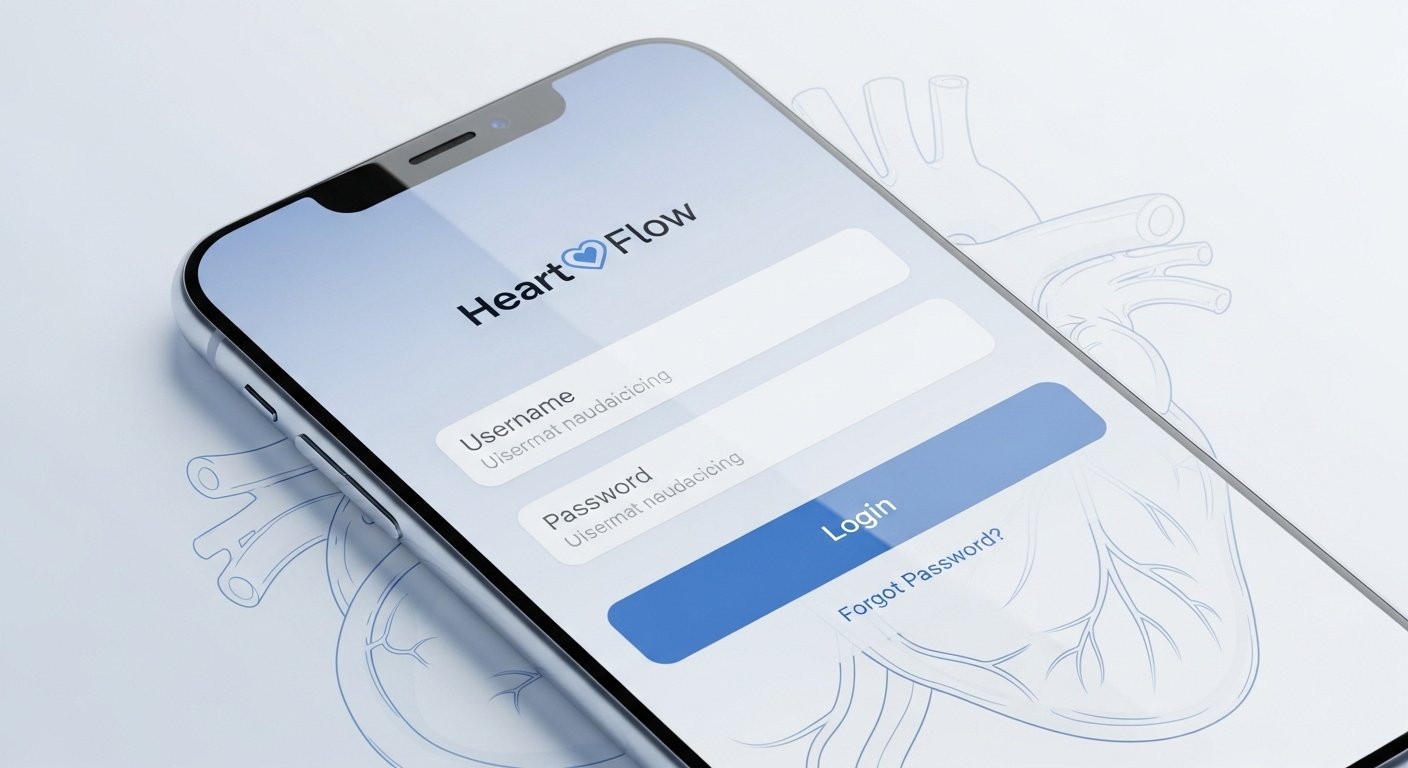
The HeartFlow App – Login, Features & Easy Access Guide is a helpful tool mainly for doctors and healthcare workers. It is not a patient app for everyday heart health tracking. HeartFlow is a company that uses advanced AI technology to help diagnose and manage coronary artery disease (CAD), which is a common heart problem caused by blocked or narrow arteries.
This app connects to the HeartFlow system. It lets clinicians (like cardiologists) quickly check the status of their patients’ HeartFlow FFRct Analyses from their phone. The main HeartFlow platform works with coronary CT angiography (CCTA) scans. It creates a 3D model of the heart’s arteries. This shows blockages and how blood flows. It helps doctors decide the best treatment without always needing invasive tests.
This guide explains everything in simple words. It covers what the app is, how to log in, its main features, how to use it easily, and why it matters for heart care. The information comes from official HeartFlow sources and trusted medical details to keep it accurate and helpful.
What Is the HeartFlow App?
The HeartFlow mobile app is made by HeartFlow, Inc. It is available on the Apple App Store for iPhone and iPad users. (There may be similar tools for Android, but the main one is for iOS.)
It is a convenient tool for clinician customers. “Clinician customers” means doctors or hospital staff who use HeartFlow services.
The app’s main job is to show the status of patients’ HeartFlow FFRct Analyses. FFRct means Fractional Flow Reserve from CT. This is a non-invasive way to check if a blockage in the artery is serious enough to reduce blood flow to the heart muscle.
Instead of going to a computer every time, doctors can open the app on their phone. They see updates fast. For example, when a patient’s CT scan analysis is ready, the app notifies them.
HeartFlow technology is FDA-cleared and used in many countries. It has helped manage care for hundreds of thousands of patients worldwide. It is backed by over 600 peer-reviewed studies and guidelines from groups like the American College of Cardiology.
This makes HeartFlow a trusted name in heart care. It changes how doctors see coronary artery disease—from guesswork to clear, personalized insights.
Why Use the HeartFlow App?
Heart disease is a big problem. Coronary artery disease (CAD) is one of the top causes of death. Traditional tests sometimes miss issues or lead to unnecessary procedures.
HeartFlow uses AI and deep learning. It takes data from a standard CCTA scan (a type of heart CT). Then it builds a detailed 3D model of the coronary arteries.
The model shows:
- Exact places of narrowings or blockages.
- How much each blockage affects blood flow (using FFRct values).
- Plaque types, volume, and location (in newer versions).
This helps doctors:
- Decide if medicine, stents, bypass surgery, or just watching is best.
- Avoid invasive catheter tests when not needed.
- Give patients better, safer care.
The mobile app makes this info easy to access anytime. A doctor can check while at the hospital, in clinic, or even on the go.
How to Download the HeartFlow App
Go to the App Store on your iPhone or iPad.
Search for “HeartFlow” (made by HeartFlow, Inc.).
Download the official app. It is free for qualified users.
Note: You need to be a registered clinician customer of HeartFlow to use it fully. Hospitals or doctors must have an account with HeartFlow services.
There are other apps with “HeartFlow” in the name (like some launcher or unrelated health trackers), but only the one from HeartFlow, Inc. is the real one for FFRct analysis status.
HeartFlow App Login – Step-by-Step Guide

Logging in is simple and secure. Here is how to do it:
- Open the HeartFlow app on your device.
- You will see a sign-in screen.
- Enter your email address. This is the email linked to your HeartFlow account.
- Type your password.
- Tap “Sign In” or “Log In.”
There is also a “Remember me” option. Check this box if you want the app to save your login on that device. This makes future logins faster.
If you forget your password:
- Tap “Forgot password?” on the login screen.
- Enter your email.
- Follow the link sent to your email to reset it.
The main web portal for HeartFlow is at app.heartflow.net. You can use the same email and password there if you prefer a browser on a computer.
Security tips:
- Use a strong password.
- Do not share your login details.
- If you use a shared device, log out after use.
- HeartFlow follows strict health data privacy rules (like HIPAA in the US).
If you have login problems, contact HeartFlow support through their website (www.heartflow.com) or your hospital’s IT team.
Main Features of the HeartFlow App
The app is easy and focused. It does not have many extra things—just what clinicians need.
Key features include:
- Patient roster view: See a list of your patients who have HeartFlow analyses ordered or in process.
- Status updates: Check if the analysis is pending, processing, or complete. Get notifications when results are ready.
- Quick access to results: View key details from the FFRct analysis right on your phone. See color-coded 3D models (if supported on mobile), FFRct values, and summaries.
- Easy navigation: Simple menu to switch between patients or refresh status.
- Secure data: All info is protected. It only shows data for patients under your care.
The app is not for viewing full detailed 3D models (that works best on the web portal or PACS system in hospitals). But it gives fast status and alerts so you never miss an important update.
In the bigger HeartFlow One platform (which the app connects to), features include:
- FFRct Analysis for blood flow assessment.
- Plaque Analysis for seeing plaque buildup.
- Roadmap for quick reading of CT scans.
- Planner tool to test treatment options virtually.
The mobile app supports the workflow by keeping you informed on the go.
Easy Access Guide – Tips for Smooth Use
To get the most from the HeartFlow app:
- Log in once and use “Remember me” on your personal phone for quick access.
- Turn on push notifications in your phone settings for the app. This way, you know right away when a patient’s analysis is complete.
- Keep the app updated. Check the App Store for new versions. Updates often add better speed or new views.
- If you work in a hospital, ask your admin how the app links to your EMR (electronic medical records) or PACS system.
- For best experience, use a good internet connection (Wi-Fi or strong mobile data).
- If traveling, the app works anywhere you have signal.
Common questions:
- Is it for patients? No, patients do not log in to this app. Talk to your doctor about your HeartFlow results.
- Is it free? Yes, for approved users.
- Does it work on tablets? Yes, on iPad too.
- What if no patients show up? Make sure your account is active and you have cases assigned.
Benefits of Using HeartFlow Technology
HeartFlow changes heart care in big ways.
Doctors get more confidence in decisions. Studies show it reduces unnecessary invasive tests. It helps choose the right treatment faster.
For patients, this means:
- Non-invasive testing (just a CT scan).
- Personalized care plans.
- Lower risk of wrong treatments.
- Better long-term heart health.
Hospitals like it because it improves workflow. It saves time and resources.
HeartFlow is supported by major insurance in many places. More doctors use it every year.
Final Thoughts on HeartFlow App
The HeartFlow app is a simple but powerful tool for doctors. With easy login using email and password, quick features for status checks, and on-the-go access, it helps provide better heart care.
If you are a clinician, download it today from the App Store and log in with your HeartFlow credentials. It can save you time and help your patients.
For more details, visit the official website: www.heartflow.com.
Always talk to a healthcare professional for personal heart advice. This guide is for information only.
About the Author







