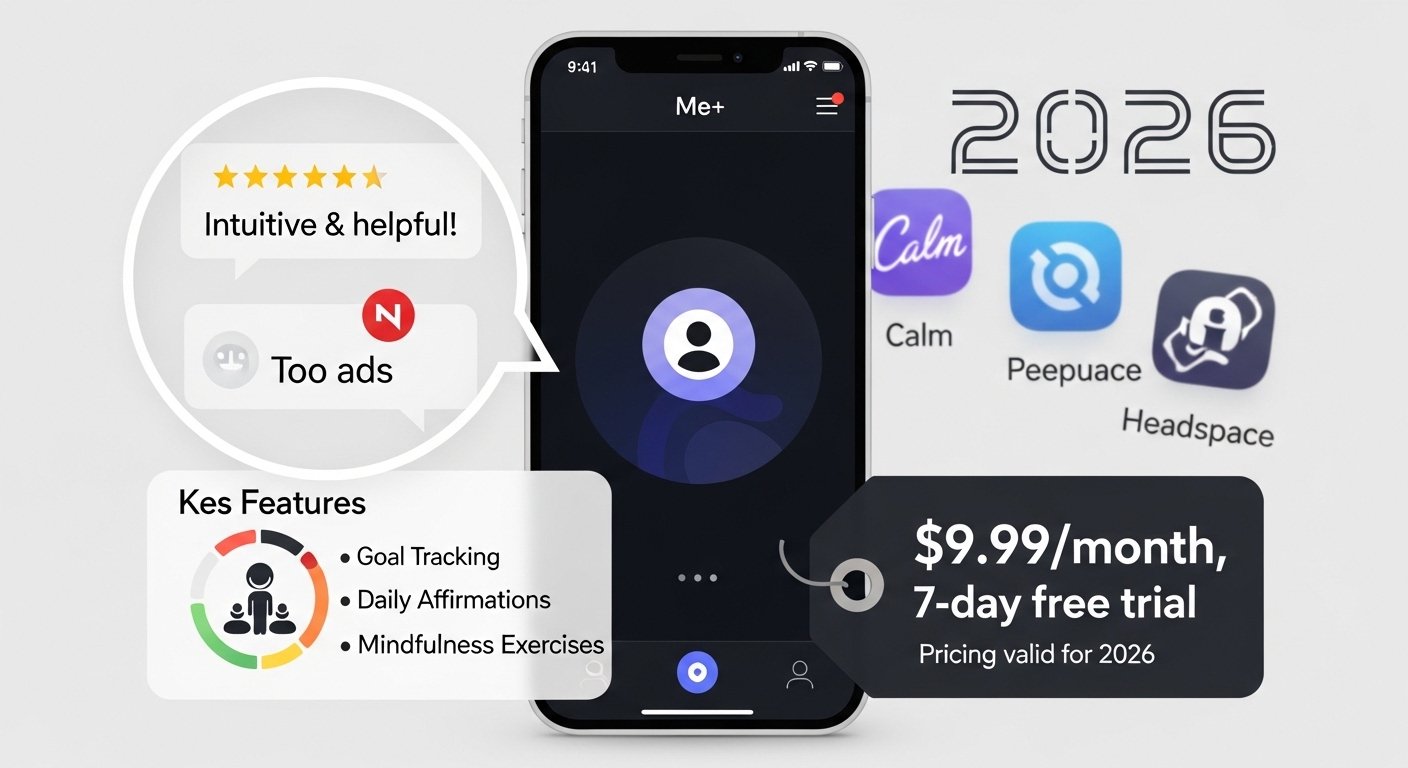
The Me+ app is a simple and helpful tool for your phone. It helps you make good daily habits, plan your day, and take better care of yourself. Many people use it to feel more organized, less stressed, and happier.
The app comes from a company called Enerjoy Pte. Ltd. in Singapore. It has become very popular. Right now in 2026, it has over 10 million downloads on Google Play and very high ratings — about 4.8 stars from hundreds of thousands of reviews on both Android and iPhone.
People love it because it is kind and easy. It does not judge you if you miss a day. It just helps you try again. Many say it is great for people with busy lives, ADHD, or anyone who wants small changes that last.
What Is the Me+ App?
What is Me+ app? It is a daily routine planner and habit tracker. The name “Me+” means you plus better habits. The idea comes from a famous saying: “We are what we repeatedly do.” The app helps you repeat good things until they feel natural.
It is not just a boring list. It mixes planning your day with tracking habits, checking your mood, and self-care. You can use it for things like waking up early, drinking more water, exercising, sleeping better, or relaxing.
You download it free from the App Store (for iPhone) or Google Play (for Android). The official site is enerjoy.life/me-plus. There you find more info and links to download.
It works best when you start small. Add just a few easy things at first.
Main Features of Me+ App
The Me+ app features are made to be simple and nice to look at. Here are the most important ones:
- Daily Routine Planner — Make a schedule for your day. For example, a morning plan: wake up, brush teeth, drink water, stretch. The app shows your day in clear blocks.
- Habit Tracker — Add habits you want to do every day. Check them off when done. It shows your “streak” — how many days in a row you did it. This makes you feel proud and keeps you going.
- Mood Tracker — At the end of the day, pick how you felt. Happy? Tired? Stressed? Over time, you see patterns. Like “I feel better when I sleep 8 hours.”
- Progress Charts — See colorful graphs of your habits and moods. Monthly or weekly views help you notice what works.
- Ready-Made Templates — The app gives example routines. Like “Better Sleep Routine,” “Morning Energy Plan,” or “Stress Relief Day.” You can use them as they are or change them.
- Personal Touch — Pick fun colors, icons, and names for your tasks. Make it look pretty and yours.
- Gentle Reminders — Set soft notifications so you remember without stress.
- Extra Self-Care in Premium — Things like short meditations, relaxing sounds, journaling ideas, or quick workouts (these need paid version).
Users say the app feels like a friendly friend who cheers you on.
Is the Me+ App Free?
Is the Me+ app free? Yes and no.
You can download it and start using it for free. The basic version lets you make simple routines, track a few habits, and use the main planner. This is good to try it first.
But many best parts are in the paid version (called Premium or VIP). Things like unlimited habits, all templates, mood charts, extra self-care tools need payment.
When you first open the app, you often get a 7-day free trial of Premium. After the trial, it starts charging unless you cancel.
The free part is useful, but most people who use it a lot go Premium.
Me+ App Pricing – How Much Is the Me+ App?

Me+ app pricing changes a little by country and time, but here are the usual prices in 2026:
- Monthly — About $9.99 to $12.99 per month.
- Yearly — About $39.99 per year (this is cheaper — around $3.33 per month).
- Other deals — Sometimes you see special offers like $19.99 or $29.99 for a year. There can be 3-month plans around $19.99 to $29.99.
The app shows discounts with timers to make you decide fast. Prices go through Apple or Google Play, so you manage them in your phone settings.
Some users get surprised by charges after trial, so always check and cancel if you do not want to keep it. The company uses money from subscriptions to add new features and keep the app good.
Me+ App Reviews – What Do People Say?
Me+ app reviews are very good. On Google Play: 4.8 stars from over 838,000 reviews. On App Store: 4.8 stars from over 235,000 ratings.
Happy users say:
- It changed their life. They feel more in control.
- Great for ADHD or autism — gives clear steps without pressure.
- Pretty design and colors make it fun to open every day.
- No guilt if you skip — just start fresh tomorrow.
- Helped build real habits like better sleep or exercise.
- Developers keep making it better with updates.
Some people complain:
- Setup takes time at first.
- Free version feels limited after a while.
- Some had billing problems or felt tricked by trial.
- A few say reminders do not always work right.
- New updates changed design, and some miss old look.
Most long-time users (some for 4+ years) still love it and say it helps them grow.
How to Use Me+ App – Easy Steps
Me+ app how to use is very simple. Follow these steps:
- Go to App Store or Google Play. Search “Me+ Lifestyle Routine” or “Me+ Daily Routine Planner.” Download it free.
- Open the app. Sign up with email, Apple, or Google.
- Answer a few questions about your goals (like more energy or less stress). The app suggests starting routines.
- Look at the home screen. It shows your day.
- Add your first routine. Tap + or use a template. Example: Morning Routine. Add tasks like “Wake up at 7 AM,” “Drink water,” “Walk 10 minutes.”
- Make it yours: Choose color, icon, time, and reminder.
- Every day, open the app and check off what you do.
- At night, log your mood.
- Check charts to see your progress.
- If you like it, try Premium for more options.
Tip: Start with only 3–5 easy habits. Do not try too much at once.
Free Alternatives to Me+ App
If you want something like Me+ app but free, try these Me+ app free alternatives:
- Loop Habit Tracker (Android only) — Simple, no ads, fully free, open-source.
- Habitica — Turns habits into a fun game. Free with optional buys.
- HabitNow (Android) or Streaks (iPhone) — Good free versions.
- Google Tasks or Apple Reminders — Basic but 100% free for lists.
- Way of Life — Free tier for habit tracking.
These may not have all the pretty self-care parts of Me+, but they help build habits without paying.
Final Words
The Me+ app is a great choice if you want an easy, friendly way to plan your day and make good habits. It helps with self-care, organization, and feeling better about yourself.
The free version lets you test it. If you love it, the price is okay for what you get — especially yearly deals.
Many people say it becomes part of their life. Download it and see if it fits you. Check the app store for the latest info because things can change.
Disclaimer:
This article is only for information. We are not connected with the Me+ app or its developer. This is not a promotional or affiliate article, and we do not make money if you download the app. App features, prices, and free trials can change anytime, so please check the official app page for the latest information. If you download or pay for the app, it is your own choice, and we are not responsible for any payments or problems with the app.
Explore More
- The Kidizen App: Kids Clothing Marketplace, Size Tracking Feature & Why It’s Not Working for Some Users
- Propitious Mango Ice Cream: Where to Buy Fumang & Hong Qi, Ingredients, and Stores Like Amazon, Walmart, Costco & H Mart
- Why Im Building Capabilisense: Turning Ideas into Reality
About the Author







