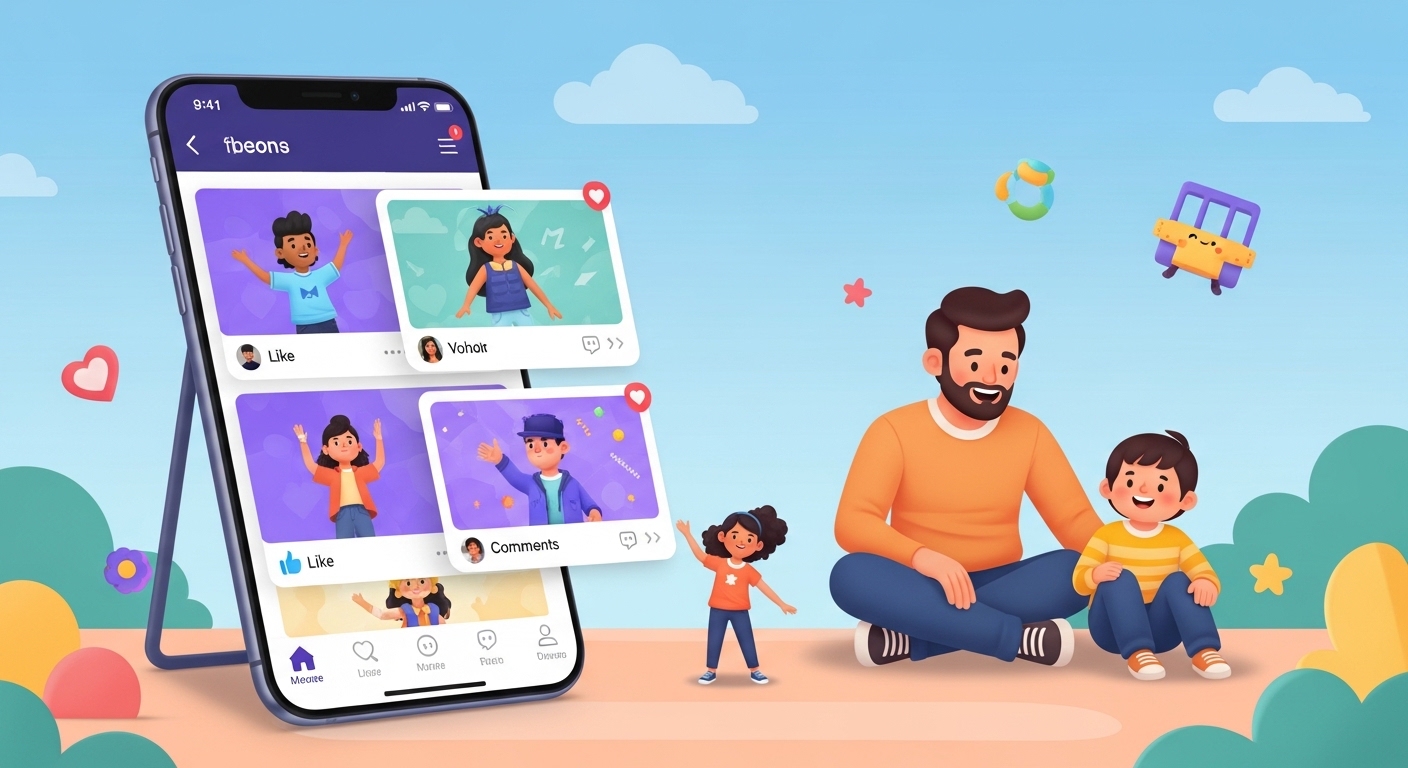
Many kids and parents look for fun ways to make short videos and share creativity online. In 2026, the Coverstar app stands out as a popular choice. People often call it a safer space for young creators who want to dance, join challenges, and connect with friends. This article explains everything in simple words so you can understand it easily. We will talk about what the app offers, how safe it feels for kids, what parents say in coverstar app reviews, and why some families see it as a good TikTok alternative.
After that, you will learn about the right age to use it, how to download the app, and simple tips to stay safe. Families want positive experiences online, and this guide helps you decide with clear facts.
What Is the Coverstar App?
The Coverstar app is a social video platform where people make and watch short videos. You can create dances, reactions, get-ready-with-me clips, or fun challenges set to music. Next, you share them with others in a friendly community. Many users say it feels like a positive place built for creativity instead of endless scrolling.
Because the makers focused on young people, the app removes some risky parts you might find on bigger apps. For example, there are no private direct messages between users. This means strangers cannot send secret chats that might cause problems. Also, every video and comment goes through careful checks with both smart computer tools and real people watching. That’s why many families feel more relaxed when their kids use it.
Over time, the app grew because kids enjoy making videos together without worry about mean comments or bad content. In addition, users can build their own cartoon avatar that moves with their face. They can play games with the avatar or join special challenges. This makes creating videos even more exciting and personal.
Another thing is that the app encourages positive vibes. Comments often stay kind, and the rules stop bullying or hurtful words. For this reason, some kids call it their happy place to express ideas and make new friends who like the same things.
Coverstar App as a TikTok Alternative
Lots of families search for a TikTok alternative because they want the fun of short videos without the worries. The Coverstar app tries to give that fun feeling in a calmer way. On TikTok, you might see all kinds of content, some of which feels too grown-up or stressful. Here, the focus stays on safe, age-friendly videos like dances, trends for kids, and creative play.
For instance, imagine your child wants to learn a new dance move with friends. On Coverstar, they can join a challenge, record together, and share it publicly or with followers only. After that, they see supportive likes and nice words instead of arguments. This helps kids feel good about their creations.
In addition, the app pushes creativity over just watching. Instead of doom scrolling for hours, kids spend more time making their own clips or reacting to friends. That’s why some parents like it better for younger users who still need protection online.
Over the years, updates added features like avatar games and live options for verified users. These keep the experience fresh while keeping safety first. Many kids who left other apps say they feel happier here because the whole community feels younger and kinder.
Coverstar App Age Rating and Who Should Use It
Parents always ask about the right coverstar app age. The app itself follows rules for young users and needs parent permission for kids under 13. On app stores, you might see ratings like 9+ on Apple devices. However, safety experts give different advice.
Some reviews suggest it works best for ages 9 to 15 because most videos come from kids in that group. The content usually stays light, with dances, hauls, and fun talks about clothes or school life. Because of this, younger children can enjoy it when parents stay close and check everything together.
Another important point is that even safe apps need adult eyes. Kids might still feel pressure to get likes or post often. For this reason, many experts recommend waiting until at least 12 or older, and always with family rules about screen time. Talk with your child about what feels okay to share and what does not.
In real life, one mom noticed her 11-year-old daughter made happy dance videos and received kind feedback from other girls her age. This built her confidence step by step. At the same time, the mom set a daily limit so homework and play outside stayed important too.
Is Coverstar App Safe for Kids?
Safety stands as the biggest question for families. Is Coverstar app safe for kids? The app works hard to make yes the answer. It uses strong computer checks plus human helpers to catch bad videos or comments quickly. No private chats mean fewer chances for strangers to contact kids alone.
In addition, the rules clearly stop any adult-style or harmful content. Videos with swimsuits, scary themes, or mean messages do not stay up long. Because of these steps, many coverstar app parent reviews say the app feels safer than other video places. Parents like that they can make accounts private or control who sees their child’s videos.
However, no app can promise 100 percent safety all the time. Kids might still see something they do not like if they search certain trends. That’s why parents should talk openly and check the app together at first. Teach your child to report anything strange right away.
For example, if a comment feels off, the child can block the person or tell a grown-up. Over time, this habit helps kids learn to stay safe online everywhere, not just on one app.
Some experts still say wait longer before letting kids join any social video app. They worry about screen time taking away from real-life fun or making kids compare themselves too much. Always balance app use with family activities, sports, or reading books.
Coverstar App Reviews from Users and Parents
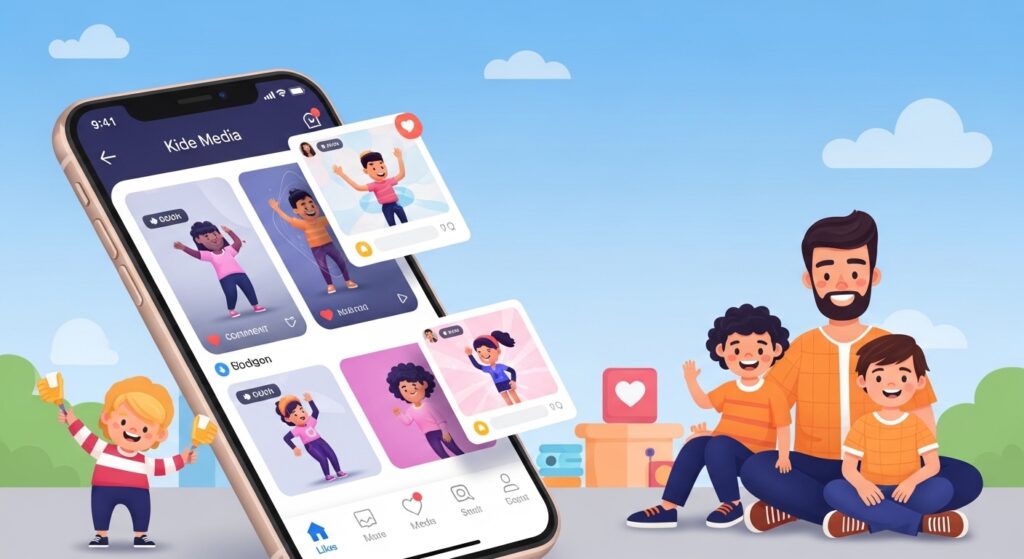
Coverstar app reviews in 2026 show a mix of happy stories and careful thoughts. Many kids love the dance trends, supportive comments, and easy tools to make videos. One young user said she enjoys preppy hauls and transitions with friends because everyone stays nice.
Parents in coverstar app parent reviews often praise the no-bullying zone and the young community. They feel good knowing their children connect with peers instead of older strangers. Some families mention winning small prizes in challenges, which adds extra excitement without pressure.
On the other hand, a few reviews point out that kids can still spend too much time scrolling if parents do not set limits. Others say some content might feel too focused on looks or trends, even if it stays mild. Because of this, families recommend using the app as a creative tool rather than all-day entertainment.
Real examples help here. A dad shared that his son made reaction videos about favorite games and gained friendly followers. The boy learned simple video skills and felt proud. At the same time, the dad checked the feed weekly and talked about kind online behavior.
Another parent review noted that after a few weeks, her daughter stopped asking for other apps because Coverstar felt more welcoming. These stories show how the app can bring joy when used wisely.
Coverstar App Download: Simple Steps to Get Started
Getting the coverstar app download is easy for most families. You can find it on the Apple App Store for iPhones or the Google Play Store for Android phones. Search for “Coverstar” and choose the official one made by the right company.
First, open your app store and type the name. Next, read the description and look at pictures to make sure it matches. After that, tap the get or install button. It might ask for your password or fingerprint. Once downloaded, open the app and follow the sign-up steps.
During sign-up, younger kids need a parent to help with permission. You can choose a username, add a photo or avatar, and set the account to private if you want. The app guides you gently so beginners do not feel lost.
Remember to update the app when new versions come out. Updates often fix small problems and add fun new challenges or safety tools. Always download only from trusted stores to avoid fake versions.
How to Go Live on Coverstar App
Many kids want to know how to go live on Coverstar app once they feel ready. Live streaming lets you talk or perform in real time with viewers watching. However, this feature usually opens only after you post good content and get verified.
Start by making several nice videos and joining challenges regularly. This helps your account grow in a natural way. Next, check your profile or settings for a live button or verification option. Some users say posting consistently helps unlock live sooner.
When you go live, keep it short and fun at first. Talk about your day, show a dance, or answer friendly questions from viewers. Because the app watches lives closely, bad behavior gets stopped fast. Still, parents should sit nearby during the first few lives to guide their child.
For safety, never share personal details like your full name, school, or home address on live. Teach kids to end the stream right away if anything feels wrong. Over time, this careful approach makes live streaming a positive experience.
Common Sense Media and Other Safety Views
Many parents look for trusted opinions like coverstar app Common Sense Media review, even if the site may not always have the newest details. Independent groups often note that the app tries hard to stay positive but still counts as social media. They remind families that any platform with public videos needs watching.
Other safety sites agree the lack of direct messages and strong moderation help a lot. Yet they suggest setting clear family rules about time limits and content sharing. Talk together about why some videos feel good and others might not.
In real life, one family used a shared tablet so the parent could see everything easily. This simple step reduced worries while letting the child enjoy creating.
Practical Tips for Safe and Happy Use
Here are some easy tips to make the Coverstar app for kids a good experience. First, create the account together and explore the settings as a team. Turn on private mode if your child wants to share only with approved friends.
Next, set a daily time limit, maybe 30 minutes after homework. Use phone tools to help remind everyone when time ends. Also, encourage making videos about hobbies like drawing, sports, or helping at home instead of just trends.
Another helpful idea is to watch a few videos side by side and talk about what you see. Ask questions like “Does this make you feel happy?” This builds good thinking habits.
Mistakes to avoid include letting kids use the app alone for many hours or ignoring strange comments. Also, do not push for quick fame or many likes. Focus on fun and learning instead.
Over time, these small steps help kids enjoy creativity without losing balance in real life.
FAQ About the Coverstar App
What is Coverstar app?
It is a video app for making short creative clips in a positive, kid-friendly space with strong safety checks.
Is Coverstar app safe for kids?
It has many safety tools like no private messages and good moderation, but parents should still watch and set rules because no app is perfect.
What is the coverstar app age?
It works best around 9 to 15 with parent help. Younger kids need extra permission and supervision.
How do I download the Coverstar app?
Search for it in the Apple App Store or Google Play Store, then install from the official page.
Can kids go live on Coverstar app?
Yes, after building the account and getting permission, but always with a grown-up nearby at first.
Who owns Coverstar app?
It comes from a company focused on safe social experiences for young people, created by people who care about kids’ online time.
What do coverstar app parent reviews say?
Many parents like the kind community and safety steps, though they still advise watching screen time carefully.
Final Thoughts
The Coverstar app gives kids a place to create videos, join fun challenges, and feel part of a positive group. In 2026, its focus on safety, no private chats, and creative tools makes it different from other apps. Families who use it wisely often see happy moments and growing confidence in their children.
Remember, the best results come when parents stay involved, talk openly, and keep real-life activities strong. Every family is different, so think about your own child’s age, personality, and needs before deciding.
This information comes from public app details, store descriptions, and general parent feedback available in 2026. Always check the latest app rules and talk with your family to make the smartest choice. Stay safe, stay creative, and enjoy time together both online and off.
Disclaimer:
This article provides general information based on publicly available details about the Coverstar app as of 2026. It is not official advice from the app or any company. Safety opinions can change, and no online platform is completely risk-free. Parents should review the app themselves, set personal family rules, and consult trusted experts or the app’s current terms before use. We do not endorse or promote any app or service.
Explore More
- Cahoot App Download Guide 2026: Is There a Cahoot App for Banking?
- FC26 Companion App Release Date: When It Comes Out, How to Get It & Common Fixes
- Bus Times.org App: Live Bus Times, Routes & Tracking
About the Author








