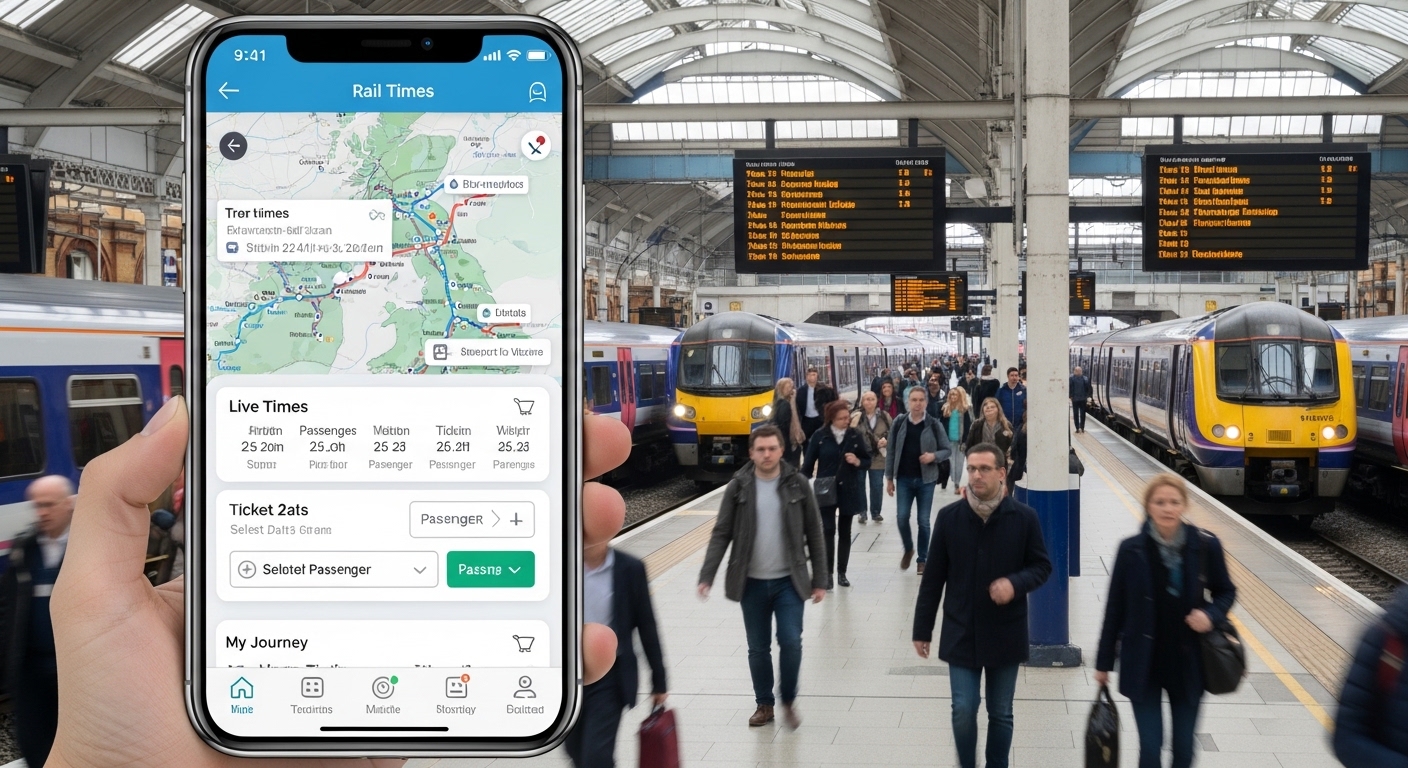
Many people in the UK travel by train every day. They go to work, visit family, or enjoy a holiday. When you need to catch a long-distance train, the cross country app can make things much easier. This free tool helps you plan trips across Britain. You can check train times, buy tickets, and see live updates right on your phone. In 2026, more people use apps like this because travel feels smoother and less stressful.
After that, you save time at busy stations. You also avoid long queues. This means you can relax and enjoy your journey. The cross country app UK connects you to trains that run from places like Aberdeen in the north down to Penzance in the south. It covers routes through big cities such as Birmingham, Manchester, Edinburgh, and Cardiff. Because the network is so wide, the app becomes a helpful friend for anyone who travels far.
Why the Cross Country App Helps UK Train Travelers
Train travel in the UK can feel confusing at first. Different companies run different lines, and times can change because of weather or repairs. The cross country app brings everything together in one place. You open the app and see live train times for departures and arrivals. This helps when your train runs late or when you need to change platforms quickly.
In addition, the app shows real-time running information. For example, imagine you are waiting in Birmingham for a train to Bristol. The app tells you if the train is on time or delayed by a few minutes. That way, you do not stand around worried. Over time, many travelers say this feature saves them from missing connections. Another thing is that you can buy tickets directly inside the app for any train on the National Rail network. This includes CrossCountry trains.
You do not pay extra booking fees when you buy straight from the app. That’s why families and students like it so much. They can use their Railcard or student discounts easily. In 2026, the app also works well with e-tickets. These digital tickets go straight to your phone. You show a barcode at the station barrier or to the train staff. No need to print anything or worry about losing a paper ticket.
How to Download the Cross Country App on Android
Getting the cross country app Android version is simple and takes only a few minutes. First, open the Google Play Store on your Android phone. Next, type “CrossCountry” in the search bar. You will see the official app from CrossCountry Trains. Make sure you choose the one with the right logo and good reviews.
After that, tap the Install button. The app is free, so you pay nothing to download it. Once it finishes, open the app. It may ask for permission to send you notifications about train updates. Allowing this is a good idea because you get alerts if something changes on your route.
For example, if there is a delay on the line from Leeds to Cambridge, the app can notify you early. In 2026, the Android version runs smoothly on most phones. It works even if your phone is a few years old. Always download from the official Play Store to keep your information safe. After installation, you can explore the main screen. It shows quick links to live times, ticket booking, and your saved journeys.
Step-by-Step Guide to Cross Country App Login
The cross country app login process keeps your tickets and details secure. When you open the app for the first time, you will see a button to create an account or sign in. If you already have an account from the CrossCountry website, use the same email and password.
Here is how it works in easy steps. First, enter your email address. Next, type your password carefully. Then tap the login button. Sometimes the app may ask you to confirm your identity with a code sent to your email. This extra step helps protect against mistakes.
After you log in successfully, the app remembers you on that phone. This means next time you open it, you go straight to the main screen. If you forget your password, there is a simple “Forgot password” link. You follow the instructions, and a reset email arrives quickly.
In real life, many people log in while sitting at home before a trip. They check their booked tickets in the “My Tickets” section. Because you stay signed in, you can view your e-ticket anytime. In 2026, login feels faster than before, with smoother screens and fewer steps. Always use a strong password that you can remember. Also, never share your login details with others.
Planning Your UK Train Journey with the App
Using the cross country app trains feature makes planning fun and simple. You start by typing where you want to go and where you are leaving from. The app shows many options with different times and prices. It even suggests the cheapest tickets or the fastest routes.
For instance, suppose you live in Manchester and want to visit friends in Cardiff. You enter the cities, pick your travel date, and the app lists trains. Some leave in the morning, others in the afternoon. You can filter results to show only direct trains if you do not like changing.
This helps because changing trains can feel tiring with heavy bags. The app also lets you save your favorite routes. Over time, it learns what you like and shows those first. Another helpful part is the live map or station information. You see which platform your train will use. In busy stations like Birmingham New Street, this saves you from rushing around lost.
In addition, the app shows if you can use your Railcard for a discount. Students may find special offers too. Because everything updates in real time, you always see the latest information. This is especially useful during busy holiday periods in 2026 when more people travel.
Buying Tickets and Using E-Tickets on the App
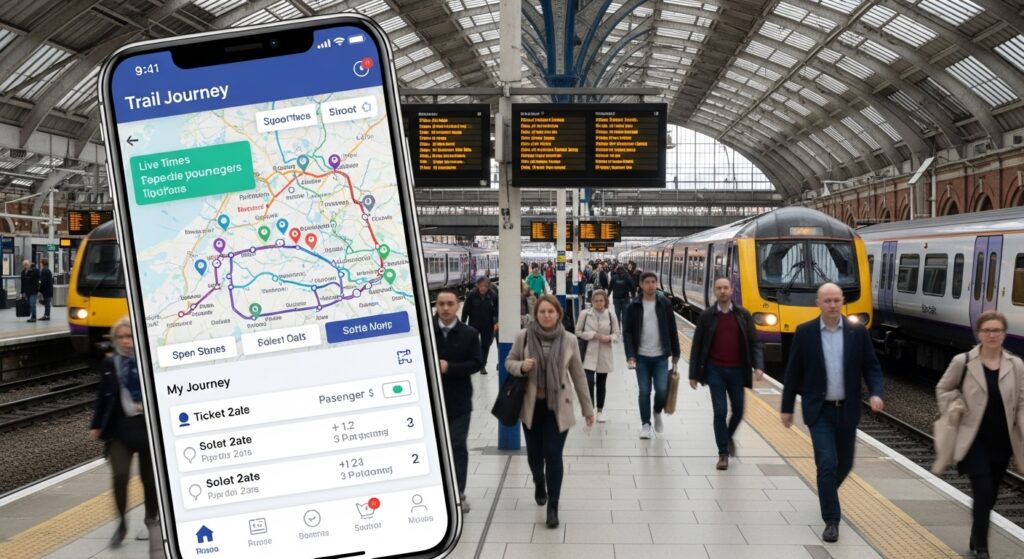
Buying tickets inside the cross country app is straightforward. After you choose your journey, you pick the ticket type. You can select single or return. Then you add any discounts if you have a Railcard. The app shows the total price clearly before you pay.
Next, you enter your payment details safely. Many people use saved cards for speed. After payment, you choose e-ticket delivery. The ticket arrives in your email and also appears in the app under “My Tickets.” To travel, you open the app and show the barcode. Staff or machines can scan it easily.
For example, a family traveling from Edinburgh to Bristol can buy all tickets together in one go. Everyone’s ticket stays in the same account. This means no one loses anything. In 2026, e-tickets work well across most routes. Just remember to charge your phone before you leave home. If your phone runs out of battery, you may need to buy a new ticket on the train at full price.
Another thing is that you can cancel or change some tickets inside the app, depending on the rules. Always check the conditions when you buy. This helps you feel more in control of your travel plans.
Live Train Times and Real-Time Updates
One of the best parts of the cross country app UK is the live train times section. You open it and see every departure and arrival around the country. Pick your station, and the screen fills with useful details. It shows if a train is on time, delayed, or cancelled.
This feature helps when plans change suddenly. Suppose bad weather affects the line to Stansted Airport. The app tells you early, so you can decide to leave home later or choose another train. Real-time running information also appears on the map view for some routes.
Over time, regular travelers learn to check the app every morning before they set off. Because updates come quickly, you feel less worried. In addition, the app sometimes suggests alternative routes if your first choice has problems. This practical help makes long UK train journeys smoother in 2026.
Tips for a Smooth Journey with the App in 2026
Here are some friendly tips to get the most from the app. First, check for app updates regularly in the Play Store or App Store. New versions often fix small problems and add helpful features. Second, save your journey details before you travel. This way, you can review them offline if your phone signal is weak.
Another tip is to set reminders for your departure time. The app can notify you when it is time to head to the station. Also, look at the seat map when booking if you want to sit together with friends or family. In 2026, refurbished trains on some CrossCountry routes offer more comfortable seats and better Wi-Fi.
Avoid waiting until the last minute to buy tickets. Advance tickets are usually cheaper. If you travel often, think about season tickets or flexible options that the app can show you. Always keep a small power bank in your bag for your phone. These small steps help you enjoy your trip without stress.
Mistakes to avoid include forgetting to log in before viewing tickets. Some people also miss checking real-time updates and arrive too early or too late. Taking a few extra minutes inside the app prevents these simple errors.
Common Questions About the Cross Country App
How do I download the cross country app on my Android phone?
Go to the Google Play Store, search for CrossCountry, and install the official free app. It works on most Android devices.
Is the cross country app login safe?
Yes, the login uses standard security steps. Use a strong password and never share it. The app also offers extra confirmation when needed.
Can I buy tickets for all UK trains in the cross country app?
You can book tickets for any train on the National Rail network, not just CrossCountry services. This makes it very convenient.
What if my train is delayed?
Open the live train times section. The app shows real-time updates so you know what is happening.
Do I need to print my ticket?
No. You can use the e-ticket on your phone. Just show the barcode when asked.
Is the app free to use?
Yes, downloading and using the basic features is free. You only pay for the train tickets you buy.
Will the app work if I have no internet?
Some saved tickets and basic info may still show, but live times and new bookings need an internet connection.
Final Thoughts on Using the Cross Country App
The cross country app brings together everything you need for UK train travel in one simple place. From easy Android download to quick login, from buying tickets to checking live times, it helps you move around Britain with confidence. In 2026, the app continues to improve with better screens and more useful updates.
Whether you travel for work, study, or fun, this tool saves time and reduces worry. You plan better journeys, catch the right trains, and enjoy the ride. Next time you need to go somewhere far, open the cross country app trains and see how much easier travel can feel. Safe travels and happy journeys await you on the UK rails.
Disclaimer:
This article provides general information based on publicly available details about the CrossCountry train app as of 2026. Features, processes, and availability may change over time. Always check the official CrossCountry website or app stores for the latest instructions, terms, and conditions. This content is for educational purposes only and does not replace official advice or services.
Explore More
- Care Planner App: Free Download, Access Guide & How to Use (2026)
- Struggling with Cycling Skills? Try the Bikeability App
- Aston Apps: Login, Download & Access Aston Apps Anywhere (2026 Guide)
About the Author








