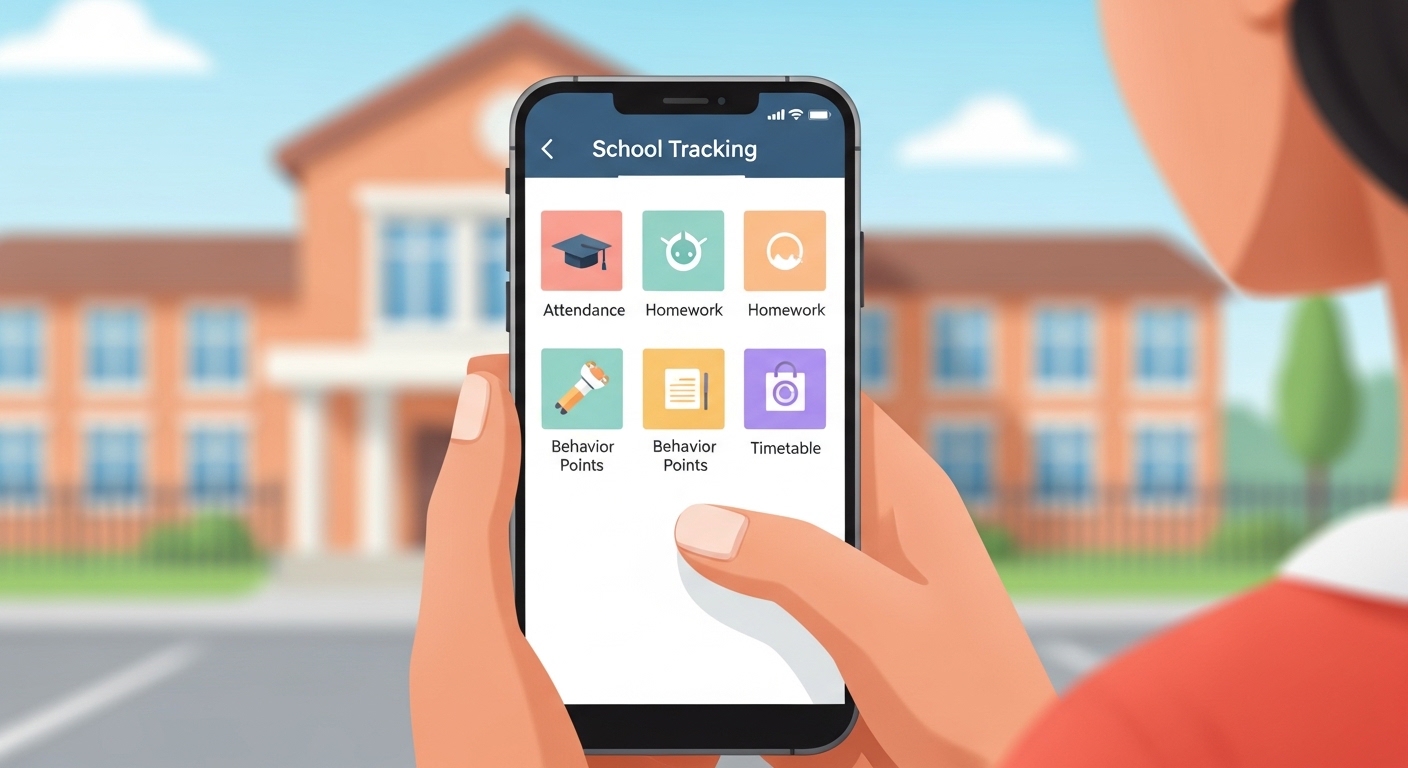
Many parents want to know more about what happens at their child’s school every day. The Class Charts Parent App helps with that. It lets you see simple updates about your child’s school life right from your phone or computer. This tool connects home and school in a clear way. Because of this, you can support your child better and feel more involved. In 2026, many schools around the world still use it to share quick information without long meetings or notes. That is why so many families find it helpful for staying close to their child’s learning journey.
What Is the Class Charts Parent App?
The Class Charts Parent App is a simple tool made for parents and carers. Teachers use the main system to note down things like good behaviour, homework, or attendance during the school day. After that, parents can view those notes in real time through the app. This means you do not have to wait for report cards or parent evenings to learn how your child is doing.
For example, imagine your child helps a friend in class. The teacher might add a positive note. You can see it soon after on your phone. Another thing is that the app shows both positive points and any small issues. This balanced view helps you talk with your child at home in a calm way. Over time, these small updates build a full picture of school days. In addition, the app works on phones with iOS or Android, and you can also use it on a web browser. That makes it easy for busy parents who check their phones during the day.
Why Do Schools Use the Class Charts Parent App?
Schools choose tools like this because they want clear communication with families. When teachers record achievements or behaviour quickly, everyone stays informed without extra work. This means parents can notice patterns early. For instance, if your child shows strong attendance one week, you can celebrate that together. That’s why the app supports better habits at home and school.
Another reason is that it helps with multiple children. Many families have two or more kids in the same school. With one parent account, you can switch between their information easily. Because of this, you save time and keep everything in one place. In 2026, schools continue to update how they share announcements too. This keeps parents aware of events, trips, or changes without missing important details.
How to Get Started with the Class Charts Parent App
Starting with the app is straightforward. First, your child’s school will send you a special parent code. This code is different from the one your child uses. It usually comes by email, but sometimes schools give it at meetings or by post. Next, download the free Class Charts Parent App from your phone’s store. After that, open the app and enter the code when asked.
You may also need your email and your child’s date of birth to finish setup. Once you log in, the app shows your child’s details right away. If you have more than one child, you can add them later using their own parent codes. This step is quick and lets you manage everything from one account. Many parents say this first login feels simple because the screens guide you clearly.
Over time, you will learn to navigate the main tabs. For example, one tab shows behaviour notes, another shows the timetable, and so on. That is why it is good to explore slowly at first. If you forget your details later, the school can help reset them safely.
Understanding Behaviour and Achievement in the App
One of the most useful parts of the Class Charts Parent App is the behaviour section. Here, you see positive achievements and any consequences noted by teachers. Positive notes might include points for good work, helping others, or showing kindness. These build up over days and weeks.
Graphs often appear to show trends in a simple way. You can choose a time frame, like the last week or month, to see changes. This means you notice if your child improves in certain areas. For example, suppose your child earns more positive points in math class. You can encourage that interest at home with extra practice or praise.
On the other side, the app may show small behaviour notes when needed. These help you understand challenges early so you can talk supportively with your child and the teacher. Because everything stays private and secure, you feel safe discussing real situations. In addition, some schools link points to small rewards, which motivates children to keep trying their best.
Checking Attendance and Timetable
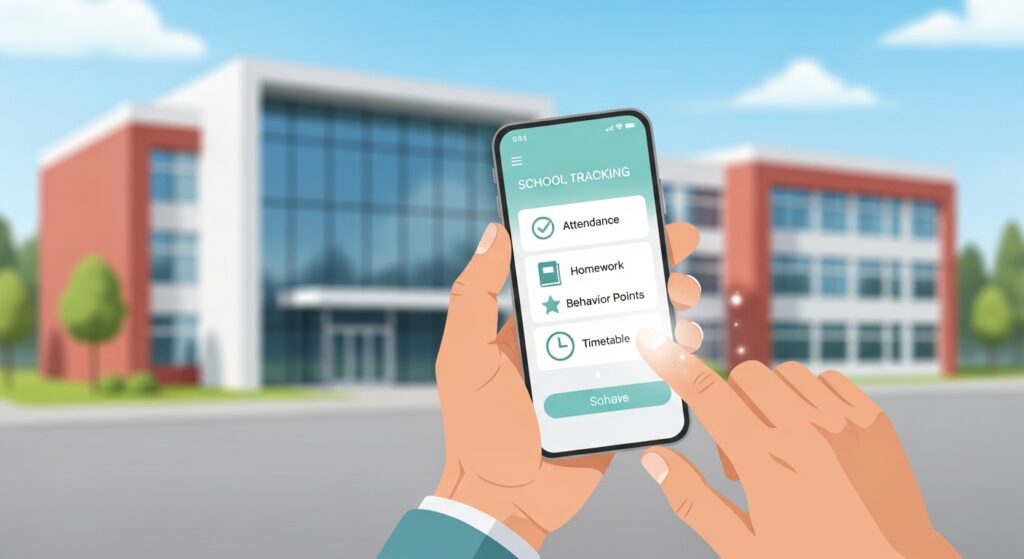
Attendance records appear clearly in the app when your school shares them. You can see if your child arrived on time each day or if any sessions were missed. This information updates regularly, so you stay aware without calling the school often. For busy families, this saves time and helps spot patterns, like if mornings are hard.
Next, the timetable section shows your child’s weekly schedule. You know exactly which subjects happen on which days and at what times. This is handy for helping with homework or preparing bags the night before. For example, if Tuesday has physical education, you can make sure sports clothes are ready. Over time, this knowledge makes school routines smoother for everyone at home.
Homework, Detentions, and Announcements
The Class Charts Parent App also lists homework tasks clearly. You see what your child needs to complete and when it is due. This means you can remind them gently and check progress together. Some parents use this to create a quiet homework time each evening.
If any detentions or extra sessions are scheduled, the app shows those too. You learn the date and reason in simple words. That way, you can support your child to learn from the experience and move forward positively.
In addition, schools send announcements through the app. These might include news about trips, club changes, or general updates. Because messages come straight to your phone, you rarely miss them. This feature keeps families connected even during busy terms.
Wellbeing and Other Helpful Features
Some schools allow wellbeing submissions in the app. This lets parents share simple notes about how their child feels at home. Teachers can then offer extra support if needed. For example, if your child seems worried about a test, a quick note can help the school notice and help.
Another useful part is switching between children if you have more than one. You tap a small icon and choose the name you want to view. This keeps the experience organised and personal for each child. In 2026, the app continues to focus on clear, real-time updates that respect family privacy and school rules.
Practical Tips for Using the Class Charts Parent App Effectively
To get the most from the app, check it a few times a week instead of every hour. This helps you see the bigger picture without feeling overwhelmed. After that, talk with your child about what you notice in a kind way. For instance, say, “I saw you did well in science today. What helped you?” Such conversations build trust and encourage openness.
Avoid jumping to conclusions from one note. Instead, look at patterns over days or weeks. This balanced approach prevents small issues from growing. Another tip is to keep your login details safe and update the app when new versions come out. That way, you enjoy the latest simple improvements.
If you face any trouble logging in, contact your school first. They know their setup best and can guide you quickly. Over time, using the app becomes a natural part of your routine, just like checking the weather or family calendar.
Common Questions About the Class Charts Parent App
Here are some natural questions parents often ask, with clear answers.
How do I get the parent code if I did not receive it?
Contact your child’s school office or teacher. They can send the code again by email or provide it at the next meeting.
Can I use the app on a computer instead of a phone?
Yes, you can log in through the Class Charts website on any browser. The experience feels similar and works well for larger screens.
Is the information private and safe?
Schools and the system follow strong privacy rules. Your details stay secure and are shared only as needed for your child’s support.
What if my child has more than one school or carer?
Each school handles its own setup. You may need separate accounts if children attend different places, but one account works for siblings in the same school.
Does the app cost anything?
The parent version is free to download and use. Your school covers the main system costs.
Can I see homework details clearly?
Yes, most schools list tasks with due dates so you can help your child plan ahead.
What happens if the app shows old information?
Refresh the screen or check your internet. If the problem continues, ask the school to confirm their updates are working.
Final Thoughts on the Class Charts Parent App
The Class Charts Parent App brings school updates straight into your daily life in a simple and helpful way. From behaviour notes and attendance to homework and announcements, it gives you a clear window into your child’s days. Because it connects home and school smoothly, families often feel more confident supporting learning and growth.
Remember, the app works best when used alongside open talks with your child and teachers. In the end, tools like this remind us that small, regular updates can make a big difference over time. Stay curious about your child’s school world, and keep supporting them with kindness and attention. This balanced approach helps every child feel valued and ready to learn.
Disclaimer:
This article provides general, neutral information based on publicly available descriptions of the Class Charts Parent App as of 2026. It is not affiliated with, endorsed by, or connected to Class Charts, Tes, or any school. Features may vary depending on how each school sets up the system. Always contact your child’s school for specific guidance, login help, or the latest details. This content aims to inform and does not replace official school advice.
Explore More
- Catch App Download & Login: Step-by-Step Beginner Guide
- Auronstex App Review UK: Is It Legit or a Scam? Download, Trustpilot Ratings & Full Platform Guide
- Looking for an App Bike? Here Are the Top Picks
About the Author








