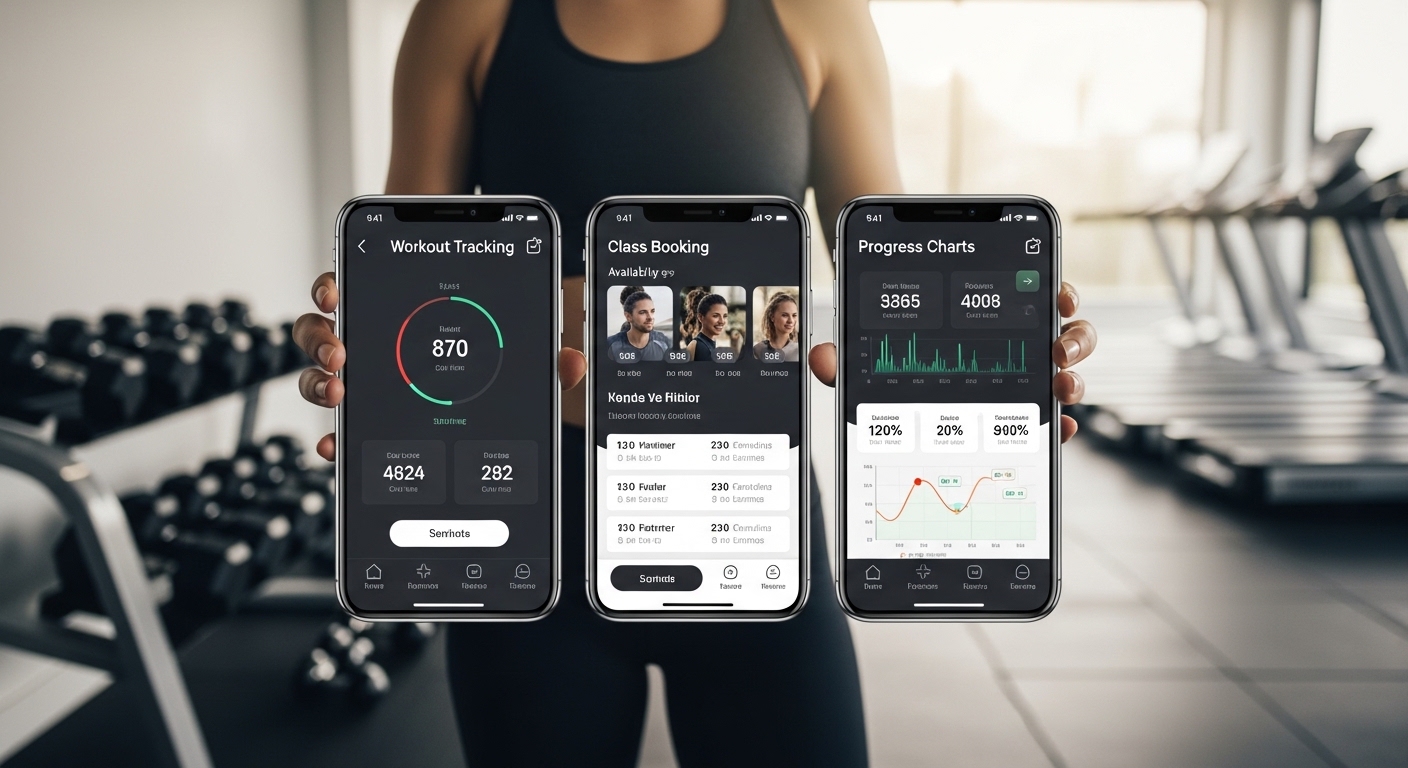
Many people want to stay fit and healthy, but they often feel lost when they join a gym. They wonder how to book classes, track their workouts, or stay motivated every day. That is why the Bannatyne Fitness App can help. This app works with Bannatyne Health Clubs and gives members an easy way to manage their fitness journey right from their phone. In 2026, the app has become a useful tool for many people who want simple ways to plan their exercise, check club details, and see their progress.
This article will explain the app in easy words. You will learn about its main parts and some hidden features that can make your workouts better. These tips come from how the app works for regular users. Even if you are new to fitness apps, you will understand everything step by step. After that, you can decide how the app might fit into your routine.
What Is the Bannatyne Fitness App?
The Bannatyne Fitness App is a free tool you can download on your phone. It helps people who have a membership at Bannatyne Health Clubs. The app puts many helpful things in one place so you do not need to switch between different screens or websites.
For example, imagine you want to go to the gym after work. Instead of calling the club or guessing if it is busy, you can open the app and check everything quickly. Because the app connects to your membership, it shows information that is just for you. This means you save time and feel more in control of your fitness plan.
Over time, many users say the app makes their gym visits smoother. Next, let us look at how to get started with it.
How to Download and Set Up the App
Getting the app is simple. You can find it on the Apple App Store or Google Play Store. Search for “Bannatyne Health Club & Spa” and tap the download button. It does not cost anything to install.
After you download it, open the app and log in with your Bannatyne membership details. If you are new, the app will guide you to create an account or link your membership. This step usually takes only a few minutes.
Once you are logged in, the app asks for permission to connect with other tools on your phone. For instance, it can link with Apple Health, Google Fit, Fitbit, Garmin, or Strava. That connection helps the app collect your steps, heart rate, and workout data automatically. This means you do not have to type everything by hand every time. In addition, the setup screen shows a short tour of the main buttons. Follow those steps, and you will feel ready to use the app right away.
Easy Ways to Book Classes and Appointments
One of the most useful parts of the Bannatyne Fitness App is booking classes. You can see all the group fitness classes at your local club, such as yoga, cycle, or strength sessions. The app shows the times, how many spots are left, and even a short description of each class.
To book, you just tap the class you like and confirm your spot. After that, the app can add a reminder to your phone calendar so you do not forget. Another thing is that you can also book personal training sessions or spa treatments directly in the app. This saves you from waiting in line or calling during busy hours.
For example, suppose you finish work at 5 p.m. and want a quick evening class. You open the app on your way home, check what is available, and book it in seconds. That is why many members say booking feels much easier than before.
In addition, the app lets you highlight your favorite classes. Next time you open it, those classes appear first, which makes choosing faster.
Checking How Busy Your Club Is
Before you leave home, it helps to know if the gym is crowded. The Bannatyne Fitness App shows real-time information about how busy your club is. You can see if the weights area, pool, or cardio machines have many people.
This feature is great because it helps you plan your visit at a quieter time. For instance, if you see the club is very full in the evening, you might go earlier in the morning instead. Over time, this small check can make your workouts more enjoyable because you spend less time waiting for equipment.
That is why regular users often open the app first thing when they think about going to the gym. It gives them a clear picture without any guesswork.
Tracking Your Workouts and Progress
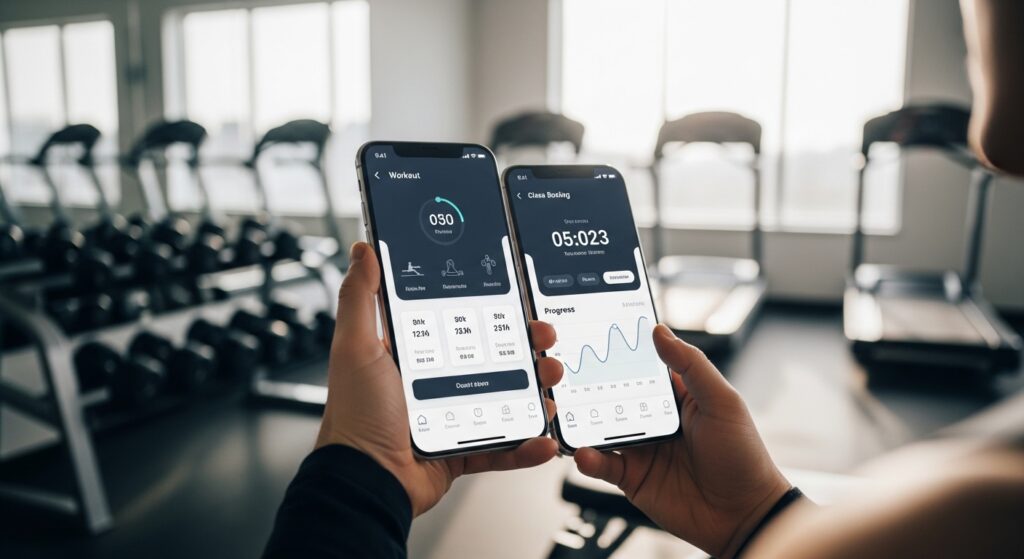
The app helps you keep an eye on your fitness numbers in a simple way. It tracks things like your moves, calories, heart rate, and overall activity. When you finish a workout, the data from your watch or phone syncs into the app.
You can view your activity log to see what you did last week or last month. This means you can notice patterns, such as whether you are getting stronger or moving more often. Another helpful part is the personalised training plans. These plans are made by expert teams and adjust to your level, whether you are just starting or you exercise often.
For example, a beginner might get a plan with short walks and light weights. As you improve, the plan adds more challenge. Because the plans support both gym work and outdoor activities, you can stay active even on days you cannot visit the club. In addition, the app shows your progress with simple charts that are easy to read.
Hidden Features You Should Not Miss
Now let us talk about some less obvious parts of the Bannatyne Fitness App that can really help. These features are there, but many people do not notice them at first.
First, there are motivating challenges. You can join individual or group challenges that push you to try new things. As you complete steps in a challenge, you climb a leaderboard and earn achievement badges. This adds a bit of fun and keeps you coming back. For instance, a monthly step challenge might encourage you to walk more during lunch breaks. Over time, these small wins build better habits.
Another hidden gem is the rewards section. Some users find a special area that shows points or gifts for staying active. Tapping on it reveals what you can unlock, which makes exercise feel like a game.
You can also use the gate entry feature at clubs that support it. Instead of carrying a card, you open the app, go to the My Club tab, and scan a QR code at the door. This makes entering quick and smooth.
In addition, the app has good notification settings. You can choose what alerts you want, such as class reminders, challenge updates, or club news. Turning on the right ones helps you stay informed without getting too many messages.
Another thing is the ability to plan training sessions inside the app. You can build or follow custom sessions that match the equipment at your club. Because it considers your goals and schedule, the plans feel personal.
Lastly, look for the activity log and sync options in the settings. These let you connect more devices and see all your data in one clean view. Many members say these small tools make the biggest difference once they start using them regularly.
Common Mistakes to Avoid When Using the App
Even with a helpful app, some people make small mistakes at the start. One common error is not connecting their fitness tracker right away. Without that link, the app misses important data, and tracking feels incomplete. Take a few minutes during setup to allow the connections.
Another mistake is forgetting to check notification settings. If you turn everything off, you might miss class openings or challenge deadlines. Start with basic reminders and add more later if you need them.
Some users also skip the real-time busy check before leaving home. This can lead to longer waits at the club. Instead, make it a quick habit to glance at the app first.
In addition, do not ignore the personalised plans. Trying to create everything yourself can feel overwhelming. Let the app give you a starting point, and then adjust as you learn what works for your body.
By avoiding these simple mistakes, you can enjoy the app more and see better results from your efforts.
How the App Supports Your Overall Wellness
Fitness is not only about lifting weights or running. The Bannatyne Fitness App also helps with the relaxing side of wellness. You can book spa treatments easily and even see special offers for members.
Because the app includes both exercise and recovery options, it encourages a balanced routine. For example, after a tough workout week, you might book a spa session to help your muscles feel better. This balance keeps you motivated for a long time.
The app also shares club news and updates so you know about new classes or events. That keeps your fitness journey fresh and interesting.
FAQ About the Bannatyne Fitness App
Here are some common questions people ask about the app, with clear answers.
Is the Bannatyne Fitness App free to use?
Yes, the app is free to download and use if you have a valid Bannatyne membership. You do not pay extra for the main features.
Can I use the app without visiting the gym every day?
Yes. You can track outdoor activities, follow training plans at home, and join challenges from anywhere. The app works well for mixed routines.
Does the app work with my smartwatch?
It connects with many popular devices like Fitbit, Garmin, Apple Health, and more. This helps pull in your steps and heart rate data automatically.
What if I have trouble booking a class?
Make sure your app is updated. Check the class details for any rules, and try refreshing the screen. If the problem continues, the app has a help section or you can contact your club.
Are there challenges for beginners?
Yes. Many challenges start at easy levels so new members can join and build confidence step by step.
How do I change my notification preferences? a
Go to the settings inside the app. There you can turn reminders on or off for classes, challenges, and news.
Can the app help me stay consistent with exercise?
It can, because it shows your progress, sends gentle reminders, and offers fun challenges. Many people feel more consistent when they see their improvements over weeks and months.
Conclusion
The Bannatyne Fitness App brings together booking, tracking, challenges, and club information in one easy place. Its personalised plans, real-time busy checks, sync options, and motivating badges can support your fitness goals in simple ways. Hidden features like gate entry, rewards, and custom session planning add extra value once you explore them.
Remember to set it up carefully, connect your devices, and use the notifications wisely. In this way, the app can become a steady helper in your daily routine.
Fitness journeys are different for everyone, but small tools like this app can make the path feel clearer and more enjoyable. Take your time to try the features that match your needs, and keep moving forward at your own comfortable pace.
Disclaimer:
This article is for general information only and is based on publicly available details about the Bannatyne Fitness App as of 2026. It does not represent official advice from Bannatyne or any affiliated company. Features, availability, and performance may vary by location, membership type, device, and app updates. Always check the official app store, Bannatyne website, or your local club for the most accurate and current information. This content is not intended to promote any service and users should make their own decisions based on their personal needs.
Explore More
- Whatnot App Download: Live Collectibles & Shopping Guide
- Pitchup App: Find & Book the Perfect Campsites Easily
- Awww App Download – Enjoy Cute Animals & Happy Moments
About the Author







