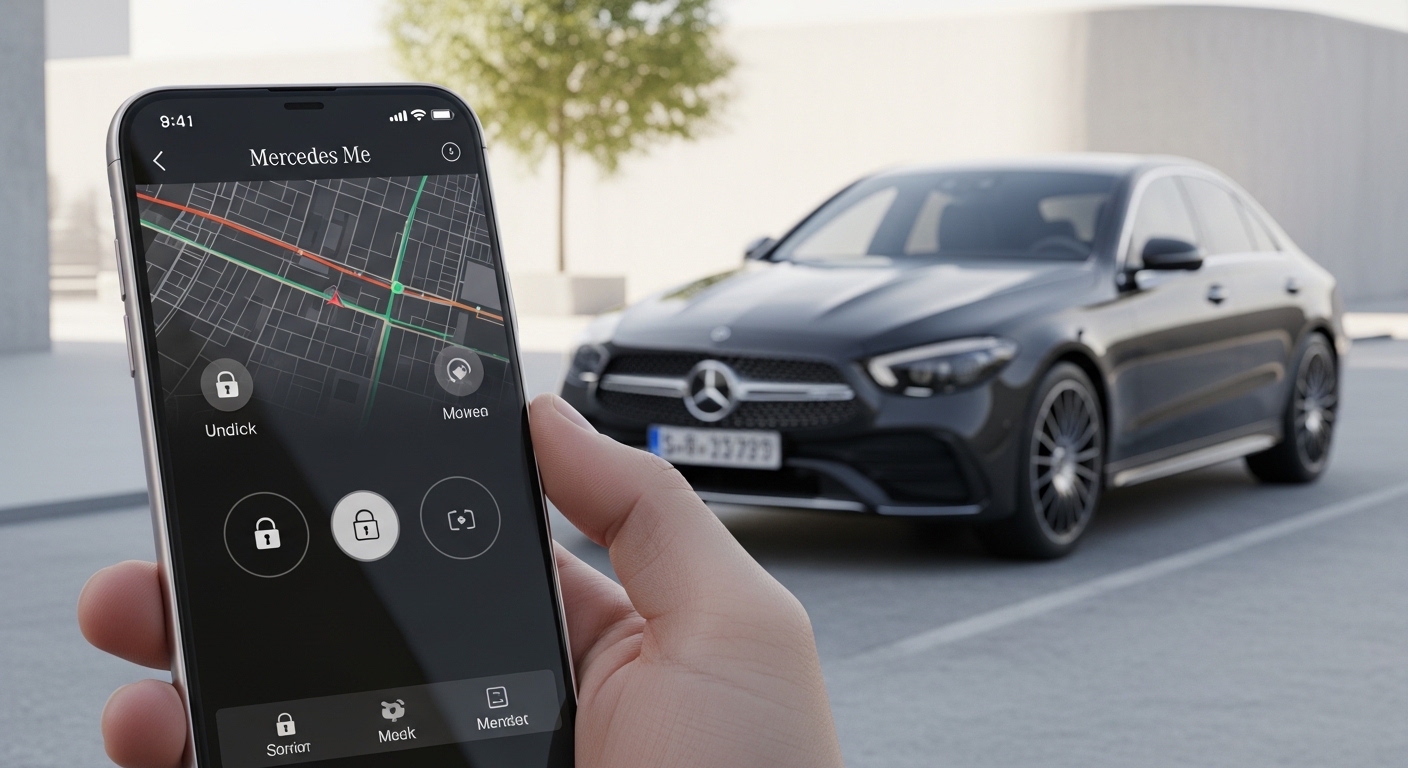
Hello friend. Welcome to this friendly 2026 guide about the Mercedes Me app. This special tool helps Mercedes-Benz owners stay close to their cars every day. It turns your phone into a helpful helper that lets you check on your vehicle and control some things from far away. In this guide, we will walk through easy steps for download, setup on both iPhone and Android phones, and ways to fix common problems. You will feel confident and ready to enjoy your car even more.
What Does the Mercedes Me App Do
The Mercedes Me app makes your phone a smart link to your Mercedes-Benz car. It gives you a clear picture of how your car is doing right now. You can see important details and send simple commands without being inside the vehicle.
This app brings modern comfort to driving. It helps you feel safe because you know what is happening with your car. Many owners say it makes daily life smoother because everything feels connected and easy to reach. Over time, it becomes a trusted part of your routine.
Mercedes Me App Compatible Cars
Most Mercedes-Benz cars made from 2019 and newer work well with the Mercedes Me app. These vehicles need a special communication module inside them to send and receive information. Some 2018 models like certain GLE and C-Class cars also support it, but it is best to check first.
To see if your car fits, look at your vehicle identification number, called the VIN. You can find it on your car papers or inside the vehicle. Another easy way is to check the screen inside your car. It will show if connected services are ready.
In different countries, some extra parts might be needed for full use. Always make sure your car has the right setup for the best experience. This small check saves time later.
How Much Does the Mercedes Me App Cost
Good news — the Mercedes Me app itself is completely free to download and use on both iOS and Android. You do not pay anything just to have the app on your phone.
Many new cars come with a free trial period for connected services, often around three years. After that, you can choose to buy extra packages called Digital Extras. These add more helpful tools. Prices change by country and what you pick. In the UK, you can see exact costs in the Mercedes-Benz Store inside the app.
Some basic reminders and simple checks stay free. Paid options help if you want more control like live traffic help or extra comfort features. Plan ahead so you know what fits your needs and budget.
Mercedes Me App Features
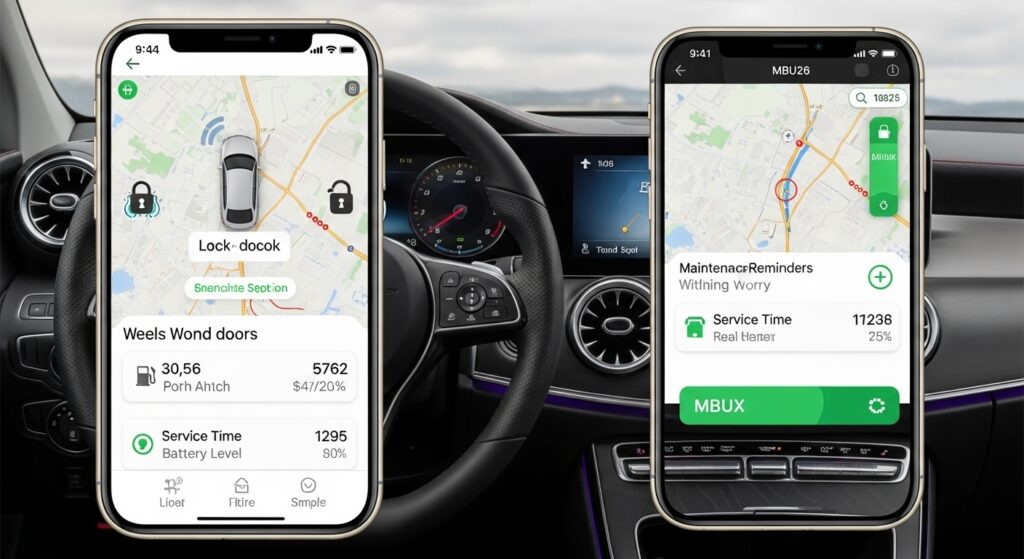
In 2026, the Mercedes Me app offers many useful tools that make life better. You can lock and unlock doors from anywhere. You can turn on the air conditioning or heating before you even reach the car. This feels wonderful on hot or cold days.
The app shows your car’s exact spot on a map. It tells you about fuel or battery level, tire pressure, and when service time is coming. Maintenance reminders help you stay on top of care without worry.
For cars with the MBUX system inside, the app works together nicely with the big screen. You get real-time updates and simple controls. These features bring peace of mind and extra joy to every trip.
Mercedes Me App Download Guide for iOS
Getting the app on your iPhone is quick and safe. Open the Apple App Store on your phone. Type “Mercedes-Benz” or Mercedes Me app in the search box.
Look for the official one from Mercedes-Benz. Tap Get and wait for it to download. In 2026, you need iOS 14.0 or newer for smooth running. Most newer iPhones already meet this.
Always choose the real app to stay away from fake ones that might cause trouble. Once it is on your phone, you are ready for the next steps.
Mercedes Me App Download Guide for Android
On your Android phone, open the Google Play Store. Search for “Mercedes-Benz” or Mercedes Me app. Pick the official version and tap Install.
Most phones with Android 8.0 or higher work great. During setup, the app may ask for permissions like location or notifications. Say yes to these so everything runs well.
This makes sure you get updates about your car right away. The process feels the same each time and takes just a minute or two.
How to Register for the Mercedes Me App
Registration opens the door to all the good things. Open the app and choose to create a new account. Put in your email address and make a strong password that is easy for you to remember.
You will get a code in your email. Type that code to prove it is really you. Add some basic details to finish your profile. This step is important because it links everything safely to your car later.
Take time to use a good password and keep your email safe. This protects your information from the start.
Mercedes Me App Login Process
If you already have an account, logging in is simple. Open the app and type your email and password. Some phones let you use your face or fingerprint for quick entry.
If you forget your password, there is an easy “Forgot Password” button. Follow the steps to get a new one. Many people also turn on two-step checks for extra safety.
If login does not work, check your internet or try closing the app and opening it again. These small fixes solve most problems fast.
How to Set Up and Connect the Mercedes Me App to Your Vehicle
Now comes the fun part — connecting your car. Sit in your parked Mercedes with the key on or ready. Open the app and look for the option to add your vehicle.
The easiest way is to scan the QR code shown on your car’s big screen. If that does not work, type in your VIN number carefully. Follow the on-screen steps to finish pairing.
Make sure you have a strong phone signal and the car is in a good spot. After connection, test a simple command like checking the door lock. This first success feels great and builds your confidence.
Mercedes Me App UK Specific Considerations
For friends in the UK, the Mercedes Me app works smoothly with local services. You can buy Digital Extras through the UK Mercedes-Benz Store. Prices show in British pounds and match what is available in your area.
Some features like roadside help connect to UK support numbers. Customer service understands local roads and rules. Check the app for any UK-only options that make driving around Britain even nicer.
This small difference helps everything feel made just for you.
Troubleshooting Mercedes Me App Not Working
Sometimes the app does not open or act right. First, make sure your phone has enough space and the latest app version. Close the app completely and open it again.
Restart your phone if needed. Check that all permissions like location are turned on. If the app still crashes, delete it and download fresh from the store.
These steps fix most launch problems in 2026. Your patience pays off quickly.
Fixing Mercedes Me App Not Updating Vehicle Status
One common worry is when the app shows old information about the car. Try driving the car for a short trip to wake up the connection. Turn Remote Status on and off in the app settings.
Sometimes restarting the car completely helps the communication module refresh. Check your internet too. These simple actions bring fresh data fast for both iOS and Android users.
Many owners find that a quick drive around the block solves it right away.
Resolving Mercedes Me App Not Updating
If the app itself feels slow or will not load new parts, check for updates in your phone store. Clear some old files if your phone is full. Use strong Wi-Fi instead of weak mobile data.
Restart the app or your phone. These small habits keep everything running fresh and quick. In 2026, updates come often, so staying current makes a big difference.
Mercedes Me App Customer Service and Support
When you need extra help, the app has a chat option inside. UK users can call 00800 9777 7777 or 0207 660 9993 during open hours. Your local Mercedes dealer also knows the app well.
Before you call, have your VIN number and phone details ready. This helps the team solve your issue faster. Online help pages give clear answers too. You are never alone with questions.
Advanced Tips and Best Practices
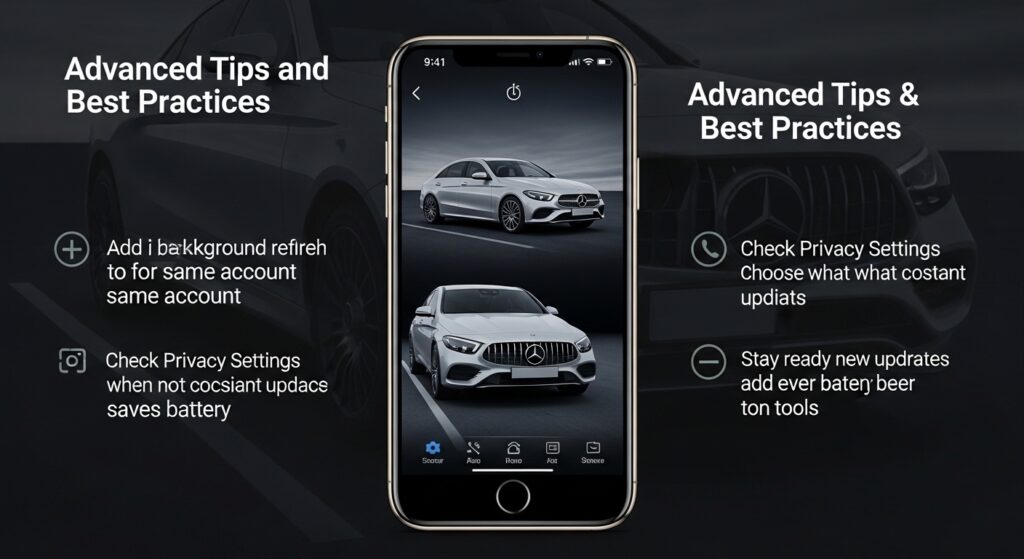
Once you know the basics, try these smart ideas. You can add more than one car to the same account if your family has several Mercedes. Turn off background refresh on your phone when you do not need constant updates. This saves battery.
Check privacy settings to choose what data you share. Stay ready for new updates that add even better tools. Link the app with your car’s MBUX screen for the fullest experience.
These tips help you get the most value without extra effort.
Frequently Asked Questions
Can I use the Mercedes Me app on a tablet?
Yes, many people enjoy it on bigger screens, but phones give the easiest daily use.
Does the app work with older Mercedes cars?
Most features need 2019 or newer models with the right module. Older cars may only show basic info.
Will the app drain my phone battery?
It can use some power if left on all the time. Turn off background updates when not needed.
Is my personal information safe?
Mercedes uses strong protection. Always use good passwords and check privacy choices.
Can I control the car without internet?
Some basic views work offline, but most commands need a good connection.
What if I sell my car?
Remove the vehicle from your app account so the new owner can set it up fresh.
How often should I check for app updates?
Every few weeks is good. New versions fix problems and add nice features.
Does it support Apple Watch or other smart watches?
Yes, in 2026 you can see quick car info right on your wrist for even faster checks.
Conclusion
You now know everything to get started with the Mercedes Me app in 2026. From free download to easy connection and helpful fixes, the steps are clear and friendly. Take your time, follow along, and soon you will enjoy remote control and real-time peace of mind.
Your Mercedes will feel closer than ever. Drive safe, stay curious, and have fun exploring all the smart features waiting for you. Enjoy every journey with confidence and joy.
Disclamer
This guide shares general helpful steps based on common experiences in 2026. Always check your specific car manual and official Mercedes-Benz sources for the latest details. Services and features can change by model, region, and time. The information here is for learning and friendly support only.
Explore More
- Hollie Guard App: Personal Safety App for Women (2026)
- Kaley Cuoco Nuxe Secret Revealed: How She Gets That Glow!
- How to Use the Giffgaff App – Full Tutorial
About the Author







