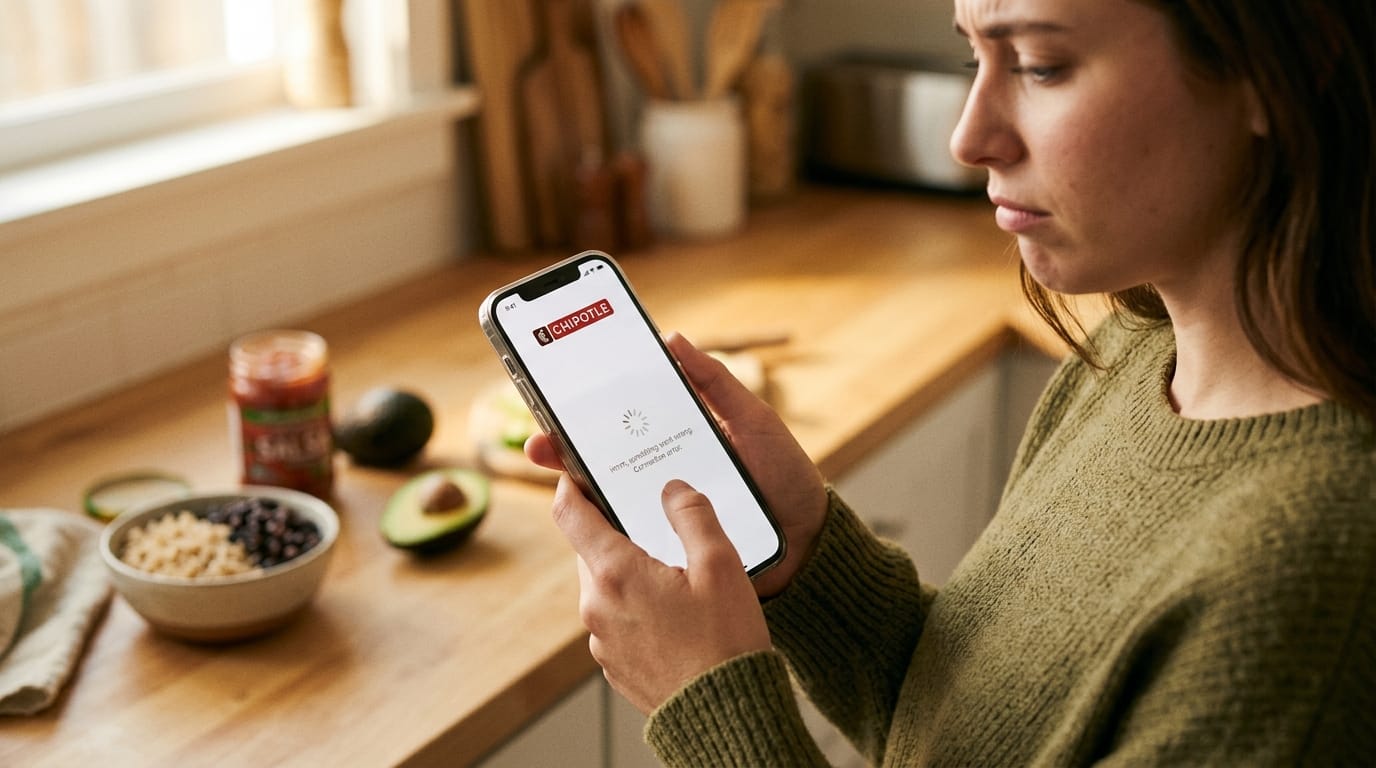
Have you ever felt really hungry and opened your Chipotle app to order a tasty burrito bowl, only to see it crash, freeze, or show an error message? Many people face this problem in 2026 when they try to use the app for quick meals or rewards. The Chipotle app not working issue happens more often than we like, especially on busy days.
This guide will help you understand why it occurs and show you simple ways to fix it. You will learn easy steps that really work for both iPhone and Android phones. Most of these problems get solved fast once you know what to try first. Let’s get your app running smoothly again so you can enjoy your favorite food without extra stress.
Why Is My Chipotle App Not Working? Common Causes in 2026
The Chipotle app can stop working for several simple reasons that happen to many users. Sometimes the company’s servers get busy during big events like Cinco de Mayo, and everyone has trouble ordering at the same time. Other times, your phone’s internet connection might be weak or switching between Wi-Fi and mobile data causes a mix-up.
Old app versions often cause crashes because they do not match new phone updates. Built-up cache files can also make the app slow or show wrong messages. After new iOS or Android updates, some phones have compatibility problems that make the app act strange. Account login glitches or missing permissions for location and notifications add to the trouble too.
Because these issues are common, it helps to know your own situation before trying fixes. This way, you save time and feel more in control when the app lets you down.
Is Chipotle App Not Working Today? How to Check Server Status
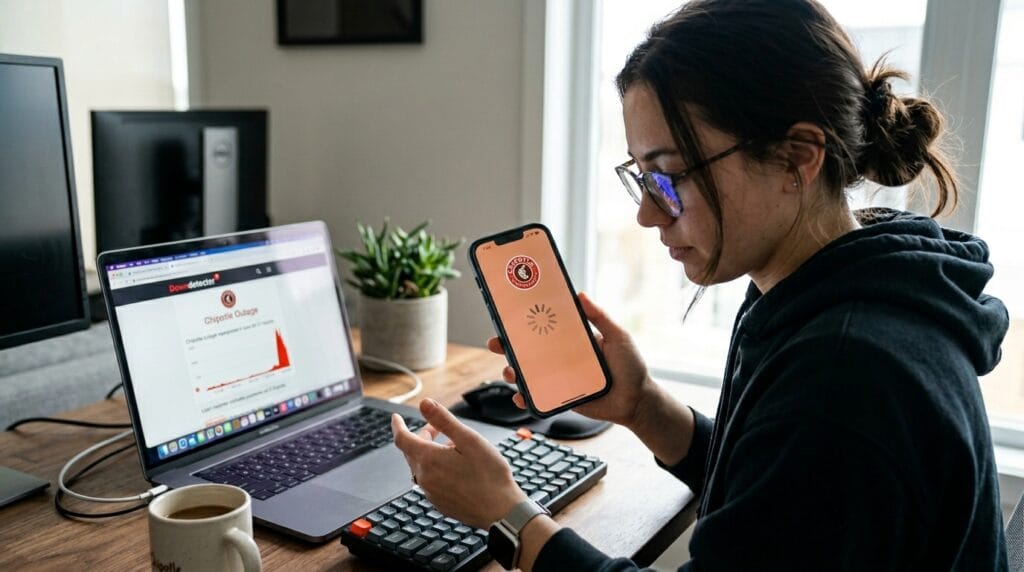
First, find out if the problem is just on your phone or if it affects many people. Visit Downdetector on your browser and search for Chipotle. This site shows real-time reports from other users and tells you if there is a big outage right now.
Next, check Chipotle’s official social media pages like X or Instagram for any updates about app problems. People often post there when something is wrong. You can also look at recent posts on X by searching “Chipotle app down” to see what others say in the last few hours.
Another good place is Reddit, where users share their experiences quickly. If many people report the same error at the same time, it is likely a server issue on Chipotle’s side, and you may need to wait a bit. This check helps you decide whether to try fixes on your device or simply order in person for now.
Chipotle App Not Working on iPhone: iOS-Specific Fixes
iPhone users sometimes see extra problems after iOS updates. The app might crash when you open it or have trouble with background refresh, which keeps it from loading new information. Location permissions can also conflict and stop the app from finding nearby stores.
To help on your iPhone, go to Settings, find the Chipotle app, and make sure all permissions like location and notifications are turned on. Offload the app through iPhone Storage settings to clear hidden problems without losing your account, then reinstall it fresh. These steps work well for Apple devices because they fix iCloud sync issues that build up over time.
Many friends with iPhones tell me these small changes bring the app back to normal quickly.
4 Quick Fixes That Actually Work for Chipotle App Issues
Now let’s go through the eight best fixes that help most people in 2026. These steps start with the easiest ones and move to stronger solutions. They have helped thousands get their app working again without much effort. Try them one by one until your app feels smooth and ready to use.
Fix 1: Restart the App and Your Device
The fastest way to solve many glitches is to close the Chipotle app completely and restart your phone. On Android, swipe up or use the recent apps button to force stop the Chipotle app. On iPhone, swipe up from the bottom and swipe the app away.
After that, hold the power button to turn off your phone, wait thirty seconds, and turn it back on. This simple action clears temporary memory problems that cause frozen screens or loading errors. It works because phones sometimes hold onto small mistakes that restart completely erases. Many people see their app start working right after this first step.
Fix 2: Update the Chipotle App to the Latest Version
Running an old version is one of the top reasons for crashes and missing features. Open your App Store on iPhone or Google Play on Android and search for Chipotle. If an update button shows, tap it to get the newest 2026 version with better fixes and smoother performance.
Updates often include improvements for new phone systems and bug repairs. After updating, open the app and log in again. This fix helps with compatibility problems that happen after phone software changes. Keeping the app fresh makes ordering faster and more reliable over time.
Fix 3: Clear Cache and Data on Android Devices
Android users can fix slow performance and error messages by clearing the app’s cache and data. Go to your phone Settings, tap Apps, find Chipotle, and select Storage. Choose Clear Cache first, then Clear Data if needed. This removes old temporary files that get mixed up without deleting your saved account or rewards.
Your phone will feel lighter afterward, and the app starts fresh. This method is safe and often solves loading troubles that other steps miss. Remember to log back in after, but your information stays safe on Chipotle’s side.
Fix 4: Check Your Internet Connection and Permissions
A weak or changing connection can make the app seem broken even when it is not. Try switching from Wi-Fi to mobile data or the other way around to see if one works better. You can also reset your network settings in your phone menu to clear any hidden connection issues.
Make sure the app has permission to use your location and send notifications. These small checks improve how the app talks to Chipotle’s servers. Good internet makes everything load faster and prevents order errors during busy times.
Fix 5: Reinstall the Chipotle App Completely
When other fixes do not fully help, delete the app and install it again. On your phone, press and hold the app icon, choose to delete or uninstall, then go to your store to download it fresh. This removes any corrupted parts from the old installation.
Before deleting, note your login details so you can sign in easily afterward. Reinstalling gives you a clean copy that works much better for ordering and checking rewards. Many users say this step finally solves stubborn problems that keep coming back.
Additional Advanced Fixes for Stubborn Problems
For issues that still remain, update your entire phone operating system to match the app better. Check that your date and time settings are set to automatic because wrong times can block connections.
Trying a VPN sometimes helps if your regular network blocks something, but turn it off if it causes new troubles. As a backup, use the Chipotle website on your browser to place orders until the app improves. When nothing works, reach out to Chipotle support through the app or website with clear details about your phone type and error message. They can often guide you further or fix things on their end.
Chipotle App Not Working Reddit: What Real Users Are Saying
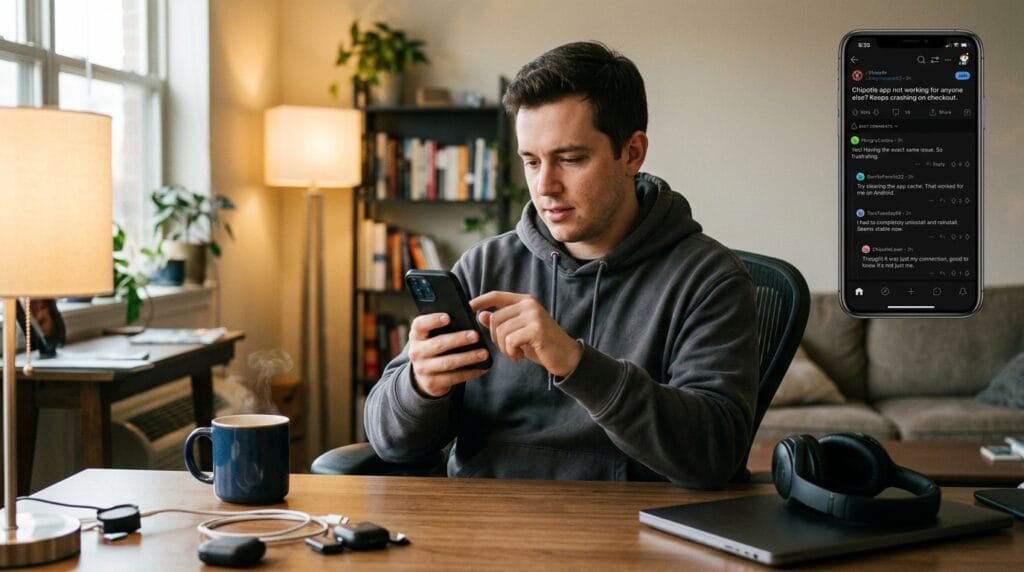
On Reddit in 2026, people share honest stories about their app experiences. Many mention crashes during big sales or after phone updates, and they often recommend restarting and clearing cache as first tries. Users talk about how reinstalling helped with login problems and how checking Downdetector saved them time on outage days.
Frequent Chipotle fans advise keeping the app updated and using stable Wi-Fi at home. Some ongoing bugs include reward points not showing right away and slow loading on older phones. Reading these real talks helps you feel less alone and gives practical tips from people who order often.
Preventing Future Chipotle App Issues
To avoid problems later, keep both your app and phone software updated regularly so they work well together. Clean the cache every few weeks on Android to stop buildup. Use strong and steady internet connections when ordering big meals.
It also helps to know good backup plans like the website or in-store ordering. These habits make the app more dependable over months and years. Small regular care keeps frustrating moments away and lets you enjoy quick meals with less worry.
FAQ
Why does the Chipotle app keep crashing even after I restart my phone?
Sometimes leftover files or old settings stay behind. Try clearing cache or reinstalling the app for a full fresh start.
Can I still get my rewards if the app is not working?
Yes, you can often use the website or ask at the store with your account email to claim points.
Is it safe to clear data on the Chipotle app?
It is safe because your main account information stays on Chipotle’s servers, not just your phone.
What should I do if only the payment part fails?
Check your internet, update the app, or try a different payment method saved in your account.
Does using VPN affect the Chipotle app?
Yes, it can sometimes block connections, so turn it off and test the app again.
How long do server outages usually last?
Most last from a few minutes to a couple of hours, especially during peak meal times.
Will these fixes work on both old and new phones?
Yes, they help on most devices, though newer phones usually have fewer issues after updates.
What if none of the fixes work?
Contact Chipotle support or visit a store to order in person while waiting for a bigger app improvement.
Final Thoughts and When to Order In-Store Instead
These fixes, starting with restart and update, solve most Chipotle app not working troubles quickly in 2026. Try the easy steps first and move down the list as needed. You will likely get back to ordering your favorite meals in no time.
Sometimes it is simpler to walk into a Chipotle store or use their website when the app stays tricky. Both options still let you enjoy great food and catch up with friends. Keep trying these tips, and you will feel more confident next time something small goes wrong. You have got this, and soon your app will help make mealtime fun and easy again.
Disclaimer
This article shares general troubleshooting ideas based on common user experiences. Results can vary by device and situation. We are not connected to Chipotle and do not guarantee every fix will work for everyone. Always follow your device safety rules when changing settings.
Explore More
- Tried the Changed App for 30 Days – Here’s What Happened
- Your Topics | Multiple Stories
- CHAMPVA App: Official Login, Benefits & Claims Guide 2026
About the Author







