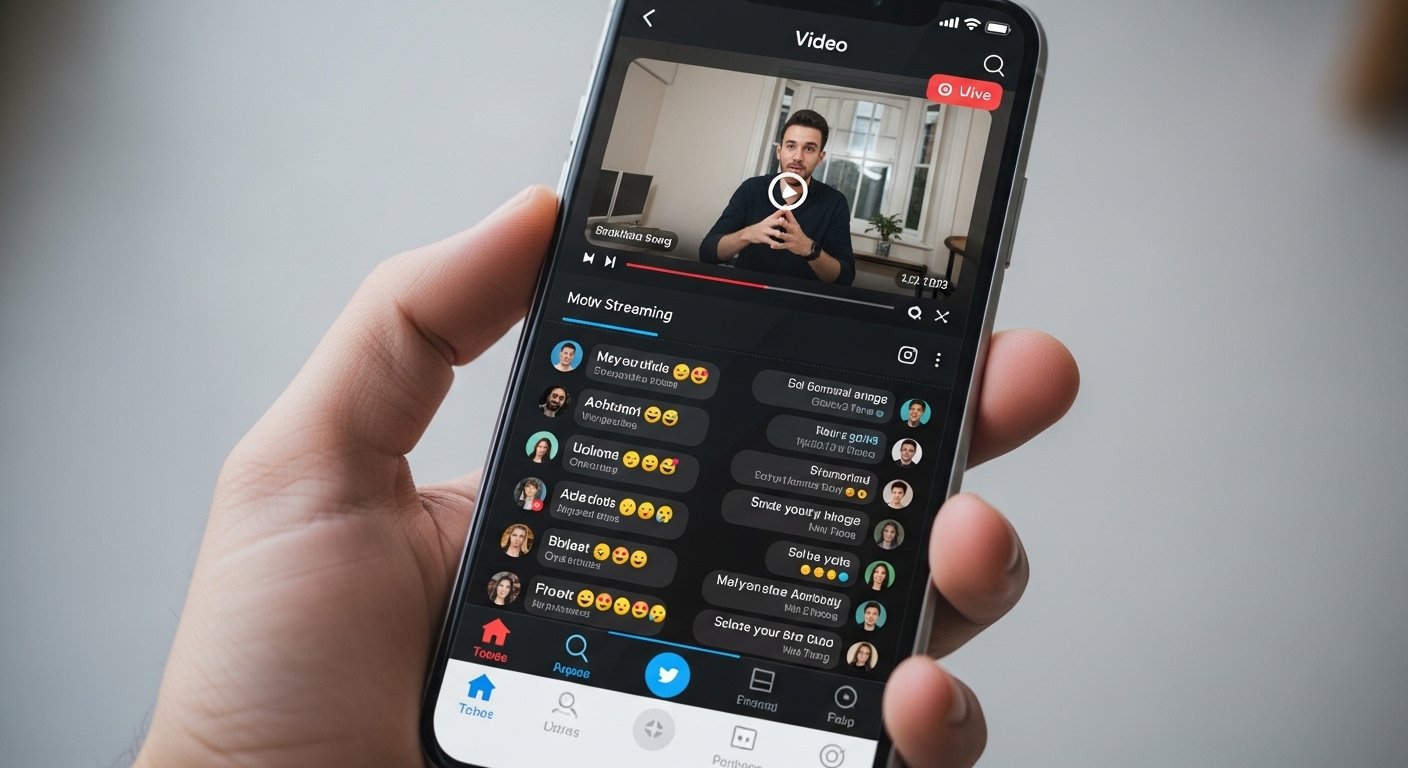
The Gosh App appears to refer most commonly in recent contexts to GOSH Live (or similar names like GOSH – Live Stream, Video, Earn), which is a popular live streaming app. This app lets people watch and do live videos, chat with others, and sometimes earn money. It is available for both Android phones and iPhones. Many users search for “Gosh App download” because it offers fun global live content like games, talks, beauty shows, and more.
This guide will help you download and set up the Gosh App on your Android or iPhone in simple steps. Everything here is based on real, safe ways to get the app. We always suggest using official sources to stay away from fake or unsafe files. The app is free to download and use, and it works well on most modern phones.
What is the Gosh App?
Gosh App (often called GOSH Live) is a fun live streaming platform. It connects people from all over the world. You can:
- Watch live videos from other users in real time.
- Join chats and talk to streamers and viewers.
- Start your own live stream to share your life, play games, teach something, or show talent.
- Discover new people with features like Mystery Roulette (a fun way to jump into random live rooms).
- Sometimes earn rewards or money if you stream and get gifts from viewers (this depends on the rules in your country).
The app is made for entertainment, social fun, and connecting with others. It has low lag, so chats appear fast (in about 0.3 seconds). It supports many types of content: gaming, fitness, music, beauty, education, and casual talks.
It is safe when you use it right: there are moderation tools to keep bad behavior away, and privacy settings to control who sees you.
Note: There was another app called GOSH.app for price tracking shopping deals, but it shut down. This guide is about the live streaming one that is active now.
Why People Love the Gosh App
Many users like it because:
- It is easy to use, even for beginners.
- You can find live streams from different countries.
- Real-time interaction makes it feel like you are with friends.
- It is free, with optional in-app gifts if you want to support streamers.
- Good for making new friends or showing your skills.
The app gets good ratings (around 4.2 to 4.3 stars) on download sites, with thousands of happy users.
How to Download Gosh App on Android
Downloading on Android is simple. Follow these easy steps:
- Open Google Play Store On your Android phone, find and open the Google Play Store app. It is usually on your home screen or in the app drawer. Make sure your phone is connected to the internet (Wi-Fi or mobile data).
- Search for the App In the search bar at the top, type “GOSH Live” or “GOSH – Live Stream Video Earn”. Look for the app made by WELLPOWER TECHNOLOGY GLOBAL LIMITED or similar official developer. It has a logo with live stream icons.
- Check if it is the Right One Read the description: it should say things like “global live streaming”, “connect with the world”, “live chats”, and “earn” options. See the ratings and number of downloads (many have over 1 million or high thousands).
- Tap Install Press the green “Install” button. The app will download and install automatically. It may take a few seconds or minutes depending on your internet speed.
- Open the App Once done, tap “Open” from the Play Store, or find the Gosh icon on your home screen or app list.
Alternative Safe Way if Not on Play Store in Your Country Some countries may not show it right away. You can use trusted sites like Softonic or Uptodown, but always download the APK from official-looking pages. Better to wait or use VPN to access Play Store. Never download from unknown websites to avoid viruses.
Important Tips for Android
- Your phone needs Android 7.0 or higher.
- Allow the app to use camera, microphone, and storage when asked (for streaming).
- Update your phone’s software for best performance.
How to Download Gosh App on iPhone (iOS)

For iPhone users, it is even easier:
- Open App Store Find the blue App Store icon on your iPhone home screen and open it.
- Search for Gosh Type “GOSH Live” or “GOSH – Live Stream” in the search bar.
- Find the Correct App Look for the one with live streaming description, global connection, and good reviews. Check the developer name and screenshots showing live rooms and chats.
- Tap Get or Download Press the “Get” button (it may ask for your Face ID, Touch ID, or Apple ID password). The app will download fast.
- Open and Start After install, tap “Open” or find it on your home screen.
Note for iOS
- It works on iOS 12 or later.
- If you do not see it, it may be because of region limits. You can change your App Store country in settings (but this may affect other apps), or check if it is available in Pakistan (your location).
Full Setup Guide After Download
Once you have the app on your phone, setting it up takes only a few minutes.
- Launch the App Open Gosh Live. You will see a welcome screen with live streams or login options.
- Sign Up for an Account Tap “Sign Up” or “Register”. You can use:
- Phone number (enter your number and get a code via SMS).
- Email (type email and set password).
- Or quick login with Google, Apple, or other options if shown. Fill in your details like username, birthday (to confirm age), and profile picture if you want.
- Verify Your Account Enter the code sent to your phone or email. This keeps your account safe.
- Set Your Profile Add a nice profile photo, write a short bio (like “Love gaming and chats!”), and choose interests. This helps others find you.
- Allow Permissions The app will ask for:
- Camera: to go live.
- Microphone: to talk.
- Notifications: to know when friends go live.
- Storage: to save clips if needed. Tap “Allow” for the ones you need.
- Explore the App
- Home tab: See popular live streams.
- Discover or Roulette: Find random rooms.
- Profile: See your followers and settings.
- Go Live button: Big button to start your stream.
- Customize Settings Go to your profile > Settings. Here you can:
- Turn on/off notifications.
- Set privacy (who can message you).
- Manage account security.
- Check rules for earning or gifts.
How to Go Live on Gosh App
Want to stream? It is easy!
- Tap the “Go Live” or camera icon.
- Choose title for your stream (like “Chatting and Fun!”).
- Pick category (gaming, music, etc.).
- Add tags or location if you want.
- Start! Use filters, music, or effects.
- Talk to viewers in chat.
- End when ready.
Viewers can send virtual gifts, which may help you earn (check app rules for cash out).
Tips to Use Gosh App Better
- Start by watching lives to learn how it works.
- Be nice in chats – good behavior gets more friends.
- Use good lighting and clear sound for your streams.
- Follow rules: no bad content, respect others.
- Update the app often for new features and fixes.
- If you have problems, use the feedback or help section in the app.
Is Gosh App Safe?
Yes, when downloaded from official stores. The app has:
- Content checks to stop bad stuff.
- Privacy controls.
- Report buttons for problems.
But like any social app, be careful: do not share personal info fast, and block rude users.
Common Problems and Fixes
- App not found? Check region or search exact name.
- Cannot login? Check internet, or reset password.
- Lag in stream? Use strong Wi-Fi.
- No sound? Check phone permissions.
Final Thoughts
The Gosh App is a great way to enjoy live videos, make friends, and maybe even share your talent. Downloading and setting it up is quick and free. Just use the steps above, stay safe, and have fun!
If you follow this guide, you will be streaming or watching in no time. Enjoy connecting with the world through Gosh Live!
Disclaimer:
This article is only for information. We do not own or run the Gosh App (GOSH Live). We are not connected to the app makers. This is not a promotion or affiliate post, and we do not earn money from it. App features can change anytime, so always check the official app store for the latest details. Download only from trusted sources. We are not responsible for any problems or losses. Please use the app carefully and follow your local laws.
Explore More
- Cove App – Download, Login & Explore Cove Eats, Cove Owners & My Cove Holiday Apps
- My Scotmid App – Login, Register & Download Guide (Android & iPhone)
- IQ Timecard App Download – Easy Employee Time Tracking & Mobile Timesheet Guide
About the Author








