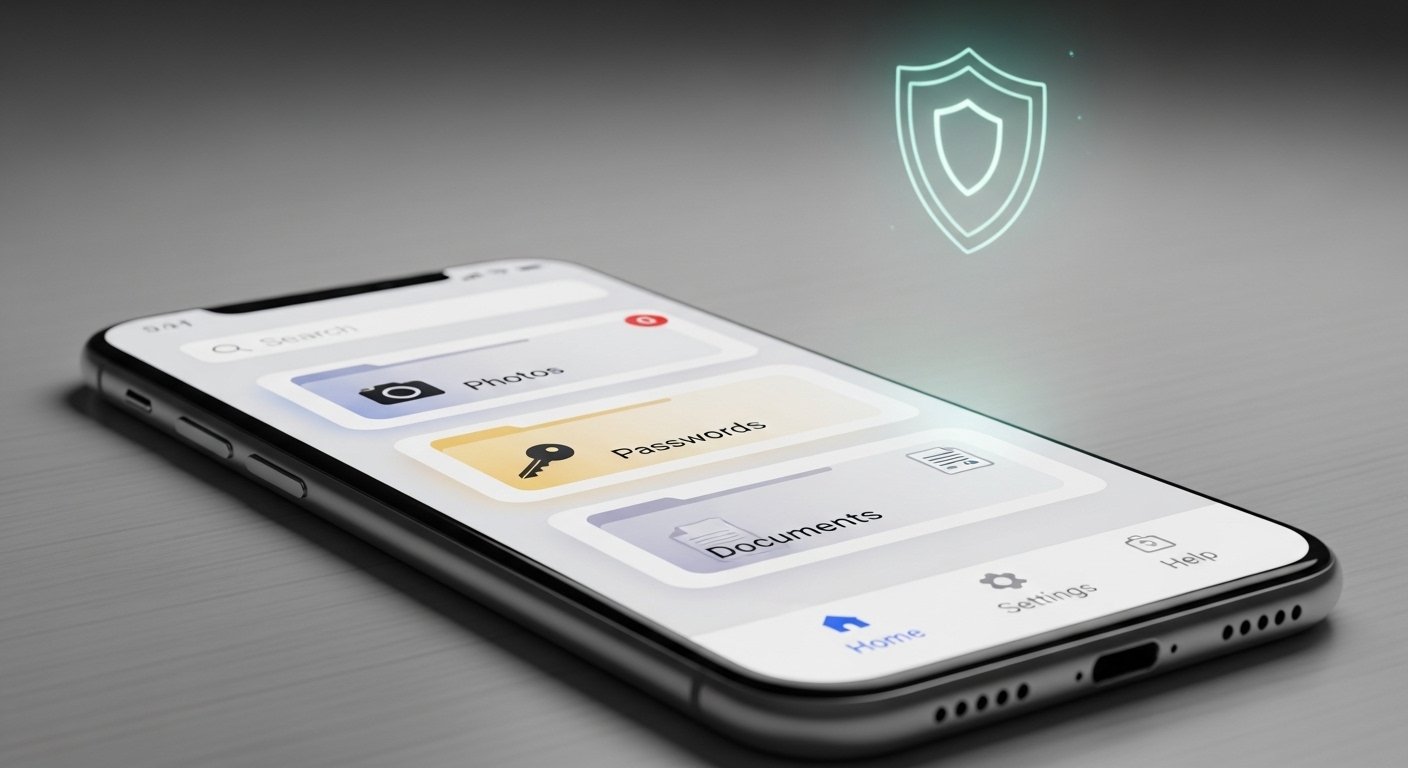
In today’s world, we all have important things we want to keep safe. These can be personal photos, important papers like passports or bank details, passwords for apps and websites, or even private notes. Many people worry about losing these items or someone else seeing them. That is where the Lockbox App comes in. It is a smart digital tool that works like a strong, secret safe on your phone. It keeps your valuables hidden and protected with high-level security, but it is very simple to use.
The Lockbox App gives you peace of mind. You do not need to worry about hackers, lost phones, or people looking through your device. Everything stays private and only you can open it. This app is made for normal people like you and me – not just tech experts. It uses easy steps and strong protection to make storage safe and smart.
Why You Need a Digital Lockbox Like This App
We live in a time when almost everything is on our phones. We take photos of important documents, save login details, and store notes with private information. But phones can get lost, stolen, or hacked. Regular photo apps or note apps do not give enough protection.
A good digital lockbox solves these problems. It acts as a private vault inside your phone. You can store:
- Photos and videos that you do not want others to see
- Passwords for email, banking, shopping sites, and social media
- Bank account numbers and credit card details (without saving the full card number if you choose)
- Important documents like ID cards, passports, or bills
- Personal notes, such as secret ideas, health info, or family details
- Even small files or voice notes
With the Lockbox App, all these stay encrypted. Encryption means the data turns into a code that only your password or fingerprint can open. No one else can read it, even if they get your phone.
Many users say they feel much safer after starting to use an app like this. They no longer worry about family members, friends, or thieves finding private things.
Key Features That Make Lockbox App Stand Out
The Lockbox App is built to be secure, easy, and smart. Here are some main things it offers.
Strong Security from the Start The app uses top-level encryption, like AES-256. This is the same kind banks and governments use. Your data never leaves your phone in a way others can read it. Many versions work offline, so no internet connection is needed to keep things safe. This lowers the risk of online attacks.
You can lock the app with:
- A strong PIN or password
- Fingerprint (on phones that have it)
- Face ID or other phone biometrics
Some versions add extra steps, like a second password for very private items.
Easy to Use for Everyone You do not need to be good with technology. The app has a clean design with big buttons and simple menus. When you open it, you see clear options like “Add Password,” “Add Photo,” or “Add Note.” Adding something takes just a few taps.
For example:
- Open the app and unlock it with your fingerprint.
- Tap the “+” button.
- Choose what to add (photo, password, document).
- Fill in the details.
- Save it – done!
It is fast and does not confuse you with too many settings.
Smart Organization Tools The app lets you sort your items into folders or categories. You can have one folder for “Bank Stuff,” another for “Family Photos,” and one for “Work Passwords.” This makes finding things quick.
You can also search for items by name or keyword. No more scrolling forever.
Backup and Recovery Options What if you lose your phone? The app often lets you make safe backups. Some versions use your own cloud (like iCloud or Google Drive) with encryption, so backups stay private. You can restore everything on a new phone easily.
Others keep everything only on the device for max privacy. You choose what fits you best.
Extra Smart Features
- Auto-lock: The app locks itself after a short time.
- Fake mode: Some apps show a fake screen if someone forces it open.
- Secure sharing: Share one item (like a Wi-Fi password) without giving full access.
- Password generator: Makes strong, random passwords for new accounts.
- Breach alerts: Warns if a password you use appears in a data leak (in some advanced versions).
These small smart touches make daily life easier and safer.
How Lockbox App Keeps Your Valuables Truly Safe

Security is the biggest reason people choose this app. Let’s look closer at how it works.
First, everything is encrypted on your device. Even the app makers cannot see your data. This is called “zero-knowledge” in many cases – they have no key to your vault.
Second, it uses your phone’s built-in security. If your phone has a good lock screen, the app adds another strong layer.
Third, regular updates fix any new risks. Good apps like this one get updates often to stay ahead of hackers.
Compared to other ways of storing valuables:
- Writing on paper: Can be lost, stolen, or seen.
- Normal phone folders: Anyone with your phone can open them.
- Cloud services without extra protection: Risk of big hacks.
- Lockbox App: Private, encrypted, and under your control.
Users feel it is much better than free note apps or basic photo hiders.
Who Can Benefit from Using the Lockbox App?
This app is for almost anyone. Here are some common users:
- Families: Parents store kids’ health papers or family photos privately.
- Students: Keep study notes, exam passwords, or dorm valuables info safe.
- Travelers: Save passport scans, hotel bookings, and emergency contacts securely.
- Business people: Protect work logins, client details, or contract photos.
- Everyday people: Hide personal messages, dating app details, or surprise gift plans.
If you have anything private on your phone, this app helps.
Even older people like it because the design is simple and text is big.
How to Get Started with Lockbox App in Simple Steps
Starting is quick and free in most cases (some have paid extras for more features).
- Go to your app store (Google Play or Apple App Store).
- Search for “Lockbox” or “Lockbox Secure Vault” (there are a few similar ones; choose one with good reviews and recent updates).
- Download and install it.
- Open the app and set a strong master password or use biometrics.
- Follow the welcome guide to add your first item.
- Start moving your important things into it.
Tip: Start small. Add 5-10 items first to get used to it. Then add more over time.
Always use a strong master password that you remember but others cannot guess. Do not write it down where people can see.
Common Questions About Lockbox App
Many people ask the same things when they start.
Is it really safe? Yes, with good encryption and offline storage, it is very safe. But always use a strong lock and keep your phone updated.
What if I forget my password? Most apps do not let you recover the master password for security. So, remember it well or use biometrics. Some let you set recovery hints.
Does it work without internet? Yes, most features work offline. Perfect for travel or private use.
Can I use it on tablet or computer? Some versions have web or desktop options, but the main one is for mobile phones.
Is there a free version? Many Lockbox apps are free with optional paid upgrades for unlimited storage or extra tools.
Final Thoughts: Make the Smart Choice Today
The Lockbox App is more than just storage. It is a smart way to protect what matters most in your digital life. It combines strong security with easy use, so anyone can keep their valuables safe without stress.
In a world full of online risks, having a personal, encrypted vault on your phone is smart. It saves time, reduces worry, and gives you control.
If you want secure, easy, and smart storage for your valuables, try the Lockbox App. Download it today and start protecting your private world. Your photos, passwords, documents, and notes will thank you.
Stay safe, stay smart!
Disclaimer:
This article is only for information and learning. It is not a promotion or advertisement. We are not paid by or linked to the Lockbox App in any way. We do not guarantee that the app will always work, stay safe, or fit your needs. Use the app at your own risk. Always check official sources and follow safety rules when storing personal information.
Explore More
- Zlink App: What It Is, CarPlay Features, Download & Best Alternatives
- Carefree App – Download Carefree Portal & Carefree Go App Easily
- Construction Manager App – Best Construction Project, FieldWire Cost & Expense Manager
About the Author








