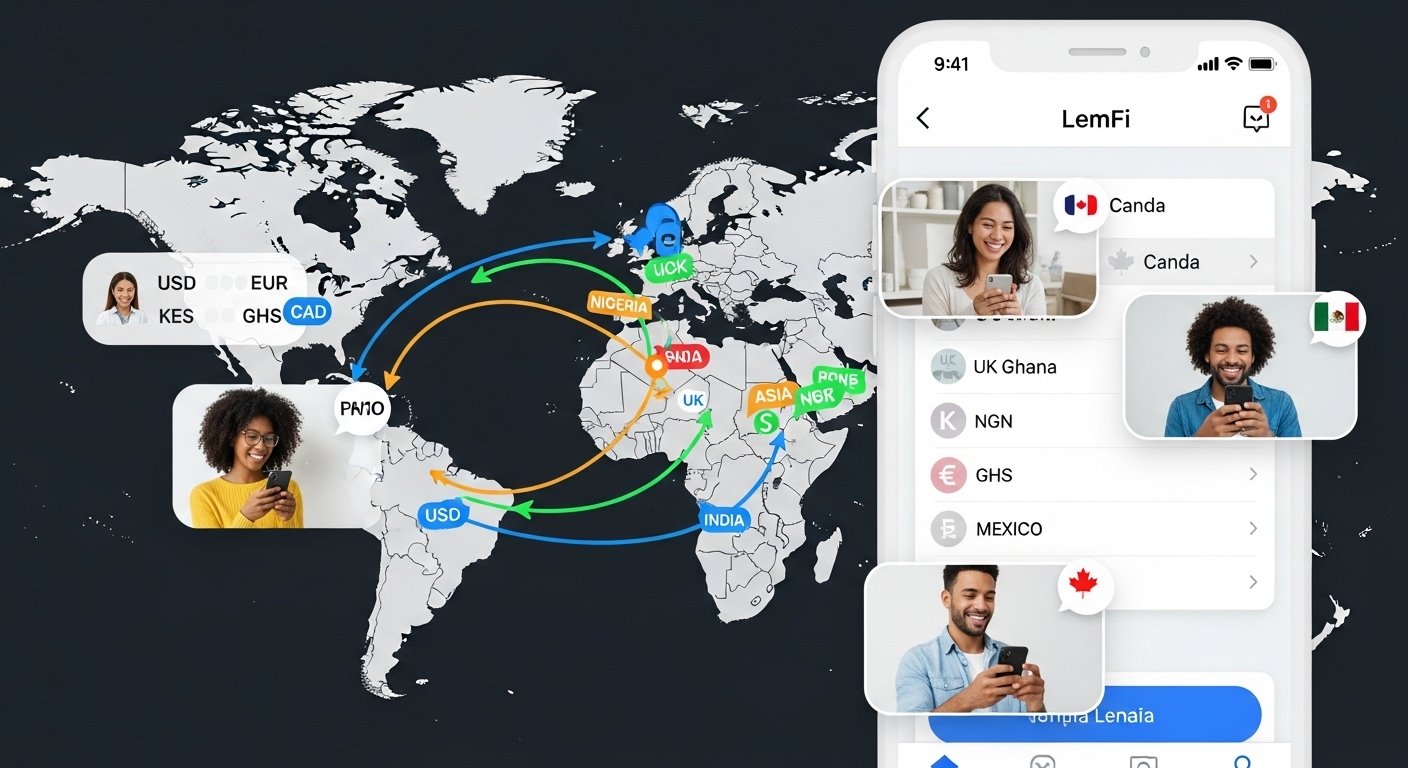
In 2026, sending money to family and friends across the world has become easier and cheaper than ever. Many people living in places like the United States, United Kingdom, Canada, and Europe want a simple way to send cash to countries in Africa, Asia, Latin America, and more. This is where the LemFi app comes in. It is a popular money transfer app that helps millions of users move money fast, with low or even zero fees in many cases.
LemFi started as a tool to help immigrants and people working abroad send money home without high costs. Today, over 1 million people trust it for international payments. The app lets you send remittances, hold money in different currencies, and even get some extra features like savings options in certain countries.
This guide will help you understand everything about the LemFi app in simple words. You will learn what it is, how to download it, how to log in, what users say in reviews, and tips to use it safely. All information is based on real facts from the official site, app stores, and user feedback as of 2026.
What Is the LemFi App?
LemFi is a fintech app made for international money transfers. It is not a bank, but a financial technology company that works with licensed partners to handle payments safely.
The main job of LemFi is to make sending money overseas simple and cheap. You can send from countries like the US, UK, Canada, France, Germany, Spain, Italy, and more to places like Nigeria, Ghana, Kenya, Pakistan, India, China, Brazil, Uganda, Ethiopia, and over 30 other countries.
Key things you can do with LemFi:
- Send money directly to bank accounts or mobile money wallets (like M-Pesa in Kenya).
- Use low fees or zero fees for many transfers.
- Open multi-currency accounts to hold USD, GBP, EUR, and more.
- Send instantly in some cases without funding a wallet first.
- Pay for things like airtime or cable TV in some countries.
- In places like the UK, earn interest on savings through the app.
LemFi focuses on people who send money often, like immigrants or professionals working abroad. It aims to give better rates and faster service than old ways like Western Union or banks.
The app is available on both Android and iOS. It supports many languages, including English, French, Spanish, and others.
How to Download the LemFi App
Downloading the LemFi app is very easy and free. You can get it from official stores to stay safe.
For Android users:
- Open the Google Play Store on your phone.
- Search for “LemFi” (the developer is Pomelo Technology Inc).
- Look for the app with over 1 million downloads and a rating around 4.5 stars.
- Tap “Install”. The app size is about 85 MB, and it works on Android 6.0 or higher.
- Once installed, open it and start.
For iPhone users:
- Open the Apple App Store.
- Search for “LemFi”.
- The app is made by Lemonade Finance.
- It requires iOS 14.0 or later.
- Tap “Get” to download. The size is around 555 MB.
- Open the app after download.
You can also go to the official website lemfi.com. There, enter your phone number, and it will send a link to download the app directly.
Always download from Google Play or App Store. Do not use unknown websites or APK files from other places, as they can be unsafe.
After download, the app will ask for your phone number to sign up. This is quick and helps verify you.
Step-by-Step LemFi App Login Guide
Logging in to LemFi is simple and secure. Here is how to do it:
- Open the LemFi app on your phone.
- If you are new, tap “Sign Up” or enter your phone number to start.
- LemFi will send a code (OTP) to your phone via SMS.
- Enter the code to verify your number.
- Fill in basic details like your name, email, and country.
- Set a strong password or use biometrics like fingerprint or face ID for future logins.
- For login next time: Open the app, enter your phone number or email, and use the code or biometrics.
If you forget your password:
- Tap “Forgot Password?”
- Enter your phone number.
- Get a reset code via SMS.
- Set a new password.
LemFi uses strong security like two-factor authentication (the code sent to your phone). This keeps your account safe from hackers.
If you have issues logging in, go to the “Help” section in the app or email [email protected]. They reply fast, often within 24 hours.
How to Use LemFi for Sending Money

Using LemFi to send money is straightforward. Follow these steps:
- Log in to the app.
- Tap “Send Money”.
- Choose the country you are sending from and to.
- Pick the currency and amount.
- Enter the receiver’s details (bank account, mobile money, or phone number in some cases).
- Check the exchange rate and any fee (often low or zero).
- Add funds from your card, bank, or wallet.
- Confirm and send. Money often arrives in minutes or hours.
You can track the transfer in the app. Some transfers are instant, especially to mobile wallets.
LemFi shows clear rates with no hidden charges. This helps you know exactly how much the receiver gets.
LemFi App Reviews in 2026
LemFi has strong reviews from real users. On Google Play, it has around 55,000 reviews with a 4.5-star average. On the App Store, it scores about 4.8 stars from over 40,000 to 120,000 ratings (depending on region).
Positive points from users:
- Fast transfers – Many say money arrives quickly, sometimes instantly.
- Low or zero fees – People love saving money compared to other apps.
- Easy to use – The app is simple, even for first-time users.
- Good customer support – In-app chat or email helps solve problems fast.
- Reliable for Africa and Asia – Great for sending to Nigeria, Ghana, Kenya, Pakistan, and India.
- Multi-currency options – Holding different currencies is helpful.
Many users call it the “best app” for remittances. They say it makes life easier for families separated by borders.
Some negative feedback:
- A few users report delays in some transfers.
- Occasional app glitches after updates.
- Customer support can be slow during busy times.
- Not all countries are supported yet (but LemFi keeps adding more).
Overall, most reviews are positive. Trustpilot shows high scores, with users praising speed and rates. In 2026, LemFi continues to improve based on feedback.
Compared to others, LemFi often wins on fees and speed for certain routes.
Is LemFi Safe and Legit?
Yes, LemFi is safe and legitimate. It follows strict rules in different countries.
- In the UK: Regulated by the Financial Conduct Authority (FCA) as an Electronic Money Institution.
- In Canada: Registered with FINTRAC as a Money Service Business.
- In the US: Works with licensed partners like Community Federal Savings Bank, and registered as Money Service Businesses.
- It uses encryption and security checks to protect your data and money.
LemFi is not a bank, but partners with real banks for services. Over 1 million users and backing from big investors show it is trusted.
Always use the official app and never share your codes or passwords. If something looks wrong, contact support right away.
Pros and Cons of LemFi App
Pros:
- Very low or zero transfer fees on many routes.
- Fast and instant options available.
- Supports many countries for sending and receiving.
- Multi-currency wallets for holding money.
- User-friendly design.
- Good ratings and large user base.
- Extra features like airtime top-up or savings.
Cons:
- Limited to certain sending countries (US, UK, Canada, Europe mostly).
- Some transfers may take longer depending on destination.
- Needs phone verification, which requires good network.
- Not available everywhere yet.
Final Thoughts
The LemFi app is a great choice in 2026 if you need to send money overseas cheaply and quickly. With easy download from Play Store or App Store, simple login, and strong user reviews, it stands out for remittances.
Whether you send to family in Africa, Asia, or Latin America, LemFi makes it stress-free. Download it today, try a small transfer, and see the difference.
Always check the latest rates and features in the app, as things update often. For help, use the in-app support or official website lemfi.com.
LemFi helps connect people across the world with better money movement. Give it a try and join the millions who trust it!
Disclaimer:
This article is for information only. It is not a promotion, advertisement, or affiliate content. We do not get paid for downloads or sign-ups. The information here is based on public sources and user feedback. Always check the official LemFi app or website for the latest details. We are not responsible for any problems, losses, or issues that happen from using the app.
Explore More
- Anglian Water App – Download & Login to My Anglian Water Easily
- Vevox App – Login, Download, App Store & Android Guide (PC Included)
- The Bridleways App – Best App for Footpaths and Bridleways in the UK
About the Author








