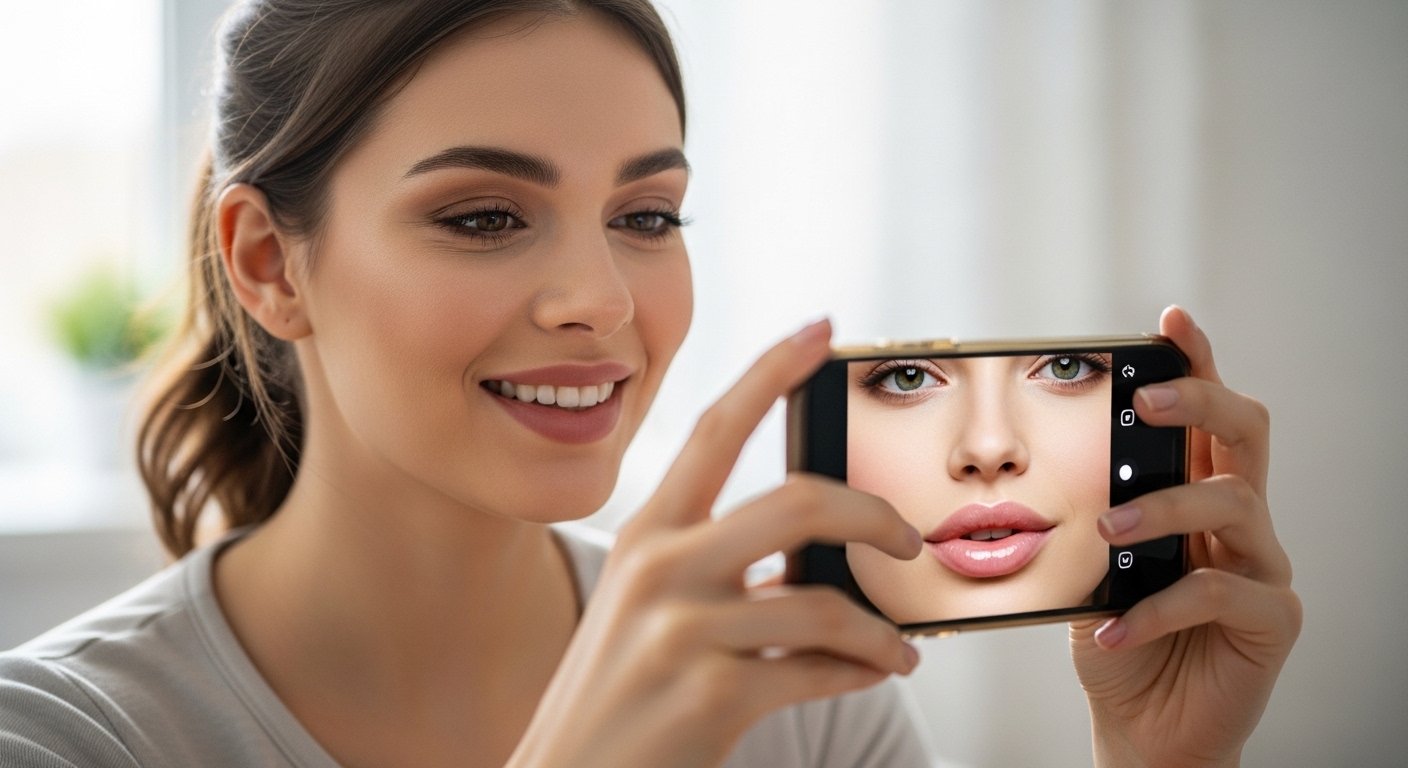
Do you want to see how your lips would look if they were fuller and plumper? Many people dream of nice, full lips like famous stars have. But real lip fillers can feel scary, cost money, or make you worry about the results. Now, you can try it for free and with no risk using special phone apps and Instagram filters.
These tools use smart technology called AI and AR. They change your photo or show you live on camera how bigger lips would look. You can make small changes or big ones, see it right away, and decide if you like it. It is safe, fun, and helps you think clearly before doing anything real.
In this guide, we use very simple words to explain everything. We talk about the best free apps, how to use Instagram lip filters, and easy tips for good results. This will help you try virtual lip filler today.
What Is a Virtual Lip Filler App?
A virtual lip filler app is a free tool on your phone or computer. It lets you change your lips in pictures or videos without any real work.
You take a selfie or use the front camera. The app finds your lips fast with face technology. Then you use easy sliders or buttons to make lips bigger, change their shape, make them wider, or fix small uneven parts.
You can try different looks quickly. For example, add a little volume for a natural style or more for a bold look. Most apps show before and after pictures so you can compare. Some even work live – you move your face and see the change as you smile or talk.
These apps are free to download and use for basic changes. Some let you buy extra fun features later, but you do not need them to try lip filler looks.
Why Do People Love These Free Tools?
Real lip fillers put a safe gel in your lips to make them full and smooth. It lasts many months and looks nice when done well. But people often want to test first.
Free virtual lip filler apps help because:
You see the new look on your own face right now. You avoid looks you do not like, such as too round or fake styles. You play with many shapes until you find the best one for you. You show the picture to friends or a doctor to explain what you want. It is just for fun and makes taking selfies exciting.
Many beauty doctors say these apps are smart. They help people make good choices and feel happy with real treatments later.
Best Free Virtual Lip Filler Apps to Try in 2026
Many good apps exist now. Here are the top free ones that give real-looking results.
YouCam Makeup is still the favorite for most people. It has a strong lip reshape tool with very good AI. Open the app, use live camera or upload a photo, go to face edit or makeup, pick lips, and slide to add volume or change shape. It looks very natural, even when you move. You can try common filler sizes like small natural or bigger bold. The free part works great, and you can also use their free online tool on a computer without downloading.
PhotoDirector is another top free app. It uses AI to make lips look balanced with your whole face. Upload your photo, find the lip filler tool, and adjust easily. People like it because the results feel close to real filler. Basic use is free.
Airbrush gives you good control. It has lip filler filters and tools to change lips by hand. You can make small fixes or big changes. It also has other beauty tools like smooth skin. The main lip features are free.
FaceApp is quick and fun. It has beauty modes that make lips fuller fast. It is not always super natural, but good for trying ideas. Free with some ads.
Other nice free options are BeautyPlus, Perfect365, and Facetune for careful lip edits. If you do not want to download, try websites like YouCam Online Editor or Media.io – they have free AI lip filler try-ons in your browser.
Always get the latest version from your app store to see new improvements.
How to Use Lip Filler Filters on Instagram

Instagram has many free effects that work like virtual lip fillers. They are easy and fun for stories or reels.
Open Instagram and tap the camera for a story. Swipe right to find “Browse Effects.” Search words like “lip filler,” “plump lips,” “lip plump,” or “filler effect.” You will find many choices.
Some let you slide to pick small or big volume, like 0.5 ml or 1 ml. Others give auto full lips or soft natural ones. They work live, so you can smile, talk, or turn your head to see every side.
These are great for quick fun and sharing with friends. They are more for play than perfect planning, but they give good ideas fast.
Simple Steps to Try Virtual Lip Filler Now
Here is an easy way to start in most apps:
Download a good app like YouCam Makeup from your phone store. Open it and let it use your camera. Take a clear selfie with nice light – face straight, no big smile first. Find the beauty or edit menu. Choose the lips part (it may say Lip Reshape or Lip Filler). Start with a small slider move for volume – do not go too far at first. Change shape if you want: make wider, lift sides, or fix the top bow. Add lip color to see it better. Save the old photo and new one to look at both. Think: Does this make me happy?
Good tip: Use front photos in soft daylight for honest results.
Good Things About These Free Apps
Using them has many plus points:
No danger or pain at all. No money spent to test. You learn what really looks good on your face. You feel sure and happy before any real step. You can ask others for thoughts using the pictures.
Many people say it helped them choose yes or no for real fillers.
What to Know: Apps Are Not Real
These tools are wonderful helpers, but they are not the same as real life. Digital changes do not show how lips feel when you eat, speak, or kiss. Real results depend on the doctor and your body. Apps give a good idea, but talk to a real expert for the truth.
If you want real lip fillers one day, pick a safe, experienced doctor. Ask for their past work photos.
Quick Info on Real Lip Fillers
Real fillers use safe gel like hyaluronic acid. A doctor puts it in lips to add volume. It takes little time, and you see results fast. Lips may swell a bit for a few days. It lasts 6 to 12 months or more. Cost changes by place and amount.
Virtual try first helps you know what to tell the doctor.
Last Thoughts
Free virtual lip filler apps and Instagram filters make beauty easy and fun. You can test full lips safely on your phone anytime.
Try YouCam Makeup or Instagram effects today. Play around, find what you love, and enjoy!
Beauty is about feeling good in your skin. These free tools let everyone try new looks with no worry.
Disclaimer:
This is just for fun and information. We do not sell or promote any app. The apps belong to their owners. Virtual lip fillers only show a picture. Real results can be different. Always talk to a doctor before real treatment. Use apps at your own risk.
Explore More
- Putlockers Movies App for Android – Free Download & Easy Streaming Guide
- The ClubRight App – Download, Login, Register & Fix Issues (Not Working)
- The Airmid App – Download for UK, PC, and Android Easily
About the Author







